# minylist: full content
> The must-have AI and SaaS tools for each role, one tool per task. Every pick has a review with real pricing, free-plan limits, pros, cons and the catch. Vendors can't pay for ratings or ranking; sponsored slots are labeled, and affiliate links are disclosed at https://minylist.com/affiliate-disclosure.
Short index: https://minylist.com/llms.txt
# Tools by role
## Must-have tools for founders
URL: https://minylist.com/for/founders
Early on you write the emails, post the updates, film the demo, answer every customer message, find the first buyers and build the first version yourself. Eight tools take the slowest of those jobs off your plate without two of them overlapping.
- Dictation: Typeless (https://minylist.com/tools/typeless). Talk through emails, replies and docs and get clean text back. The free plan caps words per week, and yearly Pro is $12 a month.
- First app: MWM AI (https://minylist.com/tools/mwm-ai). Describe an app and get a native iOS and Android build with store assets. Credits are limited, and full source export needs the $149 plan.
- Social posting: Typefully (https://minylist.com/tools/typefully). Batch a week of X and LinkedIn posts in one sitting. Check current plan prices, since third-party listings disagree.
- Explainer video: HeyGen (https://minylist.com/tools/heygen). A demo or update video from a script, with no camera. Free is limited to 3 one-minute videos a month.
- Recurring chores: Squad (https://minylist.com/tools/squad). AI teammates that chase invoices and triage the inbox, with approvals. It costs $99 plus the AI plan it runs on.
- Customer chats: Heyy (https://minylist.com/tools/heyy). An AI agent answers WhatsApp, Instagram and site chat and hands hard cases to you in one inbox. From $49 a month after a 7-day trial, plus credits for AI replies.
- Email list: Kit (https://minylist.com/tools/kit). Forms, a newsletter and a welcome sequence for your first users in one place. Free up to 10,000 subscribers; sequences need Creator at $39 a month.
- Lead lists: Apollo (https://minylist.com/tools/apollo). Find buyers, get their emails and run your first outbound sequence from one free account. A phone number costs 8 credits, and Free gets 75 credits a month. Alternative: Lusha.
## Must-have tools for marketers
URL: https://minylist.com/for/marketers
Paid social eats creative, and reporting never quite matches the ad platforms. This stack covers ad video, honest conversion data, short copy, social posting, presenter video, replies to the leads that message you and contact details for the leads that sign up, one tool each.
- Ad creative: Arcads (https://minylist.com/tools/arcads). UGC-style video ads from AI actors, in volume for hook testing. Prices appear only after sign-up, and credits drain quickly.
- Conversion tracking: AnyTrack (https://minylist.com/tools/anytrack). Sends sales and leads to Meta and Google from the server. Free up to 5K sessions; paid plans start at $100 a month.
- Short copy: Rytr (https://minylist.com/tools/rytr). Cheap first drafts of emails and ad copy, $7.50 a month for unlimited. Every draft still needs a human edit.
- Social posting: Typefully (https://minylist.com/tools/typefully). Write, schedule and analyse posts for X, LinkedIn and Threads. It's lighter than a full social suite.
- Presenter video: HeyGen (https://minylist.com/tools/heygen). Avatar videos and lip-synced translation for campaigns in several markets. Credits decide your real cost.
- DM lead replies: Heyy (https://minylist.com/tools/heyy). Answers and qualifies leads who message on WhatsApp, Instagram or Messenger, then routes them to sales. Every AI reply uses a credit, and WhatsApp templates are billed per message.
- Lead enrichment: Lusha (https://minylist.com/tools/lusha). Adds verified emails, phone numbers and company details to inbound leads in HubSpot or Salesforce. Free covers 40 credits a month, and a phone number costs 5.
## Must-have tools for AI builders
URL: https://minylist.com/for/ai-builders
AI gets expensive when every job has its own subscription. This stack runs models locally, hands recurring work to agents, and gets an idea into an app.
- Back-office agents: Squad (https://minylist.com/tools/squad). AI teammates with approvals and per-teammate access. Budget $99 plus the AI plan it runs on.
- App building: MWM AI (https://minylist.com/tools/mwm-ai). Turns a description into a native mobile app. Young product, so test it on a small idea first.
- Dictating prompts: Typeless (https://minylist.com/tools/typeless). Speak long prompts instead of typing them. Free with a weekly word limit.
- Web data for agents: Firecrawl (https://minylist.com/tools/firecrawl). Turns live pages into clean Markdown or JSON through an API or MCP. Free for 1,000 credits a month; JSON costs 5 credits a page.
## Must-have tools for freelancers
URL: https://minylist.com/for/freelancers
Every hour of admin is an hour you don't bill. Six tools shrink the writing, promotion, email, video and follow-up work that surrounds client projects.
- Writing: Rytr (https://minylist.com/tools/rytr). First drafts of proposals, emails and posts for $7.50 a month. Fine for short copy; edit before sending.
- Promotion: Typefully (https://minylist.com/tools/typefully). Keeps your X and LinkedIn presence going from one weekly writing session.
- Email list: Kit (https://minylist.com/tools/kit). A newsletter that keeps past clients and leads hearing from you, with a sign-up form for your site. Free up to 10,000 subscribers.
- Client videos: HeyGen (https://minylist.com/tools/heygen). Update videos and walkthroughs from a script. The free plan is enough to test the quality.
- Dictation: Typeless (https://minylist.com/tools/typeless). Dictate client emails and notes and get clean text. Pro removes the weekly word cap.
- Recurring chores: Squad (https://minylist.com/tools/squad). Hand invoice chasing and inbox triage to an AI teammate. It's $99 a month plus your AI plan, so it suits busy solo shops.
# Tool reviews
## HeyGen
URL: https://minylist.com/tools/heygen
Website: https://www.heygen.com
Rating: 4.4/5
Pricing: Freemium
License: Proprietary
Categories: AI, AI Video
Alternative to: Synthesia
Turn a script into a video with an AI avatar, in your language
Write a script, pick an avatar and get a presenter video, or upload a finished video and get it back dubbed and lip-synced in 175+ languages. Free plan: 3 watermarked videos a month.
Verdict: The broadest AI avatar video tool for training, sales and marketing clips, and the strongest pick when one video has to exist in several languages. The credit system sets your real cost, so test your own script on the free plan before you pick a tier.
Best for: Marketing, sales and training teams that need a steady stream of talking-head video in more than one language and can't justify a studio or a crew.
Limits: Credits cap how much video you can make: monthly credits roll over one extra month, annual credits build until renewal, and everything expires if you cancel. Longer videos need Creator (30 minutes) or Business (60 minutes). The free plan is a trial, not a working tier.
Pros:
- 500+ stock avatars, plus custom avatars and photo avatars of your own
- Video translation with lip-sync into 175+ languages and dialects on paid plans
- A free plan with trial access and no credit card
- Voice cloning, interactive video, SCORM export and SSO for teams that need them
- Annual billing cuts Creator to $24 a month, and credits accumulate until renewal
Cons:
- Credits, not minutes, decide your bill, and heavier models burn more of them
- Free videos stop at 1 minute, three a month, and premium features are trial-only
- Business features such as SSO, interactive video and SCORM start at $149 a month
- Avatar video suits explanation better than emotional storytelling
Features:
- 500+ stock avatars, plus custom avatars from your own footage and photo avatars
- Avatar IV with motion and gesture control
- Voice cloning and 175+ languages on paid plans, plus the free HeyGen Voice model (a $99/month Professional Voice Clone add-on trains on your own speech)
- Video translation with lip-sync, and editable translated scripts on Pro and above
- A pay-as-you-go API, separate from subscriptions, from a $5 wallet (no free API credits)
- HeyGen Video, a general video model at a launch rate of $0.01 a second through October 2026, API-only at launch
- Seedance 2.0 for cinematic clips on Pro, Business and Enterprise (Creator only when bought on or before August 17, 2026)
- Video translation with lip-sync, and editable translated scripts on Pro and above
- Video Agent for drafting a video from a prompt (trial access on the free plan)
- AI Studio editor with slides, screen recordings, captions and backgrounds
- Interactive video with quizzes, links and branching, plus SCORM export and LMS integrations
- Team workspace with comments, SAML/SSO and, on Enterprise, MFA
Pricing details:
Free is $0 with no card. You get up to 3 videos a month, each up to 1 minute at 1080p, one custom avatar, up to 3 photo avatars and 30+ languages. Avatar IV, Video Agent and lip-sync translation are trial access only.
Creator is $29 a month, or $24 a month billed annually. It includes 600 credits, videos up to 30 minutes, 1080p, watermark removal, one voice clone, unlimited photo avatars and 175+ languages. Pro starts at $49 a month with 1,000 credits, 4K export and more voice cloning, and scales through credit tiers (1,000 to 100,000 credits a month, $49 to $4,300). Every Pro tier has the same features; only the credit allowance changes.
Business is $149 a month plus $20 for each extra seat. It allows 60-minute videos, 5+ custom avatars, SAML/SSO, video comments, interactive video and SCORM export, and lets you buy one-time credit packs or turn on auto-reload. Enterprise is custom and adds unlimited video length, 10+ custom avatars and MFA.
Credits are the catch. Monthly plans roll unused credits over for one extra month; annual plans let them accumulate until renewal; cancelling wipes them. HeyGen doesn't publish a per-minute credit rate for every model, and third-party guides put Avatar IV near 20 credits a minute, so a busy month can drain Creator's 600 credits in about half an hour of premium video. Render one real script and read the credit count before you pick a tier.
Compare the total against what you pay now. A short explainer from an agency runs into the hundreds of dollars, so even a few videos a month can pay for Creator. If you make one video a quarter, the free plan or a screen recorder is enough.
Pricing table (Plan | Price | Allowance | Max video length | Export):
Free | $0 | 3 videos a month | 1 minute | 1080p
Creator | $29/month ($24 billed annually) | 600 credits | 30 minutes | 1080p, no watermark
Pro | $49 to $4,300/month | 1,000 to 100,000 credits | — | 4K
Business | $149/month + $20 per extra seat | — | 60 minutes | SCORM
Enterprise | Custom | — | Unlimited | —
Use cases:
- Product demos that stay current: Edit the script when a feature changes and render again instead of re-recording. The catch: avatars can't point at your UI, so pair them with screen recordings.
- Employee onboarding and training: Build consistent modules with a stock presenter and export SCORM to your learning system on Business. Long modules burn credits, so split them into short videos.
- Multilingual marketing: Translate a launch video into a dozen languages with lip-sync. Have a native speaker review each script, because machine translation drifts on idioms and product terms.
- Personalized sales outreach: Send short videos addressed to a named prospect without recording each one. Keep them under a minute and disclose that the presenter is an avatar where the law or the platform requires it.
- Founder updates at scale: Build a custom avatar and cloned voice for weekly updates you'd otherwise film. Follow HeyGen's consent rules and tell viewers it's synthetic.
- Localized ads: Turn one winning ad into versions for each market with translated speech and lip-sync. Check that on-screen text is localized too, since the tool translates speech, not your graphics.
- Course and academy content: Teachers and course creators can produce lessons from a script and update them as material changes. The free plan's 1-minute cap means real courses need a paid plan.
- Internal announcements: HR and ops teams can turn policy updates into short presenter videos, with comments on Business so reviewers can flag lines before publishing.
Competitors:
- HeyGen vs Synthesia: Synthesia targets enterprise training and compliance, with a strong library of stock presenters. HeyGen has a free plan, 175+ languages and stronger video translation, and it's the easier tool to try on a small budget.
- HeyGen vs Arcads: Arcads is built for UGC-style ad creative: actors, hooks and variations for paid social. HeyGen covers presentations, training and translation as well as ads, so it's the better all-round pick unless ads are the whole job.
- HeyGen vs filming it yourself: Real footage builds more trust and suits founder stories. HeyGen wins on speed, on updating a script without a re-shoot and on translation. Many teams film the hero video and use HeyGen for everything else.
- HeyGen vs D-ID: D-ID also animates talking avatars and offers an API. HeyGen bundles more of the editing workflow and translation, while D-ID is often chosen by developers embedding avatars in their own products.
- HeyGen vs a screen recorder like Loom: A screen recorder is free or cheap and shows your real face and screen. Use it when speed and authenticity matter more than polish; use HeyGen when you need a consistent presenter, several languages or a script you can edit later.
FAQ:
Q: Is HeyGen free?
A: Yes. The Free plan costs $0 with no credit card and includes up to 3 videos a month, each up to 1 minute, one custom avatar, up to 3 photo avatars and 30+ languages. Free videos are watermarked and below 1080p export, and Avatar IV, Video Agent and lip-sync translation are trial-only on it.
Q: How much does HeyGen cost?
A: Creator is $29 a month, or $24 a month billed annually. Pro starts at $49 a month and scales through credit tiers up to $4,300 a month. Business is $149 a month plus $20 per extra seat. Enterprise is custom. API usage is priced separately on HeyGen's site.
Q: What are HeyGen credits?
A: Credits are HeyGen's single currency for making videos and assets. The number a job uses depends on the AI model, the video length and how complex the generation is. HeyGen doesn't publish a flat credits-per-minute figure for every model.
Q: Do HeyGen credits roll over?
A: Monthly subscribers' unused credits roll over for one more month. Annual subscribers' credits accumulate until the annual renewal date. If you cancel, unused credits expire and don't come back on the free plan.
Q: How many videos can I make on Creator?
A: It comes with 600 credits a month. Third-party pricing guides put Avatar IV at about 20 credits per minute of video, which would make Creator roughly 30 minutes of Avatar IV a month; HeyGen doesn't state that rate itself, so check credit use on a test video before you plan around it.
Q: Can I remove the HeyGen watermark?
A: Yes, on any paid plan. Watermark removal starts with Creator.
Q: How long can a video be?
A: 1 minute on Free, 30 minutes on Creator and Pro, 60 minutes on Business, and no limit on Enterprise.
Q: Which languages does HeyGen support?
A: 30+ languages on the free plan and 175+ languages and dialects on paid plans, for both avatar voices and video translation.
Q: Can I make an avatar of myself?
A: Yes. Custom avatars are built from your own footage: 1 on Free, Creator and Pro, 5+ on Business and 10+ on Enterprise. Photo avatars work from a still image. Voice cloning starts on Creator with 1 clone and grows on higher plans. Follow HeyGen's consent rules, especially when the face or voice isn't yours.
Q: Can HeyGen translate a video I already made?
A: Yes. Upload the finished video, pick the target languages and HeyGen returns dubbed versions with the speaker's lips synced. Pro and above can edit and proofread the translated script before rendering.
Q: Does HeyGen have an API?
A: Yes, and it is a separate pay-as-you-go product: no subscription is needed, you buy credits from a $5 wallet, and there are no free API credits. Self-serve rates run from about $0.0167 a second for Avatar III to $0.0667 for Avatar V. Check the API section of HeyGen's pricing page for current rates before you build on it.
Q: What does the $99 HeyGen voice clone add?
A: HeyGen Voice, launched October 2026, is free inside the platform and API. Professional Voice Clone is a $99-a-month add-on trained on 30 minutes to 3 hours of your speech, with your consent. Standard voice cloning (one clone) is already included in Creator.
Q: Can teams share a HeyGen workspace?
A: Business adds team seats at $20 each, video comments, SAML/SSO, interactive video and SCORM export. Enterprise adds MFA and larger avatar and voice-clone limits.
Q: Can I upgrade, downgrade or cancel any time?
A: Upgrades take effect immediately with prorated billing and credits added right away. Downgrades and cancellations take effect at the end of the current billing cycle, and the account then reverts to Free.
Q: HeyGen vs Synthesia: which should I pick?
A: Both make avatar presenter videos for business use. HeyGen has a free plan, a wider language list and stronger translation. Synthesia leans toward enterprise training and compliance. Render the same script in each before you commit.
Bottom line: If you need presenter-style video in more than one language, start on HeyGen's free plan with a real script and note how many credits one finished minute uses. Move to Creator when you need longer videos and no watermark, pick annual billing if you'll use it all year, and step up to Pro or Business only when credits or team features force it. Skip it if your videos depend on a real face and real emotion.
## Typefully
URL: https://minylist.com/tools/typefully
Website: https://typefully.com
Rating: 4.3/5
Pricing: Freemium
License: Proprietary
Categories: Marketing, Social Media
Alternative to: Hootsuite, Buffer
Write, schedule and publish social posts from one editor
A writing and scheduling tool for X, LinkedIn, Threads, Bluesky, Mastodon and Substack, with drafts, analytics and an API. Free for 10 posts a month; Creator is $99 a year.
Verdict: A calm place to write and schedule posts, best for people who build an audience on X and LinkedIn. The free plan is tight at 10 posts a month, and it isn't a full social suite for brands with many channels and approval chains.
Best for: Creators, founders and small teams who write on X and LinkedIn and want writing, scheduling and analytics in one place.
Limits: Free is capped at 10 posts a month, 1 social set and 1 user, with limited media uploads. Creator adds 1,000 posts a month but still one set and one user. Team use and more accounts need Business, at $18 a month per social set, billed yearly.
Pros:
- A clean editor for drafts and threads, with a queue and calendar
- Publishes to X, LinkedIn, Threads, Bluesky, Mastodon and Substack
- Free plan with an API, MCP and agent access, and a Creator plan at $99 a year
- X analytics, AI writing features and unlimited media uploads on Creator
- Integrations with Zapier, Notion, Slack, Raycast, Claude and ChatGPT
Cons:
- The free plan is limited to 10 posts a month, 1 social set and 1 user
- Creator is billed annually only, so there's no month-to-month option
- Business is priced per social set ($18 a month each, billed yearly), which adds up for agencies
- Analytics are focused on X, not every network
Features:
- Distraction-free editor for posts and threads, with a calendar and queue
- Scheduling and publishing to X, LinkedIn, Threads, Bluesky, Mastodon and Substack
- Social sets: one set groups the accounts you post to together
- X analytics with detailed metrics, profile conversion rate, tweeting streaks and CSV export
- AI writing assistant, rewrite and improve, and AI image descriptions
- LinkedIn extras: first comment and PDF carousels
- Engagement tools: reply to tweets, schedule retweets, automatic plug and auto-DMs
- API, MCP, AI agent skills and integrations with Claude, ChatGPT, Notion, Slack, Raycast and Zapier
Pricing details:
Free is $0. It includes advanced scheduling, API, MCP and agent access, limited media uploads, 1 social set, 1 user and 10 posts a month, with publishing to X, LinkedIn, Threads, Bluesky, Mastodon and Substack. It's enough to test the editor and the queue.
Creator is $99 a year, annual billing only, which works out to about $8.25 a month. It adds X analytics, AI writing features and unlimited media uploads, and raises the limit to 1,000 posts a month, still for 1 social set and 1 user.
Business is $18 a month per social set, billed yearly. It adds collaborative writing, comments and Slack notifications, teams, roles and permissions, higher API rate limits, up to 50 social sets and unlimited users, with 1,500 posts a month. Enterprise is available by request for custom limits and security review.
Price the plan by accounts, not by people. A solo creator needs Free or Creator; an agency with ten client accounts pays for ten social sets on Business. Other websites quote older or different prices, so the pricing page is the one to use.
Pricing table (Plan | Price | Posts a month | Social sets | Users):
Free | $0 | 10 | 1 | 1
Creator | $99/year (about $8.25/month) | 1,000 | 1 | 1
Business | $18/month per social set, billed yearly | 1,500 | Up to 50 | Unlimited
Enterprise | On request | Custom | Custom | Custom
Use cases:
- Founder-led social: Write a week of posts in one sitting and let the queue publish them. Keep one or two slots for reacting to news.
- Thread writing: Draft long threads with auto-numbering and preview them before publishing. Add a thread finisher to point readers at your product.
- Cross-network posting: Publish one idea to X, LinkedIn and Threads, adapted for each. The catch: identical text tends to underperform.
- LinkedIn carousels: Publish PDF carousels and add a first comment with the link, which are both listed in the LinkedIn tools.
- Agency client accounts: Manage several client social sets in one workspace on Business. Every set is priced separately.
- Automation and AI workflows: Use the API, MCP or a Zapier zap to create drafts from a newsletter or a Notion page, then review before publishing.
- Content review: Use X analytics to decide which topics deserve a follow-up and which posts to reshare.
Competitors:
- Typefully vs Buffer: Buffer covers more networks and suits a marketing calendar across many channels. Typefully focuses on the writing experience and is strongest for X and LinkedIn creators.
- Typefully vs Hypefury: Hypefury leans into automation and growth features for X. Typefully leans into drafting, and its pricing is easier to read.
- Typefully vs Hootsuite: Hootsuite is an enterprise suite with listening and approvals. Typefully is lighter and cheaper for individuals and small teams.
- Typefully vs Postiz or self-hosted schedulers: Open-source schedulers give you control and no per-set pricing if you're happy to host them. Typefully removes the maintenance and adds analytics and an editor.
- Typefully vs scheduling natively on X and LinkedIn: Each network has a basic scheduler, and it's free. Typefully earns its price when you write for several networks and want a queue and analytics.
FAQ:
Q: Is Typefully free?
A: Yes. The Free plan costs $0 and includes advanced scheduling, API, MCP and agent access, limited media uploads, 1 social set, 1 user and 10 posts a month, publishing to X, LinkedIn, Threads, Bluesky, Mastodon and Substack.
Q: How much does Typefully cost?
A: Creator is $99 a year, billed annually only. Business is $18 a month per social set, billed yearly. Free is $0, and Enterprise is by request. Some third-party sites quote different figures, so trust the pricing page.
Q: What's a social set?
A: A social set is a group of accounts you publish to together, for example your X, LinkedIn and Threads profiles. Free and Creator include one; Business allows up to 50 and prices per set.
Q: Which networks does Typefully support?
A: X, LinkedIn, Threads, Bluesky, Mastodon and Substack, according to its pricing page. Cross-posting to several at once is a headline feature.
Q: What does Creator add over Free?
A: X analytics, AI writing features, unlimited media uploads, and a higher limit of 1,000 posts a month. It stays at 1 social set and 1 user.
Q: Can a team use Typefully?
A: Yes, on Business. It adds collaborative writing, comments and Slack notifications, teams, roles and permissions, higher API rate limits, up to 50 social sets and unlimited users, with 1,500 posts a month.
Q: Does Typefully have AI features?
A: Yes. There's a writing assistant, rewrite and improve tools and AI image descriptions. The free plan doesn't include the AI writing features; Creator does, with higher included usage on Business.
Q: Does Typefully have an API?
A: Yes. The plan matrix lists an API, MCP and AI agent skills, with integrations for Claude, ChatGPT, Notion, Slack, Raycast and Zapier. Business has higher API rate limits.
Q: Can I schedule threads?
A: Yes. Threads are a core use case, with auto-numbering, long-form posts and a thread finisher quote listed among the editing and engagement tools.
Q: What analytics does Typefully offer?
A: X analytics with detailed metrics, profile conversion rate, tweeting streaks and CSV download on paid plans. The pricing page frames analytics around X.
Q: Does Typefully support LinkedIn carousels?
A: Yes. LinkedIn features include a first comment and PDF carousels.
Q: Can I cancel Typefully?
A: Creator is annual-only, and Business is billed yearly, so the commitment is a year. Check the current refund and cancellation terms on its help site before you pay.
Q: Typefully vs Buffer: which should I pick?
A: Typefully is writing-first and strongest for X and LinkedIn creators. Buffer covers more channels and suits a marketing calendar across many networks. Compare the free plans on your own accounts.
Bottom line: If you write on X or LinkedIn regularly, start on Typefully's free plan and build a weekly batching habit. Move to Creator at $99 a year when you want analytics, AI help and more than 10 posts a month, and use Business only if several people or accounts share the work. Skip it if you run ten channels with approval chains.
## Typeless
URL: https://minylist.com/tools/typeless
Website: https://www.typeless.com
Rating: 4.3/5
Pricing: Freemium
License: Proprietary
Categories: Productivity, Voice Dictation
Alternative to: Wispr Flow
Speak instead of type, and get clean text in any app
A voice keyboard for Mac, Windows, Linux, iOS and Android that removes the ums, fixes mid-sentence corrections and matches the tone of the app you're writing in. Free plan available.
Verdict: Dictation that returns text you can send instead of a transcript you have to clean up. Use the free plan for a week; if you write a lot and hit the word cap, yearly Pro is $12 a month.
Best for: Founders, writers, support teams and anyone who writes a lot of email, chat and docs and thinks faster than they type.
Limits: The free plan caps words per week and uses standard accuracy and standard access during busy periods. Cloud sync, team management, usage analytics and priority access need Pro. SSO, audit logs and enforced HIPAA controls need Enterprise.
Pros:
- Removes filler words and repetition, and keeps your last correction instead of both versions
- Works across macOS, Windows, Linux, iOS and Android
- Different tones for each app, so Slack sounds unlike an email
- Translation and support for 100+ languages, even on the free plan
- Free plan, and Pro is $12 per member per month billed yearly
Cons:
- The free plan has a weekly word limit and standard accuracy
- Monthly billing on Pro is $30, far above the yearly rate
- Saying private text aloud isn't an option in an open office (a whisper mode helps)
- Team analytics, cloud sync and priority access all need Pro
Features:
- Filler-word and repetition removal, with self-correction handling
- Messy thoughts turned into clear writing, with auto-formatted lists
- Different tones and a personalized writing style for each app
- Personal dictionary for names, products and jargon
- Real-time translation and support for 100+ languages
- Voice commands to edit selected text and to ask a quick question
- Whisper mode for quiet dictation
- Cloud sync, team management, centralized billing and usage analytics on Pro
Pricing details:
Free is $0 per member per month. It has a weekly word limit, standard accuracy and standard access during high demand, and includes messy-to-clear writing, translation, ask-anything, a personalized style, a personal dictionary, tone for each app, whisper mode and 100+ languages.
Pro is $12 per member per month when billed yearly, or $30 per member per month when billed monthly. It removes the word limit and adds enhanced accuracy, priority access during high demand, cloud sync, team member management, centralized billing and invoices, team usage analytics, prioritized feature requests and early access to new features.
Enterprise has custom pricing. It adds single sign-on, SCIM and just-in-time provisioning, domain verification, audit logs with configurable retention, enforced HIPAA controls, a BAA, volume discounts, flexible invoicing and priority support.
The yearly discount is steep: $144 a year against $360 on monthly billing. If you write for two hours a day, yearly Pro costs roughly 60 cents a working day. If you dictate a few messages a week, stay on Free and see if the word cap ever bites.
Pricing table (Plan | Billed yearly | Billed monthly | Word limit | Accuracy):
Free | $0 | $0 | Weekly cap | Standard
Pro | $12/member/month | $30/member/month | None | Enhanced
Enterprise | Custom | Custom | — | —
Use cases:
- Email at speed: Talk through a reply and send a tidy paragraph instead of typing it. Check names and numbers before you press send.
- Slack and chat: Answer a long thread with a spoken message that reads as if you typed it. Tone per app keeps it casual where it should be.
- First drafts of docs: Talk out the messy version in Notion, then edit it. It's fastest when you know what you want to say but dread the blank page.
- Long prompts for AI tools: Dictate a paragraph of context into ChatGPT or a coding assistant instead of typing it. Long prompts are where dictation saves the most time.
- Multilingual writing: Speak in your own language and have text come out in another, for messages to colleagues abroad. Have a native speaker check anything formal.
- Support replies: Support teams can dictate answers to repeat questions and keep a consistent tone. Pro's team analytics show usage across the team.
- Accessibility and strain relief: People with wrist or hand strain can cut typing hours. Test accuracy with your own voice and vocabulary before you rely on it.
- Regulated teams: Enterprise adds enforced HIPAA controls, a BAA, SSO and audit logs for organizations with compliance rules. Ask for the security documentation first.
Competitors:
- Typeless vs Wispr Flow: Wispr Flow is the best-known rival and takes a similar clean-up approach. Compare accuracy on your own voice, platform coverage and the price for your usage; run the same paragraph through both.
- Typeless vs Apple or Windows dictation: Built-in dictation is free and fine for short notes but returns a literal transcript. Typeless costs money after its free tier and saves the editing.
- Typeless vs Superwhisper: Superwhisper leans on local models and custom modes, which some people prefer for privacy. Typeless has wider platform coverage, including Windows, Linux and Android.
- Typeless vs Otter or Whisper-based transcribers: Meeting transcribers turn recordings into notes after the fact. Typeless types into the app you're using right now, so it's a keyboard replacement, not a note-taker.
- Typeless vs typing with an AI rewrite: You can type a rough draft and ask ChatGPT to tidy it. That's a second step every time; Typeless does the tidying as you speak.
FAQ:
Q: Is Typeless free?
A: Yes. The Free plan is $0 with a weekly word limit, standard accuracy and standard access during high demand. It includes clean-up of messy speech, translation, ask-anything, tone per app, a personal dictionary, whisper mode and 100+ languages.
Q: How much is Typeless Pro?
A: $12 per member per month when billed yearly, or $30 per member per month when billed monthly. Pro removes the word limit and adds enhanced accuracy, priority access, cloud sync and team management. Enterprise pricing is custom.
Q: Which devices does Typeless run on?
A: macOS, Windows, Linux, iOS and Android, according to its pricing page and homepage.
Q: What does Typeless do differently from normal dictation?
A: Built-in dictation gives you a literal transcript. Typeless rewrites as you speak: it drops ums, collapses repetition, keeps the version you corrected to, formats spoken lists and adjusts tone for the app you're in. You spend less time editing afterwards.
Q: Does Typeless work in every app?
A: It works as a keyboard-level tool across apps. Typeless lists 50+ compatible apps, including Notion, Gmail, Slack, Outlook, Microsoft Teams, ChatGPT and VS Code. Test the two or three you use most.
Q: Is Typeless private?
A: Typeless says it keeps zero cloud data retention, doesn't train models on your data, stores history on the device and lets you control dictation history. It lists GDPR and ISO 27001 compliance, and HIPAA-ready controls. Those are vendor claims, so read the privacy policy before you dictate sensitive material.
Q: Does Typeless send my audio to the cloud?
A: Typeless says no audio is stored in the cloud and lists an on-device option. Cloud sync is a separate Pro feature. Check the privacy page for exactly which processing steps run locally on your device and plan.
Q: Can Typeless translate as I speak?
A: Yes. It offers translation across 100+ languages on every plan, so you can speak in one language and get text in another.
Q: What is whisper mode?
A: A mode listed on all plans for dictating quietly. It's meant for shared spaces where speaking at full volume isn't practical; try it in your own environment to see whether accuracy holds.
Q: Can teams use Typeless?
A: Yes. Pro adds team member management, centralized billing and invoices and team usage analytics. Enterprise adds single sign-on, SCIM provisioning, domain verification, audit logs, enforced HIPAA controls and a BAA.
Q: How do I cancel Typeless Pro?
A: You manage the subscription from your account or the app. Yearly billing is cheaper per month, so decide before you commit; check the FAQ on the pricing page for the exact cancellation and refund steps.
Q: Does Typeless work offline?
A: Typeless emphasizes on-device processing options but doesn't state that everything works without a connection. Test it on a plane before you rely on it offline.
Q: Typeless vs Apple or Windows dictation: which is better?
A: Built-in dictation is free and adequate for short notes but transcribes literally. Typeless costs money after the free tier and saves editing time, which matters if you dictate for hours a day.
Q: Typeless vs Wispr Flow or Superwhisper?
A: All three clean up dictated text. Compare accuracy on your own voice, platform coverage (Typeless lists five platforms) and price for your usage. Run the same paragraph through each before paying.
Bottom line: If typing is the slow part of your day, install Typeless free and use it for a week on email and chat. Add your names to the dictionary, judge it by how little you edit, and buy yearly Pro at $12 a month only if you hit the word cap. Skip it if you work where you can't speak aloud, or if you write mostly code and short commands.
## AnyTrack
URL: https://minylist.com/tools/anytrack
Website: https://anytrack.io
Rating: 4.2/5
Pricing: Freemium
License: Proprietary
Categories: Analytics, Attribution
Alternative to: Hyros
No-code conversion tracking that feeds your ad platforms
Track sales, leads and signups across sites, funnels and affiliate networks, then send clean conversion events to Meta, Google Ads and TikTok from the server. Free up to 5K sessions.
Verdict: A practical fix for the tracking gap browser privacy limits leave, if you run paid ads and sell through funnels, Shopify or affiliate offers. Skip it if you only want pageview stats; a plain analytics tool costs less.
Best for: E-commerce brands, affiliate marketers, lead-generation businesses, info-product sellers and agencies that run paid ads and need accurate sales data flowing back to Meta and Google.
Limits: Plans are capped by sessions per month, websites and team seats: Free is 1 site, Starter adds 2 seats, Personal has 3 sites, Advance 10 sites and 10 seats. Extra sessions are billed at $0.20 to $0.40 per 1,000, and on Advance each extra website is $30 a month.
Pros:
- No-code setup: add the tag, connect your tools, no developer needed for most funnels
- Sends conversions to Meta, Google Ads, TikTok and others from the server
- 100+ integrations on Starter, and 300+ across ad networks, stores and affiliate networks
- A free plan that stays free, and a 14-day trial on paid plans with no card
- Cross-domain tracking that follows a buyer between your site, checkout and offer pages
Cons:
- Priced by sessions, so a traffic spike raises the bill
- The free plan covers one website, one ad platform and one conversion source
- Overage sessions are billed at the end of the period
- Review sites mention slow support tickets and gaps in reporting features such as customer journey mapping
Features:
- AutoTrack: conversion tracking without code
- Server-side and cookieless tracking, with first-party data
- Real-time Conversion API delivery to ad platforms
- Cross-domain tracking (Personal plan and up)
- Deduplication and enrichment of events across sources
- Multi-channel attribution across paid, organic, email and affiliate traffic
- Integrations with Shopify, WooCommerce, ClickFunnels, HubSpot, Thrivecart and affiliate networks such as ClickBank, Awin and Everflow
- Google Analytics 4 integration and outgoing webhooks
Pricing details:
Free is $0 and stays free. It covers 5,000 sessions a month, one website, one ad-platform integration and one conversion source, with AutoTrack, server-side and cookieless tracking and basic reporting. It's enough to prove the setup on a small site.
Starter is $100 a month: 100,000 sessions, 2 team members, all six major ad platforms, 100+ integrations and the real-time Conversion API. Personal is $150 a month for 500,000 sessions, 3 websites with cross-domain tracking, Google Analytics 4 and 2 outgoing webhooks. Advance is $300 a month for 3M sessions, 10 websites, 10 team members, unlimited Conversion API integrations, dedicated support and personalized onboarding.
All paid plans have a 14-day trial with full features and no card. Annual billing gives a discount of about two months. Sessions above your cap keep tracking and are billed at the end of the period at $0.20 to $0.40 per 1,000, and on Advance an extra website is $30 a month.
Judge the price against ad spend, not traffic. If you spend a few thousand dollars a month on ads and lose a share of conversions to tracking gaps, $100 to $150 pays for itself quickly. If you spend $300 a month, use the free plan.
Pricing table (Plan | Price | Sessions a month | Websites | Team members):
Free | $0 | 5,000 | 1 | —
Starter | $100/month | 100,000 | — | 2
Personal | $150/month | 500,000 | 3 | —
Advance | $300/month | 3M | 10 | 10
Use cases:
- Shopify stores running Meta ads: Send purchases from the server so Meta's optimization sees them even when a browser blocks the pixel. The catch: you still need a clean product feed and events.
- Affiliate marketing funnels: Track a click through a landing page to a sale on a network like ClickBank or Awin and feed it back to your ads, even though the sale happens on someone else's site.
- Agency reporting: Show a client one view of revenue by channel across several sites. Advance covers 10 websites and 10 team members.
- Lead generation: Report qualified leads, not just form fills, back to Google Ads so it bids for the right people. That needs your CRM stage sent as an event.
- Info-product funnels: Follow a buyer from opt-in to checkout to upsell across tools and domains, which is what cross-domain tracking on Personal is for.
- Recovering iOS signal loss: Compare AnyTrack's server-side numbers with the pixel-only count in Meta. The difference shows how much your bidding was missing.
- Sending data to GA4: Use AnyTrack as the source of truth for revenue events, then forward them to Google Analytics 4 for reporting your team already uses.
Competitors:
- AnyTrack vs Google Analytics: GA4 is free and reports on traffic and behavior. AnyTrack sends accurate conversions to ad platforms and reports attribution by channel. Use GA4 for site analytics and AnyTrack to feed your ad accounts.
- AnyTrack vs Triple Whale: Triple Whale is an e-commerce analytics dashboard built around Shopify brands. AnyTrack is broader on funnels and affiliate offers and starts free, so it suits marketers who sell outside a single store.
- AnyTrack vs Hyros: Hyros targets high-ticket and call-driven funnels and costs more. AnyTrack is the lower-cost, no-code option; compare both if you rely on phone calls to close sales.
- AnyTrack vs RedTrack and Voluum: RedTrack and Voluum are affiliate and media-buyer trackers built around campaign links and traffic sources. AnyTrack leans on a tag plus integrations, which is easier to start with but less granular for heavy media buying.
- AnyTrack vs building server-side tracking yourself: Google Tag Manager server containers and Meta's Conversions API can do the same job with developer time. AnyTrack trades that time for a monthly fee and prebuilt connectors.
FAQ:
Q: Is AnyTrack free?
A: Yes. The Free plan costs $0 with no card and includes 5,000 sessions a month, one website, one ad-platform integration and one conversion source, with AutoTrack, server-side tracking and basic reporting. Paid plans start at $100 a month.
Q: How much does AnyTrack cost?
A: Starter is $100 a month for 100K sessions. Personal is $150 for 500K sessions and 3 websites. Advance is $300 for 3M sessions, 10 websites and 10 team members. Annual billing gives a discount of about 2 months.
Q: Does AnyTrack have a free trial?
A: Yes. Paid plans include a 14-day trial with full feature access and no credit card. The Free plan has no expiry.
Q: What counts as a session?
A: A session is a visit AnyTrack tracks on your site. Plans cap sessions a month; if you go over, tracking continues and the extra is billed at the end of the period at rates shown in your dashboard, from $0.20 to $0.40 per 1,000.
Q: Does AnyTrack work with iOS and privacy-restricted browsers?
A: AnyTrack says it uses server-side, first-party tracking designed to get around browser limits and to support GDPR compliance. As with any tracker, send a test conversion and check it in your ad account's event log.
Q: Do I need a developer to set up AnyTrack?
A: For most sites, no. You add the AnyTrack tag and connect your store, form tool or checkout. Unusual funnels or custom checkout flows may still need someone comfortable with tags and webhooks.
Q: Which ad platforms does AnyTrack send conversions to?
A: Starter and above cover six major ad platforms, including Meta, Google Ads, TikTok and Microsoft Ads, and the site also lists Taboola and Outbrain. Free is limited to one ad-platform integration.
Q: Does AnyTrack work with Shopify?
A: Yes. Shopify and WooCommerce are among its listed integrations, alongside ClickFunnels, Thrivecart, HubSpot and Unbounce.
Q: Can AnyTrack track affiliate sales?
A: Yes, and that's a core use. It lists integrations with networks such as ClickBank, Awin, Everflow and LeadByte, and follows a click through your landing page to a sale off-site so the conversion can go back to your ads.
Q: Does AnyTrack replace Google Analytics?
A: No. Google Analytics reports on traffic and behavior. AnyTrack's job is to send accurate conversions to ad platforms and to report attribution by channel. Personal and above can also send data to GA4, and many advertisers run both.
Q: How many websites and team members can I have?
A: Free: 1 website. Starter: 2 team members. Personal: 3 websites with cross-domain tracking. Advance: 10 websites and 10 team members, with extra sites at $30 a month.
Q: Is my customer data used or shared?
A: AnyTrack publishes a privacy policy and a data processing agreement, and says it collects first-party data for privacy-compliant signals. Read both before you send customer data, especially if you're in the EU.
Q: AnyTrack vs Triple Whale or Hyros: how do they differ?
A: Triple Whale is an analytics dashboard focused on Shopify brands. Hyros targets high-ticket and call-based funnels with a higher price. AnyTrack is the cheaper, no-code option that's strongest on affiliate and funnel tracking.
Bottom line: If you buy ads and don't trust the numbers your platforms report, start on AnyTrack's free plan, wire up one conversion and compare it with what the ad account shows. Move to a paid plan once events flow and you're spending enough for the gap to matter. If you don't run paid ads, you don't need it.
## Apify
URL: https://minylist.com/tools/apify
Website: https://apify.com
Rating: 4.2/5
Pricing: Freemium
License: Proprietary
Categories: Developer Tools, Web Scraping, Automation
Alternative to: Bright Data, Firecrawl
A marketplace of ready-made scrapers and AI tools, run in the cloud
A cloud platform and store of almost 80,000 ready-made scrapers (Actors) for sites like Google Maps, TikTok and Instagram, plus tools to build your own. Free with $5 of usage a month; paid plans from $19/month plus usage.
Verdict: The fastest route to data from a specific popular site, because someone has usually already built and maintained the scraper. The bill is prepaid usage plus compute units, proxies and storage, so it is harder to predict than a per-page API.
Best for: Teams that need data from well-known sites (maps, social networks, marketplaces) without writing a scraper, and developers who want to host their own crawlers on managed infrastructure.
Limits: Every plan is prepaid usage plus pay as you go: $5, $19, $199 or $999 of usage a month, then overage on paid plans. Compute units cost $0.13 to $0.20 each, residential proxies $7 to $8 per GB, and storage and data transfer are billed on top. Unused prepaid usage expires monthly. Free accounts are blocked when their $5 runs out. Store Actors may charge per event on top of platform usage, so read each Actor's pricing tab before running it at scale.
Pros:
- Almost 80,000 ready-made Actors, with Google Maps, TikTok, Instagram and e-commerce scrapers among the most used
- Free plan with $5 of usage a month and no credit card
- Website Content Crawler turns whole sites into Markdown for LLMs and RAG
- Build your own scrapers on Crawlee, Apify's open-source library (Apache-2.0)
- SOC 2 Type II audited, with an MCP server and integrations for AI agents
Cons:
- Costs mix plan fees, compute units, proxies, storage and data transfer, so a run's price is hard to know before you test it
- Unused prepaid usage expires at the end of each billing cycle
- Store Actors are built by third parties, so quality, pricing model and upkeep vary from one to the next
- On the free plan, running out of usage blocks you until the next monthly cycle
Features:
- Apify Store: ready-made Actors for social media, maps, search, e-commerce and general crawling
- Website Content Crawler: Markdown, text or HTML output for AI models, vector databases and RAG
- Actors: build and run your own serverless scrapers in JavaScript, TypeScript or Python
- Crawlee, an open-source scraping and crawling library
- Apify Proxy: datacenter, residential and Google SERP proxies
- Scheduling, datasets, key-value stores and request queues
- API, CLI, SDKs and an MCP server for AI agents
- Integrations with LangChain, LlamaIndex, Haystack, Pinecone, Qdrant, Claude Code, Codex and Cursor
Pricing details:
Free is $0 with $5 of prepaid usage a month, $0.20 per compute unit, 16 GB of Actor RAM, 5 concurrent runs, 5 datacenter IPs and community support. No card is needed. When the $5 is used up, access is blocked until the next cycle. Prices here are Apify's monthly prices, checked October 3, 2026; annual billing is 10% off.
Starter is $19 a month with $19 of prepaid usage, $0.20 per CU, 32 concurrent runs, 30 datacenter IPs, chat support and a bronze Store discount. Scale is $199 with $199 of usage, $0.16 per CU, 128 concurrent runs, 200 IPs, priority chat and a silver discount. Business is $999 with $999 of usage, $0.13 per CU, 256 concurrent runs, 500 IPs, an account manager and a gold discount. Enterprise is custom and the only plan with SSO.
Add-ons and usage are where cost grows: residential proxies at $7 to $8 per GB, Google SERP proxies at $1.70 to $2.50 per 1,000 searches, extra concurrent runs at $5 per run, extra Actor RAM at $1 per GB, storage reads and writes, and external data transfer at $0.18 to $0.20 per GB. Unused prepaid usage expires monthly; paid plans keep running as overage up to a limit you set.
Compare by job, not by plan. For one Google Maps or Instagram scrape a month, the free $5 or Starter usually covers it. For turning thousands of arbitrary pages into Markdown, a per-page API such as Firecrawl is easier to predict. Students get 30% off Starter and Scale, and startups 30% off Scale.
Pricing table (Plan | Price | Prepaid usage | Per compute unit | Concurrent runs):
Free | $0 | $5 | $0.20 | 5
Starter | $19/month | $19 | $0.20 | 32
Scale | $199/month | $199 | $0.16 | 128
Business | $999/month | $999 | $0.13 | 256
Enterprise | Custom | Custom | Custom | Custom
Use cases:
- Local lead lists from Google Maps: Run the Google Maps Scraper on a category and city to get businesses, contact details and reviews. Check the site's terms and local privacy law before using personal data for outreach.
- Feeding a RAG chatbot: Point Website Content Crawler at your docs or help center and send the Markdown to a vector database. Re-runs cost usage each time, so schedule them sensibly.
- Social media monitoring: Use TikTok, Instagram or Facebook Actors to track posts and engagement for brands or creators. Social sites change often, so pick Actors with recent updates.
- E-commerce price tracking: Run the E-commerce Scraping Tool or a marketplace-specific Actor on a schedule and compare prices over time. Large catalogs can need residential proxies, which cost extra per GB.
- Giving an AI agent tools: Connect Apify's MCP server so an agent can call any Actor as a tool. Set a usage limit first, because an agent can run many Actors quickly.
- Hosting your own scrapers: Deploy Crawlee or Playwright scrapers as Actors to get scheduling, proxies and storage without servers. You pay compute units for every minute they run.
- Selling a scraper: Publish an Actor to Apify Store and charge per result. Apify takes care of billing; you take care of keeping it working when the target site changes.
Competitors:
- Apify vs Firecrawl: Firecrawl is one API that turns any page into Markdown or JSON, priced per page from $19 a month for 5,000 credits. Apify wins when a ready-made Actor exists for your exact site; Firecrawl wins for general pages going into an LLM.
- Apify vs Bright Data: Bright Data is a proxy and web-data company with per-product pricing, from $1 per 1,000 requests for its APIs and $2.50 per GB for residential proxies. It suits high-volume, enterprise scraping; Apify suits teams that want ready-made scrapers and a free plan.
- Apify vs Crawl4AI or Scrapy: Open-source crawlers cost nothing in licences but you run the browsers, proxies and scheduling. Apify charges for that hosting and adds the store. Crawlee, Apify's own library, can run in either place.
- Apify vs Octoparse or Browse AI: No-code desktop and browser tools let non-developers point and click to scrape. Apify's store Actors are also no-code to run, but building your own needs code.
FAQ:
Q: Is Apify free?
A: Yes. The Free plan costs $0, includes $5 of prepaid usage a month at $0.20 per compute unit, and needs no credit card. When the $5 runs out, your runs are blocked until the next monthly cycle.
Q: How much does Apify cost?
A: Starter is $19 a month, Scale $199 and Business $999, each including that amount of prepaid usage plus pay as you go for anything beyond it. Annual billing is 10% off. Enterprise is custom. Prices are from apify.com/pricing, checked October 3, 2026.
Q: What is an Apify compute unit?
A: A compute unit (CU) is 1 GB of RAM running for one hour. It costs $0.20 on Free and Starter, $0.16 on Scale and $0.13 on Business. A run's cost also includes proxies, storage and data transfer.
Q: Does unused Apify usage roll over?
A: No. Apify's pricing FAQ says unused prepaid usage expires at the end of the billing cycle. When you downgrade, unused platform usage rolls over to the new plan.
Q: What is an Actor?
A: An Actor is a serverless program that runs on Apify, usually a scraper or automation. You can run one from Apify Store, which lists almost 80,000, or build your own in JavaScript, TypeScript or Python.
Q: How do Apify Store Actors charge?
A: Each Actor uses one of two models: pay per event, where the developer sets a price per result or start, or pay per usage, where you only pay platform usage. Both draw on your plan's prepaid usage, and each Actor's page says which applies.
Q: Can Apify scrape websites for LLMs and RAG?
A: Yes. Website Content Crawler crawls a site, removes navigation, footers and cookie banners, and saves Markdown, text or HTML. It integrates with LangChain, LlamaIndex, Pinecone, Qdrant and coding agents such as Claude Code, Codex and Cursor.
Q: Is Apify open source?
A: The platform is not, but Crawlee, Apify's scraping and crawling library, is open source under Apache-2.0 with about 26,000 GitHub stars. You can run Crawlee anywhere and deploy it to Apify when you want managed hosting.
Q: Does Apify include proxies?
A: Yes. Free includes 5 datacenter IPs and Starter 30. Residential proxies cost $8 per GB on Free and Starter, falling to $7 on Business, and Google SERP proxies cost $1.70 to $2.50 per 1,000 searches depending on plan.
Q: Is Apify secure?
A: Apify says its platform is SOC 2 Type II compliant after an audit by Prescient Security covering security, availability and confidentiality. The report is available under NDA from its trust center. Single sign-on is only on Enterprise.
Q: Can I cancel Apify anytime?
A: Yes. You can upgrade, downgrade or cancel in billing settings. A cancelled subscription runs to the end of the current cycle, and you may still be charged for overage used before then.
Q: Does Apify offer discounts?
A: Students get 30% off Starter and Scale, startups get 30% off Scale, and nonprofits can ask for a personalised discount, according to the pricing FAQ.
Q: Apify vs Firecrawl: which should I use?
A: Apify wins when a maintained Actor already exists for your target site, such as Google Maps or Instagram. Firecrawl is simpler for turning any page into Markdown or JSON for an LLM, priced per page in credits from $19 a month.
Bottom line: Start on Apify's free plan when you need data from a specific, popular site: search the store, run the best-maintained Actor on a small sample, and read the bill. Move to Starter or Scale once a scheduled job proves its value, and set a usage limit. If you mainly need arbitrary pages as Markdown for an LLM, a per-page API like Firecrawl is easier to budget.
## Apollo
URL: https://minylist.com/tools/apollo
Website: https://www.apollo.io
Rating: 4.2/5
Pricing: Freemium
License: Proprietary
Categories: Sales & CRM, Sales Prospecting, AI
Alternative to: ZoomInfo
B2B contact data, email sequences and a dialer in one sales tool
A sales platform with a database of 240M+ contacts and 30M+ companies, plus email sequences, a dialer, call recording and deal tracking. Free with 75 credits a month; paid plans start at $49 per seat a month billed yearly.
Verdict: A low-cost way to get a contact database, email sequences and a dialer under one login, with a free plan that's real enough to book first meetings. Credits run the meter: a phone number costs 8 of them, unused credits don't roll over, and you can't mix plan levels across a team.
Best for: Founders and small sales teams who do their own outbound and want contact data, email sequences and calling in one tool before they can justify a ZoomInfo contract or a separate sequencing tool.
Limits: Credits decide what Apollo really costs. An email is 1 credit, a phone number 8, enrichment 1 to 8, an AI research run 1, and US dialing 1 per 30 seconds; the free plan gets 75 a month. Paid credits are pooled across the team and granted upfront, but they reset every billing cycle and never roll over, and add-on credits renew automatically until you drag the slider back to zero. The record selection limit (25 on Free, 1,000 on Basic, 2,500 on Professional) means bigger lists are built in batches. Free and Basic cap sending at 250 emails a day. All seats share one plan level, Organization needs at least 3 seats on a yearly contract, and the standard terms forbid using Apollo data inside a product you sell or share with customers.
Pros:
- Free plan includes contact search, 2 sequences, the Chrome, Gmail and Salesforce extensions and 900 credits a year per seat
- Data, sequences, dialer, meeting scheduler, call recording and deals in one product instead of four
- An email address costs 1 credit, so Basic's 30,000 yearly credits per seat go a long way for email-only outreach
- Integrates with Salesforce, HubSpot, Pipedrive, Outreach, Salesloft, Slack and LLMs through MCP
- Monthly billing exists on Basic and Professional, so you can try a paid plan without a 12-month contract
Cons:
- A verified phone number costs 8 credits and the US dialer 1 credit per 30 seconds, so calling-heavy teams burn credits fast
- Unused credits expire at the end of each billing cycle, including add-on credits you bought
- Every seat on an account must be on the same plan; you can't put one rep on Professional and the rest on Basic
- Downgrades take effect immediately with no refund for the unused time, and annual plans can't be moved to monthly mid-term
Features:
- Database of 240M+ contacts and 30M+ companies
- Email sequences with A/Z testing on Professional
- Chrome, Gmail and Salesforce extensions
- Waterfall enrichment for CSV, CRM and API records
- Website visitor identification
- Buying intent topics and lead scoring
- US dialer, with a parallel and international dialer add-on
- Call recording with AI insights
- Meeting scheduler and deal management
- Deliverability suite, email warmup and mailbox purchasing
- AI Assistant and AI research (marked introductory)
- MCP integration for LLMs
Pricing details:
The free plan is permanent, and it's enough to test whether Apollo's data covers your market: 75 credits a month buys 75 emails or 9 phone numbers. It also caps you at 2 sequences, 25 records per selection and Gmail as the only mailbox.
Basic adds unlimited sequences, advanced filters, CRM integrations, automated CRM enrichment, waterfall enrichment, the deliverability suite and 5 automated workflows. Professional adds unlimited sending, more mailboxes, A/Z testing, AI lead scoring, 4,000 minutes of call recording and 50 workflows. Organization adds 12 intent topics, unlimited meeting events, 8,000 recording minutes and unlimited inbound routers. Two add-ons sit on top: Inbound (visitor identification, forms and routing) at $119 (Essentials) or $639 (Max) a month per team billed yearly, and an Advanced Dialer (international, parallel and power dialing) at $119 a month per team billed yearly, or $149 monthly.
Credits are where the bill grows. They're pooled across the team and reset every cycle with no rollover, and extra credits bought in Settings renew automatically each cycle until you remove them. A rep who reveals 200 phone numbers a month uses 1,600 credits on numbers alone, more than half of Basic's 2,500 monthly allowance. Email-only outreach is cheap by comparison.
For a solo founder, Basic at $49 a month billed yearly replaces a data tool and a sequencer in one bill. A three-person team on Professional pays $237 a month billed yearly, against LinkedIn Sales Navigator Core at $119.99 per license a month, which has no sequencing at all. ZoomInfo publishes no prices. If you only need emails and already have a sending tool, Lusha or Hunter's smaller plans cost less.
Pricing table (Plan | Monthly billing | Billed yearly | Credits per seat | Daily email sends):
Free | $0 | $0 | 75/month | 250
Basic | $65/seat | $49/seat a month | 2,500/month or 30,000/year | 250
Professional | $99/seat | $79/seat a month | 4,000/month or 48,000/year | Unlimited
Organization | Yearly only | $119/seat a month, min 3 | 72,000/year | Unlimited
Use cases:
- A founder's first outbound campaign: Filter for 200 people with the right title at companies of your size, reveal their emails and run a three-step sequence from a secondary domain. The free plan's 75 credits a month won't cover 200 reveals, so this is where Basic starts paying for itself.
- SDR prospecting with calls and email: Build a daily task list in the task center that mixes calls through the dialer with email steps, and log every touch automatically. Phone reveals at 8 credits and dialing at 1 credit per 30 seconds both come from the shared pool.
- Enriching an existing CRM: Run automated CRM enrichment or upload a CSV to fill missing titles, emails and company data with waterfall enrichment. Each enriched record costs 1 to 8 credits, so filter the CSV down to records you'll actually use first.
- Following up on website visitors: Visitor identification names companies that visited your site (20 a month on Free, 100 on paid plans) so you can find the right person there and reach out. Identifying individual US contacts needs the Inbound add-on.
- Recruiting and partnership outreach: Search for heads of partnerships, editors or hiring managers and send a personal note through a one-step sequence. Keep volumes low and messages specific; Apollo's tools don't change how people react to cold mail.
- Recording and reviewing sales calls: Connect your meetings so Apollo records them and writes AI notes, then attach them to deals. Free and Basic include 150 minutes of recording, which is a handful of calls; Professional raises it to 4,000.
- Asking an AI assistant for leads: Apollo lists an MCP integration for LLMs and says it works from Claude and ChatGPT, so you can ask for a list or an account summary inside the chat. Every reveal still spends credits from the same pool.
Competitors:
- Apollo vs ZoomInfo: ZoomInfo sells Professional, Copilot Advanced and Copilot Enterprise packages with prices only through sales, based on licenses, credits and add-ons. Its packages add things like org charts, earnings-call signals and streaming intent. Apollo publishes prices from free to $119 per seat a month and bundles sequencing and calling.
- Apollo vs Lusha: Lusha is contact data first, with plans that include seats: Starter $37.45 a month billed yearly for 1 seat, Pro $52.45 for 2 and Premium $299.95 for 5. A phone number costs 5 Lusha credits against 8 in Apollo. Apollo wins if you also need sequences, a dialer and deals in one tool.
- Apollo vs Hunter: Hunter focuses on finding and verifying email addresses, free for 50 credits a month and from $34 a month billed yearly for 24,000 credits a year. It has simpler outreach and no phone data. Apollo adds phone numbers, a dialer and a far bigger search filter set.
- Apollo vs LinkedIn Sales Navigator: Sales Navigator Core is $119.99 per license a month, or $1,079.88 a year, and gives LinkedIn search, lead lists and InMail, but no email addresses or sequences. Many reps use both: Sales Navigator to find people, Apollo's Chrome extension to get their emails.
- Apollo vs a spreadsheet and Gmail: Guessing emails from name patterns and sending from Gmail costs nothing, and for 20 targeted accounts it works. Past that you lose verification, follow-up reminders and reply tracking, which is the part Apollo's free plan already covers.
FAQ:
Q: Is Apollo free?
A: Yes, there's a free plan with no time limit. It includes 900 credits per seat a year, granted 75 a month, contact and company search, 2 sequences, 250 email sends a day, the Chrome, Gmail and Salesforce extensions and 150 minutes of call recording. Free accounts can connect Gmail only.
Q: How much does Apollo cost?
A: Billed yearly, Basic is $49, Professional $79 and Organization $119 per seat a month, and Organization needs at least 3 seats. Billed monthly, Basic is $65 and Professional $99 per seat; Organization is yearly only. Prices are from apollo.io/pricing, checked October 10, 2026, and exclude tax.
Q: What are Apollo credits and what does each action cost?
A: Credits pay for data and some actions. A verified email is 1 credit, a phone number 8, enriching a record 1 to 8, an AI research run 1, and the US dialer 1 credit per 30 seconds. International dialing varies by region.
Q: Do unused Apollo credits roll over?
A: No. Credits reset at the start of each billing cycle and unused ones expire. That applies to plan credits and to add-on credits you bought.
Q: How many credits come with each Apollo plan?
A: Per seat, Free gets 900 a year (75 a month), Basic 30,000 a year, Professional 48,000 and Organization 72,000 on yearly billing. On monthly billing Basic gets 2,500 and Professional 4,000 per seat a month. Paid credits are pooled across the team and granted upfront.
Q: Does Apollo have a free trial?
A: Basic and Professional offer a 14-day trial. Apollo's FAQ says the trial includes 75 credits and most features of the plan you picked. When it ends you upgrade or drop to the free plan.
Q: Can I cancel Apollo or get a refund?
A: Cancellations take effect at the end of the current plan term, from Plan Overview or by emailing support@apollo.io. Downgrades apply immediately and Apollo doesn't refund unused time. An annual plan can't switch to monthly until it expires.
Q: Can different people on my team be on different Apollo plans?
A: No. All seats on an Apollo account are on the same plan. Apollo suggests picking the plan your heaviest users need, or talking to sales about a custom plan.
Q: How many emails can I send a day with Apollo?
A: Free and Basic allow 250 email sends a day, with one mailbox per user. Professional and Organization list unlimited sends and unlimited Google and Microsoft mailboxes, plus 5 or 15 SMTP mailboxes per user, subject to Apollo's fair use policy.
Q: Does Apollo work with HubSpot and Salesforce?
A: Yes. Apollo lists integrations with Salesforce, HubSpot and Pipedrive on paid plans, plus Outreach, Salesloft, Marketo, SendGrid, Mailgun and Slack. The Salesforce extension is on every plan, including Free.
Q: Does Apollo have an API?
A: Yes. The pricing grid lists API access on Free and API enrichment from Basic. The FAQ adds that more advanced or custom integrations use API access on custom plans, so check which endpoints your plan covers before you build on it.
Q: Can I use Apollo data in my own product?
A: Not on the standard plans. Apollo's pricing FAQ says the plans are for internal business use only; using its data to power external products, share with customers or resell needs a separate agreement with custom pricing.
Q: Apollo vs ZoomInfo: which is cheaper?
A: Apollo publishes prices, from free to $119 per seat a month billed yearly. ZoomInfo doesn't: its pricing page asks you to contact sales and says cost depends on licenses, credits, features and add-ons. For a small team that wants to know the bill before a sales call, Apollo is the easier start.
Q: Apollo vs Lusha: what's the difference?
A: Lusha is mainly contact data and enrichment, priced per account with seats included: Pro is $52.45 a month billed yearly for 2 seats. Apollo bundles the data with sequences, a dialer and deal tracking, priced per seat. If you already have an outreach tool, Lusha may be all you need; if you don't, Apollo covers both.
Q: Is Apollo GDPR compliant?
A: Apollo's site lists GDPR, CCPA, CPRA and the EU-US Data Privacy Framework, plus SOC 2 and ISO/IEC 27001, and says it includes tools for GDPR, CAN-SPAM and DNC rules. You are still responsible for having a lawful basis to email the people you contact.
Bottom line: If you do your own outbound, open a free Apollo account and spend the 75 monthly credits on one tight list before paying. Move to Basic when you need more than two sequences, and to Professional only if 250 sends a day or call recording minutes hold you back. Skip it if you only need a few verified emails a month (Hunter's free plan) or your company already pays for ZoomInfo.
## Kit
URL: https://minylist.com/tools/kit
Website: https://kit.com
Rating: 4.2/5
Pricing: Freemium
License: Proprietary
Categories: Marketing, Email Marketing
Alternative to: Mailchimp
Email marketing and newsletters for creators, formerly ConvertKit
Email marketing built for creators: forms, landing pages, newsletters, automated sequences and digital product sales in one account. Free up to 10,000 subscribers; paid plans with automations start at $39/month.
Verdict: The free plan is unusually generous: up to 10,000 subscribers with unlimited forms, landing pages and broadcasts. Automations, sequences and integrations start on Creator at $39/month, and the price climbs with every subscriber tier.
Best for: Creators who sell something (courses, books, coaching, a paid newsletter) and want sign-up forms, automated welcome sequences and checkout in one tool, from the first subscriber to tens of thousands.
Limits: Free stops at 10,000 subscribers, one user and no automations; most people upgrade for sequences, not for list size. On paid plans you pay by active subscribers, so a list of 25,000 costs $199/month on Creator or $279/month on Pro billed monthly, and Kit moves you up a tier automatically when you cross a limit. Shrinking the bill after cleaning the list is a manual request to help@kit.com. The email designer is deliberately plain compared with design-first tools, and Kit Commerce needs a Stripe connected account in a supported country, which rules out sellers in India and other unsupported countries.
Pros:
- Free plan covers up to 10,000 subscribers with unlimited landing pages, forms and broadcasts
- No sending limits on any plan, according to Kit's pricing FAQ
- Visual automations and email sequences are unlimited on both paid plans
- Sell digital products, paid newsletters and subscriptions from the same account, at 3.5% + 30¢ including card processing
- Kit MCP connects Claude, ChatGPT, Gemini and Cursor to your list on paid plans
- Free migration on paid plans, with a concierge rebuild of forms and automations above 10,000 subscribers
Cons:
- The free plan has no automations, no email sequences and no app integrations
- Price rises with list size: Creator is $139/month at 10,000 subscribers, Pro $189/month
- Free has one user and Creator two; more seats need Pro
- Kit Commerce runs on Stripe connected accounts, which aren't available in every country (India isn't on the list in Kit's terms)
- Going over a tier upgrades you automatically, but downgrading after a list clean-up means emailing support
Features:
- Landing pages and opt-in forms (modal, sticky bar, slide-in, inline)
- Email broadcasts and newsletter feed site
- Visual Automations and email sequences
- Tags, segments and Liquid conditional content
- Digital products, paid newsletters, subscriptions and tip jars
- Recommendations network and Paid Recommendations
- Newsletter sponsorships marketplace
- Kit MCP for AI assistants
- Kit App Store (WordPress, Zapier, Shopify, Canva, Calendly and more)
- A/B testing of subject lines (and content on Pro)
- Subscriber Signals and engagement scoring (Pro)
- API v4 with OAuth and webhooks
Pricing details:
Kit has three plans: Free, Creator and Pro. Paid plans have a 14-day free trial with no credit card, yearly billing saves about 17%, and every price depends on how many active subscribers you have. Prices in the table are Kit's USD list prices, checked October 5, 2026.
Free is $0 for up to 10,000 subscribers and covers unlimited landing pages, forms and broadcasts, tagging and segmentation, selling digital products and subscriptions, and one user. Creator adds automations, sequences, integrations and a second user. Pro adds unlimited users, subscriber scoring, deliverability reporting and A/B tests. Both paid plans climb with your list: Creator costs about five times as much at 25,000 subscribers as at 1,000, and Pro about three and a half times.
Some fees sit outside the plan. Sales of products and subscriptions cost 3.5% + 30¢ each on every plan, card processing included. Paid Recommendations earnings carry a 23.5% Kit fee on Creator and Pro. There are no sending limits, and crossing a subscriber tier upgrades you automatically; going back down is a manual request.
Most people pay for automations, not for list size. If you only send a weekly newsletter to under 10,000 people, Free covers it. Once you want a welcome sequence or a launch funnel, Creator at 1,000 subscribers is $39/month; Mailchimp's Free plan stops at 250 contacts, and beehiiv's automations start on Lite at $49/month billed yearly. Pro makes sense for a team, since it's the only plan with more than two users, or when you sell to a list large enough that engagement data pays for itself.
Pricing table (Active subscribers | Free | Creator | Pro):
1,000 | $0 | $39/month | $79/month
3,000 | $0 | $59/month | $99/month
5,000 | $0 | $89/month | $139/month
10,000 | $0 | $139/month | $189/month
25,000 | Not available | $199/month | $279/month
1,000, billed yearly | $0 | $390/year | $790/year
10,000, billed yearly | $0 | $1,390/year | $1,890/year
Users | 1 | 2 | Unlimited
Use cases:
- A weekly newsletter for a growing audience: Embed a form on your site, tag subscribers by source and send a broadcast each week. The Free plan covers this up to 10,000 subscribers; you only pay once you want automations.
- A welcome sequence that sells a course: New subscribers get five emails over two weeks that teach something and end with an offer, built as a sequence plus an automation. This needs Creator, which is $39/month at 1,000 subscribers.
- Delivering a lead magnet: Attach a PDF or checklist as the form's incentive and Kit emails it after confirmation. Track which freebie brings the most engaged subscribers through tags and list growth reporting.
- Running a paid newsletter: Charge monthly, quarterly or yearly for premium issues and keep a public feed with gated posts. Kit takes 3.5% + 30¢ per payment through Stripe, which isn't available to sellers in every country.
- Selling an ebook or template: Create a product page, connect Stripe and let Kit deliver the file and tag the buyer for an upsell sequence. Physical products and inventory belong in Shopify, connected through the App Store.
- Growing through other creators: Turn on Recommendations so other Kit newsletters suggest yours at sign-up, and recommend theirs in return. Paid Recommendations pays you per subscriber you send, minus Kit's 23.5% fee.
- Asking an AI assistant about your list: Connect Claude or ChatGPT to the Kit MCP and ask which broadcasts drove clicks or which tags are going cold, then have it draft a re-engagement email. Grant only the permissions you need; it's available on Creator and Pro.
- Moving off Mailchimp: Start a paid trial, request the free migration and let Kit move subscribers, tags and segments, or rebuild automations above 10,000 subscribers. Warm up the new sending domain gradually to protect deliverability.
Competitors:
- Kit vs Mailchimp: Mailchimp's Free plan covers 250 contacts and 500 sends a month; its paid plans cap monthly sends at 10 to 15 times your contact limit and add seats and audiences by plan. It's stronger for online stores and design-heavy campaigns. Kit is free to 10,000 subscribers with no send caps and is built around tags, sequences and selling digital products.
- Kit vs beehiiv: beehiiv is free to 2,500 subscribers; Lite is $49/month and Pro $95/month billed yearly at 1,000 subscribers, and it takes 0% of paid subscription revenue (Stripe's 2.9% + 30¢ still applies). It's the stronger choice for a publication with a website, ads and paid tiers. Kit is cheaper at the start for automation-heavy creators and has a larger free plan.
- Kit vs MailerLite: MailerLite is free up to 250 subscribers and 2,500 emails a month; paid plans start at $12/month ($10.80 billed yearly) for 500 subscribers and 5,000 emails. It's cheaper for small businesses that want a drag-and-drop designer and a website builder. Kit costs more per subscriber but has no send caps and deeper creator commerce.
- Kit vs Substack: Substack is a publishing platform with a built-in reader network and app; you don't pay to publish, and it earns from paid subscriptions. Kit gives you automations, tags, landing pages and your own sending domain, which Substack doesn't, but no reader app or discovery network beyond Recommendations.
- Kit vs sending from Gmail: A Google Sheet and Gmail work for a few dozen people. Past that you have no unsubscribe handling, no sign-up forms and a real risk of Gmail flagging bulk mail, and Kit's Free plan fixes those for $0 up to 10,000 subscribers.
FAQ:
Q: Is Kit free?
A: Yes. Kit's Free plan costs $0 for up to 10,000 subscribers and includes unlimited landing pages, forms and email broadcasts, tagging, segmentation and selling digital products. It has one user and no automations, sequences or app integrations.
Q: How much does Kit cost?
A: Creator is $39/month billed monthly for 1,000 subscribers ($390/year billed yearly), and Pro is $79/month ($790/year). Prices rise with list size: at 10,000 subscribers Creator is $139/month and Pro $189/month. Checked October 5, 2026.
Q: What's the difference between Kit Creator and Pro?
A: Creator adds unlimited automations and sequences, Kit MCP, integrations, RSS campaigns, SMS marketing, branding removal and two users. Pro adds unlimited users, Subscriber Signals, engagement scoring, deliverability reporting, content A/B tests, Facebook custom audiences, a newsletter referral system and priority support.
Q: Is ConvertKit the same as Kit?
A: Yes. ConvertKit renamed itself Kit and moved to kit.com; the product, accounts and affiliate program carried over. Kit's own footer still says "Formerly ConvertKit".
Q: Does Kit have a free trial?
A: Creator and Pro have a 14-day free trial with no credit card required. When it ends you add a card to keep the paid plan, or stay on the Free plan.
Q: Does Kit limit how many emails I can send?
A: No. Kit's pricing FAQ says there are no sending limits on any plan; you pay by the number of unique, active subscribers.
Q: What happens when I go over my subscriber limit?
A: Kit upgrades you to the next subscriber tier automatically and keeps sending. To move down after deleting subscribers, you email help@kit.com, because downgrades are manual.
Q: Can I get a refund from Kit?
A: Kit's pricing FAQ offers a refund on monthly or annual plans within the first 30 days after you sign up for the account. After that, Kit's terms say cancelling stops renewal but doesn't refund the current period.
Q: Can I sell products with Kit?
A: Yes. Every plan, including Free, can sell digital products, paid newsletters, recurring subscriptions and tips. Kit charges 3.5% + 30¢ per sale, card processing included, and payments run through a Stripe connected account.
Q: Does Kit work in India?
A: Email marketing works anywhere, but Kit Commerce relies on Stripe connected accounts, and India isn't on the list of supported countries in Kit's terms. Indian creators can send newsletters on Kit and sell through another checkout linked from their emails.
Q: What is the Kit MCP?
A: It's a connector that lets Claude, ChatGPT, Gemini, Cursor and other MCP tools read your Kit data and act on it: analyse broadcasts, tag subscribers, create sequences and draft emails. You set permissions and can revoke access. It's on Creator and Pro.
Q: Does Kit migrate my list from Mailchimp or another tool?
A: Yes, free on paid plans. Under 10,000 subscribers Kit moves subscribers, tags, lists and segments in 2 to 5 business days; above that, a concierge migration also rebuilds forms, automations, templates and integrations.
Q: Is Kit better than Mailchimp?
A: For creators, Kit's free plan is far larger (10,000 subscribers against Mailchimp's 250 contacts and 500 sends a month) and it has no send caps. Mailchimp has more design templates, ecommerce reporting and team plans built for stores and companies.
Q: Does Kit have an API?
A: Yes. Kit's API v4 covers subscribers, tags, broadcasts, sequences, forms and purchases, with OAuth, webhooks and bulk endpoints. API access is listed on every plan, including Free.
Q: Who owns my subscriber list on Kit?
A: Kit's terms say you retain all rights in the User Content you provide to the service, which covers your subscriber data and emails. Kit's own rights are limited to running the service for you.
Bottom line: If you're a creator starting or moving an email list, open a free Kit account, authenticate your domain and build one form; it costs nothing up to 10,000 subscribers. Upgrade to Creator when you're ready for a welcome sequence, and try it during the 14-day trial before paying. Skip Kit if you run a design-heavy store newsletter (Mailchimp or MailerLite fit better) or want a publication with a website and ad network (beehiiv).
## Arcads
URL: https://minylist.com/tools/arcads
Website: https://www.arcads.ai
Rating: 4.1/5
Pricing: Paid
License: Proprietary
Categories: AI, AI Video, Marketing
Alternative to: Creatify
AI actors that turn a product link into a video ad
Paste a product link or a script and get UGC-style video ads spoken by AI actors, with captions, B-roll and dubbing in 30+ languages, ready to test on paid social.
Verdict: The quickest way to get a dozen ad variations in front of a paid-social audience without booking creators. Prices only show after sign-up, so check the real cost per finished ad on your own account before you plan a testing budget.
Best for: D2C brands, mobile app studios, agencies and performance marketers who test many ad variations a week and would rather not brief a creator for each one.
Limits: Credits meter every render, and Arcads doesn't show what they cost until you sign up. A large hook-testing round can use a month's allowance quickly. AI-generated actors also fall under each ad network's synthetic-media rules, which can change under you.
Pros:
- 1,000+ AI actors, plus custom avatars that hold your product or wear your clothing
- Turns a product link into a first set of ads through its agent
- Dubs and translates ads into 30+ languages
- Captions, B-roll, music, actor swap and voice change sit in one editor
- A free trial, and several video models to choose from
Cons:
- No public price list: you see plans only after creating an account
- Everything is credit-based, so big hook-testing batches cost real money
- AI actors can still read as AI to close viewers, and some audiences react badly
- Ad-network rules on AI-generated people are still moving
Features:
- Library of 1,000+ AI actors with emotion control
- Custom AI avatars that hold a product or wear branded clothing
- Video models to pick from, including Sora 2 Pro, Seedance and Kling
- Editing tools: captions, B-roll, transitions, music, background remover and camera angle
- Voice changes, dubbing and video translation in 30+ languages
- Ready-made ad presets such as unboxing and product showcase
- Workflow canvas for teams to create, test and scale ads together
- An AI ad agent (Mark) that reads a product page and drafts the first ads
Pricing details:
Arcads doesn't publish plan prices on its public pages. You create an account, and the plans appear inside the app. That means this page can't quote a verified figure, and you should read the real number before you decide.
Third-party roundups list an entry plan near $110 a month and a second tier near $220, with a custom high-volume plan and occasional promotions. Those numbers come from blogs, not from Arcads, and they've differed between sources, so treat them as a rough guide only.
Everything is metered in credits. One finished video with one actor costs about the same on any plan, so there's no built-in volume discount until you negotiate a custom plan. Budget by videos per month, then add room for retakes and hook variants, which is where most credits go.
Arcads has run a limited-time 7-day offer with unlimited generations on one video model. If it's live when you sign up, use it on your own product and write down the end date.
Compare cost per finished ad with what you pay a UGC creator, typically $100 to $300 per video plus revisions. If you test fewer than ten ads a month, creators can still be cheaper. If you test fifty, the maths flips.
Use cases:
- Hook testing on paid social: Render the same offer with ten opening lines and let the ad platform find the one that stops the scroll. The catch: credits run down fastest here.
- Localized ads for new markets: Dub a winning English ad into Spanish, German or Portuguese instead of reshooting it. Have a native speaker check the translated script.
- App install ads: Mobile app studios pair an AI actor's reaction with screen recordings, a format that suits app-store funnels.
- Agency concept pitches: Show a client three concept ads in an afternoon before anyone commits budget to a real shoot.
- Affiliate and lead-gen creative: Performance marketers in affiliate, insurance and real estate niches need constant fresh creative, which is where credit-based generation pays off.
- Product showcase and unboxing clips: Use the built-in presets to get a starting structure for e-commerce products, then swap the actor and captions per variant.
- Refreshing tired creative: Swap the actor or change the voice on an ad that's fatiguing, and relaunch it without a new script.
Competitors:
- Arcads vs HeyGen: HeyGen covers presentations, training and translation as well as ads, and has a free plan. Arcads is narrower and organized around ad hooks, actors and testing, so it fits a paid-social team better.
- Arcads vs hiring UGC creators: Creators look real and their reviews carry trust, but each video takes days and costs more, and revisions add up. Arcads wins on speed and variation; creators win on credibility for expensive products.
- Arcads vs Creatify: Creatify is a similar product-link-to-ad generator with its own actors and pricing. Run the same product through both trials and compare the output and the credit cost per finished ad.
- Arcads vs Synthesia: Synthesia targets corporate training and explainer video. It isn't built for UGC-style ad creative, so it's the wrong tool for hook testing.
- Arcads vs shooting UGC yourself: A phone, a script and a friend cost nothing and look authentic. It doesn't scale to fifty variants a week, and that's the gap Arcads sells into.
FAQ:
Q: Is Arcads free?
A: Arcads advertises a free trial and a free sign-up, and its homepage has run a limited-time 7-day offer with unlimited generations on one video model. Ongoing use is paid. Check the current trial terms and end date when you sign up.
Q: How much does Arcads cost?
A: Arcads doesn't list plan prices on its public pages; they appear inside the app after sign-up. Third-party roundups quote entry plans near $110 a month at list price, but those figures aren't from Arcads, so confirm the price on your own account before you budget.
Q: What does Arcads do?
A: It makes short video ads in which AI actors speak your script. You can start from a product link, let its agent draft hooks, or write the lines yourself, then edit with captions, B-roll and music and export a finished clip.
Q: What are Arcads AI actors?
A: They're synthetic on-camera presenters, more than 1,000 of them in a library, built for the talking-to-camera UGC style. You choose an actor and an emotion for each line, and can swap the actor later without redoing the whole ad.
Q: Can I make an avatar that holds my product?
A: Yes. Arcads lists custom AI avatars that hold a product or wear branded clothing. Read the current steps and consent rules in the app before you upload anyone's likeness.
Q: Which AI video models does Arcads use?
A: It offers several, including Sora 2 Pro, Seedance and Kling, and image models such as Nano Banana, Seedream and GPT Image. The line-up changes as new models arrive, so check the model picker in the app.
Q: Can Arcads translate and dub an ad?
A: Yes. Arcads lists translation and voice dubbing in 30+ languages, and a translate-video tool, which lets you run the same creative in several markets.
Q: What is the Arcads workflow canvas?
A: It's an infinite canvas where a team lays out its tools and ad workflows to create, test and scale variants together, rather than passing files between people.
Q: What is the Arcads agent?
A: An assistant named Mark. You paste a product link, it reads the site and produces first ads. The interface also lists Brain, Library, Connectors, Routines and Skills for the agent.
Q: Are AI-actor ads allowed on Meta and TikTok?
A: Generally yes, with conditions. Both platforms have rules on labelling AI-generated content and on impersonation, and those rules change. Read the current ad policies before you spend, and never imply that a real person endorses your product.
Q: Do AI ads perform as well as real creators?
A: It depends on the category and the hook. AI actors are fast and cheap to vary, which suits testing; real creators carry more trust for high-consideration products. Many teams generate with Arcads and remake winners with a human.
Q: Who owns the ads I make with Arcads?
A: Ownership and commercial-use terms are in Arcads' terms of service and can differ for custom avatars. Read them before running ads for a client.
Q: Arcads vs HeyGen: which should I pick?
A: Arcads is built around ad creative: actors, hooks, variants and testing. HeyGen is broader, with presentations, training and video translation, and has a free plan. Pick Arcads when the video's only job is to sell on paid social.
Bottom line: If you spend real money on paid social and need more creative than you can brief, try Arcads during its trial and count the cost per finished ad against your creator rate. Keep a few human creators for your best performers, and read each ad network's AI-content rules before you scale. If you test only a handful of ads a month, hiring creators is still the simpler route.
## Crawl4AI
URL: https://minylist.com/tools/crawl4ai
Website: https://crawl4ai.com
Rating: 4.1/5
Pricing: Freemium
License: Apache-2.0 (self-hostable)
Categories: Developer Tools, Web Scraping, AI
Alternative to: Firecrawl, Apify
Open-source crawler that turns websites into LLM-ready Markdown
An open-source Python crawler (Apache-2.0) that turns websites into clean Markdown and JSON for RAG and AI agents. Free to self-host; the hosted cloud is pay as you go with $10 of free credit at signup.
Verdict: The default free option for turning web pages into Markdown for an LLM, with more crawl controls than most paid APIs. Self-hosting means you run the browsers, proxies and scaling; the new cloud removes that but its launch prices may change.
Best for: Python developers and AI builders who want LLM-ready web content without a monthly subscription, and are comfortable running their own crawler or paying per request in the cloud.
Limits: The library and Docker server are free, but every hard part (headless browsers, proxies, CAPTCHAs, retries, scaling) is yours to run. The cloud handles that and bills per credit at $0.001 each: a light scrape is 0.2 credits, a page needing a real browser is ten times that, a search is 0.5 credits, and LLM extraction adds token charges. The vendor labels these launch prices, discounted for the first year and subject to change.
Pros:
- Free and open source under Apache-2.0, with about 85,000 GitHub stars
- Clean Markdown with boilerplate filters and numbered citations, built for LLMs
- Deep crawling, adaptive crawling, sessions, proxies and stealth mode in one library
- Docker server with a REST API, MCP endpoint and monitoring dashboard
- Cloud credits never expire, and signup includes $10 of credit until December 31, 2026
Cons:
- Self-hosted, you handle browsers, proxies, blocks and scaling yourself
- Python only for the library; other languages go through the Docker REST API or the cloud
- Cloud pricing is marked as launch pricing that may change
- Pages that need a real browser cost ten times a light fetch on the cloud
Features:
- Async Python crawler with Chromium, Firefox and WebKit
- Markdown generation with pruning, BM25 and LLM content filters
- Structured extraction with CSS, XPath, regex or any LLM into a JSON schema
- Deep crawl (BFS, DFS, best-first) with crash recovery and adaptive crawling
- Sessions, persistent browser profiles, proxies, stealth mode and hooks
- Docker server with REST endpoints, MCP and a monitoring dashboard
- Crawl4AI Cloud: scrape, search, answer, extract, batch and bulk jobs behind one API key
Pricing details:
The open-source library and Docker server are free forever under Apache-2.0. Your costs are servers, proxies if you need them, and LLM tokens if you use LLM extraction.
Crawl4AI Cloud is pay as you go in credits worth $0.001 each. A scrape is 0.2 credits at the light level; the effort multiplier is ×0.5 for pages already in Crawl4AI's archive, ×1 for light and standard fetches and ×10 when a real browser renders the page. A search is 0.5 credits, an answer 1 credit, extraction 0.2 credits plus tokens (2.5 credits in and 15 out per 5,000 tokens), and bulk jobs 0.2 credits per URL. Checked October 3, 2026.
New accounts get 10,000 credits ($10) once at signup until December 31, 2026, then $5 to start, and a 7-day pass of 20 credits exists for quick tests. Top-up packs are $10 for 10,000 credits, $25 for 27,500 and $100 for 125,000. Bought and signup credit never expire, and a paid top-up raises limits to 10 concurrent requests and 120 a minute.
In practice a light page costs about $0.0002 and a browser-rendered page about $0.002. Crawl4AI marks this as discounted launch pricing for the first year that may change, though credit you already hold keeps its value. If your volume is steady and you have someone to run servers, self-hosting is the cheapest option of all.
Pricing table (Option | Price | Credits):
Self-hosted (Apache-2.0) | $0 | Not needed
Signup credit | $0 | 10,000 once (until December 31, 2026), then 5,000
Top-up | $10 | 10,000
Top-up | $25 | 27,500
Top-up | $100 | 125,000
Use cases:
- RAG over documentation: Deep-crawl a docs site, keep the fit Markdown and load it into a vector store. Use caching so re-crawls skip unchanged pages.
- Self-hosted scraping for n8n: Run the Docker server and call it from n8n's HTTP Request node, as Reddit users do to avoid monthly credit plans. You still need proxies for protected sites.
- Research agents: Give an agent the MCP endpoint so it can fetch and read pages. The adaptive crawler helps it stop once it has enough to answer.
- Structured product data: Write a CSS schema once for a product page layout and extract thousands of pages with no LLM cost. Layout changes break schemas, so monitor failures.
- Bursty or one-off crawls: Use the cloud's non-expiring credits for jobs that come in spikes. A browser-rendered page costs ten times a light fetch, so estimate first.
- Crawling behind a login: Use a persistent browser profile with your saved session to crawl pages you have access to. Respect the site's terms; logged-in scraping carries more legal risk.
- Training or evaluation datasets: Seed URLs from sitemaps or Common Crawl and crawl at scale on your own hardware. Check licensing of the content you collect before using it for training.
Competitors:
- Crawl4AI vs Firecrawl: Firecrawl is a managed API from $19 a month for 5,000 credits that expire monthly, with search, interaction and a keyless MCP. Crawl4AI is free to self-host, and its cloud credits never expire. Firecrawl is less setup; Crawl4AI is more control and cheaper for bursty work.
- Crawl4AI vs Apify: Apify's store has ready-made scrapers for specific sites, from $19 a month plus compute units. Crawl4AI is a general crawler you configure yourself. Use Apify when a maintained Actor exists; use Crawl4AI for general pages into an LLM.
- Crawl4AI vs Scrapy: Scrapy is the long-standing Python crawling framework, fast for static HTML but without built-in browser rendering or LLM-ready Markdown. Crawl4AI is built for JavaScript sites and AI output.
- Crawl4AI vs Playwright alone: Playwright gives you the browser and nothing else. Crawl4AI adds Markdown generation, content filtering, extraction strategies and crawl orchestration on top.
FAQ:
Q: Is Crawl4AI free?
A: Yes. The library and the self-hosted Docker server are open source under Apache-2.0 and free forever, according to the README. Crawl4AI Cloud is paid per credit, with 10,000 free credits ($10) at signup until December 31, 2026.
Q: How much does Crawl4AI Cloud cost?
A: One credit is $0.001. A light scrape is 0.2 credits, a page that needs a real browser is 2 credits (×10), a search is 0.5 credits and an answer 1 credit, with LLM tokens extra. Top-ups are $10 for 10,000 credits, $25 for 27,500 and $100 for 125,000. Checked October 3, 2026.
Q: Do Crawl4AI Cloud credits expire?
A: No. The pricing page says signup credit and bought credit never expire; only the 7-day pass expires with its key. Results already in Crawl4AI's archive cost half.
Q: Is Crawl4AI open source?
A: Yes, under the Apache-2.0 license, which allows commercial use and modification. The repository is github.com/unclecode/crawl4ai, and the latest release when we checked was v0.9.4 from September 23, 2026.
Q: How do I install Crawl4AI?
A: Run pip install -U crawl4ai, then crawl4ai-setup once to install the browser. A Docker image (AMD64 and ARM64) runs it as a server with a REST API and MCP endpoint.
Q: Does Crawl4AI work with Claude Code or Cursor?
A: Yes. The self-hosted Docker server exposes an MCP endpoint, and the cloud has one at api.crawl4ai.com/mcp that Claude Code, Codex, Cursor and OpenCode can add with an API key.
Q: Can Crawl4AI scrape JavaScript-heavy sites?
A: Yes. It runs a real browser, can execute JavaScript, wait for elements and scroll full pages for infinite scroll. Stealth mode and an undetected-browser adapter help with sites that detect automation, but proxies are yours to supply when self-hosting.
Q: Can Crawl4AI extract structured data?
A: Yes. Use CSS, XPath or regex schemas with no LLM, or LLMExtractionStrategy with any provider for typed JSON. The cloud's /extract endpoint does it with a plain-English instruction and no LLM key of your own.
Q: Who makes Crawl4AI?
A: It was created by the developer known as UncleCode, whose GitHub profile names them as the author of Crawl4AI and founder of Kidocode. They say in the README that they built it in 2023 after a paid web-to-Markdown tool under-delivered.
Q: Crawl4AI vs Firecrawl: which should I use?
A: Crawl4AI is free to self-host and its cloud credits never expire. Firecrawl is a managed API with monthly plans from $19 for 5,000 credits, plus search, interaction and a keyless MCP. Pick Crawl4AI for control and bursty volume, Firecrawl for the least setup.
Q: Is Crawl4AI good for RAG?
A: Yes. Its Markdown keeps headings, tables and code, can filter boilerplate, and turns links into a numbered citation list, which helps retrieval and source attribution.
Q: Does Crawl4AI handle proxies and CAPTCHAs?
A: Self-hosted, it supports proxies with authentication and rotation, but you bring the proxies and nothing solves CAPTCHAs for you. The cloud says it handles bot walls and proxies automatically.
Bottom line: If you write Python and want web pages as Markdown for an LLM, install Crawl4AI and try it on your target sites today; it costs nothing. Move to the Docker server when other services need it, and try the cloud's free $10 if you'd rather not run browsers and proxies. Skip it if you want a fully managed API with search and support from day one; Firecrawl is the closer fit.
## bytemail
URL: https://minylist.com/tools/bytemail
Website: https://bytemailapp.com
Rating: 4.0/5
Pricing: Paid
License: Proprietary
Categories: Productivity, Email Clients
Alternative to: Spark Mail, Superhuman, Apple Mail
Fast, native email client for Mac with a private-by-design inbox
A native macOS email client built in Swift: Gmail, iCloud, Outlook and any IMAP account in one unified inbox, with on-device search, tracking-pixel blocking and no cloud relay. 7-day free trial, then $3.99/month, $39.90/year or a $49 lifetime licence.
Verdict: A genuinely native Mac inbox with direct-to-provider connections and a published list of every network call it makes. Buy it for the speed and the privacy design; hold off if you need Windows, a free plan or a client that's been around for years.
Best for: Mac owners with two or more mail accounts who want one fast native inbox, dislike web-wrapper email apps, and would rather pay a small subscription or a lifetime fee than hand their mail through a vendor's cloud.
Limits: bytemail runs only on Apple silicon Macs with macOS 14 or later, and the iPhone app is still in App Store review, so your phone stays on another client for now. Subscriptions start with a 7-day trial that asks for a card, and there is no free plan after it. The lifetime licence is a launch offer at $49 (early $19 and $29 batches are gone) and the site says it rises to $99. Summaries and Rewrite need macOS 26 with Apple Intelligence. This is a young product from one maker, so expect the changelog to move fast and some roadmap items to arrive late.
Pros:
- Native Swift/SwiftUI app with no bundled browser engine, so it launches fast and scrolls smoothly
- Your Mac talks straight to your mail provider: no relay, no sync host, no bytemail account
- Publishes every network connection the app makes, so you can check what it contacts yourself
- Unified inbox for Gmail, iCloud, Outlook, Microsoft 365, Yahoo and any IMAP server
- On-device search across every account and folder, with results that work offline
- Tracking pixels removed before a message is shown, even when you load images
- One price for the whole app: monthly, yearly and lifetime all open the same features
- Lifetime licence at a $49 launch price, with a 7-day free trial on subscriptions
Cons:
- Mac only, on Apple silicon running macOS 14 or later: no Windows, no Intel Macs, no Android
- No free plan: after the 7-day trial you pay, and the trial asks for a card up front
- Pre-launch product from a solo maker, so the roadmap and the iPhone app are still in progress
- On-device summaries and Rewrite need macOS 26 with Apple Intelligence
- No team features: no shared inboxes, assignments or collaboration like Spark and Missive have
Features:
- Unified inbox with per-account unread counts and colour rings
- Smart tabs: All, Primary, Updates and Promos, sorted on your Mac
- Instant search with ⌘K across senders, subjects, text and attachment names
- Conversation threads as bubbles with the reply field docked underneath
- Undo Send (5 to 30 seconds, or off), plus undo for archive, trash and move
- Snooze, Send Later with a background helper, and follow-up reminders
- Mail rules on sender, subject, text, attachments or list, filed on the server
- One-click unsubscribe and a Subscriptions list showing every sender with a count
- Calendar invites as cards with Accept, Maybe, Decline and Add to Apple Calendar
- To Reply mailbox of conversations waiting on you
- Sign-in codes copied from the notification banner, magic links opened in one tap
- Phishing checks: sender verification, look-alike domains, brand impersonation and link warnings
- Thread summaries, suggested replies and Rewrite via Apple's on-device model
- Aliases with their own signature and Reply-To on every account
Pricing details:
bytemail is sold two ways: a subscription or a lifetime licence, and every option opens the same full app with no tiers and no per-account fees. Monthly costs $3.99 and renews each month; yearly costs $39.90 and renews each year, which works out to about $3.33 a month. Twelve months on monthly billing cost $47.88, so yearly saves $7.98.
Subscriptions start with a 7-day free trial of the full app, not a cut-down demo. You add a card when the trial starts and it is not charged until the 7 days are up; cancel before then and you pay nothing, and there is one trial per person. The lifetime licence has no trial, but pre-orders can be cancelled for a full refund any time before the app is delivered.
The lifetime licence is the simplest option if you dislike subscriptions: pay once, keep using it, no renewal date. It sells in rising batches ($19 for the first 10, gone; $29 for the first 100, gone; $49 for the next 50, with 11 claimed at the time of checking), and the site says the price goes to $99 after that. At $49 it pays for itself in about 15 months against yearly billing.
One licence covers 5 devices on the homepage's wording, and the iPhone app (in App Store review) is included free. Every purchase delivers a licence key by email with instant delivery, and checkout runs through Stripe as merchant of record, so Stripe takes the payment, charges the right sales tax or VAT and sends the receipt. bytemail is not on the Mac App Store and is sold only at bytemailapp.com.
Most people should start with the trial on yearly billing and only buy lifetime once they know they like living in the app. If $49 feels steep for a pre-launch product, wait: subscriptions open at launch with the same 7-day trial, and the lifetime offer has already risen twice. Either way you get the whole app with nothing held back for a higher tier.
Pricing table (Plan | Price | Billing | Notes):
Monthly | $3.99/month | Renews monthly | 7-day free trial; card at start, nothing charged if you cancel
Yearly | $39.90/year | Renews yearly | About $3.33 a month; saves $7.98 a year against monthly
Lifetime | $49 once | Never renews | Launch offer; early $19 and $29 batches gone; then $99
Licence | 5 devices | One licence | Mac plus the coming iPhone app included free
Use cases:
- One inbox for work and personal mail: Add Gmail, iCloud and Outlook side by side and triage from the unified inbox, with a colour ring per account and separate unread counts. Rules file newsletters and receipts on the server before they reach you.
- Finding any message in milliseconds: Press ⌘K and search senders, subjects, message text and attachment names across every account at once. The on-device index answers in milliseconds and works offline, which matters on planes and hotel wifi.
- Catching up after time off: Open the To Reply mailbox to see only the conversations where someone is waiting on you: questions and requests, not newsletters or receipts. Answer down the list and each thread leaves it automatically.
- Stopping trackers without going plain-text: Load images freely: tracking pixels are removed before display and tracking codes are cleaned from links you open. Designed mail keeps its look while the surveillance parts are stripped out.
- Killing newsletter noise: Tap Unsubscribe on any mailing list for a standard one-click request, then open Settings and Subscriptions to see every sender with a count. The noisy ones are easy to spot and remove in bulk.
- Never losing a thread: Set a follow-up reminder (1 day, 3 days, a week or a date) when you send, and the conversation returns to the top unread if nobody answers. Snooze works the same way for mail you receive but can't handle yet.
- Answering invites without opening a calendar: Invites arrive as cards with the time in your zone, location and guests. Accept, Maybe or Decline replies to the organizer, and Add to Calendar puts it in Apple Calendar.
- Pasting sign-in codes without opening mail: When a sign-in code arrives, the notification shows it with a Copy Code button, and magic links get Open Link. Used codes tidy themselves into the archive, so they never clog the inbox.
Competitors:
- bytemail vs Spark Mail: Spark's free plan covers unlimited accounts with a Smart Inbox, and Plus is $10 a month ($99 a year) per user with AI features; Pro is $20 a month ($199 a year). Spark runs on Mac, Windows, iPhone and Android with team collaboration, but syncs through its own cloud. bytemail is Mac-only with direct connections and a flat price.
- bytemail vs Superhuman: Superhuman's Starter is $30 a month ($300 a year) per user and Business $40 a month ($396 a year), with no free plan. It is the fastest keyboard-driven triage you can buy for Gmail and Outlook. bytemail costs about a month of Superhuman per year and keeps your existing setup, but has none of Superhuman's speed workflow or AI drafting.
- bytemail vs Mimestream: Mimestream is a native Mac client at $4.99 a month or $49.99 a year with a 14-day trial and up to 5 devices. It is Gmail-only, built on Google's API, so it feels closest to Gmail itself. bytemail covers Gmail plus iCloud, Outlook and any IMAP account in one inbox.
- bytemail vs Apple Mail: Apple Mail ships with every Mac, costs nothing and handles the same providers. bytemail adds the power set: cross-account instant search, smart tabs, snooze, send later, rules, tracking-pixel removal, phishing warnings and undo send. If your needs are simple, Apple Mail is all you need.
- bytemail vs Thunderbird: Thunderbird from Mozilla is free and open source and runs on macOS with solid IMAP support, per bytemail's own comparison. It looks and feels less Mac-like than a Swift client. bytemail is the native, paid alternative with a unified design and on-device search.
FAQ:
Q: What is bytemail?
A: bytemail is a native email client for macOS, built in Swift with SwiftUI and AppKit. It puts Gmail, iCloud, Outlook, Microsoft 365, Yahoo and any IMAP account into one unified inbox, with on-device search and no cloud relay between your Mac and your provider.
Q: How much does bytemail cost?
A: Monthly is $3.99 a month and yearly is $39.90 a year (about $3.33 a month, 17% less than monthly). A lifetime licence costs $49 once at the launch price. Prices are in USD before tax, and tax is added at checkout. Checked October 12, 2026.
Q: Is bytemail free?
A: There is no free plan. Monthly and yearly subscriptions start with a 7-day free trial of the full app; you add a card at the start and it is not charged if you cancel within the 7 days. One trial per person.
Q: Is there a bytemail lifetime deal?
A: Yes. The lifetime licence is a launch offer at $49 once, after early batches at $19 (first 10, gone) and $29 (first 100, gone). The site says the price rises to $99 after the next 50 licences at $49, with 11 claimed at the time of checking.
Q: How many devices can I use bytemail on?
A: One licence covers 5 devices, according to the bytemail homepage, and the iPhone app (in App Store review at the time of checking) is included free under the same licence. Note: bytemail's pricing page said 3 Macs per licence on the same day, so confirm the current number before you buy.
Q: Which email accounts work with bytemail?
A: Gmail, iCloud, Outlook, Microsoft 365, Yahoo and any standard IMAP server, with one-click sign-in for Google and Microsoft. Each account keeps its own folders, and aliases can be added with their own signature and Reply-To.
Q: Which Macs run bytemail?
A: Apple silicon Macs on macOS 14 Sonoma or later, with light, dark and System appearance. Intel Macs are not listed as supported. Summaries, suggested replies and Rewrite need macOS 26 with Apple Intelligence.
Q: Does bytemail read or store my mail?
A: No. bytemail connects your Mac straight to your provider over IMAP and SMTP with no bytemail server in between. Passwords and OAuth tokens live in the macOS Keychain, the message cache is a local SQLite database in the app's container, and the site says there is no telemetry and no crash pings unless you press Send on a report you can read first.
Q: Does bytemail work on iPhone?
A: Not yet. The iPhone app is in App Store review at the time of checking and will be included free with a Mac licence. Until it ships, your phone stays on Apple Mail or another client; drafts mirror to your account's Drafts folder so the phone sees them.
Q: How do I cancel bytemail or get a refund?
A: Cancel a subscription any time; the app keeps working until the end of the period you paid for, and cancelling before the trial ends means you pay nothing. Pre-order lifetime licences can be cancelled for a full refund any time before the app is delivered, by emailing support from the address you ordered with.
Q: Is bytemail on the Mac App Store?
A: No. bytemail is sold only at bytemailapp.com, and checkout is handled by Stripe, which is the merchant of record, takes the payment, handles sales tax or VAT, and appears on your card statement. bytemail never sees your card details.
Q: Who makes bytemail?
A: Serg, an independent Mac developer active as @karakhanyanS on X, according to the bytemail site footer. Support is by email and a public Discord server where features and bugs are discussed.
Q: Is bytemail better than Apple Mail?
A: It does more: unified smart tabs, instant cross-account search, snooze, send later, rules, tracking-pixel removal, phishing warnings and undo send, which Apple Mail doesn't bundle. Apple Mail costs nothing, ships with the Mac and is enough if your needs are simple.
Q: Is bytemail better than Spark?
A: It depends what bothers you about Spark. bytemail connects directly to your provider with no vendor cloud and publishes every connection it makes; Spark syncs through its own cloud and charges per user ($10 a month for Plus, $20 for Pro). Spark has a free plan, Windows and mobile apps, and team features that bytemail doesn't.
Bottom line: If you read mail on a Mac and want a fast native inbox that talks to your providers directly, start bytemail's 7-day trial with your real accounts and test the search, the rules and the unsubscribe list for a week. Buy yearly if it sticks, or lifetime at $49 if you already know you want it for years. Skip it if you need Windows, a free plan or team inboxes: Spark's free plan or Apple Mail covers that today.
## Lusha
URL: https://minylist.com/tools/lusha
Website: https://www.lusha.com
Rating: 4.0/5
Pricing: Freemium
License: Proprietary
Categories: Sales & CRM, Sales Prospecting, AI
Alternative to: ZoomInfo
Verified B2B emails and phone numbers, in your browser, CRM or AI chat
A B2B contact data and enrichment tool with 515M+ contacts and 29M+ companies, used from a Chrome extension, a web app, the API or an MCP server for Claude and ChatGPT. Free for 40 credits a month; paid plans start at $37.45 a month billed yearly.
Verdict: A quick way to get a verified email or direct dial for a named person, from LinkedIn, your CRM or an AI chat, with prices you can read before talking to sales. Phone numbers cost 5 credits each, so the 40 free credits a month cover very few calls, and team controls sit on the higher plans.
Best for: Sales reps, recruiters and founders who already have an outreach tool and need accurate emails and phone numbers for specific people, plus teams that want enrichment flowing into Salesforce, HubSpot or an AI assistant.
Limits: Credits are the meter. An email reveal costs 1, a phone number 5, a de-anonymized website visitor 2 and a recorded call analysed by conversation intelligence 8. Free gives 40 credits a month on 1 seat. On monthly billing, Starter gets 400 credits a month with no rollover, while Pro and Premium roll unused credits over up to twice the monthly amount; on yearly billing all credits arrive upfront and reset at the end of the year. Seats are fixed per plan (1, 1, 2 and 5), and the FAQ says teams larger than 5 should talk to sales. Per-user credit limits are described in the FAQ as a Scale feature, while the Premium card lists credit allocation, so confirm with Lusha before relying on it. The Do Not Call list check is on Scale only.
Pros:
- Free plan with 40 credits a month, 1 seat, the Chrome extension and CRM integrations, no credit card needed
- Paid plans include seats: Pro covers 2 users and Premium 5, instead of charging per seat from the first user
- An email reveal costs 1 credit and a phone number 5, published in a credit table on the pricing page
- Monthly Pro and Premium credits roll over up to twice the monthly allowance while you stay subscribed
- API, webhooks and an MCP server connect it to Salesforce, HubSpot, Clay, Make, n8n, Zapier, Claude and ChatGPT
Cons:
- Phone numbers cost 5 credits, so Free's 40 monthly credits reveal 8 numbers at most
- Starter credits on monthly billing don't roll over, and yearly credits reset at the end of the annual cycle
- The full API, CSV enrichment, signals and webhooks start on Pro; Free and Starter get the API with strict rate limits
- It's data, not outreach: there's no built-in dialer, and email sequences are basic next to a dedicated sequencing tool
Features:
- Database of 515M+ contacts and 29M+ companies
- Chrome extension for LinkedIn, CRMs, Gmail and any website
- Verified emails and direct dials
- Bulk and CSV enrichment
- Contact and company lookalikes
- Buying intent topics and 26 buying signals
- AI assistant and AI recommendations
- Website visitor identification
- Automated email sequences
- Call recordings and AI insights
- REST API, webhooks and MCP server
- Team management and credit allocation on Premium
Pricing details:
The Free plan is permanent and needs no card. Its 40 monthly credits are enough to check Lusha's coverage on 40 emails or 8 phone numbers in your market before paying, and it already includes the extension, filters, CRM integrations and basic sequences.
Starter adds lookalikes, bulk enrichment, the AI assistant and 5 buying intent topics. Pro adds a second seat, the full API, CSV enrichment, signals and webhooks. Premium adds 5 seats, API Advanced, team management, credit allocation and unlimited intent results. Scale adds SSO, 25 intent topics, advanced compliance including a Do Not Call list check, priority support and what Lusha calls 50%+ off the price per credit.
Credits are bought in blocks on the pricing page slider, which ranges from 40 to 120k+ credits a year, so the plan price rises with volume. Monthly plans grant credits each month (Pro and Premium roll over up to twice the allowance); yearly plans give the whole year's credits on day one and reset what's left at the end. Phone-heavy work is the expensive case: Premium's 3,400 monthly credits cover 680 phone numbers.
Price it against the alternatives at your volume. Pro at $52.45 a month billed yearly for 2 users and 7,200 credits a year is cheaper than two Apollo Basic seats at $98 a month, but Apollo includes sequences and a dialer. Hunter's Starter is $34 a month billed yearly for emails only. ZoomInfo publishes no prices. If your team only needs a few dozen contacts a month, the Free plan may be all you need.
Pricing table (Plan | Monthly billing | Billed yearly | Credits | Seats):
Free | $0 | $0 | 40/month | 1
Starter | $49.90/month | $37.45/month | 400/month or 4,800/year | 1
Pro | $69.90/month | $52.45/month | 600/month or 7,200/year | 2
Premium | $399.90/month | $299.95/month | 3,400/month or 40,800/year | 5
Scale | Custom | Custom | Custom | Custom
Use cases:
- Getting a direct dial before a sales call: Open the prospect's LinkedIn profile, reveal the number with the extension and call. At 5 credits a number, Free covers 8 a month, so frequent callers need Starter or above.
- Enriching inbound leads: Connect HubSpot or Salesforce, or use Make or n8n, to fill in title, company size and phone for every form signup. Each enriched export costs credits, so filter out students and personal emails first.
- Recruiting outreach: Recruiters use the extension to get a candidate's contact details from their profile. Be careful with personal data in the EU and keep a record of why you contacted each person.
- Building an account-based list: Start from your best customers and use company and contact lookalikes to find similar accounts, then rank them with buying intent topics. Lookalikes start on Starter and signals on Pro.
- Cleaning up a CRM: Upload a CSV of stale records for CSV enrichment on Pro to refresh titles and contact details. A report on Lusha's homepage puts B2B contact data decay at roughly 12 to 13% a year, so a yearly pass is a reasonable rhythm.
- Prospecting from an AI chat: With the MCP server connected, ask Claude or ChatGPT for target accounts or people that match your ICP and pull verified contacts without leaving the chat. Each reveal still spends credits.
- Following up on website visitors: Website visitor identification de-anonymizes companies browsing your site, at 2 credits per identified visitor, so you can find the right contact there and reach out while interest is fresh.
Competitors:
- Lusha vs Apollo: Apollo bundles a 240M+ contact database with sequences, a dialer, call recording and deals, from free to $119 per seat a month billed yearly. A phone number costs 8 Apollo credits against 5 in Lusha. Lusha is the better fit if you only want the data inside tools you already use.
- Lusha vs ZoomInfo: ZoomInfo's Professional, Copilot Advanced and Copilot Enterprise packages are priced only through sales and add org charts, earnings-call signals and streaming intent. Lusha publishes every plan and has a free tier, which suits small teams that want to buy without a sales cycle.
- Lusha vs Hunter: Hunter finds and verifies emails, free for 50 credits a month and from $34 a month billed yearly. It doesn't sell phone numbers. Choose Hunter for email-only outreach and Lusha when direct dials matter.
- Lusha vs LinkedIn Sales Navigator: Sales Navigator Core costs $119.99 per license a month and gives search, lead lists and InMail on LinkedIn, but no emails or phone numbers. Many reps run both: Sales Navigator to find the person, Lusha's extension to get their contact details.
- Lusha vs finding contacts by hand: Company websites, email pattern guessing and a free verifier cost nothing and work for a handful of contacts. They don't give direct dials and take minutes per person, which is the time Lusha's 40 free credits save.
FAQ:
Q: Is Lusha free?
A: Yes. The Free plan gives 40 credits a month and 1 seat with no credit card required. It includes verified emails and phones, basic and advanced filters, the browser extension, CRM integrations and automated email sequences.
Q: How much does Lusha cost?
A: Billed yearly, Starter is $37.45, Pro $52.45 and Premium $299.95 a month. Billed monthly, they're $49.90, $69.90 and $399.90. Scale is custom. Prices are from lusha.com/pricing in USD, checked October 10, 2026; yearly billing is 25% off.
Q: How many credits do I get on each Lusha plan?
A: Free has 40 a month. Starter has 400 a month or 4,800 a year, Pro 600 a month or 7,200 a year, and Premium 3,400 a month or 40,800 a year. Scale credits are custom.
Q: What does a Lusha credit buy?
A: A verified email costs 1 credit and a phone number 5. Exporting 1 to 25 results to CSV or one record to a CRM costs 1, an API call returning 1 to 25 results costs 1, a de-anonymized website visitor costs 2, and conversation intelligence on one recorded call costs 8.
Q: Do unused Lusha credits roll over?
A: On monthly plans, Lusha's FAQ says unused credits roll over and accumulate up to twice your plan's monthly limit while you stay subscribed; the plan cards show that for Pro and Premium, while Starter credits are granted each month. On yearly plans all credits arrive upfront and any left reset at the end of the annual cycle.
Q: How many users does each Lusha plan include?
A: Free and Starter include 1 seat, Pro 2 seats and Premium 5 seats. Scale has custom seats, and Lusha asks teams larger than 5 users to contact sales.
Q: Can I cancel Lusha?
A: Yes, from Account Settings by managing your subscription. Cancellation takes effect at the end of the plan cycle and your credits stay usable until then. Plans renew automatically otherwise.
Q: Does Lusha have an API?
A: Yes. The plan comparison lists the API on every plan, with strict rate limits on Free and Starter; the Pro card adds the API, webhooks and CSV enrichment, and Premium adds API Advanced. One API call returning 1 to 25 results costs 1 credit.
Q: Does Lusha work with Claude and ChatGPT?
A: Yes. Lusha has an MCP server that lets Claude, ChatGPT or any MCP-compatible assistant search the same database inside a conversation. Its homepage also lists Gemini and Perplexity among the AI assistants it connects to.
Q: Which CRMs does Lusha integrate with?
A: Lusha's homepage lists Salesforce, HubSpot, monday and Zoho, plus Clay, Make, n8n and Zapier for automations. The Chrome extension also works on top of CRM pages, Gmail and Google Calendar.
Q: Is Lusha GDPR compliant?
A: Lusha says it is GDPR certified by ePrivacyseal and CCPA validated by TrustArc, and holds ISO 27701, ISO/IEC 42001 and SOC 2 Type II. Those cover Lusha's own data handling; you still need a lawful basis to contact the people you find.
Q: Lusha vs Apollo: which should I pick?
A: Pick Lusha if you need accurate contact data inside tools you already use, with seats included in the price. Pick Apollo if you also need sequences, a dialer and deal tracking in the same product; it starts at $49 per seat a month billed yearly and charges 8 credits for a phone number against Lusha's 5.
Q: Lusha vs ZoomInfo: what's the difference?
A: ZoomInfo doesn't publish prices; its pricing page sends you to sales and says cost depends on licenses, credits and add-ons. Lusha shows every plan from free to $299.95 a month billed yearly, so a small team can buy without a sales call.
Q: Can I see when my Lusha credits reset?
A: Yes. Credits are tied to your billing cycle and reset when it ends. The reset date is under Account Settings, Billing & Subscription.
Bottom line: If you already have a way to email and call, start Lusha's free plan, install the extension and test 40 credits on people you know you want to reach. Move to Pro for the API and a second seat, or Premium once a team of five shares one pool. Skip it if you want data, sequences and a dialer in a single product (Apollo), or only need emails (Hunter).
## Firecrawl
URL: https://minylist.com/tools/firecrawl
Website: https://www.firecrawl.dev
Rating: 3.9/5
Pricing: Freemium
License: AGPL-3.0 (self-hostable)
Categories: Developer Tools, Web Scraping, AI
Alternative to: Apify
Turn any website into clean Markdown or JSON for AI agents
A web data API that searches, scrapes, crawls and maps websites and returns clean Markdown or structured JSON for LLMs and agents. Free for 1,000 credits a month; Hobby is $19/month, and the core engine is open source under AGPL-3.0.
Verdict: The quickest way to give an LLM app or agent clean text from live web pages, with an MCP server, SDKs in nine languages and an open-source core. Credits are shared across every endpoint and don't roll over below Scale, and options like JSON extraction cost five times a basic scrape.
Best for: Developers and AI builders who need live web pages as clean text inside an LLM app, RAG pipeline or agent, and would rather pay per page than run headless browsers and proxies.
Limits: Everything draws on one monthly credit pool: a basic page is 1 credit, but search is 2 credits per 10 results, browser interaction is 2 credits a minute and JSON extraction adds 4 credits a page. Credits on Free, Hobby, Standard and Growth vanish at the end of the month. Rate limits are low on Free (10 scrape requests and 2 crawl requests a minute, 2 concurrent browsers). Single sign-on, zero data retention and an SLA are Enterprise-only, and self-hosting leaves out Agent, Browser, Interact and the managed anti-bot paths.
Pros:
- Returns Markdown, HTML, JSON or screenshots from one API call
- Free plan of 1,000 credits a month with no card, plus a keyless MCP server for agents
- Search, scrape, crawl, map and browser interaction share one credit balance
- Open-source core under AGPL-3.0 that you can run with Docker Compose
- Official SDKs for Python, Node, Go, Java, Ruby, Rust, .NET, PHP and Elixir
Cons:
- Unused credits expire each month on Free, Hobby, Standard and Growth; only Scale rolls over, for one month
- JSON, Question and Highlight formats add 4 credits per page, so structured extraction costs 5 credits a page
- Pages that answer with a 403 or 404 still cost a credit
- Agent, Browser, Interact and the dashboard aren't part of the self-hosted stack
Features:
- Scrape: one URL to Markdown, HTML, structured JSON or a screenshot
- Crawl: follow a site's links and return every page
- Map: list every URL on a site
- Search: web search that returns the full content of each result
- Interact: click, type, scroll and wait on a page through browser actions or AI prompts
- Monitor: re-check pages and track changes between scrapes
- Document parsing for PDFs and DOCX files
- MCP server (keyless or with an API key), a CLI and agent skills
- Webhooks with signed payloads, batch scrape and PII redaction
Pricing details:
Free is $0 with no card: 1,000 credits a month (about 1,000 basic pages or 500 searches), 2 concurrent browsers and low rate limits, 10 scrape requests and 2 crawl requests a minute. Prices below are Firecrawl's USD list prices, checked October 2, 2026.
Hobby is $19/month, or $16/month billed yearly ($190 a year), for 5,000 credits and 5 concurrent browsers. Standard is $99/month, or $83/month yearly, for 100,000 credits, 25 concurrent browsers and a standard DPA. Growth is $399/month, or $333/month yearly, for 500,000 credits, 50 browsers and a shared Slack channel. Scale is $749/month, or $599/month yearly, for 1,000,000 credits, 100 browsers, invoiced billing and one month of credit rollover. Enterprise is custom, with SSO, zero data retention and an SLA.
Credits are where the real cost hides. A basic scrape, crawl or map is 1 credit a page, search is 2 credits per 10 results, Interact is 2 credits per browser minute, and JSON, Question or Highlight output adds 4 credits a page. When a paid plan runs dry, pay-as-you-go adds credits in $5 blocks: 1,000 credits on Hobby, 2,000 on Standard, 2,500 on Growth, 5,000 on Scale, up to a monthly cap you set.
Do the maths per page. Hobby works out to about $0.0038 a page at full use, Standard about $0.001, and Hobby plus $5 pay-as-you-go blocks costs more than Standard's $99 once you pass about 21,000 pages a month. If you need JSON on every page, divide each plan's pages by five. Light, occasional users should stay on Free; teams with steady volume and the ops skills to run Docker can self-host the core and pay only for servers and LLM calls.
Pricing table (Plan | Monthly | Billed yearly | Credits a month | Concurrent browsers):
Free | $0 | $0 | 1,000 | 2
Hobby | $19/month | $16/month | 5,000 | 5
Standard | $99/month | $83/month | 100,000 | 25
Growth | $399/month | $333/month | 500,000 | 50
Scale | $749/month | $599/month | 1,000,000 | 100
Enterprise | Custom | Custom | Custom | Custom
Use cases:
- RAG over a documentation site: Crawl the docs, store the Markdown in a vector database and answer questions from it. Re-crawls cost credits each time, so use Map to find changed pages first.
- Web research agents: Give an agent Search, which returns full page content instead of snippets, so it can read sources and cite them. At 2 credits per 10 results, a busy agent burns through Hobby quickly.
- Coding agents that read the web: Add the MCP server to Claude Code or Cursor so the agent can pull current library docs while it works. The keyless server is enough to try it; heavier use needs a key.
- Lead enrichment: Scrape a company's site and extract fields such as industry, product and pricing model as JSON. Each JSON page costs 5 credits, so filter the list before you run it.
- Pre-filling onboarding: When a user enters their website at sign-up, scrape it and pre-fill their profile or a first draft of content. Keep a fallback for sites that block scrapers or answer with errors.
- Price and change monitoring: Use Monitor to re-check competitor or supplier pages and flag what changed. Its deterministic extraction is billed at a flat 7 credits per page per check, so schedule checks with care.
- Turning PDFs and DOCX files into text: Point Firecrawl at document URLs to get Markdown for summarising or indexing. Scanned PDFs and complex tables are worth spot-checking before you trust the output.
Competitors:
- Firecrawl vs Apify: Apify sells a store of ready-made scrapers for specific sites, starting at $19/month of prepaid usage plus $0.20 per compute unit. Firecrawl is one API for any page, priced per page. Apify wins when a maintained scraper exists for the site; Firecrawl wins for general pages into an LLM.
- Firecrawl vs Crawl4AI: Crawl4AI is a free, open-source Python crawler that also outputs LLM-ready Markdown, with no credits. You run the browsers, proxies and scaling yourself. Firecrawl charges for doing that work and adds search, MCP and managed anti-bot handling.
- Firecrawl vs Bright Data: Bright Data is a proxy and web-data company with large residential proxy networks and unblocking tools for heavily protected sites. It's aimed at high-volume scraping teams. Firecrawl is simpler to start with and built around AI output formats.
- Firecrawl vs Playwright or Puppeteer: Running your own headless browser costs nothing in licences and gives full control. You also own proxies, retries, HTML cleanup and scaling. Firecrawl's own benchmark puts its page coverage at 96% against Puppeteer's 79%, a vendor figure worth testing on your sites.
- Firecrawl vs self-hosted Firecrawl: The AGPL core runs on your servers with no credits, but leaves out Agent, Browser, Interact and the managed anti-bot paths, and LLM extraction needs your own provider. Cloud is the faster start; self-hosting suits steady volume and a team that runs infrastructure.
FAQ:
Q: Is Firecrawl free?
A: Yes, up to a point. The Free plan gives 1,000 credits a month, enough for about 1,000 basic page scrapes or 500 searches, with 2 concurrent requests and no credit card. A keyless MCP server and a keyless scrape endpoint also work without an account, at lower rate limits.
Q: How much does Firecrawl cost?
A: Hobby is $19/month (or $16/month billed yearly) for 5,000 credits, Standard $99/month ($83 yearly) for 100,000, Growth $399/month ($333 yearly) for 500,000 and Scale $749/month ($599 yearly) for 1,000,000. Enterprise is custom. Prices are from firecrawl.dev/pricing, checked October 2, 2026.
Q: What is a Firecrawl credit?
A: One credit is one page on a basic scrape, crawl or map. Search costs 2 credits per 10 results, Interact 2 credits per browser minute, and the JSON, Question and Highlight formats add 4 credits per page. All endpoints draw on the same balance.
Q: Do Firecrawl credits roll over?
A: Only on Scale, which carries unused credits for one month, and on Enterprise by contract. Hobby, Standard and Growth credits reset every month. Credits you buy through pay-as-you-go stay until used, unless you cancel the subscription.
Q: What happens when I run out of credits?
A: On a paid plan, pay-as-you-go adds credits in $5 increments up to a monthly limit you set: 1,000 credits per $5 on Hobby, 2,000 on Standard, 2,500 on Growth and 5,000 on Scale. Set the limit to 0 to turn it off. The Free plan has no pay-as-you-go.
Q: Does Firecrawl charge for failed requests?
A: A scrape that returns no result isn't charged. A page that answers with an error status such as 403 or 404 is still returned and costs 1 credit, according to the pricing FAQ.
Q: Is Firecrawl open source?
A: Yes. The repository at github.com/firecrawl/firecrawl is licensed AGPL-3.0. The open-source stack includes the scrape, crawl, map and search APIs; Agent, Browser, Interact, the dashboard and enterprise controls are Cloud-only.
Q: Can I self-host Firecrawl?
A: Yes, with Docker Compose. The docs pin a release, start the API on port 3002 and warn that the quickstart has authentication off and no TLS or durable storage, so production needs more work. LLM-backed JSON extraction needs your own OpenAI-compatible provider or Ollama.
Q: Does Firecrawl work with Claude, ChatGPT or Cursor?
A: Yes. There's an MCP server at mcp.firecrawl.dev that Claude Code, Codex, Cursor and other MCP clients can add with one command, and native connectors for ChatGPT and Claude.ai. Without an API key it exposes search, scrape and parse.
Q: Which programming languages does Firecrawl support?
A: Official SDKs cover Python, Node, Go, Java, Ruby, Rust, .NET, PHP and Elixir, plus a CLI and a plain REST API with OpenAPI specs.
Q: Can Firecrawl scrape JavaScript-heavy sites?
A: Yes. It renders JavaScript, waits for content to load and offers an enhanced proxy mode for harder sites. Firecrawl's own benchmark of 1,000 URLs (January 13, 2026) reports 96% coverage against 79% for Puppeteer; that's the vendor's test, not an independent one.
Q: Is Firecrawl secure enough for company data?
A: Firecrawl lists SOC 2 Type II, regular penetration tests, MFA, signed webhooks and PII redaction on every plan. A data processing agreement starts on Standard. Zero data retention, SSO, SCIM and IP-restricted keys are Enterprise-only.
Q: Firecrawl vs Apify: which should I use?
A: Firecrawl is one API built to hand pages to an LLM as Markdown or JSON, priced in page credits from $19/month. Apify is a marketplace of ready-made scrapers for specific sites, priced in prepaid usage from $19/month plus $0.20 per compute unit. Pick Firecrawl for general pages into AI; pick Apify when a ready-made scraper exists for the site you need.
Q: Can I cancel Firecrawl?
A: Plans are monthly or yearly subscriptions through Stripe, which takes cards and PayPal. Pay-as-you-go credits expire when you cancel, so use them first. The pricing page doesn't state a refund policy; check the terms before buying a yearly plan.
Bottom line: If you're building an AI feature that needs live web pages, start on Firecrawl's free 1,000 credits or the keyless MCP server and run your own target sites through it. Move to Hobby or Standard once you know your monthly page count, and budget JSON extraction at five times a basic scrape. Skip it if a ready-made Apify scraper already covers your one site, or if your team would rather run Crawl4AI or the self-hosted core for free.
## MWM AI
URL: https://minylist.com/tools/mwm-ai
Website: https://mwm.ai
Rating: 3.9/5
Pricing: Paid
License: Proprietary
Categories: Developer Tools, App Builders
Alternative to: Bubble, FlutterFlow
Describe an app and a squad of AI agents builds it natively
Chat with AI agents that work as product manager, designer and developer, and get a native iOS and Android app in Swift and Kotlin, with App Store assets prepared. Pro is $49 a month.
Verdict: A promising way for non-engineers to reach the App Store with native code instead of a web wrapper. It's credit-based and young, so build a small app first and count what the credits cost before you plan a launch.
Best for: Founders and creators with an app idea and no engineering team, who want to ship a native app, monetize it and see whether people use it before paying for custom development.
Limits: Credits meter the work: planning, design, build, store assets and localization all spend them, and on Pro you have 300 a month. Once they're gone you need on-demand tokens to keep building. Apple and Google developer fees and store commissions aren't included.
Pros:
- Builds native iOS and Android apps in Swift and Kotlin, not a web wrapper
- Product manager, designer and developer agents share one chat
- Prepares the App Store listing, screenshots and icon
- Pro includes in-app purchases, subscriptions, ASO metadata and localization
- The MWM FAQ says you can export your app code and keep working in Cursor, Xcode or Android Studio
Cons:
- Usage-based credits: 300 a month on Pro, and extra use is billed on demand
- Only 3 App Store publications on Pro; unlimited needs the $149 plan
- Store fees and commissions are still yours to pay
- A young product, and results depend on how clearly you describe the app
Features:
- Product-manager agent (Theo) that turns an idea into a brief and a screen map
- Designer agent (Mira) for layout, colors, typography and store marketing images
- Developer agent (Cody) that builds native Swift and Kotlin apps with live data
- App Store listing assets, screenshots and an icon generator
- Built-in monetization: in-app purchases and subscriptions
- ASO metadata and localization into all languages on Pro
- MWM Console for publishing and analytics, with a priority build queue
- More agents (Aspen, Tess, Roy, Cora, Iris) announced as coming soon
Pricing details:
Pro is $49 a month. It includes 300 monthly credits, 3 App Store publications, in-app purchases and subscriptions, ASO optimization and metadata, a screenshot and icon generator, localization into all languages, MWM Console and a priority build queue.
Pro+ is $149 a month for studios and portfolios. It adds 1,000 monthly credits, unlimited App Store publications, full source-code export, advanced analytics, an icon studio, unlimited localization and the full MWM Console. Enterprise is custom: unlimited credits, white-label and SSO, a custom runtime and take-rate, an SLA, unlimited seats, data export and an API.
Credits are the meter. The plan is usage-based: work by the AI squad spends credits, and when they're gone you can enable on-demand tokens and pay for extra usage. MWM doesn't publish a credits-per-app figure, so a large first build plus many revisions can use much of Pro's 300.
Costs outside MWM stay yours: the Apple Developer Program, Google Play fees and Apple and Google commissions. MWM says it adds no hidden setup fees.
Compare it with an agency or freelancer quote for a native app, which usually starts in the thousands. The saving is real for a simple first version; complex logic, integrations and edge cases still favor a human developer.
Pricing table (Plan | Price | Credits a month | App Store publications | Source-code export):
Pro | $49/month | 300 | 3 | No
Pro+ | $149/month | 1,000 | Unlimited | Yes
Enterprise | Custom | Unlimited | — | Data export and API
Use cases:
- Validating an app idea: Get a working native version in front of testers before paying for custom development. Keep scope tiny so credits last.
- Solo creator apps: A coach, teacher or writer can ship an app for their audience without hiring engineers. Plan for store review and support time.
- Small utility apps: Trackers, calculators and simple tools fit an AI builder well. Complex integrations are where you'll hit limits.
- Subscription apps: Pro includes in-app purchases and subscriptions, which helps if monetization is the point. Apple and Google still take their commission.
- Agency and studio prototypes: Show a client a working app in days, then decide whether to rebuild it by hand. Pro+ adds unlimited publications and full source export for portfolio work.
- Localized store presence: Use the localization tools to ship listings and app text in many languages, then check each translation with a native speaker.
- Scaling a traction app: If an app finds users, apply to MWM Publishing (free to apply) for user-acquisition funding in exchange for shared upside.
Competitors:
- MWM AI vs Lovable: Lovable generates web apps from prompts and suits web products. MWM AI targets native mobile apps and the App Store, so choose by where your users are.
- MWM AI vs FlutterFlow: FlutterFlow is a visual builder for cross-platform apps: you do the building, with more control. MWM AI does the building for you, with less control and a credit meter.
- MWM AI vs Bubble or Adalo: No-code builders give you a visual editor and a hosted runtime, and you assemble the app yourself. MWM AI outputs native code and a store-ready package from a description.
- MWM AI vs a freelance developer: A developer handles complex logic, integrations and edge cases better and can own the codebase long-term. MWM AI is faster and cheaper for a simple first version.
- MWM AI vs an agency: An agency brings design, engineering and QA for a price that usually starts in the thousands. MWM AI covers a first version for a monthly fee, but you do the product thinking and testing.
FAQ:
Q: Is MWM AI free?
A: No, the app builder is a paid subscription. Pro is $49 a month with 300 credits, and Pro+ is $149 a month with 1,000. MWM says you can start free on its platform, but building with the AI squad needs a plan. Separately, MWM Publishing is free to apply for.
Q: How much does MWM AI cost?
A: Pro is $49 a month and Pro+ is $149 a month. Enterprise is custom and adds unlimited credits, white-label, SSO and an SLA. You may also pay for on-demand usage beyond your monthly credits, Apple and Google developer fees, and store commissions.
Q: What are MWM credits?
A: Credits are the usage meter. They're spent when the AI squad works on your app: product planning, design, build, store assets, localization and other platform actions. The number a task uses isn't fixed, so test on a small project first.
Q: What happens if I use all my credits?
A: You can turn on on-demand tokens to keep building. Additional usage is then billed by what you consume, so you aren't blocked when the project needs more capacity.
Q: What does the Pro plan include?
A: 300 monthly credits, 3 App Store publications, in-app purchases and subscriptions, ASO metadata, a screenshot and icon generator, localization into all languages, MWM Console and a priority build queue.
Q: Does MWM AI build native apps?
A: Yes. It generates native code, Swift for iOS and Kotlin for Android, rather than wrapping a website.
Q: Do I own the app I build?
A: MWM's FAQ says yes: you stay in control of the app and can export the code from MWM AI to keep working in Cursor, Xcode, Android Studio or another environment. The plan table lists full source-code export under Pro+, so confirm export limits for your plan before you rely on it.
Q: Do I need to know how to code?
A: No. You describe the app in chat and the agents write the brief, the design and the code. You still make the product decisions, test on a real phone and handle store review.
Q: Are there hidden fees?
A: MWM says there are no hidden setup fees. External costs can still apply: the Apple Developer Program, Google Play fees, Apple and Google commissions on sales, and any third-party services you add.
Q: What is MWM Publishing?
A: A separate, free-to-apply revenue-share program for apps with real traction. MWM funds user acquisition and runs growth while you keep your IP. It's not a subscription, and MWM decides who gets in.
Q: How does MWM use my data?
A: MWM says your private app data is scoped to your account, isn't sold or shared with other developers, and is used only to power your product experience, analytics and growth workflows. Read the privacy policy for the details.
Q: Can I cancel any time?
A: Yes, according to your plan terms. Your project and platform access stay governed by the subscription terms on your account, so export what you need before you cancel.
Q: Who makes MWM?
A: MWM is a mobile-app company; its consumer apps include Edjing Mix and Color Pop AI, and a Yahoo Finance press item describes the platform as behind 1 billion downloads. MWM AI is its app-building product.
Q: MWM AI vs Lovable or Base44: what's different?
A: Those tools mainly generate web apps. MWM AI targets native iOS and Android apps and the steps to get them into the App Stores.
Bottom line: If you have an app idea and no developer, try MWM AI on a small project and count the credits it uses. Read the brief carefully before it writes code, test on a real phone, and buy Pro+ only if unlimited publications or full source export matter. For a complex app with real integrations, a human developer is still the safer choice.
## Rytr
URL: https://minylist.com/tools/rytr
Website: https://rytr.me
Rating: 3.9/5
Pricing: Freemium
License: Proprietary
Categories: AI, AI Writing, Marketing
Alternative to: Jasper
A low-cost AI writer that learns your tone
An AI writing assistant with 40+ use cases, 20+ tones and a Chrome extension. The free plan covers 10K characters a month; unlimited generation starts at $7.50 a month billed yearly.
Verdict: A cheap way to get first drafts of short copy: product blurbs, emails, captions, meta titles. It's not the tool for long, researched articles, where a stronger model and an editor do better.
Best for: Solo marketers, small shops and freelancers who write lots of short copy and want a cheap starting draft rather than a research assistant.
Limits: The free plan stops at 10K characters a month. Tone matching, plagiarism checks and languages are capped by plan: 1 tone and 50 checks on Unlimited, several tones, 100 checks and 35+ languages on Premium. Output needs a human edit and a fact-check.
Pros:
- Unlimited generation from $7.50 a month billed yearly
- 40+ use cases and 20+ pre-programmed tones, so you don't write prompts from scratch
- Tone matching from your own writing samples (1 on Unlimited, several on Premium)
- A plagiarism checker on paid plans, and a Chrome extension for writing inside other sites
- You own the content it generates, subject to Rytr's terms
Cons:
- The free plan is 10K characters a month, one language, no tone matching and no plagiarism checks
- Best at short, templated copy; long pieces drift toward a generic voice
- Only Premium supports 35+ languages; Unlimited and Free have one
- Annual plans need a 12-month commitment
Features:
- 40+ use cases, from emails and SEO meta titles to review replies and call-to-action lines
- 20+ pre-programmed tones of voice
- Tone matching from your writing samples
- Rewrite, expand, shorten and improve text in a document editor
- Plagiarism checker (50 checks a month on Unlimited, 100 on Premium)
- Chrome extension for writing inside other sites
- Custom use cases for paid plans
- 35+ languages on Premium, and an API
Pricing details:
Free is $0 and free forever with no card: 10K characters a month, one language, no tone matching, no plagiarism checks. It's a trial, not a working tier, because a few product descriptions use up 10K characters.
Unlimited is $7.50 a month on the yearly toggle. It gives unlimited generation, 1 tone match, 50 plagiarism checks a month and a doubled input limit. Premium is $24.16 a month on the same toggle, with multiple tone matches, 100 plagiarism checks, 35+ languages, a tripled input limit and priority support.
Rytr's page advertises 2 months free on yearly billing, and its FAQ says the annual plan saves 20% and requires a 12-month commitment. Monthly billing can be cancelled any time; the monthly price isn't in the page text, so read it on the page before you choose.
At these prices the tool is trivial next to a freelance writer. The real cost is your editing time, so test whether drafts need a light polish or a rewrite. If you write a few pieces a month, the free plan or a general chat model is enough.
Pricing table (Plan | Yearly price | Generation | Tone matches | Plagiarism checks):
Free | $0 | 10K characters a month | None | None
Unlimited | $7.50/month | Unlimited | 1 | 50 a month
Premium | $24.16/month | Unlimited | Multiple | 100 a month
Use cases:
- Product descriptions: Generate a batch of first drafts for a catalog, then edit each for accuracy. The catch: it can invent specifications, so check every claim.
- Cold and follow-up emails: Draft several variants of an outreach email and keep the one that sounds like you. Personalize the first line by hand.
- Social posts and captions: Get ten caption options in a minute and pick two to test. Use tone matching so they don't all sound alike.
- SEO meta titles and descriptions: Rytr has a use case for meta titles. Check length and search intent yourself before publishing.
- Replies to reviews and messages: Draft polite, on-brand replies to customer reviews and direct messages, then add specifics before you send.
- Blog outlines and intros: Use it to break the blank page, then write the substance yourself. Long sections need heavy editing.
- Polishing your own text: Rewrite, shorten or improve a paragraph you already wrote, in the editor or through the Chrome extension.
Competitors:
- Rytr vs ChatGPT: ChatGPT handles research, structure and long pieces better, and its free tier costs nothing. Rytr's edge is templates, tone presets and a fixed low price for short copy.
- Rytr vs Jasper: Jasper is pricier and built for marketing teams, with brand voice and workflows. Rytr is the budget option for individuals and small shops.
- Rytr vs Copy.ai: Copy.ai has moved toward sales and marketing workflows. Rytr stays a simple writing tool with a low price and few settings.
- Rytr vs Grammarly: Grammarly fixes and polishes text you wrote. Rytr generates first drafts as well as rewriting, so they overlap on editing but not on generation.
- Rytr vs a freelance copywriter: A copywriter brings research, strategy and accountability, at a much higher price. Rytr gives you a draft in seconds and is fine for short, low-stakes copy.
FAQ:
Q: Is Rytr free?
A: Yes. The free plan costs $0 with no card and includes 10K characters of generation a month, one language, and the 40+ use cases. It doesn't include tone matching or plagiarism checks.
Q: How much does Rytr cost?
A: Unlimited is $7.50 a month and Premium is $24.16 a month on the yearly toggle of Rytr's pricing page, which advertises 2 months free. The annual plan saves about 20% and needs a 12-month commitment. Monthly plans can be cancelled any time; check the page for the monthly price.
Q: What's the difference between Unlimited and Premium?
A: Both give unlimited generations. Unlimited adds 1 tone match, 50 plagiarism checks a month and a doubled input limit. Premium adds multiple tone matches, 100 plagiarism checks, 35+ languages, a tripled input limit and priority support.
Q: Who owns the content Rytr writes?
A: Rytr says the content belongs to the user or the entity that generates it, provided it follows Rytr's terms of service. Read the terms before using it for clients.
Q: Can Rytr write in my own voice?
A: You can give it writing samples to build a tone match, and the pages list 20+ ready-made tones too. How closely it matches varies, so compare a draft with something you wrote yourself before you trust it.
Q: Does Rytr work in languages other than English?
A: Premium supports 35+ languages. The free and Unlimited plans list one language.
Q: Is the content original? Does Rytr check plagiarism?
A: Rytr includes a plagiarism checker on Unlimited (50 checks a month) and Premium (100 a month). Run every draft through it and add your own facts and examples.
Q: What can Rytr write?
A: Emails, SEO meta titles, replies to reviews and messages, paragraph content, post and caption ideas and call-to-action lines are the use cases its site highlights, out of 40+ in total.
Q: Does Rytr have a Chrome extension?
A: Yes. The extension lets you write and rewrite inside other web pages, such as Gmail or a CMS, without switching tabs.
Q: Does Rytr have an API?
A: Rytr lists an API among its products. Check its site for current access and pricing before you build on it.
Q: Can I cancel Rytr any time?
A: Monthly subscriptions can be cancelled any time, and you keep access to that month's remaining credits. Annual subscriptions come with a 12-month commitment and about 20% off.
Q: What payment methods does Rytr accept?
A: All major credit and debit cards, in any currency. Prices are in USD, converted at purchase by Rytr's payment provider, Stripe.
Q: Rytr vs ChatGPT: which should I use?
A: ChatGPT is more flexible and better for research and long pieces. Rytr is a template-driven tool for short marketing copy at a fixed low price. If you already pay for a general chat model, test whether Rytr saves you enough time to justify the extra $7.50.
Bottom line: If you write a lot of short marketing copy and want a cheap assistant, use Rytr's free plan to check the tone, then go to Unlimited at $7.50 a month billed yearly if you run out of characters. For long, researched work, use a stronger model and treat Rytr's output as a starting point. If you already pay for ChatGPT or Claude, test whether Rytr's templates actually save you time.
## Emergent
URL: https://minylist.com/tools/emergent
Website: https://emergent.sh
Rating: 3.8/5
Pricing: Freemium
License: Proprietary
Categories: Developer Tools, App Builders
Alternative to: Bubble, FlutterFlow
Describe an app in chat and AI agents build, test and host it
Emergent turns a plain-English description into a full-stack web app or an Expo mobile app, then tests and deploys it on its own hosting. There's a free plan with 10 credits a month, and Standard is $20 a month for 100.
Verdict: A fast way for a non-coder to get a working full-stack app with a backend, a database and hosting, and to keep the code on GitHub. Credits pay for every prompt, retry and deployed app, so a small budget runs out quickly on a project that needs many rounds of fixes.
Best for: Solo founders, product managers and operators who want a working web app, internal tool or MVP with a real backend, and who are happy to describe changes in chat rather than in a visual editor.
Limits: Everything runs on credits: prompts, code changes, tests, integrations and hosting. Standard's 100 credits a month cover two deployed apps (50 credits each) and nothing else, so active building usually means top-ups at $20 per 100 credits. When the balance hits zero, the agent stops generating code and running tests until renewal or a top-up; you can still open your code and edit it by hand. The stack is fixed, a preview link expires after 30 minutes, and each agent has a context limit of about 200,000 tokens (1M on Pro), so long projects get forked into new tasks.
Pros:
- Builds the frontend, a Python backend and a MongoDB database from one chat, then tests and deploys them
- Code goes to your own GitHub repo, and Emergent's terms say you keep ownership of it
- Mobile Agent builds iOS and Android apps from one Expo (React Native) codebase
- Universal Key puts GPT, Claude and Gemini into your app without separate API accounts
- Ready-made integrations for Stripe, Razorpay, Supabase, Slack, Twilio, Resend and more
Cons:
- Credits are spent on every attempt, including failed ones, and the terms say consumed credits aren't refunded
- Each deployed app costs 50 credits a month, half of Standard's 100
- Monthly subscription credits don't roll over
- Fixed stack: React or Next.js, FastAPI and MongoDB on the web, Expo on mobile; no Flutter, Swift or Kotlin
Features:
- Chat-based app building with the E1, E1.5 and E2 (beta) agents
- Mobile Agent for Expo (React Native) apps on paid plans
- Built-in testing sub-agents for the frontend and backend
- One-click deployment with SSL, custom domains and continuous deploys
- GitHub push and pull, rollback and task forking
- Universal Key for GPT, Claude and Gemini text, image and vision models
- Pro Mode with custom agents, system-prompt editing and a 1M-token context window
- Bring your own MongoDB Atlas cluster
Pricing details:
Free costs $0 and includes 10 credits a month. It has no deployments, GitHub integration, Mobile Agent or custom domains, so you can try the builder but not launch.
Standard is $20 a month for 100 credits, private hosting, web and mobile builds, GitHub integration, top-ups and task forking. Pro is $200 a month for 750 credits and adds a 1M-token context window, Ultra thinking, system-prompt editing, custom agents, bigger machines and priority support. Enterprise is custom. Prices checked October 5, 2026, with the pricing page's annual switch off; the homepage FAQ quotes $17 and $167 a month, which looks like annual billing.
Monthly credits reset each cycle. Top-ups never expire and cost about $0.20 a credit, from 100 for $20 up to 6,000 for $1,000. Each deployed app takes 50 credits a month, and upgrades mid-cycle are prorated. The terms say consumed credits aren't refunded, even when the output was wrong.
The real cost depends on how many rounds of fixes your app needs. Two deployed apps use all of Standard's credits, so anyone building and hosting more than one app should plan for top-ups or Pro. Lovable Pro is $25 a month for 100 credits that roll over, and Bubble starts at $59 a month billed annually.
Skip the paid plans if you only want a static landing page; a site builder costs less. Also skip them if you need native Swift or Kotlin code, which Emergent doesn't write.
Pricing table (Plan | Price | Credits a month | Deploy and GitHub | Extras):
Free | $0 | 10 | No | —
Standard | $20/month | 100 | Yes | Web and mobile builds, top-ups, task forking
Pro | $200/month | 750 | Yes | 1M-token context, custom agents, priority support
Enterprise | Custom | Custom | — | —
Use cases:
- Build a founder's MVP with sign-up and payments: Describe the product, ask for email sign-up and a Stripe checkout, and deploy it to test with real users. Budget for top-ups: auth and payments usually take several rounds of fixes.
- Replace a spreadsheet with an internal tool: Operations teams describe the records, roles and approval steps they track today and get a web app with a database behind it. Hosting it costs 50 credits a month for as long as the team uses it.
- Ship a client app as an agency: Agencies build a first version in Emergent, save it to the client's GitHub repo and hand it over with the code. Projects are for solo builders today, so a team shares work through GitHub rather than inside Emergent.
- Add an AI assistant to an app: Ask for a chatbot, document summarizer or image generator and connect it through the Universal Key, with no OpenAI or Anthropic account needed. Every model call is billed from your Emergent credits, so heavy use shows up there.
- Make an iOS and Android companion app: On a paid plan, the Mobile Agent builds an Expo app that shares one codebase across both platforms and talks to a FastAPI backend. Apps that need native Swift or Kotlin features need another tool.
- Turn product requirements into a clickable prototype: Product managers paste a spec and get a working prototype to show stakeholders through a preview link. The preview expires after 30 minutes, so deploy it if people need a link that lasts.
- Build a KPI dashboard on your own data: Connect Airtable, Supabase or your own MongoDB Atlas cluster and ask for charts and filters. Data-heavy dashboards may need the bigger context and machines of Pro.
Competitors:
- Emergent vs Lovable: Both build apps from chat. Lovable Pro is $25 a month for 100 credits that roll over. Emergent Standard is $20 a month for 100 credits that don't roll over, with a Python backend, MongoDB, hosting and an Expo mobile agent included.
- Emergent vs Bolt: Bolt's free plan gives 1M tokens a month and Pro starts at $25 a month with 10M tokens that roll over. Bolt suits people who want to read and edit the code as it's written; Emergent does more of the backend, testing and deployment for you.
- Emergent vs MWM AI: MWM AI builds native iOS and Android apps in Swift and Kotlin and prepares App Store assets, from $49 a month for 300 credits. Emergent's mobile apps use Expo (React Native), which shares one codebase, and it also builds web apps from $20 a month.
- Emergent vs Bubble: Bubble is a visual no-code builder from $59 a month billed annually, priced by workload units. You design every screen yourself, but you never hit an AI credit wall. Emergent builds from chat and pushes the code to your GitHub.
- Emergent vs coding it yourself with an AI editor: A developer with an AI code editor and their own hosting pays less per change and picks any stack. Emergent saves the setup, testing and deployment work, which matters most if you can't code.
FAQ:
Q: Is Emergent free?
A: Yes, there's a free plan with 10 credits a month. It doesn't include deployment, GitHub integration, the Mobile Agent or custom domains, so it's for trying the builder, not for launching. Paid plans start at $20 a month.
Q: How much does Emergent cost?
A: The pricing page lists Free at $0, Standard at $20 a month with 100 credits, and Pro at $200 a month with 750 credits, plus custom Enterprise pricing. Emergent's homepage FAQ quotes $17 and $167 a month, which looks like the annual rate; check the price at checkout.
Q: What does a credit buy on Emergent?
A: Credits pay for all AI work: generating and changing code, testing, debugging, integrations and hosting. A deployed app costs 50 credits a month. Emergent doesn't publish a fixed cost per prompt, and longer or retried tasks use more.
Q: Do unused Emergent credits roll over?
A: Monthly subscription credits reset every billing cycle and don't roll over. Top-up credits never expire, and Emergent uses your monthly credits first.
Q: How much do extra Emergent credits cost?
A: Top-ups are about $0.20 a credit: 100 for $20, 250 for $50, 500 for $100, and larger bundles of 3,000 for $500 and 6,000 for $1,000 with a 20% bonus. Emergent's help FAQ also mentions 50 credits for $10.
Q: Can I get a refund from Emergent?
A: Emergent's terms say payments are non-refundable unless Emergent decides otherwise, and consumed credits aren't refunded even when the output was wrong and had to be regenerated. You can cancel anytime and keep access until the end of the paid period.
Q: Do I own the code Emergent writes?
A: Yes. The terms say you keep ownership of your content, and the homepage FAQ says you own all generated code and can download, modify or host it anywhere. Saving to GitHub is the usual way to keep a copy.
Q: Does Emergent train AI on my code?
A: The terms (updated August 31, 2026) say Emergent may use your content, including code, to train its models by default, and that you can opt out at any time for future use. An older help FAQ says code isn't used for training, so ask support to confirm the opt-out in writing.
Q: Can Emergent build mobile apps?
A: Yes, on paid plans. The Mobile Agent builds iOS and Android apps with Expo (React Native), a FastAPI backend and MongoDB. Native Swift, Kotlin and Flutter aren't supported.
Q: What tech stack does Emergent use?
A: Web apps use React or Next.js on the front end, Python FastAPI on the back end and MongoDB as the database. Mobile apps use Expo. You can bring your own MongoDB Atlas cluster.
Q: Can I use a custom domain with Emergent?
A: Yes, on Standard and Pro. You link it from the Deployments section, either automatically through Entri or by adding the DNS records yourself, and SSL is set up for you.
Q: What happens when I run out of Emergent credits?
A: The agent stops generating code and running tests until your credits renew or you buy a top-up. You can still open your projects, edit files by hand and view deployments.
Q: Emergent vs Lovable: which is cheaper?
A: Emergent Standard is $20 a month for 100 credits and Lovable Pro is $25 a month for 100 credits. Lovable's credits roll over, Emergent's monthly credits don't, and Emergent charges 50 credits a month per deployed app.
Q: Does Emergent work with Stripe?
A: Yes. Emergent has documented integrations for Stripe and Razorpay payments, plus Supabase, Airtable, Calendly, Slack, Resend, SendGrid, Twilio, ElevenLabs and Google Workspace.
Bottom line: Start on the free plan and build one small, real app before paying, counting how many credits each change costs. Founders, PMs and operators who want a full-stack app with hosting and code on GitHub will find Standard worth testing. Developers who are happy in a code editor, and anyone who needs native Swift or Kotlin, should skip it.
## Heyy
URL: https://minylist.com/tools/heyy
Website: https://www.heyy.io
Rating: 3.8/5
Pricing: Paid
License: Proprietary
Categories: Customer Support, WhatsApp Automation, AI
Alternative to: respond.io, ManyChat
AI employees that answer WhatsApp, Instagram and website chat
A customer messaging platform where AI employees answer, qualify and route chats on WhatsApp, Instagram, Messenger, live chat and SMS, with a shared inbox, campaigns and a mini-CRM. Plans start at $49/month after a 7-day trial; AI replies and WhatsApp messages are billed on top.
Verdict: One place to put an AI agent on WhatsApp, Instagram, Messenger and your site chat, then hand the hard conversations to a person in the same inbox. Every AI reply and automation trigger costs a credit, and WhatsApp template messages are billed per message, so the plan price is only the floor.
Best for: Small and mid-sized businesses whose customers write on WhatsApp and Instagram, such as clinics, shops, schools and real estate teams, and who want AI to answer first and a person to take over in the same inbox.
Limits: Credits are the meter that matters. An AI employee message, an automation trigger, an AI summary, intention recognition and an AI transform each cost one credit, so a busy chat can use several per customer reply. Hobby includes 1,000 a month, Pro 6,000 and Ultra 20,000, and add-on credits are $20 per 1,000. WhatsApp marketing and utility templates are billed separately per message by country. A Cloud API WhatsApp number can't also be used in the WhatsApp phone app; Coexistence keeps the app but the docs call it less stable. Removing the Powered By branding needs Ultra at $499/month, and the terms promise refunds only in narrow warranty cases.
Pros:
- Covers WhatsApp, Instagram, Messenger, a website chat widget and SMS (through Twilio) from one inbox
- AI employees learn from your website, documents, plain text and Q&A pairs, and retrain on their own every 5 to 15 minutes
- Handoff to a human keeps the full conversation history in the shared inbox
- Automations can call any HTTP API and save fields from the response to the contact
- Full API access and webhooks are on every plan, including the $49 Hobby plan
Cons:
- No free plan: after the 7-day trial the cheapest plan is $49/month for one user
- Each AI reply and each automation trigger uses a credit; Hobby includes 1,000 a month and extra credits are $20 per 1,000
- WhatsApp template messages are charged per message on top of the plan, from Heyy's own rate table
- Hobby allows 3 channels, 10 automations and 3 MB of knowledge for its one AI employee
Features:
- AI employees with Support, Sales or General roles
- Knowledge from website links, documents, text and Q&A pairs
- Actions: call an external API, trigger an automation, exit points
- Shared inbox with team inboxes, quick replies and saved views
- WhatsApp via Cloud API or Coexistence with the Business App
- Instagram, Messenger, live chat widget and Twilio SMS
- Visual automations and multi-step journeys
- Broadcast campaigns, scheduled and recurring on Pro
- Mini-CRM with custom attributes, labels and filters
- REST API v3 and webhooks
Pricing details:
There is no free plan. The pricing page lists a 7-day free trial on Hobby and says you can start with no credit card. Prices below are Heyy's USD list prices, checked October 3, 2026; yearly billing gives two months free.
Hobby is $49/month, or $41/month billed yearly: 1 user, 1,000 credits a month, 1 AI employee with 3 MB of knowledge and 3 actions, 3 channels, 10 automations, campaigns, the mini-CRM, the shared inbox and full API access. Pro is $149/month, or $125/month yearly: 5 users, 6,000 credits, 2 AI employees with 20 MB and 8 actions each, unlimited channels and automations, scheduled and recurring campaigns, journeys and saved views. Ultra is $499/month, or $416/month yearly: 10 users, 20,000 credits, 3 AI employees with 50 MB and 12 actions, sensitive chats and no Powered By branding. Enterprise is custom.
Usage is billed on top. Credits cost $20 per 1,000, and one credit covers one AI employee message, automation trigger, AI summary, intention recognition or AI transform. WhatsApp messages follow Heyy's per-country table: in the United States a marketing template is $0.03125 and a utility or service message $0.00459; in Germany marketing is $0.170625. Add-ons are $30/month per extra user, $8/month for a new WhatsApp number from Heyy, $50/month each for custom integrations, the AI Copilot or another AI employee, and $10/month for more automations on Hobby.
Work it out from your message volume. If an AI conversation averages five AI replies plus one trigger, Hobby's 1,000 credits cover roughly 165 conversations a month and Pro's 6,000 about 1,000; beyond that each 1,000 credits is another $20. A solo business answering a few hundred chats a month fits Hobby. A team of five lands on Pro at $149, which is more than respond.io's $79 Starter for five users, so compare both at your contact count. If you only need an Instagram comment-to-DM funnel, ManyChat's cheaper plans cover it.
Pricing table (Plan | Monthly | Billed yearly | Users | Credits a month):
Hobby | $49/month | $41/month | 1 | 1,000
Pro | $149/month | $125/month | 5 | 6,000
Ultra | $499/month | $416/month | 10 | 20,000
Enterprise | Custom | Custom | Custom | Custom
Use cases:
- Answering product questions for an online shop: Feed the AI employee your product pages and returns policy, and let it answer stock, sizing and order-status questions on WhatsApp and Instagram. Order lookups need an API action into your store, which takes setup.
- Qualifying real estate leads: The Sales role asks budget, area and timing, saves the answers to contact fields and hands qualified buyers to an agent's inbox to book a viewing. Each question-and-answer round uses credits, so keep the script short.
- Booking and reminders for a clinic: Answer opening hours and service questions, collect intake details and send follow-ups through automations. Health details in chats need care: the pricing page lists sensitive chats (a flag for conversations with health or payment details) on Ultra, and you should read the privacy policy first.
- Enrolment questions for a school or course: Handle the repeated questions about fees, dates and documents across WhatsApp and the site widget, and pass serious applicants to admissions. Keep the knowledge base current every term, or the AI answers with last year's fees.
- WhatsApp broadcast campaigns: Send approved templates to filtered contact lists, scheduled or recurring on Pro. Every marketing template is billed per message by country, which in Germany is $0.170625 each.
- After-hours support for a small team: Let the AI employee take chats overnight and route anything it can't solve into a team inbox for the morning, with the full history. Set reply timeouts so chats don't sit open forever.
- Insurance and finance enquiries: Capture lead details and route quote requests to the right team, with the AI handling FAQs. Write strict boundaries so it never quotes prices or gives advice your license doesn't allow.
Competitors:
- Heyy vs respond.io: respond.io starts at $79/month for 5 users and 1,000 monthly active contacts, with 5,000 AI credits and a 7-day trial, and goes to $159 and $279. It has deeper integrations (HubSpot, Salesforce, Zapier, Make) and call features. Heyy is cheaper for one person at $49 and more expensive for a five-person team at $149.
- Heyy vs ManyChat: ManyChat is free for 25 active contacts, then $14/month billed yearly for 250 and $29/month yearly for 2,500 on Pro, which includes Manychat AI. It's the stronger choice for Instagram comment and DM growth funnels. Heyy is built for support and sales teams answering WhatsApp, chat and SMS from one inbox.
- Heyy vs Chatbase: Chatbase builds an AI support agent trained on your content, free for 50 message credits and from $40/month for 700, with WhatsApp, Messenger and Instagram integrations. It's agent-first; Heyy adds the team inbox, campaigns and CRM around the agent.
- Heyy vs Wati: Wati is a WhatsApp-first team inbox with broadcasts, Shopify campaigns and AI agents, with a 7-day trial; its pricing page shows local-currency prices by region. Pick Wati for WhatsApp broadcast volume; pick Heyy if Instagram, Messenger and site chat matter as much as WhatsApp.
- Heyy vs Intercom: Intercom starts at $29 per seat a month and charges from $0.99 per Fin AI outcome, built around email and web chat for software companies. Heyy's per-workspace plans and WhatsApp focus suit businesses whose customers message from their phones.
- Heyy vs the WhatsApp Business app: The free WhatsApp Business app gives quick replies, labels and away messages on one phone. It has no AI agent, no shared team inbox and no automations across channels, which is the gap Heyy charges for.
FAQ:
Q: Is Heyy free?
A: No. There is no free plan. The pricing page lists a 7-day free trial on Hobby and says no credit card is required to start. After that, Hobby is $49/month, or $41/month billed yearly.
Q: How much does Heyy cost?
A: Hobby is $49/month ($41/month billed yearly), Pro $149/month ($125 yearly) and Ultra $499/month ($416 yearly); Enterprise is custom. Credits beyond the plan cost $20 per 1,000, and WhatsApp messages are charged separately. Prices are from heyy.io/pricing, checked October 3, 2026.
Q: What is a Heyy credit?
A: One credit pays for one AI employee message, one automation trigger, one AI summary, one intention recognition or one AI transform, according to Heyy's credit sheet. Hobby includes 1,000 credits a month, Pro 6,000 and Ultra 20,000. Extra credits are $20 per 1,000.
Q: Does Heyy charge for WhatsApp messages?
A: Yes, on top of the plan. Heyy publishes a per-country rate table: in the United States a marketing template is $0.03125 and a utility, authentication or service message $0.00459; in the United Kingdom marketing is $0.079375. Check the current PDF on the pricing page for your country.
Q: What is an AI employee in Heyy?
A: It's an AI agent you set up with a name, a role (Support, Sales or General), guidelines and a knowledge base, then place inside an automation on a channel. It answers customers, reads and updates contact fields, calls APIs and hands off to a person when an exit point fires.
Q: Which channels does Heyy support?
A: WhatsApp, Instagram Direct, Facebook Messenger, a live chat widget for your website and SMS through a Twilio number. Hobby allows 3 channels; Pro and Ultra allow unlimited channels.
Q: Can I keep using the WhatsApp Business app with Heyy?
A: Only with the Coexistence method, which needs WhatsApp Business App version 2.24.17 or later. With the Cloud API method, which Heyy recommends as more stable, the connected number can't be used in the WhatsApp phone app at all.
Q: How many AI employees can I create?
A: Hobby includes 1, Pro 2 and Ultra 3, with knowledge limits of 3 MB, 20 MB and 50 MB per employee and 3, 8 and 12 actions each. Another AI employee is a $50/month add-on.
Q: Can Heyy hand a conversation to a human?
A: Yes. You create an exit point such as "Escalate to Human", tell the employee in its boundaries when to use it, and route that exit point in the automation to a team inbox. The person sees the whole conversation the AI already had.
Q: Does Heyy have an API?
A: Yes. Every plan lists full API access. The v3 REST API covers contacts, attributes, chats, channels and automations, including triggering, pausing and unpausing an automation, and there are webhooks. Automations can also call any external HTTP endpoint.
Q: Does Heyy integrate with my CRM or store?
A: Heyy says it connects to CRMs, e-commerce systems and ticketing tools through integrations or its API. The documented route is the automation API step, which sends a request to any URL and maps the response to contact fields. Custom-built integrations are a $50/month add-on.
Q: Heyy vs respond.io: which is cheaper?
A: Heyy's Hobby plan is $49/month for 1 user, and Pro is $149/month for 5 users. respond.io starts at $79/month for 5 users and 1,000 monthly active contacts. A one-person business pays less on Heyy; a five-person team pays less on respond.io Starter.
Q: Heyy vs ManyChat: what's the difference?
A: ManyChat is priced by active contacts, from free for 25 to $29/month billed yearly for 2,500 on Pro, and is strongest at Instagram comment and DM automation. Heyy starts at $49/month and is built around a shared support inbox, AI employees and WhatsApp, with SMS and live chat too.
Q: Can I remove the Heyy branding from the chat widget?
A: Removing "Powered By" is listed only on Ultra, at $499/month or $416/month billed yearly, and on Enterprise.
Q: Can I get a refund from Heyy?
A: The terms don't offer a general refund. They refund prepaid fees for the remaining term only if a service fails to work as documented, Heyy can't fix it, and you claim within 30 days of noticing. Use the 7-day trial before paying, especially before a yearly plan.
Bottom line: If your customers message you on WhatsApp and Instagram and one person can't keep up, start Heyy's 7-day trial, connect one channel, give a Support employee your FAQ and test handoff in the playground before going live. Count credits in the first week before choosing Hobby or Pro. Skip it if you only need Instagram comment funnels (ManyChat is cheaper) or a five-seat WhatsApp inbox at the lowest price (respond.io Starter).
## Lindy
URL: https://minylist.com/tools/lindy
Website: https://www.lindy.ai
Rating: 3.5/5
Pricing: Paid
License: Proprietary
Categories: AI, AI Agents
Alternative to: Zapier
An AI teammate in your Slack that the whole team can hand work to
Lindy Teammate lives in Slack, joins your meetings, manages inboxes and runs scheduled routines across 1,000+ tools. Plans start at $29.99 per user a month with AI credits included.
Verdict: A polished AI coworker for teams that already run on Slack, with the model bill folded into one per-seat price. The catch is that seat: anyone who @mentions Lindy takes one, and credits that run out pause the work until you top up or the cycle resets.
Best for: Teams of a few people or more who live in Slack and want one assistant everyone can ask, with the AI cost bundled into the seat price.
Limits: Everything is metered in credits, about one cent each by Lindy's own figure. Everyday asks cost 2 to 250, deep work 250 to 1,000 and big builds 1,000 to 2,500, so a Plus seat's 3,000 credits can go in a few heavy jobs. When the pool runs low Lindy pauses credit-using actions, and plan credits reset each cycle rather than rolling over. Seats are counted by use: an @mention in Slack creates one. Connected inboxes are capped at 2 on Plus, 3 on Pro and 5 on Max, and SSO, SCIM, audit logs and a HIPAA BAA are Enterprise only.
Pros:
- AI usage is included in the price, so there's no second subscription to manage
- Works where the team already talks: Slack threads, DMs, iMessage and a Gmail extension
- Records Google Meet, Zoom and Teams calls into a shared, searchable meeting library
- Per-integration guardrails: always allow, require approval, or never write
- Memory is a set of plain files you can open, read and edit
Cons:
- Priced per user, and anyone who @mentions Lindy in Slack becomes a billed seat
- Plan credits don't roll over, and the work pauses when the shared pool runs dry
- Guardrails only apply in shared Slack threads; DMs, the web app and iMessage aren't guarded
- Browser use (computer use) starts on Pro at $99.99 per user, not Plus
Features:
- Slack-native teammate that answers in threads and takes @mentions from anyone on the team
- Routines on a schedule or on events: email received, Slack message, calendar event, meeting ended
- Meeting recording, notes, prep briefs and follow-ups in a shared meeting library
- Inbox management: labels, drafts in your voice, follow-up bumps and text alerts
- 40+ built-in skills, plus your own saved as playbooks for the team
- Artifacts: dashboards, reports and internal pages hosted on a link
- 1,000+ integrations and any hosted MCP server
- Model choice on every plan
Pricing details:
Lindy has three self-serve plans, all priced per user per month: Plus at $29.99 with 3,000 credits, Pro at $99.99 with 15,000 credits, and Max at $199.99 with 35,000 credits. Enterprise adds SSO, SCIM, audit logs, a HIPAA BAA, shared usage with bonus credits and dedicated support, priced by sales. Prices checked on lindy.ai/pricing, October 1, 2026.
Every seat adds its credits to one workspace pool. Plan credits reset each cycle and don't roll over; top-ups cost $10 per 1,000 credits and don't expire. Admins can cap any one person's draw. When the pool runs low, Lindy pauses rather than billing overage. Upgrades apply at once, downgrades at the end of the term, and a removed seat stays active until the cycle ends.
The plans differ in more than credits. Plus connects 2 inboxes, Pro 3 and Max 5. Browser use starts on Pro, and live onboarding comes with Pro and up. All plans get every model, scheduled routines, meeting recording and the integrations.
The trial is described two ways. The homepage offers $50 in free credits with no card. The pricing page and docs say people who join through Slack get their first week free and direct signups are billed right away. Ask before you assume either.
Compared with Squad, the trade is bundled AI against a flat fee. One person on Lindy Plus pays $29.99 all-in; Squad is $99 a month plus an AI plan Squad suggests at $100 to $200. Five people on Lindy Pro is $499.95 a month, while Squad stays at $99 plus the AI plan however many people share it. Lindy is the cheaper start; Squad's flat price matters once several people hand it work.
Pricing table (Plan | Price per user | Credits a month | Inboxes | Browser use):
Plus | $29.99/month | 3,000 | 2 | No
Pro | $99.99/month | 15,000 | 3 | Yes
Max | $199.99/month | 35,000 | 5 | Yes
Enterprise | Custom | Shared pool with bonus credits | — | —
Use cases:
- Answer "what did we decide?" in Slack: Someone asks in a channel, and Lindy answers from meeting transcripts, docs and past threads with links. The catch: it only knows the meetings it attended and the tools it's connected to.
- CRM updates after sales calls: Lindy records the call, writes the notes and updates HubSpot. Set the CRM to require approval at first, since a wrong field update is easy to miss.
- A weekly metrics post: A routine pulls numbers from your analytics every Monday and posts a summary to #growth. Heavy reports can cost hundreds of credits a run, which adds up on Plus.
- Founder inbox triage: Lindy labels mail, drafts replies in your voice and texts you when something urgent lands. Inbox caps apply: 2 connected inboxes on Plus.
- Meeting prep for client calls: Before each meeting, a brief lands with attendee research and past context. It's light on credits, but it needs your calendar connected.
- Support queue triage: Lindy reads the day's tickets and drafts answers for review. Lindy rates this as deep work, 250 to 1,000 credits a day, so size the plan for it.
- Internal dashboards on a link: Ask for a dashboard from CRM and analytics data and Lindy builds an artifact you can share. These are big builds, 1,000 to 2,500 credits each.
Competitors:
- Lindy vs Squad: Squad gives you unlimited AI teammates, one job each, for $99 a month flat, running on the ChatGPT, Claude or Gemini plan you already pay for. Lindy is one shared assistant in Slack, $29.99 to $199.99 per user with the AI included. Lindy is the cheaper and simpler start; Squad suits a team that already pays for a strong AI plan.
- Lindy vs Zapier: Zapier runs fixed trigger-and-action flows priced by tasks, from $19.99 a month, with a free plan of 100 tasks. Lindy decides its own steps from a plain-English request. For a flow that must do the same thing every time, Zapier is easier to trust.
- Lindy vs n8n: n8n is a visual workflow builder you can self-host for free, with AI steps inside the flow. You build and see every step. Lindy trades that visibility for asking in Slack.
- Lindy vs ChatGPT or Claude team plans: A ChatGPT or Claude team plan gives everyone a strong assistant with some connectors, but not one shared assistant sitting in your channels and meetings. Lindy's edge is shared context and routines; a chat plan is the simpler buy if people mostly ask questions.
- Lindy vs a meeting notetaker: If what you need is only call recording and summaries, a dedicated notetaker does that job on its own. Lindy's meeting library matters when you also want it to act on what was said, like updating the CRM after the call.
FAQ:
Q: Is Lindy free?
A: No, but you can try it. The homepage offers $50 in free credits with no credit card. Lindy's pricing page and docs describe a different trial: people who join through Slack get their first week free, while direct signups are billed right away. Check which applies when you sign up.
Q: How much does Lindy cost?
A: Plus is $29.99 per user a month with 3,000 credits, Pro is $99.99 with 15,000 credits, and Max is $199.99 with 35,000 credits. Enterprise is priced by sales. Lindy's docs round these to $30, $100 and $200.
Q: What is a Lindy credit?
A: Credits measure the work Lindy does, about one cent each. Lindy's own ranges: 2 to 250 credits for everyday asks like a summary or a drafted reply, 250 to 1,000 for deep work like a competitor report, and 1,000 to 2,500 for big builds like a dashboard.
Q: Do unused Lindy credits roll over?
A: Plan credits don't. They refresh at the start of each billing cycle. Top-up credits, bought at $10 per 1,000, carry over and don't expire.
Q: What happens when Lindy runs out of credits?
A: Lindy pauses credit-using actions and says so. There's no automatic overage bill. An admin can buy a top-up, move to a bigger plan, or wait for the next cycle.
Q: Who needs a paid Lindy seat?
A: Anyone who uses it: people who sign up directly, people who join your workspace, and anyone who @mentions Lindy in your Slack for the first time. Admins get an email when someone joins and can remove the seat.
Q: Does Lindy include the AI model, or do I bring my own?
A: It's included. Every plan has access to all models, paid for out of your credits, and you can choose the model per task or let Lindy pick.
Q: Will Lindy send emails or post without approval?
A: Each integration has a guardrail: always allow, require approval, or don't offer. Reads are never guarded, and the docs say guardrails apply in shared Slack threads only, so DMs, the web app and iMessage aren't covered by them.
Q: Does Lindy train on my data?
A: Lindy says your data is never sold or used to train models, and is encrypted in transit and at rest. It lists SOC 2 Type II, GDPR, HIPAA and PIPEDA compliance; a signed HIPAA BAA is Enterprise only.
Q: What does Lindy connect to?
A: Slack, Gmail, Google Drive, Calendar, Notion, HubSpot, GitHub and 1,000+ more, plus any hosted MCP server. If a tool has neither, Lindy can drive a browser on Pro and up, or write its own integration against the tool's API.
Q: Do I need Slack to use Lindy?
A: Slack is the main home: an admin installs it from Slack's Add to Slack screen. You can also reach your own Lindy in the web app, by iMessage or SMS, and inside Gmail through the Chrome extension.
Q: Can I cancel Lindy anytime?
A: Yes. The workspace stays active through the cycle you've paid for, with no mid-cycle proration, and credit-using actions stop after that. Payment is by card through Stripe.
Q: Lindy vs Squad: which is cheaper?
A: For one person, Lindy: Plus is $29.99 a month with AI included, while Squad is $99 flat plus your own AI plan. For a team, Squad's flat price with unlimited teammates can come out ahead, because Lindy bills every person who uses it.
Q: Is Lindy still a no-code agent builder?
A: Not in the same form. Older reviews describe a builder where you wired triggers to actions. The current product, Lindy Teammate, is a shared assistant in Slack with routines and skills instead of a flow canvas.
Bottom line: Lindy fits a team that already works in Slack and wants one assistant everyone can ask, with the AI cost inside the seat price. Start one person on Plus, set guardrails to require approval, build a single routine and watch the credit pool for a week before inviting the rest. If several people would use it and you already pay for ChatGPT, Claude or Gemini, price Squad's flat $99 against Lindy's seats first.
## Squad
URL: https://minylist.com/tools/squad
Website: https://squad.so
Rating: 3.5/5
Pricing: Paid
License: Proprietary
Categories: AI, AI Agents
Alternative to: Zapier, Lindy
AI teammates for recurring work
Hire AI teammates for jobs like invoice chasing, inbox triage and the Monday report. They run on a schedule inside your own apps, on the AI plan you already pay for, and wait for your approval before anything goes out.
Verdict: A well-designed way to hand recurring back-office jobs to AI, with approvals and per-teammate access that most agent tools skip. Budget for two bills, though: $99 for Squad plus the AI plan it runs on, and that plan belongs to someone else.
Best for: Founders, agencies and small teams with repeating back-office work spread across Gmail, Stripe, a CRM and a spreadsheet, who already pay for a strong AI plan.
Limits: Hosted only unless Squad agrees a custom setup, no free plan, and capacity tied to your AI subscription's usage limits. A busy squad can need two AI plans stacked, which pushes the total past $300 a month.
Pros:
- One flat $99 plan with unlimited teammates, not per-seat pricing
- Uses the ChatGPT, Claude or Gemini plan you already pay for, with no per-task fees
- Approvals, send caps and per-connection read or write scopes before anything reaches a customer
- Each teammate gets a cloud computer and browser, so it can work in sites with no integration
- No code: you describe the job and the Chief of Staff writes the process down
Cons:
- No free plan; the real monthly cost is $99 plus a $100–200 AI subscription
- Depends on consumer AI plans whose usage rules can change under you
- Young product, renamed from MissionControlHQ in August 2026, with no independent reviews yet
- Plain-English instructions are harder to debug than a visual workflow
Features:
- AI Chief of Staff that proposes teammates and writes each job as an editable doc
- Unlimited teammates, each with one job, one schedule and its own access
- 70+ integrations including Gmail, Slack, HubSpot, Stripe, Notion, Google Sheets, GitHub and Shopify
- Bring your own AI: ChatGPT, Claude, Gemini, SuperGrok, Llama, Copilot, OpenRouter, with fallbacks
- Approval tickets, daily send caps, a secrets vault and a full run log
- Read-only share links so clients can see the work
Pricing details:
There's a single plan: $99 a month, billed monthly, cancel from the dashboard. It includes unlimited teammates, all 70+ integrations, the cloud computer, approvals, the vault, the document library and the run log. The 7-day money-back guarantee stands in for a free trial; email Squad inside the week for a full refund.
The AI is extra and it's usually the bigger line. Squad recommends a ChatGPT plan at $100 to $200 a month, which puts a typical setup at $199 to $299 all-in, the same range Squad quotes on its own OpenClaw comparison. Heavy use can mean stacking two AI plans, and then the total lands between $300 and $500.
Two metered add-ons: email inboxes for teammates at $10 a month each, and research credits (1,000 a month free, then $5 per 5,000), which Squad says it resells at what the data providers charge it.
Flat pricing favours teams. Five people approving tickets costs the same $99 as one, while Lindy, the closest bundled alternative, charges from $29.99 per user. A solo founder on a tight budget who doesn't already pay for a premium AI plan will usually spend less with Lindy.
Pricing table (Item | Price):
Squad plan | $99/month
AI plan (yours) | $100 to $200/month
Typical total | $199 to $299/month
Email inbox per teammate | $10/month
Research credits | 1,000 a month free, then $5 per 5,000
Use cases:
- Chasing overdue invoices: Every weekday at 9:00 AM a teammate reads Stripe for overdue invoices, drafts a reminder per customer and queues them for approval. It follows up on day 3 and day 10, then asks you how to escalate at day 20.
- Morning inbox triage: At 7:00 AM a teammate answers routine mail from your docs and past replies, archives noise and flags anything sensitive, with allow lists, block lists and a daily send cap. The brief lands in the dashboard or on Telegram.
- The Monday numbers: One page of revenue, refunds and ad spend pulled from Stripe, Google Ads and your store every Monday at 7:00 AM, over read-only connections. It's the lowest-risk first job.
- First-line customer support: A teammate answers the repeat questions from your help docs and past tickets all day and hands refunds, bugs and angry customers to a person with the thread and a drafted reply.
- Meeting write-ups: In Squad's demo day, a teammate joins a client call, writes it up and files the action items with owners.
- Screening job applications: Another demo teammate screens a batch of 34 applications and shortlists four, leaving the interviews to you.
- Agency work clients can see: Agencies run client chores through a squad and send a read-only share link, so the client sees the runs and documents without a login to your tools.
- Chores in sites without an API: Because each teammate has a browser on its own computer, it can sign in to a supplier portal, fill in a form or download a statement where no integration exists.
Competitors:
- Squad vs Lindy: Lindy is the closest mainstream rival and bundles the AI into credit-metered plans: Plus at $29.99, Pro at $99.99 and Max at $199.99 per user a month. It's cheaper and more predictable for one person; Squad's flat price wins once several people share the work and you already pay for a strong AI plan.
- Squad vs n8n: n8n is a visual workflow builder you can self-host for free, with AI steps inside the flow. Every step is visible, which makes failures easy to find, but you build it. Squad trades that visibility for plain-English jobs and an approval queue.
- Squad vs Zapier: Zapier fires a fixed action when a trigger happens. Squad teammates decide steps, draft messages and work in a browser. For a simple trigger-and-action flow, a workflow tool is cheaper and easier to trust.
- Squad vs OpenClaw: OpenClaw is the open-source, run-it-yourself agent: $5 to $25 a month in server costs by Squad's own figures, with no shared board, approvals or cost tracking unless you build them. Squad calls its own setup "managed rather than owned", which is a fair summary of the trade.
- Squad vs Hermes Agent: Hermes Agent from Nous Research is the open-source multi-agent queue, MIT licensed and single-host by design, at $5 to $80 a month to run. It suits technical teams; Squad publishes the comparison itself and says so on the page.
FAQ:
Q: Is Squad the same as MissionControlHQ?
A: Yes. MissionControlHQ became Squad in August 2026, with the same product and team. missioncontrolhq.ai now redirects to squad.so, old resource pages included. missioncontrolhq.com is an unrelated consulting firm.
Q: Is Squad free?
A: No. There's one plan at $99 a month, billed monthly, with a 7-day money-back guarantee instead of a free trial. You also pay for the AI subscription the work runs on.
Q: How much does Squad cost in total?
A: $99 a month for Squad plus your AI plan, which Squad suggests is ChatGPT at $100 to $200 a month. That puts most setups at $199 to $299. Extra email inboxes are $10 a month each, and research tools include 1,000 credits a month before $5 per 5,000.
Q: Does the $99 include AI model usage?
A: No. Squad doesn't resell model access or charge per task. You connect subscriptions you already have, and their usage limits apply.
Q: Which AI models does Squad work with?
A: ChatGPT, Claude, Gemini, SuperGrok, Llama, Copilot and OpenRouter, among others. You can give each teammate a different model, and Squad suggests cheap open models like GLM, Kimi or Qwen for routine work.
Q: What happens when my AI plan hits its usage limit?
A: If you've connected more than one account, the job moves to the next one mid-task. With a single plan, the work waits. Set up a fallback on day one.
Q: Do I need to code to use Squad?
A: No. You describe the job in plain English, and the AI Chief of Staff writes the process as a document you can edit.
Q: How many teammates can I have?
A: Unlimited on the one plan. Squad recommends one teammate per job rather than one assistant for everything, so you always know which instructions to fix.
Q: Will Squad email my customers without asking?
A: Not unless you let it. Anything that leaves the building waits for your approval, and you can cap how many messages go out per day. You can loosen that per job, for example auto-sending invoice reminders under $500.
Q: Does Squad train AI on my data?
A: Squad says no. Each customer gets an isolated workspace on its own computer, and your data goes only to the AI provider you picked.
Q: Can I self-host Squad?
A: Not as a standard option. Squad says self-hosted and isolated deployments are handled case by case, so ask before you buy if your data can't leave your servers.
Q: Can Squad use websites that have no integration?
A: Squad says yes: every teammate has its own browser profile on a dedicated cloud computer, so it can sign in, fill in forms and download files. Test sites with two-factor sign-in during your money-back week.
Q: Can I cancel and take my data with me?
A: Yes. You cancel from the dashboard and can export your missions, docs and run history. Refunds within the first 7 days go through email.
Q: Is there a Squad Mac or desktop app?
A: Not yet. Squad runs as a web app. On September 30, 2026, co-founder Bhanu Teja P showed a Mac app in development on X and said it's coming to everyone, but there's no release date or download yet.
Q: Is squad.so the same as Squad AI at meetsquad.ai?
A: No. meetsquad.ai is a product-strategy tool for product managers. squad.so is the AI-teammates product on this page.
Q: Squad vs Lindy: which is cheaper?
A: Lindy, to start. Its Plus plan is $29.99 per user a month with AI credits included. Squad is $99 flat plus your own AI plan, which gets relatively cheaper as more people on your team approve work, since you don't pay per seat.
Q: Squad vs n8n: which should I pick?
A: n8n if you want to build and see every step of a workflow, and self-host it for free. Squad if you'd rather describe the job in English and approve drafts than wire boxes together.
Q: Who makes Squad?
A: Bhanu Teja Pachipulusu, Sai Dheeraj Pachipulusu and Thibault Louis-Lucas. Customers can message the founders from the dashboard.
Bottom line: Squad is worth the money-back week if you run a small business, you already pay for a premium AI plan, and the same back-office chores eat your week. Start with one read-mostly job, set a fallback AI account before anything else, keep approvals on, and judge it on hours saved against the $199 to $299 it really costs. If you'd be buying an AI plan just for Squad, look at Lindy; if the job is a fixed trigger and action, use n8n.
# Blog
## HeyGen pricing in 2026: what each plan really buys you
URL: https://minylist.com/blog/heygen-pricing
Updated: 2026-10-16
HeyGen pricing, read from heygen.com: every plan from $0 to $4,300, what 600 credits really make, API rates, and the $99 voice clone.
HeyGen pricing starts at $0 and the headline never tells you the cost that matters: credits. Creator is $29 a month for 600 credits, and those 600 credits make about 13 minutes of photo-avatar video or 6 minutes with a digital twin — so a single weekly 5-minute video already needs the $49 Pro plan. Everything below is read from [heygen.com/pricing](https://www.heygen.com/pricing) and HeyGen's help center on October 16, 2026. We hold no paid HeyGen account on our side, so these are list prices and the scenarios are our own arithmetic, labelled as such.
What this post adds to HeyGen's own page: the credit rates HeyGen buries in its help center, worked into minutes per plan; the all-in cost for three kinds of buyer; the API as a separate product with its own rates; the new $99 voice clone; and the plan I would pick at each stage. The [HeyGen tool page](/tools/heygen) keeps the same facts as a reference.
## HeyGen pricing at a glance
Five plans, one currency. Free has no credits at all — it is counted in videos. Every paid plan sells a monthly credit balance, and higher Pro tiers buy more of exactly the same features.
| Plan | Price | Allowance | Max video length | Export |
| --- | --- | --- | --- | --- |
| Free | $0, no card | 3 videos a month | 1 minute | Below 1080p, watermarked |
| Creator | $29/month ($24 billed annually) | 600 credits | 30 minutes | 1080p, no watermark |
| Pro | $49 to $4,300/month | 1,000 to 100,000 credits | 30 minutes | 4K |
| Business | $149/month + $20 per seat | Plan credits + packs | 60 minutes | 4K, SCORM |
| Enterprise | Custom | Custom | Unlimited | Custom |
Two details from the pricing FAQs decide more purchases than the table. First, every Pro tier has identical features — only the credit allowance changes, from 1,000 credits at $49 to 100,000 at $4,300. Second, the credit rules: monthly plans roll unused credits over for one extra month, annual plans accumulate them until renewal, and cancelling wipes them. If your usage is bursty, that expiry matters more than the sticker price.
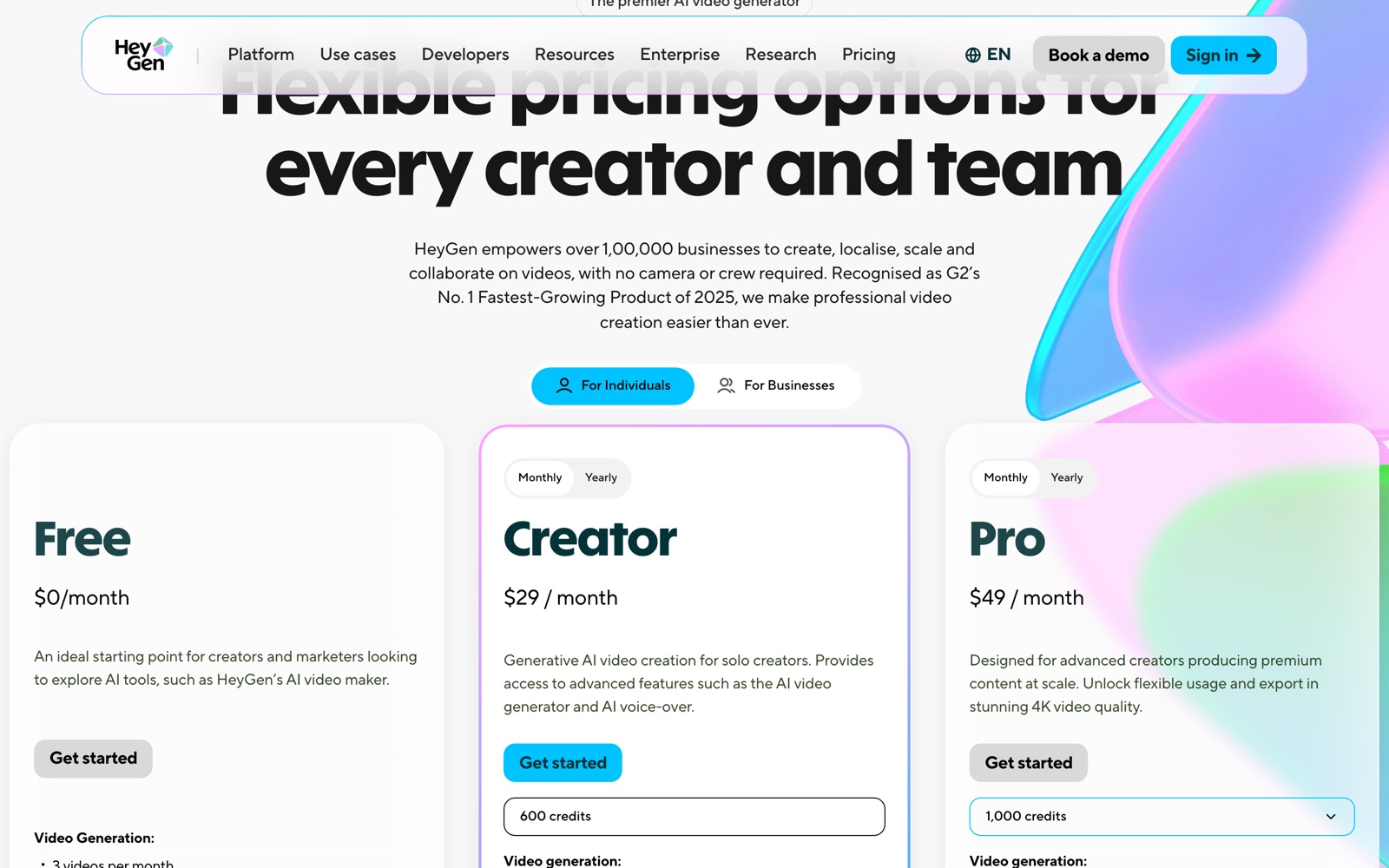
## What Creator's 600 credits actually make
HeyGen's pricing page never shows the rate card. Its [help center does](https://help.heygen.com/en/articles/15125761-heygen-credit-based-pricing-plans-subscriptions-explained), and it is the whole purchase decision. Rates below are credits per finished minute unless noted, straight from that article:
| Job | Rate | What 600 credits (Creator) make |
| --- | --- | --- |
| Avatar IV photo avatar | 46/min | ~13 minutes a month |
| Avatar IV digital twin | 97/min | ~6 minutes a month |
| Video Agent, standard mode | 40/min | 15 minutes a month |
| Lip-sync translation, Speed | 17/min | ~35 dubbed minutes |
| Translation, no lip-sync | 4/min | 150 minutes |
| Seedance 2.0 clip, any length | 60 (720p) / 150 (1080p) each | 10 clips at 720p, or 4 at 1080p |
Read that table against your own calendar before you pay. A founder posting one 5-minute update a week needs 20 finished minutes a month — about 920 credits with a photo avatar, which breaks Creator and lands on Pro at $49. Creator fits roughly one 3-minute video a week, or a month of short ads. The free plan, meanwhile, is three 1-minute watermarked videos with no 1080p export — enough to test whether your audience accepts an avatar, and nothing more.
One more restriction hides in the model page, not the pricing page: [Seedance 2.0 runs on Pro, Business and Enterprise only](https://www.heygen.com/models/seedance-2). Creator accounts keep it solely when bought on or before August 17, 2026 and still active. If cinematic clips are the reason you are buying, Creator is the wrong plan no matter what the credit math says.
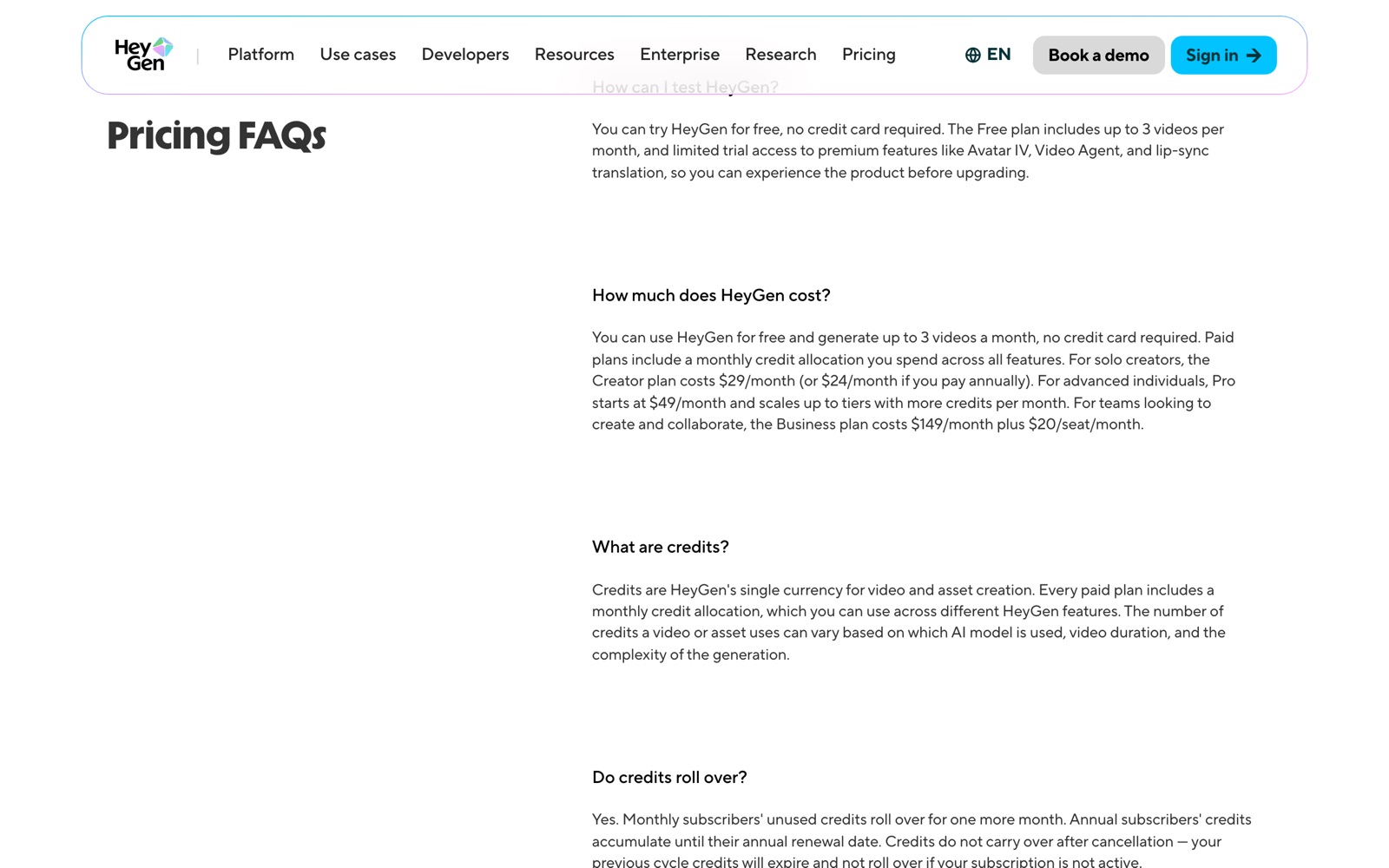
## All-in costs for three teams
List prices lie by omission: seats, add-ons and the annual discount change the answer. Here are three buyers I see in [the founder and marketer stacks](/for/founders), with my arithmetic marked as mine:
| Buyer | Monthly output | Plan that clears it | All-in cost |
| --- | --- | --- | --- |
| Solo founder, weekly 5-min update, photo avatar | ~20 min/mo ≈ 920 credits | Pro 1,000 | **$49/mo** ($588/yr monthly billing) |
| Course creator, 8 short lessons a month, standard Video Agent | ~40 min/mo ≈ 1,600 credits | Pro 2,000-credit tier | **$99/mo** (per HeyGen's tier ladder; confirm current tier prices) |
| Agency, 10 client videos + lip-synced dubs in 3 languages | ~50 min generation + ~150 dubbed min ≈ 4,800+ credits, 2 seats | Business + credit packs | **$149 + $20 second seat + packs** (north of $200/mo) |
The pattern: Creator at $29 covers one short video a week and not much more. Most working founders land on Pro's $49 base, and teams that translate or seat more than one person land on Business where the meter keeps running through credit packs. Compare that against the agency invoice you are replacing — a single professionally shot explainer still costs more than a year of Creator — and the purchase usually justifies itself. If you make one video a quarter, none of these plans do; the free tier plus a screen recorder wins.
## Monthly vs annual: the $60 question
Annual billing cuts Creator from $29 to $24 a month — $348 versus $288 a year, a $60 saving — and it changes the credit rules in your favour: annual credits accumulate until renewal instead of expiring after one extra month. That combination makes annual the right call only when two things are true: you will render every month, and your monthly use fits inside the allowance with room to spare. Accumulated credits forgive a quiet month; they do not forgive a plan that was too small to begin with.
My rule, and it is mine not HeyGen's: pay monthly for one quarter, read three credit statements, then switch to annual at the tier your heaviest month needed. The $60 you "lose" in quarter one is cheaper than a year of the wrong plan. Pro and Business buyers should do the same math at their own scale, because the expiry rules are identical up the ladder.
We also recommend watching the renewal date itself. Annual credits accumulate until renewal and then reset, so a big project landing in month eleven spends from a full year's pool while the same project in month one starts from zero. If you know a launch quarter is coming, time the annual switch so the accumulation works for you instead of against you. And if your use is genuinely bursty — a course recorded twice a year, a campaign each quarter — monthly billing with rollover usually beats annual, because you only pay for the months you render.
## The API is a separate product
This surprises almost everyone, and it is the answer to half the "heygen pricing explained" searches. Per [HeyGen's API pricing article](https://help.heygen.com/en/articles/10060327-heygen-api-pricing-explained), the API is pay-as-you-go, standalone — you can buy API credits with no Creator, Pro or Business subscription at all. There are no free API credits (stopped February 2026), old plan-based API credits expired 30 days after purchase, and pay-as-you-go credits last 12 months.
Self-serve rates, from [HeyGen's own pricing breakdown](https://www.heygen.com/blog/ai-video-generator-pricing): Avatar III digital twin $0.0167 a second (about $1 a finished minute), Avatar IV photo avatars $0.05 a second, Avatar V $0.0667 a second, from a $5 prepaid wallet. Text-to-speech is the cheapest operation on the platform. Two worked examples, mine: 100 minutes a month of Avatar III twin video through the API costs about $100 with no subscription — cheaper than any plan that clears it. But 1,000 minutes of Avatar IV photo video costs about $3,000 through the API, at which point a Pro credit tier is worth pricing against it.
The time-sensitive line: HeyGen's new general video model, HeyGen Video, launched September 30 at a promotional $0.01 a second through the end of October, API-only at launch. After the sale the regular rate applies, so anything you build on it needs a price check in November. I would not architect a product's unit economics on launch-sale pricing.
## HeyGen Voice and the $99 voice clone
October brought a second product inside the price list. HeyGen Voice, launched October 9, is the company's in-house voice model, and it is free inside both the platform and the API — [the launch announcement](https://finance.yahoo.com/technology/ai/articles/heygen-launches-heygen-voice-debuting-172000180.html) also claims a #1 debut on an independent voice leaderboard, which is HeyGen's claim, not a verified fact. The paid layer is Professional Voice Clone: a $99-a-month add-on trained on 30 minutes to 3 hours of your speech, with explicit consent required.
For buyers this splits cleanly. Narration, dubbing voices and agent speech cost you nothing extra beyond the video credits — good. Your own voice, cloned at the quality HeyGen reserves for the paid adapter, costs $99 a month on top of whatever plan you hold — a second subscription inside the first. Standard voice cloning (one clone) is already included in Creator, so the $99 only makes sense when the clone itself is the product: a founder's weekly update avatar, a course voice, a localized spokesperson. Everyone else should ignore it.
## Cheaper alternatives with real prices
Three options, each with the number from its own vendor page, checked the same day:
**Synthesia, from $29 a month.** The closest rival bills credits too, but shows its rate card: about 100 credits per finished video minute. [Its pricing page](https://www.synthesia.io/pricing) gives Basic free (10 video minutes plus 500 credits a month, watermarked), Starter at $29 monthly ($18 annually, 1,250 credits, roughly 12 extra minutes) and Pro at $89 ($64 annually, 6,000 credits, roughly 60 minutes). No rollover anywhere — allowances reset — which makes Synthesia worse than HeyGen for bursty months and simpler to predict. We read Synthesia's page the same day, and our take is that the free allowances decide this duel more than the paid tiers: Synthesia hands you 10 video minutes a month free against HeyGen's 3 watermarked videos, so if your volume is tiny and your scripts are short, you can stay free longer on Synthesia. Once you pay, HeyGen's rollover and translation breadth pull ahead for multilingual teams. Pick Synthesia for compliance-heavy training; pick HeyGen for translation breadth. The [Arcads vs HeyGen comparison](/compare/arcads-vs-heygen) covers the ads angle, and the [Synthesia alternatives page](/alternatives/synthesia) lists every option we track.
**D-ID, Lite listed at $5.90 a month.** The cheapest avatar entry I found: [D-ID's own FAQ](https://www.d-id.com/faqs) confirms Lite/Pro/Advanced tiers with monthly credit renewal and no accumulation, a 5-minute video cap and watermarked trial. Confirm the $5.90 figure on d-id.com/pricing before you commit — but even ballpark, it undercuts HeyGen's floor by 5× for talking-head clips. The trade is scope: D-ID animates a presenter and little else, while HeyGen bundles the editor, translation and dubbed lip-sync.
**Arcads, no public price.** Our [Arcads tool page](/tools/arcads) records it as login-gated pricing with a free trial, built for UGC-style ad creative rather than general presenter video. If ads are the whole job, price Arcads against HeyGen's per-minute cost for short clips; if you also need training, explainers or translation, HeyGen's breadth wins and Arcads is not a substitute.
And the free answer: for one video a quarter, film it or screen-record it. [Marketers](/for/marketers) with Typefully-style budgets should note that a $29 Creator plan outlives most ad-hoc editing invoices by month two — the threshold question is videos per month, not production value.
## Who should pay for which plan
Our short version, after reading every plan document twice — find your row and stop there:
- **Try Free if** you have never rendered an avatar video. Three watermarked minutes answer the only question that matters: does your audience accept it.
- **Pay Creator ($29, or $24 annual) if** you make up to one short video a week with a photo avatar and need no Seedance clips. Re-check the credit statement after month one.
- **Pay Pro (from $49) if** you post weekly or longer, need 4K, Seedance, editable translated scripts or API-scale credits. Same features at every tier — buy the credit level, not the badge.
- **Pay Business ($149 + seats) if** two or more people collaborate, you need SSO, comments, interactive video or SCORM, or you burn through credit packs.
- **Use the API wallet if** you generate video programmatically. Under ~100 Avatar III minutes a month it beats every subscription; past that, price it against a Pro tier.
- **Skip paid entirely if** your videos depend on a real face, real emotion or one quarterly update. No credit system beats free.
## bytemail review: is this native Mac inbox worth paying for?
URL: https://minylist.com/blog/bytemail-review
Updated: 2026-10-12
Our bytemail review for 2026: what the native Mac email client costs, how its private-by-design inbox works, the catch and cheaper alternatives.
bytemail is a native email client for the Mac that puts Gmail, iCloud, Outlook and any IMAP account into one fast inbox without sending your mail through its own servers. In this bytemail review the short answer is yes for Mac owners with crowded inboxes: it costs $3.99 a month, $39.90 a year, or $49 once for a lifetime licence. The catch is that it is Mac-only, pre-launch, and has no free plan.
We reviewed bytemail from its public pages, pricing page, privacy page and comparison pages as of October 12, 2026. We did not run the app for this review, so nothing below is a claim about how it felt to use; where bytemail makes a claim we could not check, such as its 38 ms search example, we say it is bytemail's. Our score is 4.0 out of 5, with the scoring explained on the [bytemail tool page](/tools/bytemail).
What this review gives you that bytemailapp.com does not: the all-in cost math against Spark, Superhuman and Mimestream, the two places bytemail's own pages disagree, an honest statement about how little independent evidence exists yet, and who should skip it.
## bytemail at a glance
| | bytemail |
| --- | --- |
| What it is | Native macOS email client (Swift, SwiftUI + AppKit), no bundled browser |
| Who runs it | Serg, independent Mac developer, per the site footer |
| Accounts | Gmail, iCloud, Outlook, Microsoft 365, Yahoo, any IMAP server |
| Requirements | Apple silicon Mac, macOS 14 Sonoma or later |
| Price | $3.99/month, $39.90/year, or $49 lifetime at launch |
| Trial | 7-day free trial of the full app, one per person, card required |
| Devices | 5 per licence on the homepage (the pricing page says 3 Macs) |
| iPhone app | In App Store review, included free when it ships |
| Privacy design | No relay or sync host; Keychain credentials; local index; no telemetry |
| Sold | Only at bytemailapp.com via Stripe; not on the Mac App Store |
## How bytemail works
bytemail starts where every email client starts: you add your accounts. Google and Microsoft sign in with one click each, and anything else connects over standard IMAP. Passwords and OAuth tokens go into the macOS Keychain, read only when a connection opens, and new mail arrives over IMAP IDLE push with the Mac's own notifications and Dock badge. A catch-up sync runs after sleep or a network change, so opening the lid after a flight fills in what you missed.
Day to day, everything lives in one window. The unified inbox mixes all your accounts with a colour ring on each avatar showing which account a message belongs to, and every account keeps its own unread count. Smart tabs named All, Primary, Updates and Promos sort mail on your Mac, each with its own unread count, and an unread-only switch calms the list further. Threads read like a conversation rather than a wall of quoted replies: each message is a clean bubble, newest at the bottom, with the reply field docked right underneath, so you read, type and send without leaving the thread.
Search is the feature bytemail shows off most. One ⌘K box searches every account and folder at once: senders, subjects, message text, attachment names. The index lives on your Mac, which is why bytemail says results arrive in milliseconds (its example shows 14 results in 38 ms) and why search keeps working offline. If you have ever waited on a webmail spinner for a message you knew existed, this is the part of the pitch aimed at you.
When mail arrives, your rules file it on the server before it reaches the inbox: match on sender, subject, text, attachments or mailing list, then move, archive, mark read or trash. A smart mailbox called To Reply collects the conversations where someone is waiting on you, questions and requests rather than newsletters or receipts, and answering from any device clears them from the list. Snooze sends a conversation away until the evening, Friday or a date you pick, and it comes back on top, unread. Send Later delivers at the hour you choose, with a background helper that sends it and wakes snoozed mail even when bytemail is closed. Follow-up reminders nudge you from the other direction: pick 1 day, 3 days, a week or a date when you send, and if nobody answers by then the thread returns to the top; if they reply, the reminder quietly goes away.
Safety runs before display. bytemail verifies who really sent each message, spots look-alike domains and brand impersonation, and asks before opening a link that goes somewhere other than it says, with Report as Spam and Block Sender right in the warning. Tracking pixels are found and removed before a message is shown, even when you load images, and tracking codes are cleaned from the links you open. Small conveniences stack up: sign-in codes arrive in the notification with a Copy Code button so you never open the message, magic sign-in links get an Open Link button, and a used code tidies itself into the archive. Calendar invites arrive as cards with the time in your zone, location and guests; Accept, Maybe or Decline replies to the organizer, and Add to Calendar puts it in Apple Calendar. On macOS 26 with Apple Intelligence, long threads get a short summary, suggested replies and Rewrite to shorten, soften or translate what you wrote, all on your Mac.
## A real job: three inboxes, one calm morning
The job bytemail is built for is the morning triage across a scattered mail setup. Here is how that looks from its documented features. The person is hypothetical: a freelance designer with a Gmail account for clients, an iCloud account for personal mail and an Outlook account for a retainer contract.
She opens one window instead of three tabs. The unified inbox shows all three accounts with colour rings, and the Updates and Promos tabs have already pulled newsletters and receipts aside on her Mac, so the All tab is mostly people. She presses ⌘K, types the client's name plus "invoice", and the attachment she half-remembered surfaces from the Gmail account in milliseconds, without waiting on a server.
To Reply shows four conversations where someone is waiting: two client questions, a printer asking to confirm proofs by Thursday, and the retainer asking for a call slot. She answers the two quick ones from the docked reply fields, snoozes the printer thread until Thursday morning, and sends the call-slot reply with a 3-day follow-up reminder in case nobody answers. A sign-in code for a print vendor arrives mid-morning; she copies it from the notification banner and never opens the message. At lunch she opens Settings and Subscriptions, sees which senders mailed her most this month, and unsubscribes from three lists with one click each.
What it costs her: the yearly plan at $39.90 covers all three accounts with no per-account fee, and every feature above is in every plan. On Spark the same setup is free, but her mail syncs through Spark's cloud; on Superhuman it would be $300 a year for one seat. That trade is the whole decision, and the next sections price it exactly.
## What bytemail costs
bytemail is sold two ways, as a subscription or as a lifetime licence, and every option opens the same full app on every device the licence covers. From [bytemail's homepage](https://bytemailapp.com/), checked October 12, 2026:
| Plan | Price | Billing | Notes |
| --- | --- | --- | --- |
| Monthly | $3.99/month | Renews monthly | 7-day free trial; card at start, nothing charged if you cancel |
| Yearly | $39.90/year | Renews yearly | About $3.33 a month; saves $7.98 a year against monthly |
| Lifetime | $49 once | Never renews | Launch offer; early $19 and $29 batches gone; then $99 |
Prices are in US dollars before tax, with sales tax or VAT added at checkout. A quick budget for the situations most readers are in:
- **Trying it out:** $0 for 7 days on Monthly or Yearly, then cancel or keep. One trial per person.
- **One person for a year:** $39.90 on Yearly, or $47.88 across twelve months of Monthly. Yearly is the sensible default.
- **One person for three years:** $119.70 on Yearly against $49 once for lifetime. Lifetime wins by about $70 if the app lasts, which is the bet every lifetime deal asks you to make.
- **A five-person studio:** five licences, since licences are per person, not per team. Yearly is $199.50 a year; lifetime is $245 once at the launch price. There are no team features either way, so this math only matters if all five want the same client.
Yearly billing takes about 17% off the monthly rate: twelve months at $3.99 would be $47.88, and $39.90 saves you $7.98. The lifetime licence at $49 pays for itself in about 15 months against yearly billing, by our arithmetic. Those early batches tell you the pricing direction: $19 for the first 10 (gone), $29 for the first 100 (gone), $49 for the next 50 with 11 claimed at the time of checking, then $99. If you want lifetime, waiting costs money; if you are unsure the app survives, waiting costs nothing, because subscriptions open with the same trial.
## Privacy and guardrails: what the app can see
This is the section that separates bytemail from nearly every client at its price, so it deserves care. The design claim is simple: your Mac talks straight to Gmail, iCloud, Outlook or your IMAP server, with no bytemail cloud in between. There is no relay, no sync host and no bytemail account to create. Credentials live in the macOS Keychain, the local message cache is an SQLite database inside the app's container (covered by FileVault like the rest of your disk), and deleting the app deletes the cache. Search, smart categories, rules, To Reply and phishing checks run on-device; summaries and Rewrite use Apple's on-device model. The site says there is no telemetry and no crash pings unless you press Send on a report you can read first.
What convinced us this is more than a slogan is the connection list on [bytemail's privacy page](https://bytemailapp.com/privacy). bytemail publishes every network connection the app makes: your provider's IMAP and SMTP servers, Microsoft's login page only when you sign in with Microsoft, sender websites for brand icons in avatars, image hosts inside a message only after you choose to load remote images, a mailing list's unsubscribe address only when you press Unsubscribe, and bytemailapp.com itself for update checks plus licence checks carrying your key, a hashed ID for the Mac and its name. The page says that is the whole list. You can audit that claim with a firewall, which is more than Spark, Superhuman or Mimestream publish.
Two honest limits belong here. First, direct connections do not make phishing impossible; they remove one party that could read your mail, and bytemail's sender checks and link warnings are the layer that catches attacks. Second, privacy pages describe intent, not code, and we have not inspected the app. Treat the connection list as a checkable promise rather than a verified fact, and check it if your threat model needs that.
## Setting bytemail up: what the first week looks like
None of this is hard, but the order matters, and getting it wrong is what usually costs people their trial week. This is the sequence we would follow, built from bytemail's own pages:
1. **Check the Mac first.** Confirm Apple silicon and macOS 14 or later in About This Mac. Intel Macs are not listed as supported, and discovering that after migrating rules would be an annoying afternoon.
2. **Download from the site and start the trial inside the app.** bytemail is not on the Mac App Store, so get it at bytemailapp.com/download. The card goes in at the start of the 7 days; put a reminder on day six to decide, because there is no second trial for the same person.
3. **Add one account, then the rest.** Start with your busiest account so the trial week tests the real load. Google and Microsoft each take one click; iCloud, Yahoo or anything else needs plain IMAP details. Each account keeps its own folders and unread count, so check that every folder you rely on appears before you add the next account.
4. **Rebuild your sending identities.** Add aliases with their own signature and Reply-To, set a signature per account, and send one test mail from each alias to yourself. Replies go out from the address the mail was sent to, so a misconfigured alias is how clients end up replying to your personal address.
5. **Set the safety net before the mail flood.** Pick your Undo Send window (we would take 30 seconds for the trial week), confirm tracking-pixel blocking is on, and write your first three rules: newsletters to a folder, receipts to archive, and your most-cluttered sender to mark-read. Rules file on the server, so they keep working even before you open the app.
6. **Run it alongside your old client for a week.** Accounts live with your provider, so adding the same logins to bytemail changes nothing about your mail itself. What does not transfer is client-specific state: Spark snoozes, Superhuman splits and Apple Mail local folders stay where they were. Keep the old client installed until the iPhone app ships anyway, since your phone still needs one.
Migrating is deliberately boring, which is the point: there is no export, no CSV, no DNS change. The only thing you carry by hand is your rules and your signatures, and an hour covers both.
## bytemail pricing plans in detail
Three plans, one app, no tiers. Monthly at $3.99 renews each month and yearly at $39.90 renews each year; both start with the 7-day trial, and cancelling before the trial ends means you pay nothing. The lifetime licence is paid once and never renews; "lifetime" means for as long as bytemail is offered and maintained. Every plan includes Gmail, iCloud, Outlook, Yahoo and IMAP accounts, the unified inbox and smart tabs, on-device search, tracking-pixel blocking, unsubscribe handling, snooze, Send Later, reminders, rules, the safety checks and automatic updates.
Checkout runs through Stripe, which is the merchant of record: Stripe takes the payment, charges and pays the right sales tax or VAT, sends your receipt and appears on your card statement. bytemail never sees your card details. It is sold only at bytemailapp.com and is not on the Mac App Store. Cancelling a subscription happens in the app under Settings, Licence, Manage Subscription, or on link.com, and the app keeps working until the end of the period you paid for. A failed renewal ends the subscription. Pre-order lifetime licences can be cancelled for a full refund any time before the app is delivered by emailing support from the address ordered with; bytemail says that if the app were never released, every pre-order would be refunded in full.
One wrinkle to know before you pay: bytemail's own pages disagree on the device count. The homepage says 5 devices on one licence, while [the pricing page](https://bytemailapp.com/pricing) says 3 Macs. The pricing page also still shows the older $29 pre-order batch while the homepage shows the live $49 batch. We followed the homepage in this review and flagged both in our research log. Confirm the number on the checkout page before you buy, especially if you plan to cover a desktop, a laptop and a phone with one key.
## The catch
- **Mac-only, Apple silicon only.** No Windows, no Intel Macs, no Android, and the iPhone app is still in App Store review. If your mail follows you onto a Windows laptop, bytemail cannot follow.
- Pre-launch software from one maker means the roadmap is a promise, not inventory. The changelog, roadmap and Discord are public and active, which is the good version of this story, but summaries need macOS 26, the iPhone app needs Apple's review queue, and young apps slip dates.
- **No free plan.** After one 7-day trial per person, you pay or leave. Spark, Apple Mail and Thunderbird all cost $0 forever, so bytemail has to earn its price every year against free.
- **The lifetime price only moves up.** $19 and $29 are gone, $49 shows 11 claimed of 50, then $99. That is fair scarcity rather than a dark pattern, since the site prints the batch counts, but do not mistake it for a floor.
- **No team features.** No shared inboxes, assignments or collaboration, so a studio that answers support mail together still needs Spark, Missive or a help desk next to it.
## What people say about bytemail
Honesty requires a short section here: we found almost nothing. There is no G2 page, no Reddit thread and no X discussion we could locate about bytemail. The only third-party signals are the two badges in bytemail's own footer: an Uneed Daily Winner badge and a Featured on TryMacApps badge. Those say the launch got noticed on two directories; they say nothing about whether the app is good.
We are not filling that gap with invented reception. No quoted users, no star counts, no "people love it" appear in this review, because none are sourced. What we can point at instead is maker behaviour: a public changelog and roadmap, a Discord server for questions and bug reports, and comparison pages that disclose bytemail as the publisher and mark unverified competitor facts as needing a check on the vendor's page. That is how a solo developer should behave before launch. When we run the app hands-on, these are the things we will check and add here with the date: real launch speed and memory against Apple Mail, whether search matches the 38 ms claim on a large mailbox, what the upgrade and licence prompts look like, how export and account removal work, and whether the iPhone app shipped.
## bytemail alternatives
Each price is from the vendor's own page on October 12, 2026. Our [Spark Mail alternatives page](/alternatives/spark-mail) sets its plans beside bytemail's, and our [bytemail tool page](/tools/bytemail) keeps the full comparison table.
| | bytemail | Spark | Superhuman | Mimestream | Apple Mail |
| --- | --- | --- | --- | --- | --- |
| Price | $3.99/mo, $39.90/yr, $49 lifetime | Free; Plus $10/mo, Pro $20/mo per user | Starter $30/mo, Business $40/mo per user | $4.99/mo or $49.99/yr | $0 with the Mac |
| Trial | 7 days, card required | 7-day trial of Plus/Pro | 30-day trial | 14 days, no card | None needed |
| Accounts | Gmail, iCloud, Outlook, IMAP | Unlimited accounts | Gmail, Outlook | Gmail only | Most providers |
| Platforms | Mac (Apple silicon) | Mac, Windows, iOS, Android | Mac, iOS, Android, web | Mac, iPhone, iPad | Apple devices |
| Mail path | Direct, no vendor cloud | Syncs via Spark cloud | Via Superhuman | Google API | Direct |
- **Spark** is the alternative most readers are leaving or considering. Its free plan covers unlimited accounts with a Smart Inbox, Plus adds AI features at [its listed prices](https://sparkmailapp.com/pricing), and it runs everywhere with team collaboration. Pick Spark if you want free, Windows, or shared inboxes; pick bytemail if Spark's cloud sync and per-user pricing are what bother you.
- **Superhuman** is the speed instrument: keyboard-first triage, split inbox, snippets and read statuses at [$30 to $40 per user a month](https://superhuman.com/pricing) with no free plan. One year of Superhuman Starter costs six years of bytemail Yearly. Pick it if you process hundreds of messages a day and will learn the workflow; otherwise bytemail keeps most of the calm for a fraction of the price.
- **Mimestream** is the native Mac purist's Gmail client at [$4.99 a month or $49.99 a year](https://mimestream.com/pricing) with a 14-day trial. It is Gmail-only by design, so mixed iCloud and Outlook setups rule it out. Pick it if you live in Gmail and want the closest-to-Gmail feel on a Mac.
- **Apple Mail** ships with your Mac, costs nothing and handles the same providers directly. Pick it if your needs are simple; pick bytemail when you miss cross-account search, snooze, send later, rules and tracker blocking enough to pay for them.
- **[Kit](/tools/kit)** is a different kind of email tool worth naming so nobody confuses the two: it sends newsletters and sequences to an audience, while bytemail reads and answers your own mail. Many readers will own both, which is why Kit anchors [the must-have tools for founders](/for/founders). Our [Kit review](/blog/kit-review) covers its free plan to 10,000 subscribers.
## Who should use bytemail
**Use bytemail if** you read mail on an Apple silicon Mac, juggle two or more accounts, and want one fast native inbox that never routes your mail through a vendor's servers. Start the 7-day trial with your real accounts, test the ⌘K search on your biggest mailbox, build three rules and check the Subscriptions list at the end of the week. If the week feels calmer, buy Yearly; if you already know this is your client for years, buy the $49 lifetime while the batch lasts.
**Skip bytemail if** you need Windows or Intel Mac support, want a free plan (Spark's free tier or Apple Mail), process enough mail to justify Superhuman's speed workflow, answer mail as a team (you need shared inboxes), or only use Gmail on a Mac (Mimestream fits tighter). Casual mail checkers should not pay for any of this: Apple Mail is already on your Mac and already good enough.
Our verdict: bytemail is the inbox we would try first on a new Mac in 2026, with eyes open. The native build, the direct connections with a published list to audit, and the flat pricing are real differences, and $39.90 a year is modest against what it replaces. The youth of the product is the real price: confirm the device count at checkout, keep Apple Mail installed until the iPhone app ships, and let the trial week decide.
bytemail readers who run their own business should see [the must-have tools for founders](/for/founders) and [the freelancer stack](/for/freelancers); the [productivity category](/categories/productivity) lists every tool we cover for the workday, and the [Superhuman](/alternatives/superhuman) and [Apple Mail](/alternatives/apple-mail) alternatives pages keep the comparison prices current.
## The best email marketing for creators in 2026, ranked by what you sell
URL: https://minylist.com/blog/best-email-marketing-for-creators
Updated: 2026-10-05
The best email marketing for creators in 2026: Kit, beehiiv, MailerLite, Substack and Mailchimp ranked by job, with free-plan caps, prices and fees.
The best email marketing for creators, for most people reading this, is Kit: it's free up to 10,000 subscribers, and its $39-a-month Creator plan adds the automations that sell a course or a book. Pick beehiiv if your newsletter is a publication with ads and paid tiers, MailerLite if you need automation on a small list for the least money, Substack to start free inside a reader network, and Mailchimp if you also run a store.
We checked every price, free-plan cap and sales fee below on the vendors' own pricing pages and help centers on October 5, 2026. None of the five was tested hands-on for this post; these are their published plans and fees, and where a page didn't show us something (Mailchimp's US prices, for one), we say so. One disclosure up front: we earn a commission if you buy Kit through our links. It's ranked first for the reasons in its section, and we name the cases where you should pick something else.
What this ranking adds to the vendors' own pages: their free-plan caps, paid entry points and fees on one table, and a pick per job, since a novelist with a launch list and a daily-news writer need different tools.
## How we chose the best email marketing for creators
A creator's email tool does four jobs: collect subscribers, send newsletters, run automated sequences that sell, and take payment for paid content or products. We ranked on how each platform handles those jobs for a person or a small team, using five checks:
- **Free plan size.** How many subscribers you can reach before paying anything.
- **The price of automation.** What the cheapest plan with sequences or automations costs, since that's the point where most creators start paying.
- **Fees on sales.** What the platform takes from a paid subscription or product, on top of Stripe.
- **Send caps and seats.** Whether the plan limits emails per month or logins.
- **What it's built around.** A publication, a store, or a creator selling their own work.
Prices are the vendors' list prices in USD for 1,000 subscribers unless we say otherwise.
We left some well-known names out on purpose. Klaviyo, ActiveCampaign and Brevo come up in "ConvertKit vs" searches, but in our reading each aims at a different buyer than a solo creator: Klaviyo at ecommerce stores, ActiveCampaign at sales-led businesses that want a CRM, and Brevo at transactional and multichannel sending. Flodesk sells mainly on email design. We didn't price any of them for this post, so none is ranked here; if you run a store, Klaviyo deserves a look alongside Mailchimp before you decide. All five price by list size, so check the slider on each page at your own number before you choose.
## 1. Kit: best for creators who sell something
Kit, formerly ConvertKit, is built for authors, coaches, course creators, YouTubers and podcasters whose audience is the business. It collects subscribers with forms and landing pages, sends newsletters, runs Visual Automations and email sequences, and sells digital products, paid newsletters and subscriptions from the same account.
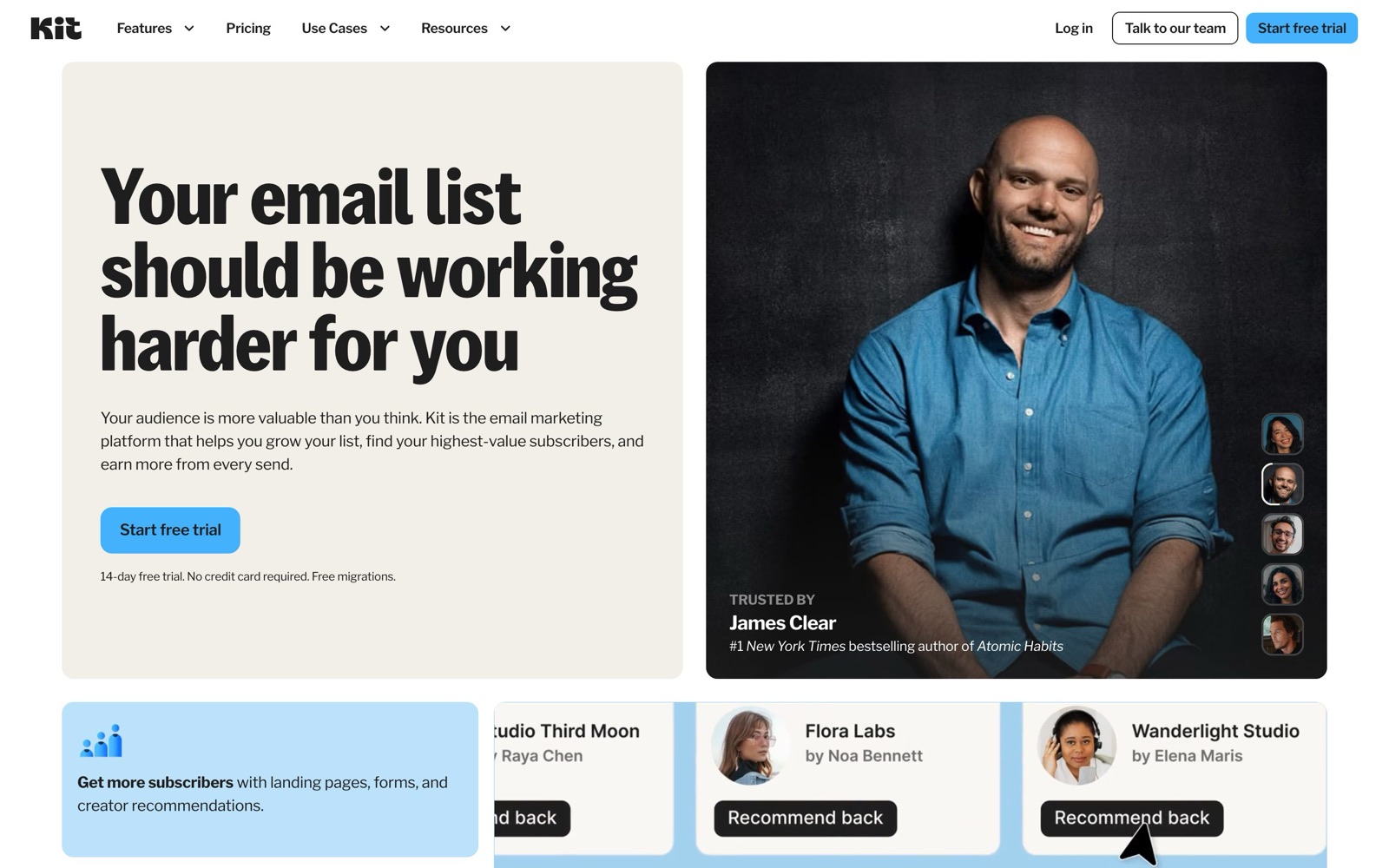
**Price.** Free costs $0 for up to 10,000 subscribers, with unlimited landing pages, forms and broadcasts. Creator is $39 a month billed monthly at 1,000 subscribers ($390 a year billed yearly) and adds unlimited automations and sequences, integrations, RSS-to-email and the [Kit MCP](/blog/kit-mcp) for AI assistants. Pro is $79 a month and adds unlimited users, engagement scoring and deliverability reports. There are no send caps on any plan, according to [Kit's pricing FAQ](https://kit.com/pricing). Sales cost 3.5% + 30¢ each, card processing included. Our [Kit pricing breakdown](/blog/kit-pricing) has every tier up to 95,000 subscribers.
**Why it's first.** No other platform here lets you reach 10,000 subscribers for free, and Kit's paid plans are built around the thing creators pay for: a welcome sequence that leads into an offer, tags that follow each subscriber's clicks and purchases, and a checkout in the same tool. The Recommendations network, where Kit newsletters suggest each other at sign-up, gives you a growth channel that isn't paid ads.
**The catch.** Automations aren't on the free plan, so the first paid month usually arrives with your first sequence. The price climbs with list size: Creator is $139 a month at 10,000 subscribers billed monthly. Creator has two user seats; a third person means Pro. And Kit Commerce pays out through Stripe connected accounts, which Kit's terms don't list for some countries, India among them.
**Pick something else if** your newsletter is a media product with ads and a website (beehiiv), or you want automations on a tiny budget and a small list (MailerLite). More detail is on the [Kit tool page](/tools/kit).
## 2. beehiiv: best for newsletters run as a publication
beehiiv is a newsletter platform with a website, podcast hosting, an ad network and paid subscriptions built in. Where Kit is built around a creator's offers, beehiiv is built around the publication itself: posts live on a site, readers can browse an archive, and advertisers can buy placements.
**Price.** Free covers up to 2,500 subscribers with unlimited sends, landing pages and the recommendation network. Lite is $49 a month billed yearly at 1,000 subscribers and adds paid subscriptions, ad monetization, automations, polls, A/B tests and the beehiiv MCP. Pro is $95 a month billed yearly and removes beehiiv branding. [beehiiv's pricing page](https://www.beehiiv.com/pricing) says it takes 0% of paid subscription and digital product revenue, so you pay only Stripe's 2.9% + $0.30.
**Why it's here.** If paid subscriptions are the main income, beehiiv's 0% take rate beats Kit's 3.5% + 30¢ on every payment, and the ad network is something Kit only approaches through its sponsorship marketplace. The website is a real publication site, not just landing pages.
**The catch.** Automations start on Lite at $49 a month billed yearly, $10 more than Kit Creator billed monthly and with a free tier a quarter the size of Kit's. If you don't need the website or ads, you're paying for parts you won't use.
**Pick something else if** you sell courses or coaching more than subscriptions (Kit), or you just want to publish free (Substack).
## 3. MailerLite: best cheap option for small lists
MailerLite is a general email marketing tool with websites, landing pages, sign-up forms, automations and a small digital-product shop. It's the cheapest way here to get real automations on a list of a few hundred people.
**Price.** Free covers up to 250 subscribers and 2,500 emails a month, with 3 automations, one website and one landing page, and two seats. Comfort is $12 a month ($10.80 billed yearly) for 500 subscribers, 5,000 emails a month, 50 automations and three seats. Power is $25 a month ($22.50 billed yearly) and lifts sends and seats to unlimited. [MailerLite's pricing page](https://www.mailerlite.com/pricing) also lists an MCP for Claude and ChatGPT on every plan, Free included.
**Why it's here.** At 500 subscribers, MailerLite gives you automations for $12 a month, where Kit's Creator plan is $39 at 1,000 subscribers. If you're starting a list for a small product and want a welcome sequence on day one, it's the most affordable option in this list.
**The catch.** The free plan stops at 250 subscribers, and Comfort caps sends at 5,000 a month. A weekly newsletter to 500 people uses about 2,000 of those, which is fine; a daily one isn't. Its creator selling tools (digital products and bookings) are capped at five on Comfort. As the list grows past a few thousand, the gap to Kit narrows.
**Pick something else if** you have more than 250 subscribers and don't need automations yet: Kit's free plan covers you up to 10,000.
## 4. Substack: best free way to start publishing
Substack is a publishing platform and a reader app at once. You write posts that go out by email and live on a Substack page, readers subscribe inside the app, and Substack's network recommends publications to each other.
**Price.** Publishing is free at any size. If you turn on paid subscriptions, [Substack's help center](https://support.substack.com/hc/en-us/articles/360037607131) says it keeps 10% of subscription revenue, and Stripe charges its own fees: 2.9% + $0.30 per US card payment and 0.7% for recurring billing. On a $10 monthly subscription that's about $1.66 per payment, by our arithmetic, against $0.65 on Kit and $0.59 on beehiiv.
**Why it's here.** It's the only option where a free account comes with an audience: the app and recommendations put your posts in front of readers you didn't bring yourself. For a writer testing whether anyone wants to read them, nothing is faster to start.
**The catch.** Substack's own pages sell publishing and paid subscriptions; they don't offer the automated sequences, tagging or landing pages a launch funnel runs on. And the 10% cut grows with your paid list: at 1,000 readers paying $10 a month, it's $1,000 a month to Substack before Stripe.
**Pick something else if** you want to sell anything besides subscriptions, or want automated emails (Kit or MailerLite).
## 5. Mailchimp: best if you also run a store
Mailchimp is email and SMS marketing for small businesses and online stores, owned by Intuit, with Shopify, WooCommerce and Square among the integrations it lists as most popular. For a creator who also sells physical products through Shopify or WooCommerce, it covers both audiences in one tool.
**Price.** Free covers 250 contacts and 500 sends a month (250 a day) with one seat, per [Mailchimp's help center](https://mailchimp.com/help/about-mailchimp-pricing-plans/). Paid plans cap monthly sends at a multiple of your contact limit: 10 times on Essentials, 12 on Standard and 15 on Premium, with 3, 5 and unlimited seats. Mailchimp sets prices by region; from India its page showed us local USD prices that aren't US list prices, so check [its pricing page](https://mailchimp.com/pricing/marketing/) from where you'll pay.
**Why it's here.** Store integrations and SMS in the same account suit a creator whose income is merch or physical goods. For that reader, Mailchimp's ecommerce depth matters more than Kit's creator tooling.
**The catch.** The free plan is the smallest here, every paid plan caps sends, and seat limits are tighter than Kit's Pro. For a creator selling digital products, it's more tool than you need. We list Mailchimp's plans beside Kit's on our [Mailchimp alternatives page](/alternatives/mailchimp).
**Pick something else if** you sell digital products, courses or a newsletter (Kit, beehiiv or Substack all fit better).
## Email marketing for creators, compared
| | Kit | beehiiv | MailerLite | Substack | Mailchimp |
| --- | --- | --- | --- | --- | --- |
| Free plan | Up to 10,000 subscribers | Up to 2,500 subscribers | Up to 250 subscribers, 2,500 emails/mo | Free at any size | 250 contacts, 500 sends/mo |
| Cheapest plan with automations | $39/mo (1,000 subs, monthly) | $49/mo (Lite, yearly billing) | Free (3 automations); $12/mo for 50 | None | Paid plans (price by region) |
| Fee on a $10 paid subscription | $0.65 (3.5% + 30¢, processing included) | $0.59 (Stripe only) | Not compared | ~$1.66 (10% + Stripe) | Not compared |
| Send caps | None | Unlimited on Free | 2,500 to 5,000/mo on Free and Comfort | None | 10x to 15x contacts |
| Seats on the entry paid plan | 2 (Creator) | Not checked | 3 (Comfort) | Not checked | 3 (Essentials) |
| MCP for AI assistants | Creator and Pro | Lite and up | Every plan | No | Not checked |
| Built around | A creator selling their work | A publication with ads | A small business's marketing | Writers in a reader network | Stores and small businesses |
Sources: each vendor's pricing page and help center, October 5, 2026. Fee math on a $10 payment is ours, from each company's published rates.
## What each costs at 1,000 subscribers, with automations
A thousand subscribers is where most creators first pay, so here is each platform's cheapest plan that includes automations at that size, billed yearly, from the vendors' pages on October 5, 2026:
| Platform | Plan | Billed yearly | Per month, equivalent | Monthly email limit |
| --- | --- | --- | --- | --- |
| Kit | Creator | $390 a year | $32.50 | None |
| MailerLite | Comfort | $205.20 a year | $17.10 | 10,000 |
| MailerLite | Power (unlimited sends) | $421.20 a year | $35.10 | None |
| beehiiv | Lite | $49 a month shown, billed yearly | $49 | None stated |
| Substack | No automation plan | Free to publish | $0 | None |
Mailchimp is missing from that table on purpose: its page showed us regional prices, and we'd rather leave a gap than print a number that isn't the one you'll pay.
Read the table with the send limits in mind. MailerLite Comfort is the cheapest line, and 10,000 emails a month covers a weekly newsletter to 1,000 people with room for a sequence. If you send twice a week, you're on Power, at roughly what Kit Creator costs. beehiiv's Lite costs the most of the four here, and what it adds for that money is the publication side (website, ads, 0% on paid subscriptions), not better automation.
## Mistakes creators make when picking an email platform
**Choosing on the free plan alone.** A big free plan is worth a lot only while you don't need what's behind the paywall. Kit's 10,000-subscriber free plan has no sequences; MailerLite's has three automations but stops at 250 subscribers. Decide which you'll hit first, the subscriber cap or the automation gate, and price the plan after that.
**Ignoring the fee on paid subscriptions.** On 100 readers paying $10 a month, the gap between Substack (about $166 a month in fees, by our arithmetic from its published rates) and beehiiv (about $59) is more than $1,200 a year. If paid subscriptions are the plan, that line matters more than the plan price.
**Forgetting seats.** Kit Creator has two users, MailerLite Comfort three, and Mailchimp Essentials three. An editor, a designer and you is already three people, which pushes Kit to Pro.
**Not checking where you can take payments.** Kit Commerce runs on Stripe connected accounts, and Kit's terms list the supported countries; India isn't one. If you sell from a country that's missing, plan to sell through another checkout and use the email tool only for email.
**Moving twice.** Kit migrates your list free on paid plans, and rebuilds forms and automations above 10,000 subscribers. Moving later is possible on every platform here, but tags and automations rarely move cleanly by hand, so pick for the business you expect in a year, not this month.
## How to decide
Start with what earns the money, then check the list size.
- **You sell courses, books, coaching or templates.** Kit. Start on Free, move to Creator when the first sequence goes live. The [founders stack](/for/founders) and the [freelancers stack](/for/freelancers) both use it as the email pick.
- **The newsletter is the product, funded by ads or paid tiers.** beehiiv, for the 0% take and the ad network.
- **You have under 500 subscribers and need automations now on a small budget.** MailerLite Comfort at $12 a month.
- **You're testing whether people want to read you.** Substack, free, and move later if paid revenue grows.
- **You run a store with physical products.** Mailchimp, checked at your region's prices.
If two fit, open the free plans of both and build the same sign-up form in each; the one you finish first is usually the one you'll keep using. For marketers comparing broader tooling, the [marketers stack](/for/marketers) covers ads, copy and social, and the [email marketing category](/categories/email-marketing) collects every email tool we list.
## ChatGPT doesn't check your Domain Rating: how to get cited by ChatGPT, according to two studies
URL: https://minylist.com/blog/get-cited-by-chatgpt
Updated: 2026-10-05
How to get cited by ChatGPT and other AI assistants: what a 200-site study and Ahrefs' 75,000-brand study say about Domain Rating, impressions and mentions.
If you want to get cited by ChatGPT, your Domain Rating is the wrong number to stare at. ChatGPT never looks it up; it runs a web search and quotes what that search returns. In a 200-site study, Google impressions predicted AI citations far better than Domain Rating did (0.80 against 0.43), and at equal impressions DR added almost nothing. DR still matters, but only because it helps you rank. The work is getting shown in search for many questions, then being worth quoting.
We built this guide from two studies and two sets of vendor documentation, all read on October 5, 2026: [Outrank's 200-site citation study](https://www.outrank.so/case-studies/how-to-get-cited-by-chatgpt), [Ahrefs' 75,000-brand study](https://ahrefs.com/blog/ai-brand-visibility-correlations/), OpenAI's crawler docs and Google's page on AI features. We didn't run our own citation tracking. One disclosure up front: Outrank sells an AI SEO agent, and minylist earns a commission when you sign up through our links. So the main dataset here comes from a vendor with a product to sell, and we've read it with that in mind. What this post adds over the study page: a second, independent dataset, the caveats in one place, and a checklist that doesn't depend on buying anything.
## What the Outrank study measured, and who ran it
Outrank took 200 of its own customers' websites, picked at random, 40 from each fifth of the traffic distribution so tiny and large sites count equally. Every site had Google Search Console connected and at least 500 impressions in the previous 28 days. It then pulled each site's AI citations from Ahrefs for September 2026, across ChatGPT, Perplexity, Gemini, Microsoft Copilot, Grok, Google AI Overviews and AI Mode. That came to 53,068 citations, a median of 43 per site; 17 sites had none.
The comparison is a Spearman rank correlation: does the site that ranks higher on one measure also rank higher on the other? A 1 means a perfect match, 0 means no relationship. Rank correlation suits this data because the gap between a hobby blog and a site with 300,000 monthly impressions would swamp an ordinary average.
Two things to keep in mind as you read the numbers. Every site is an Outrank customer, publishing Outrank's articles and trading links through Outrank's exchange, so these aren't random websites. And "AI citations" here means all six assistants added together, not ChatGPT alone. Outrank titled the study "How to get cited by ChatGPT", but ChatGPT supplied under 5% of the citations it counted. We come back to that below.
## Does Domain Rating matter for AI citations?
Yes, up to a point, and the point arrives sooner than most link-building pitches suggest.
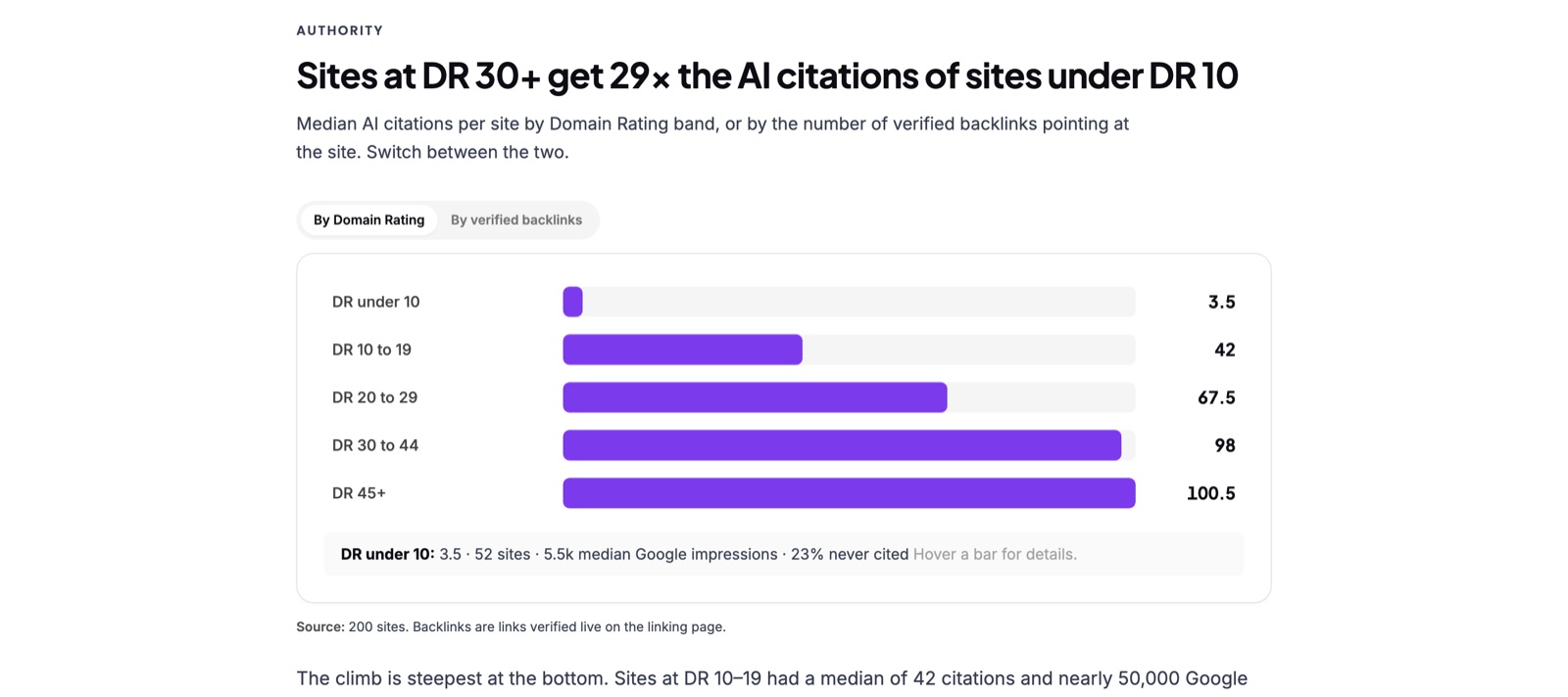
Look at where the curve bends. Sites under DR 10 had a median of 3.5 AI citations. Moving to DR 10 to 19 took the median to 42, a twelvefold jump. From there the gains shrink: 67.5 at DR 20 to 29, 98 at DR 30 to 44, and then 100.5 for sites at DR 45 and above. The 20 sites with the highest authority got almost exactly the same median as the 45 sites in the band below them. Past roughly DR 30, more Domain Rating barely moved AI citations in this data.
Outrank's headline number, "29× the AI citations at DR 30+", is real, but it's measured against sites under DR 10, the weakest group in the sample. It tells you that having no authority at all keeps you out of AI answers. It doesn't tell you that climbing from DR 35 to DR 60 will pay off.
The study also explains why Domain Rating works at all. It lays out a chain, with a rank correlation on each link:
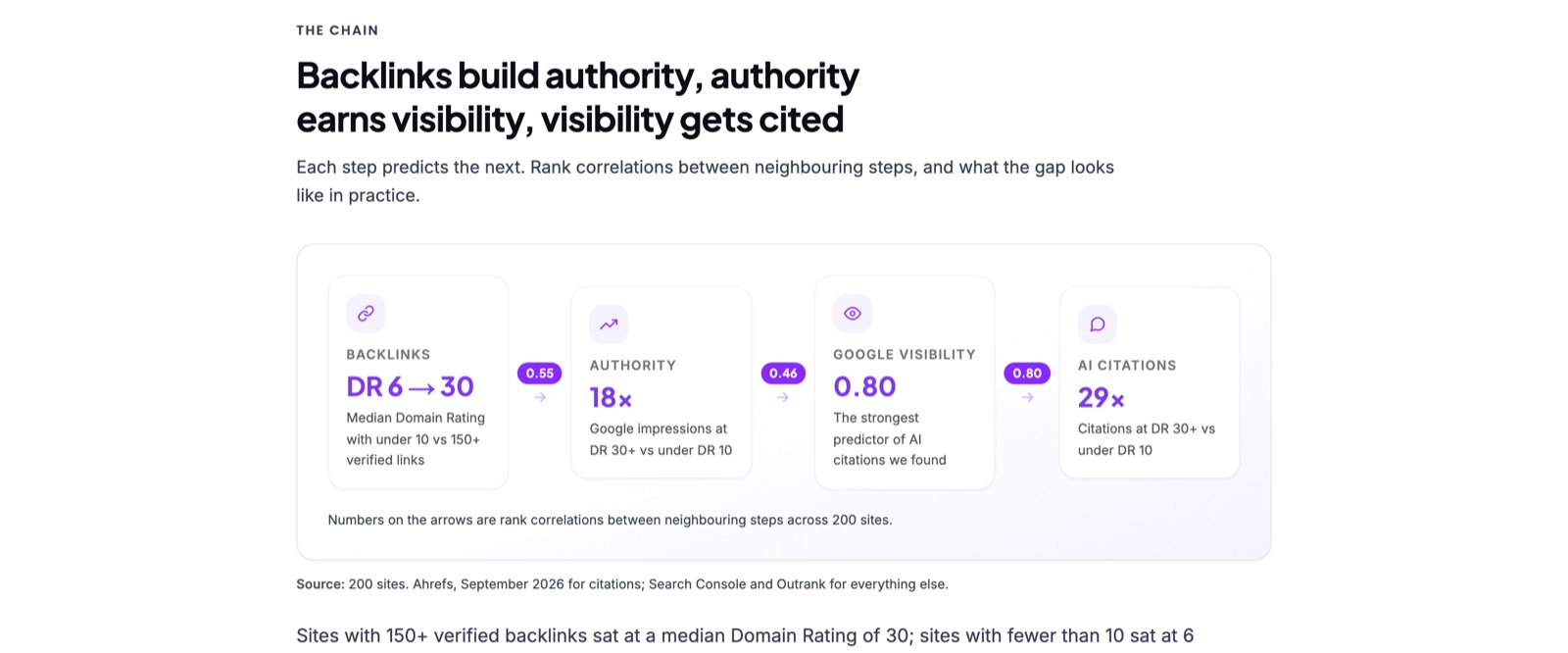
Backlinks lift Domain Rating (0.55). Domain Rating lifts Google impressions (0.46). Google impressions line up with AI citations (0.80). Each link in the chain is weaker than the last one, which matters: a correlation of 0.46 between authority and impressions means plenty of high-DR sites get few impressions, and plenty of modest sites get many. Authority is one way to earn visibility, not a guarantee of it.
Then comes the number the whole "ChatGPT doesn't care about your DR" idea rests on. When Outrank compared sites that Google already showed about equally often, Domain Rating's own link to citations dropped to a partial correlation of 0.12. That's close to nothing. Outrank's own reading is careful: authority "does its work by earning the impressions in the first place." That's how we'd put it too. DR is an input to search visibility, and search visibility is what the assistants see.
## What predicts AI citations better than Domain Rating
Here's the full ranking from the study, every factor Outrank measured against total AI citations:
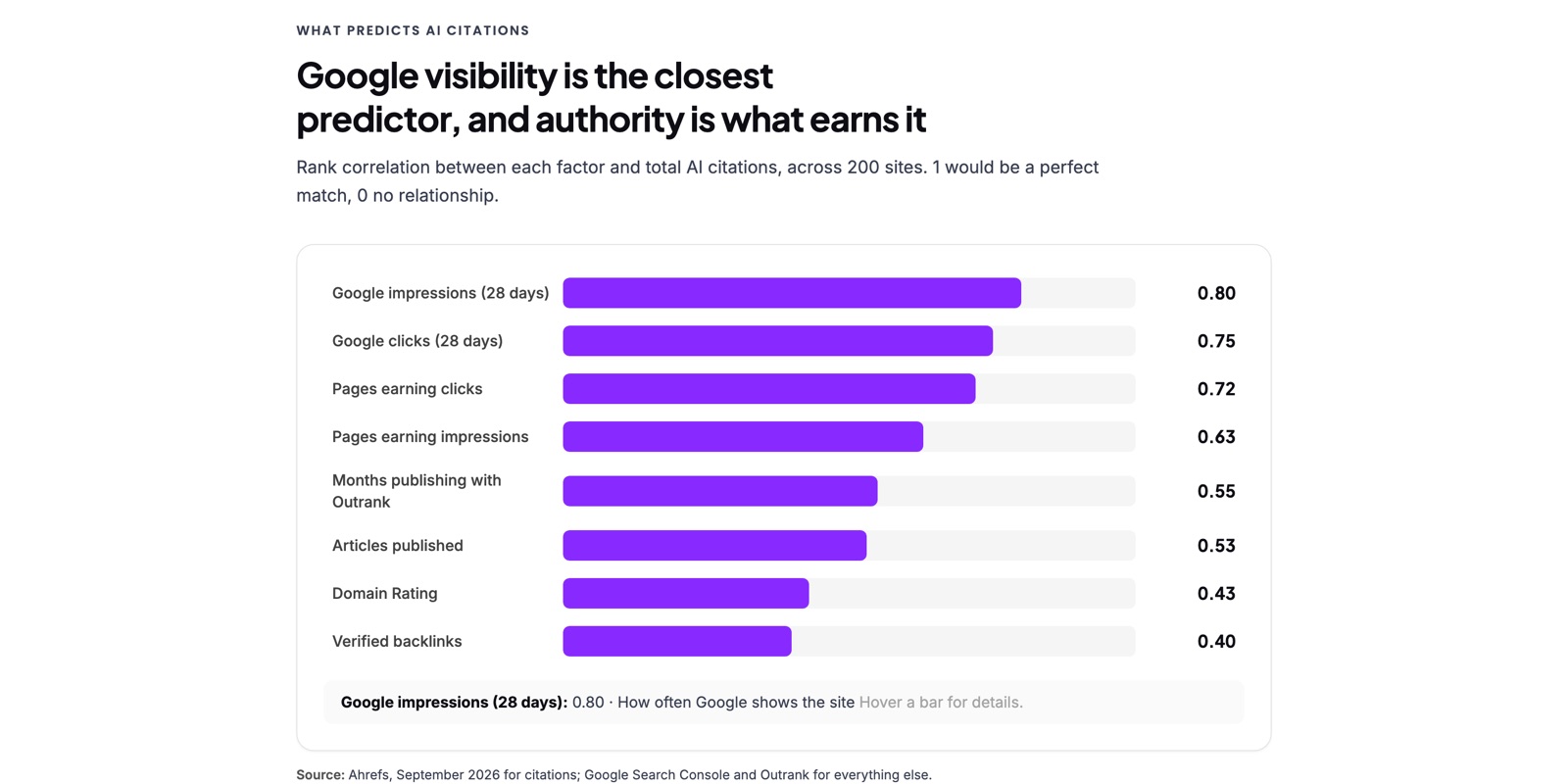
The top four are all things you read in Google Search Console, not in an SEO tool's authority score. Impressions over 28 days lead at 0.80, followed by clicks (0.75), the number of pages earning clicks (0.72) and the number earning impressions (0.63). Domain Rating comes seventh. Verified backlinks come last.
Breadth shows up twice. When Outrank grouped sites by how often Google showed them and then split each group by how much they'd published, the sites with 100 or more articles collected 2.3 to 3.4 times the citations of sites with fewer, at the same visibility. In the most visible third, that was a median of 345 citations against 101. Outrank's explanation is that more pages give an assistant more distinct answers to pull from: the median cited site had only 2.5% of its Google-visible pages quoted anywhere, and you can't know in advance which 2.5% it will be.
There's a floor, too:
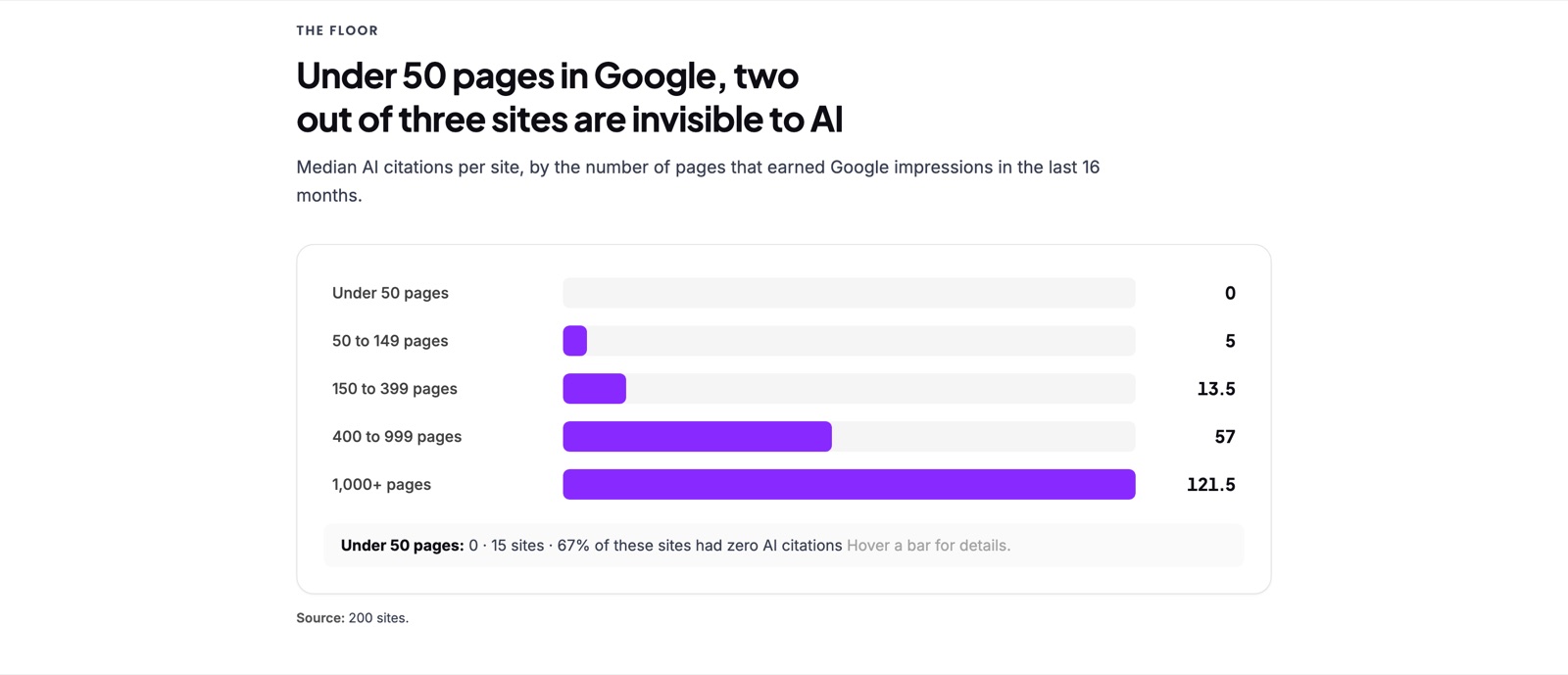
Sites with fewer than 50 pages earning impressions had a median of zero citations, and 67% of them had none at all. Not one of the 110 sites with 400 or more visible pages went uncited. Treat the bottom band carefully, though: it holds just 15 sites, so that 67% is about ten websites.
## Ahrefs' 75,000-brand study points the same way
A vendor study is one data point. The useful check is whether someone with a different sample, and a different thing to sell, finds the same pattern. Ahrefs published one in December 2025: [75,000 brands](https://ahrefs.com/blog/ai-brand-visibility-correlations/), all with a Domain Rating above 40, scored on how often ChatGPT, Google AI Mode and AI Overviews mention them.
| Factor | ChatGPT | AI Mode | AI Overviews |
| --- | --- | --- | --- |
| YouTube mentions | 0.737 | 0.740 | 0.712 |
| Branded web mentions | 0.664 | 0.709 | 0.656 |
| Branded anchors | 0.511 | 0.628 | 0.527 |
| Branded search volume | 0.352 | 0.466 | 0.392 |
| Domain Rating | 0.266 | 0.285 | 0.326 |
| Number of pages on the site | ~0.19 | ~0.19 | ~0.19 |
Correlations with AI brand visibility, from Ahrefs' study by Louise Linehan, December 12, 2025.
For ChatGPT specifically, Domain Rating scored 0.266. People talking about the brand, on YouTube and across the web, scored more than twice that. Since every brand in Ahrefs' sample already had DR 40 or higher, this is the high-authority end of the curve that Outrank's data showed flattening out. The two studies agree on the part that matters for most readers: once you have a decent base of authority, more Domain Rating stops being the thing that gets you into AI answers.
They don't agree on everything. Ahrefs found the number of pages on a site barely mattered (about 0.19), while Outrank found pages earning clicks and impressions mattered a lot (0.72 and 0.63). They measured different things, though. Ahrefs counted brand mentions for large companies; Outrank counted links to small and mid-sized sites. And Ahrefs counted every page a site has, while Outrank counted only pages Google actually shows. A big brand doesn't need 400 blog posts for ChatGPT to know its name. A small SaaS with no brand recognition does need pages that rank, because a search result is the only way the assistant will find it.
## Where ChatGPT fits: 4.8% of the citations
Outrank also split its 53,068 citations by assistant:
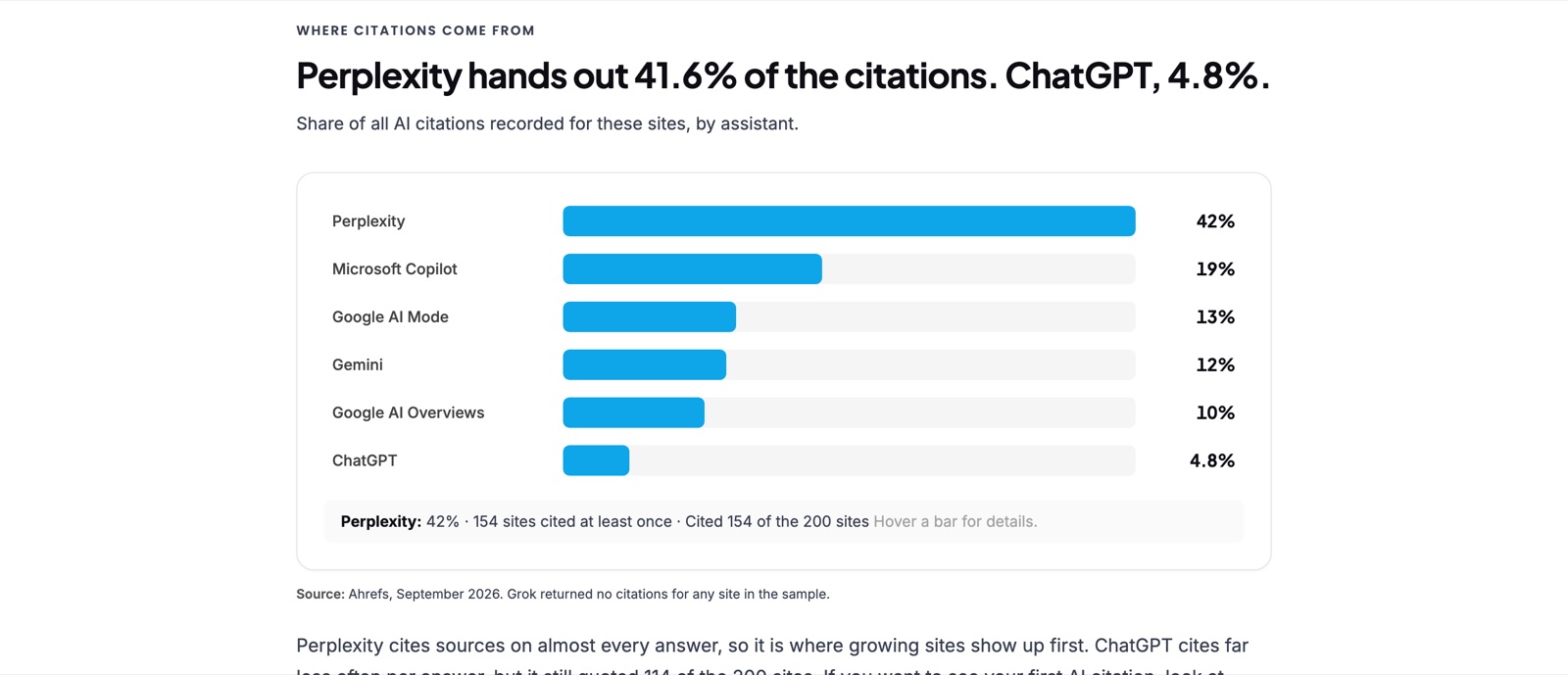
Perplexity handed out 41.6% of all the citations; ChatGPT, 4.8%. Outrank's explanation is how the products work: Perplexity cites sources on almost every answer, while ChatGPT cites far less often per answer. ChatGPT still cited 114 of the 200 sites at least once, so it isn't ignoring small sites; it just cites less often per answer. Grok returned no citations for any site in the sample.
That changes how you should read the study's title. The correlations cover all six assistants pooled, and Perplexity and Copilot supply most of the data. No ChatGPT-only breakdown is published. If you're checking whether your work is paying off, Outrank's own advice applies: you'll usually see your first citations on Perplexity and Copilot before ChatGPT.
On the ChatGPT side, one technical setting decides whether you're eligible at all. OpenAI runs separate crawlers for separate jobs, and [its crawler documentation](https://developers.openai.com/api/docs/bots) is plain about it: OAI-SearchBot "is used to surface websites in search results in ChatGPT's search features," and "sites that are opted out of OAI-SearchBot will not be shown in ChatGPT search answers." GPTBot is a different crawler that collects training data. You can block GPTBot and still allow OAI-SearchBot, but a blanket rule against every AI bot blocks both. OpenAI says robots.txt changes take about 24 hours to reach its systems.
## How to get cited by ChatGPT: a checklist from the data
None of these steps needs a paid tool. They're ordered by what the two studies suggest gives you the most per hour.
1. **Let the crawlers in.** Open your robots.txt and confirm OAI-SearchBot isn't disallowed, either by name or by a `User-agent: *` block. Do the same for Googlebot and Bingbot. If your CDN or firewall has an AI-bot blocking setting switched on, check which crawlers it actually stops.
2. **Get indexed in Google first.** Google's [AI features page](https://developers.google.com/search/docs/appearance/ai-features) says a page needs to be "indexed and eligible to be shown in Google Search with a snippet" to appear as a link in AI Overviews or AI Mode, and that there are "no additional requirements" beyond that: no llms.txt, no special markup. The other assistants run their own searches, but the study's top predictor was Google visibility, so start there.
3. **Clear the 50-page floor.** If Search Console shows fewer than 50 pages earning impressions over the last 16 months, that's your bottleneck. You want pages that answer specific questions your buyers ask, one question per page, not more posts on topics you've already covered.
4. **Track impressions as your AI metric.** Outrank's data puts Google impressions at 0.80 with AI citations. You already have that number for free in Search Console. If it's climbing month over month, assistants are more likely to be finding you, and you don't need a separate tracking tool to tell.
5. **Build links until about DR 30, then shift your effort.** Going from under DR 10 to the teens was the biggest jump in the study. Above 30, the citation curve went flat. If you're already there, put the next hour into steps 3 and 6.
6. **Get your brand mentioned where people talk.** Ahrefs' strongest factors were YouTube mentions and branded web mentions. That means being discussed in videos, podcasts, newsletters and threads, not only linked. A founder posting useful threads on X and LinkedIn with a scheduler like [Typefully](/tools/typefully) builds mentions; so does a short explainer video, which [HeyGen](/tools/heygen) can produce if you won't go on camera yourself.
7. **Write answers that can be quoted on their own.** An assistant quotes a passage, not a page. Put the direct answer in the first two sentences under each heading, with the number in it. This post does exactly that, if you want an example.
Steps 1 and 2 are a single afternoon. Steps 3 and 6 are months of steady work, and they're where most of the result comes from.
## A worked example: a 30-page SaaS site at DR 12
Suppose you run a small B2B SaaS. Hypothetical numbers: 30 pages earning impressions, DR 12, about 3,000 impressions a month in Search Console, and you've never seen your domain cited by an AI assistant.
On Outrank's charts, you sit in the worst spot on two counts. Thirty pages puts you under the 50-page floor, where two out of three sites got zero citations. DR 12 puts you in the 10 to 19 band, which had a median of 42 citations, but those sites also had a median of nearly 50,000 impressions, more than ten times yours. Your problem isn't authority. It's that Google barely shows you.
So you'd skip the reflex of buying links. Over the next six months, you'd write 40 to 60 pages that each answer one question a buyer asks before they buy: "how to do X in Y", "X vs Y for small teams", "what does Z cost". A cheap AI writer like [Rytr](/tools/rytr) can produce first drafts, but every one needs a human pass with your real numbers in it, or it won't rank. You'd watch two numbers in Search Console: pages earning impressions, and total impressions. When the first passes 100 and the second grows month over month, check Perplexity for your brand and main topics. That's where the study says the first citations tend to appear.
Some of that writing will fail. That's normal; the median cited site has only 2.5% of its pages quoted anywhere.
## Where these numbers can mislead you
We'd trust the direction of these findings more than any single figure. Here's why.
- **It's correlation.** Established sites have more of everything: links, authority, articles, impressions and citations. Outrank grouped sites by impressions to control for size, but nothing in the data controls for brand strength, niche or writing quality. Outrank says this on its own page, to its credit.
- **The sample is Outrank's customers.** They all publish Outrank's articles and trade links in its exchange. Outrank notes that in its exchange, publishing more and receiving more links go together (0.79), so the article effect and the link effect are hard to pull apart.
- **One measuring stick.** Every citation count comes from Ahrefs, which tracks a large but fixed set of prompts. A site can be cited for questions outside that set and never show up.
- **One week.** Citations and Search Console data come from the same snapshot. Nobody yet knows how long citations lag behind new rankings.
- **Small bands.** The under-50-pages group is 15 sites. The DR 45+ group is 20.
And keep the obvious in view: the study comes from a company that sells daily articles and backlinks, and its conclusion ("build authority, publish wide") matches its product exactly. That doesn't make it wrong. Ahrefs' independent numbers point the same way on Domain Rating. But it's a reason to treat "up to 3.4× more citations for 100+ articles" as a pattern, not a promise.
## Where Outrank fits, and when to skip it
Outrank automates steps 3 and 5 of the checklist above: it researches keywords, writes and publishes an article a day to your CMS, and places backlinks through an exchange where you host links in your own articles to earn credits for links to yours. Prices from [Outrank's pricing page](https://www.outrank.so/pricing) on October 5, 2026:
| Plan or add-on | Price | What you get |
| --- | --- | --- |
| Organic Growth | $99/month or $999/year | 30 articles a month auto-published, keyword research, backlink exchange, AI images, unlimited users |
| 60 articles a month | +$85/month | Two articles a day for one site |
| 90 articles a month | +$160/month | Three articles a day for one site |
| Backlink Premium | $199/month | Extra monthly backlink credits |
| Human Curated | $1,399/month | Editors review and fact-check every article |
Outrank lets you see its keyword research and generated articles before you pay; trial articles carry a watermark. Sites 2 to 4 get 10% off, and Outrank's affiliate newsletter on October 5 said one Enterprise backlink plan can now cover up to three products.
It suits you if you have a site stuck under the 50-page floor, you know what your buyers search for, and you don't have the hours to write 30 pages a month. Skip it if you have a writer or the time to write well yourself, since the free checklist above covers the same ground; if your niche punishes thin content (medical, legal, finance), where you'd need the $1,399 human tier to be safe; or if you're already well past DR 30 with hundreds of ranking pages, where the data says more of the same won't move citations much and brand mentions are the better bet. We'd also tell you to read a dozen of its sample articles against your own standard before you let it publish to your domain every day.
Want the rest of the tools for running content and growth with a small team, one per job? See [the must-have tools for marketers](/for/marketers), or [the founders' stack](/for/founders) if you're doing all of this yourself. For more on AI writing tools, browse the [AI writing category](/categories/ai-writing).
## Kit MCP: how to connect Claude, ChatGPT or Cursor to your Kit email list
URL: https://minylist.com/blog/kit-mcp
Updated: 2026-10-05
How to set up the Kit MCP with Claude, ChatGPT or Cursor: the server URL, the Kit plan you need, prompts to run first, and the safety checks.
The Kit MCP lets Claude, ChatGPT, Cursor and other AI assistants read your Kit account and act on it: pull broadcast stats, find your most engaged subscribers, tag them, draft a sequence. You add one URL, https://app.kit.com/mcp, sign in to Kit, and click Allow; it needs a paid Kit plan to run. Creator starts at $39 a month. Sends, deletions and unsubscribes always wait for your click inside Kit.
We wrote this from Kit's own setup guide in its help center, its developer docs and its product page, all read on October 5, 2026. We haven't connected a live Kit account for this post, so the setup steps are Kit's, and the worked example near the end is labelled as a hypothetical. The question this guide answers that Kit's pages don't in one place: what the setup looks like in each assistant, what the plan gate is, and where the safety lines sit before you let an AI near your list.
## What the Kit MCP is, and why Kit now calls it AI Connectors
MCP, the Model Context Protocol, is an open standard for plugging AI assistants into outside services. A service publishes an MCP server; an assistant that speaks MCP can then call that server's tools. Kit's server exposes your account: subscribers, tags, segments, sequences, broadcasts, forms, landing pages, custom fields, purchases and reports.
Kit's [developer docs](https://developers.kit.com/mcp/kit-mcp) describe it as "essentially a one-to-one mapping" of Kit's API v4, with every API endpoint available as an MCP tool. The help center counts more than 65 tools. Kit's marketing page says "Kit MCP"; the help center has started calling the same thing "AI Connectors". If you search Kit's help for one name and find the other, it's the same feature.
Kit runs a second, unrelated server at https://developers.kit.com/mcp. That one is read-only access to Kit's developer documentation, for coding agents building on the API. It can't see your account. If you add both to the same tool, Kit suggests naming them `kit` and `kit-docs`.
## Before you start: which Kit plan you need
The connector is part of Kit's paid plans. Kit's [help article](https://help.kit.com/en/articles/14827557-how-to-connect-the-kit-mcp-to-your-ai-tools) is specific about the free plan: you can connect and see the tool list, but running any tool returns an upgrade prompt instead of doing the work.
| Kit plan | Price at 1,000 subscribers | Kit MCP | Users who can connect their own AI tool |
| --- | --- | --- | --- |
| Free | $0 (up to 10,000 subscribers) | Connects, but every tool asks you to upgrade | 1 |
| Creator | $39/month, or $390/year | Yes | 2 |
| Pro | $79/month, or $790/year | Yes | Unlimited |
Prices are from [Kit's pricing page](https://kit.com/pricing) on October 5, 2026; they rise with your list size, and the [full Kit pricing breakdown](/blog/kit-pricing) has every tier. If you're testing, Creator and Pro both have a 14-day trial without a card, which is enough time to connect an assistant and run the prompts below.
You also need an assistant that supports remote MCP servers. Kit lists setup steps for Claude, ChatGPT and Cursor, and points to the MCP docs of Claude Code, Windsurf, Cline, Gemini and Codex for the rest. No coding is involved.
Every user on your Kit account can connect their own assistant, with the same access they already have as editors. Check who has a login before you turn this on.
## How to connect the Kit MCP to Claude
Kit's steps for Claude Desktop:
1. Open Claude Desktop and go to **Customize → Connectors → Add custom connector**.
2. Name it **Kit** and paste the URL `https://app.kit.com/mcp`.
3. Save and restart Claude Desktop. A browser window opens.
4. Sign in to Kit, review the permissions, and click **Allow**. You'll see a "Connected to Kit" page and return to Claude.
If you prefer editing the config file, Kit gives this snippet for `claude_desktop_config.json` (on macOS it's in `~/Library/Application Support/Claude/`, on Windows in `%APPDATA%\Claude\`):
```json
{
"mcpServers": {
"kit": {
"url": "https://app.kit.com/mcp"
}
}
}
```
In Claude Code, the terminal agent, the equivalent is one command, using Claude Code's standard syntax for remote HTTP servers:
```bash
claude mcp add --transport http kit https://app.kit.com/mcp
```
Claude Code then opens the same Kit sign-in when you first use the server. Kit's help notes that desktop apps like Claude Desktop and Cursor use a custom link to bring you back after sign-in; if your browser asks to open the app, that's expected.
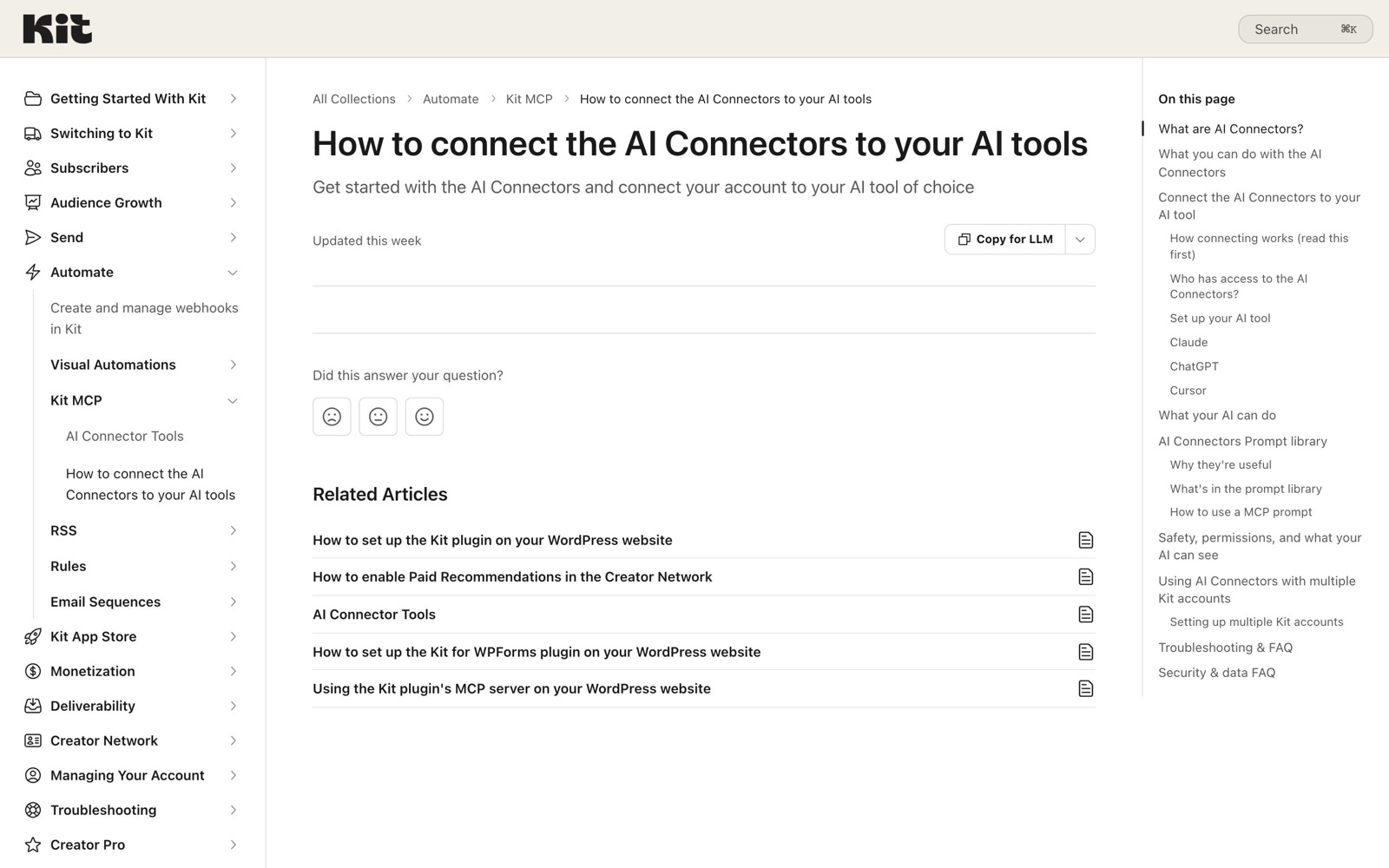
## How to connect ChatGPT and Cursor
**ChatGPT** works on the web only, not in the desktop app, and it needs Developer mode:
1. In ChatGPT settings, open **Security and login → Developer mode** and turn it on. (Some Business, Enterprise and Edu workspaces still have it under **Settings → Apps → Advanced settings**.)
2. Create a new app with the name Kit, a short description, the MCP server URL `https://app.kit.com/mcp`, connection method "public endpoint" and authentication "OAuth".
3. Confirm, then sign in to Kit and authorize access.
4. Start a new chat, choose Developer mode in the composer and select Kit, or mention @Kit where your plan supports app mentions.
Kit's help says OpenAI lists Plus, Pro, Business, Enterprise and Education accounts as eligible for Developer mode on the web, and that available tools and write access can vary by plan and workspace policy.
**Cursor** takes four steps: **Settings → Tools & Integrations → MCP Tools**, click **Add server**, paste the URL, save, and sign in when the browser opens. The config file uses the same JSON as Claude's.
Connecting more than one Kit account? Kit's trick is a different suffix per connector, such as `https://app.kit.com/mcp?brand-a` and `https://app.kit.com/mcp?brand-b`, each with its own name. Your assistant then knows which account you mean when you say "Brand A's open rate last week".
## Kit MCP prompts worth running first
Kit's help center publishes example prompts and a prompt library that shows up in the slash-command menu of Claude Desktop and Cursor. These are the ones from Kit's list that we'd run first, sorted by how much they can change:
| What you want | Prompt (Kit's example) | What the AI does in Kit |
| --- | --- | --- |
| A performance read | "Summarize my last 5 Broadcasts and their open rates." | Reads only |
| A trend | "How has my open rate trended over the last 90 days?" | Reads only |
| Know your audience | "Who are my most engaged subscribers in the last 30 days?" | Reads only |
| Clean up tags | "Which Tags have not had any activity? Suggest any I can archive." | Reads, then suggests |
| Act on a segment | "Find my most engaged subscribers, tag them VIP, and draft a Broadcast just for them." | Writes tags, drafts an email |
| Build a sequence | "Build me a 5-part email sequence for new subscribers." | Creates a draft sequence |
| Edit a landing page | "Update the headline and button copy to be more high-converting on this Landing Page: [URL]" | Edits and can publish the page |
Start with the read-only rows. They tell you whether the assistant understands your account before you let it write anything. Kit's help says the assistant can also edit landing pages and "publish changes instantly", so a page edit can go live without the confirm step a broadcast gets. Ask for the new copy in chat first and apply it once you've read it.
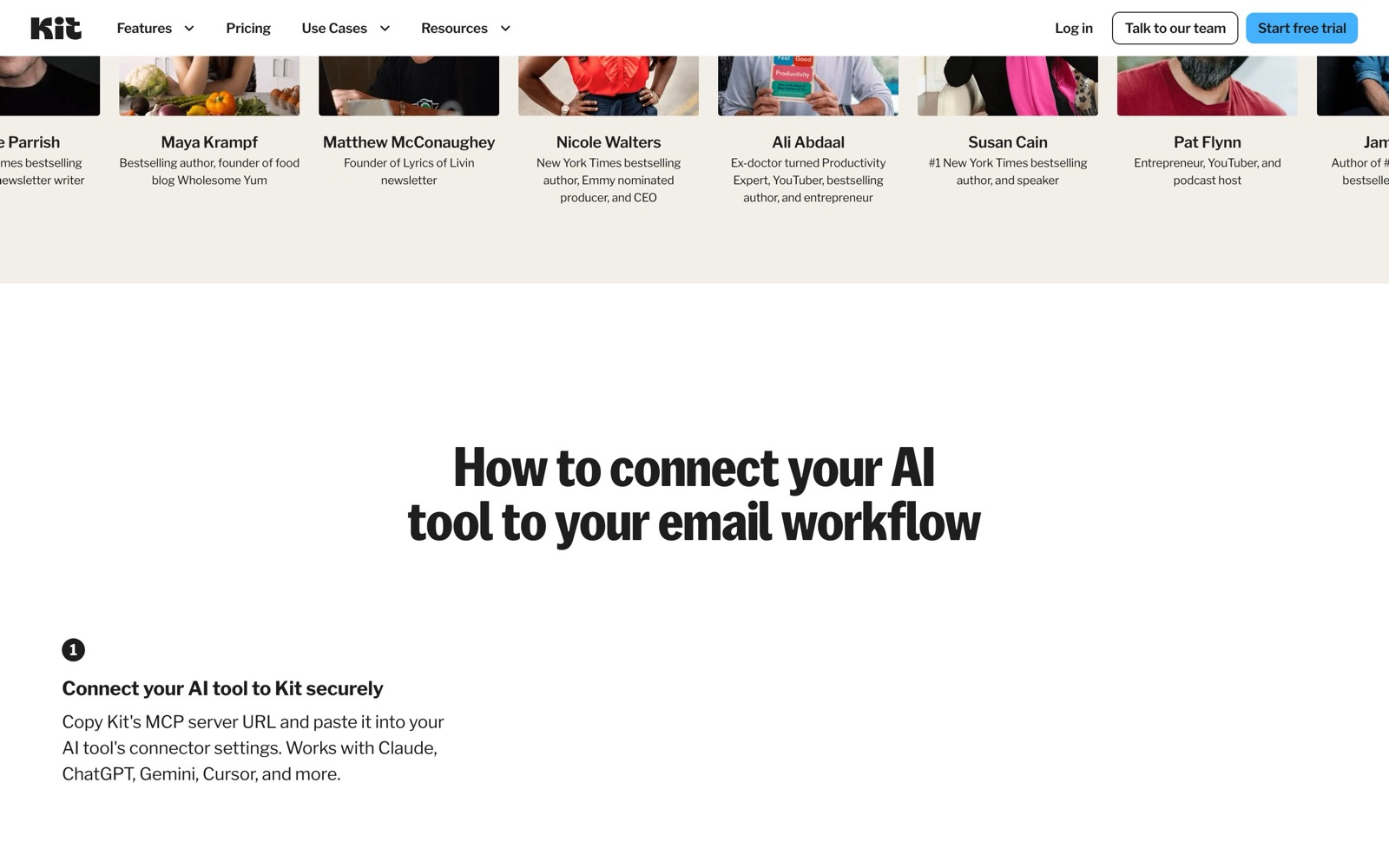
## Safety: what the AI can and can't do on its own
Kit's help puts the protections in three layers, and it's worth knowing which layer is whose.
**Kit's layer.** Every tool carries a risk tag (read, write or destructive) that clients use to decide when to ask before acting. For destructive or outward-facing actions, sending a broadcast, deleting a sequence, unsubscribing a subscriber or firing a webhook, the connector doesn't act at all. It returns a link into Kit, and the change only happens when you click **Confirm** inside the Kit app. An AI can draft and schedule, but it can't send a broadcast to your list without your click in Kit.
**Your assistant's layer.** Whether the assistant asks before each read or write depends on its own permission settings. ChatGPT, for example, ranges from asking every time to allowing lower-risk changes without asking. If you set your client to approve everything, Kit's help warns, it may make changes without checking with you.
**Your layer.** Review each proposed write. If something goes wrong, Kit suggests asking the assistant to undo it first. The connector gives the AI nothing you couldn't already do yourself in Kit, so it can't exceed your own account permissions, but it can do anything your login can.
Two more limits from Kit's docs: each connection is rate-limited to 120 requests a minute, and bulk jobs pause for confirmation roughly every 100 subscribers, because Kit returns subscribers a page at a time and clients confirm each call. That's by design, and Kit says it can't switch it off.
On data: Kit says it doesn't train AI models on Kit data. Once you connect Claude or ChatGPT, it's that company's settings that decide whether your prompts and the subscriber data in them are used for training. Check those settings before you paste a segment of real customers into a chat.
## A worked example: a weekly newsletter check-in
This is hypothetical, built from Kit's documented tools. Suppose you write a weekly newsletter on Kit Creator with 4,000 subscribers, and Monday morning is when you look at last week's numbers.
1. **Ask for the read.** "Summarize my last 4 broadcasts: opens, clicks, unsubscribes, and which links got clicked." The assistant reads broadcast stats; nothing changes.
2. **Ask why.** "Compare the best and worst by subject line style and send day." Still read-only. It's your call whether the pattern is real or noise from four data points.
3. **Find the quiet readers.** "List subscribers who haven't opened in 90 days, grouped by the tag they joined with." Read-only again, and useful before your tier rolls from 3,000 to 5,000 on the [Kit price ladder](/blog/kit-pricing).
4. **Act, with approval.** "Tag them `cold-90` and draft a two-email re-engagement sequence." Your assistant asks before writing the tag; the sequence arrives as a draft in Kit.
5. **Send from Kit.** You read the draft in Kit's editor and start it there. If you'd asked the AI to send a broadcast instead, Kit would have handed you a confirm link.
None of this replaces reading your own emails. The time saved is the export-and-spreadsheet step, which Kit's product page quotes one creator, Dan Cumberland, putting at "nearly three hours a week"; that's his number, not ours.
## Mistakes to avoid and fixes when it won't connect
- **Using the wrong URL.** Paste `https://app.kit.com/mcp` exactly, with no trailing slash. The `developers.kit.com/mcp` address is the docs server and can't see your account.
- **Blocking the sign-in pop-up.** The OAuth flow opens a browser tab on app.kit.com; allow pop-ups for it.
- **Not restarting the client.** Some assistants only load new servers after a restart.
- **Stuck on "Exchanging token".** Close and reopen the client; if it persists, revoke access in Kit's MCP settings and connect again.
- **Tools failing in ChatGPT after a Kit update.** ChatGPT can keep an old copy of Kit's tool list. Kit's fix: delete the app in ChatGPT (disconnecting isn't enough), revoke it in Kit, and create it again under a new name such as "Kit AI".
- **Leaving tokens live.** Removing the server from your assistant doesn't revoke it. Revoke from Kit's MCP settings page when you stop using a client or a contractor leaves.
- **Approving everything to save clicks.** "Always allow" is reasonable for read tools. For writes, keep the prompt.
## Is the Kit MCP worth paying for?
If you're already on Creator or Pro, it's included, and the read-only prompts alone are worth ten minutes to set up. If you're on Free, the MCP by itself isn't a reason to pay $39 a month; sequences and automations are, and the MCP comes with them. Kit isn't alone here: MailerLite lists an MCP on its free plan and beehiiv on Lite, so if AI access is the deciding feature, compare them in our [ranking of email platforms for creators](/blog/best-email-marketing-for-creators).
For the reference facts on Kit, plans and limits, see the [Kit tool page](/tools/kit). If you're building more of your work around AI assistants, the [AI builders stack](/for/ai-builders) and the [must-have tools for founders](/for/founders) are where we'd look next, and our guide to [web scraping with Claude](/blog/web-scraping-with-claude) shows the same MCP pattern for web data.
## Kit pricing in 2026: what ConvertKit really costs at your list size
URL: https://minylist.com/blog/kit-pricing
Updated: 2026-10-05
Kit pricing for 2026, read from kit.com: Free to 10,000 subscribers, Creator and Pro at every list size, yearly savings, sales fees and cheaper options.
Kit pricing starts at $0: the Free plan covers up to 10,000 subscribers with unlimited forms, landing pages and newsletters. You pay once you want automation: Creator is $39 a month at 1,000 subscribers and $139 at 10,000, billed monthly. Pro, the only plan with more than two users, runs $79 to $189 across the same range. Yearly billing takes about 17% off, and sales carry a 3.5% + 30¢ fee.
We read every number below from [kit.com/pricing](https://kit.com/pricing) on October 5, 2026, with the billing toggle set both ways and the subscriber slider stepped from 1,000 to 25,000. Kit used to be called ConvertKit; the plans are the same product under the new name. Nobody on our side ran a paid Kit account for this post, so the costs are list prices, and the scenarios are our own arithmetic, labelled as such.
What this post adds to Kit's own page: the whole price ladder in one table (Kit shows one tier at a time), the all-in cost for three kinds of creator, the fees that sit on top, and the plan we'd pick at each stage.
## Kit pricing at a glance
Kit has three plans. Every price depends on how many active subscribers you have, so the table shows the entry point at 1,000 subscribers and what changes between plans. The [Kit tool page](/tools/kit) keeps the same facts as a reference.
| Plan | Monthly billing (1,000 subs) | Yearly billing (1,000 subs) | Users | What it adds |
| --- | --- | --- | --- | --- |
| Free | $0 | $0 | 1 | Unlimited landing pages, forms and broadcasts; tags and segments; sell digital products; free up to 10,000 subscribers |
| Creator | $39/month | $390/year ($33/month) | 2 | Unlimited Visual Automations and sequences, Kit MCP, integrations, RSS campaigns, SMS, branding removal, 24/7 support |
| Pro | $79/month | $790/year ($66/month) | Unlimited | Subscriber Signals, engagement scoring, deliverability reporting, content A/B tests, Facebook custom audiences, referral program, priority support |
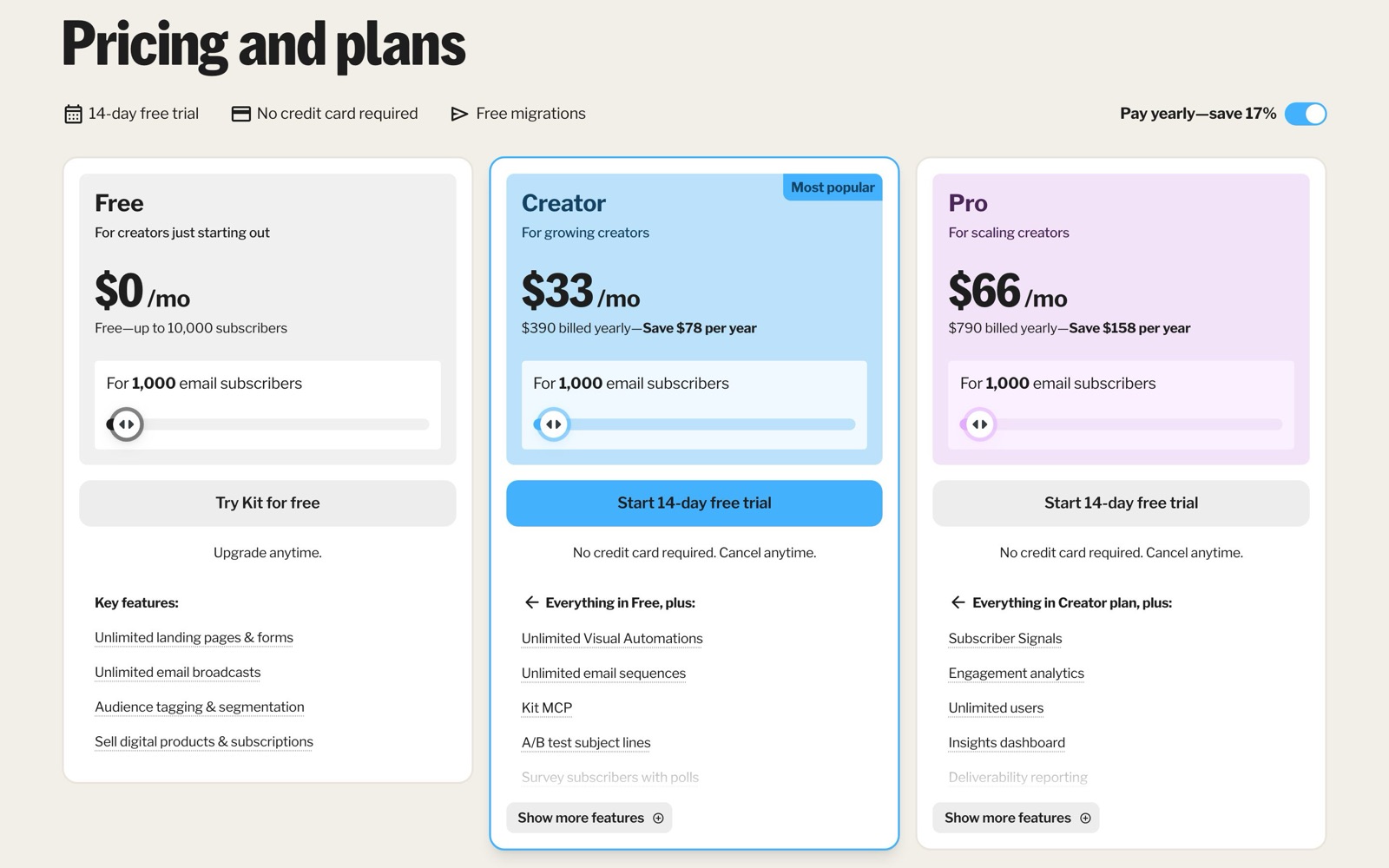
Both paid plans have a 14-day free trial that doesn't ask for a card. When it ends, Kit's FAQ says you either add a card to keep the plan or continue on Free.
## What each Kit plan leaves out
The Free plan is large on list size and small on automation. It has no Visual Automations, no email sequences, no RSS campaigns, no App Store integrations and no Kit MCP, and it keeps Kit's branding on your emails and pages. One person can log in. For a weekly newsletter that you write and send by hand, none of that matters. For a welcome series, a launch funnel or a lead magnet that should trigger follow-ups, it's the whole reason to pay.
Creator unlocks the automation side: unlimited Visual Automations and sequences, subject-line A/B tests with two variants, polls, SMS marketing, the App Store, RSS-to-email and the [Kit MCP](/blog/kit-mcp) for AI assistants. Its limit is people. Two users can share the account, which is fine for a creator and an assistant and tight for anything bigger.
Pro is where the analysis tools live. Subscriber Signals shows demographics and social reach behind each email address, engagement scoring ranks subscribers, and deliverability reporting breaks results down by inbox provider. It also adds collaborative editing, content A/B tests with up to five subject lines, a newsletter referral system through a free SparkLoop plan, and editing links in emails you already sent. Unlimited users are the reason most teams end up here, not the reports.
Some things are on every plan, Free included: the API, custom HTML templates, conditional content with Liquid, and selling digital products, paid newsletters, subscriptions and tips.
## What Kit costs at your list size
Kit's page shows one tier at a time behind a slider. We stepped through it and copied each price. Monthly prices are what you pay billed month to month; yearly is the annual invoice.
| Subscribers | Creator monthly | Creator yearly | Pro monthly | Pro yearly |
| --- | --- | --- | --- | --- |
| Up to 10,000 on Free | $0 | $0 | – | – |
| 1,000 | $39 | $390 | $79 | $790 |
| 3,000 | $59 | $590 | $99 | $990 |
| 5,000 | $89 | $890 | $139 | $1,390 |
| 10,000 | $139 | $1,390 | $189 | $1,890 |
| 25,000 | $199 | $1,990 | $279 | $2,790 |
| 45,000 | $319 | – | $447 | – |
| 95,000 | $619 | – | $807 | – |
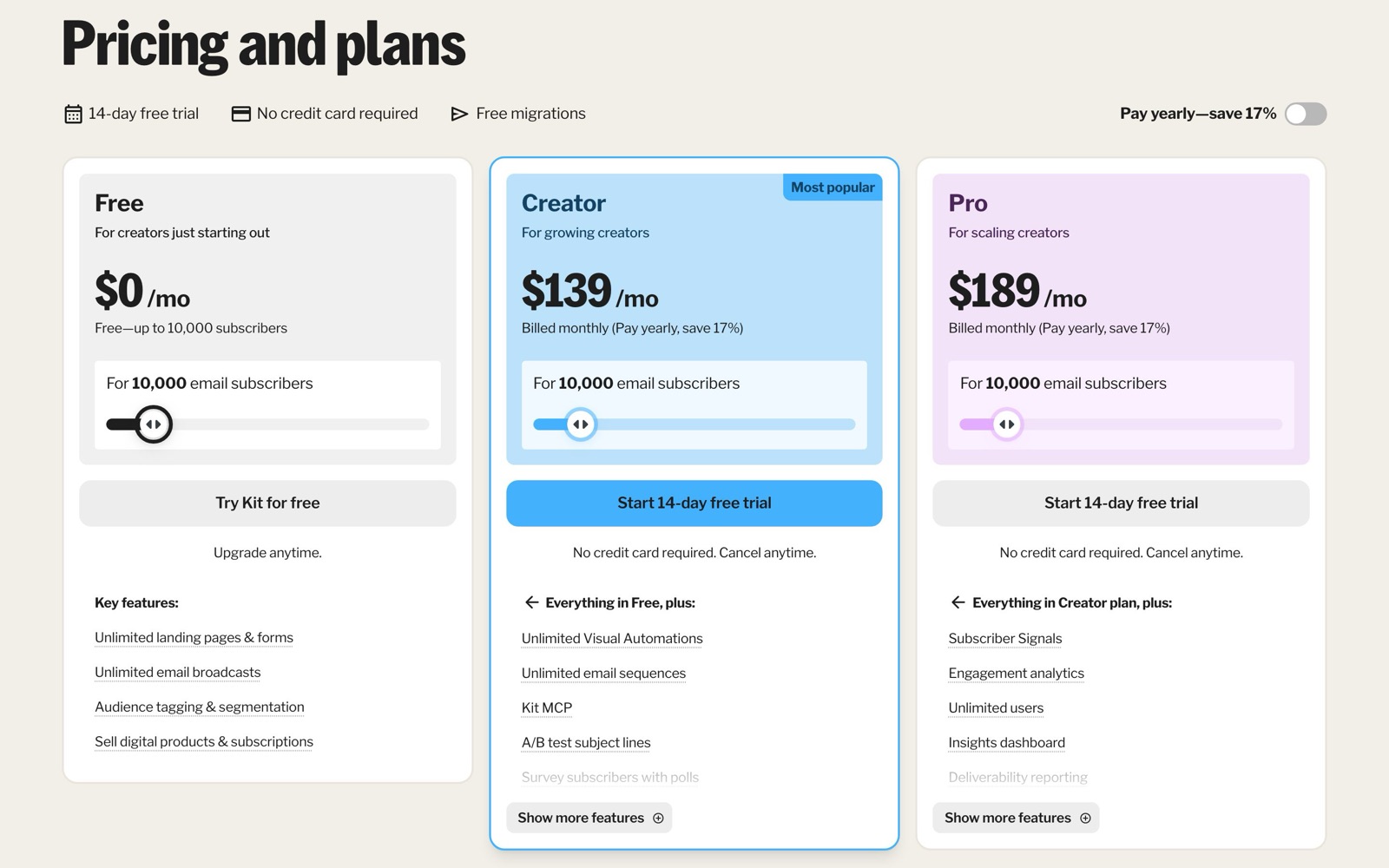
Two rules shape the bill. Kit counts unique, active subscribers, so a person who joined through three forms counts once. And when you cross a tier, Kit upgrades you to the next one automatically and keeps sending. Going back down after a list clean-up isn't automatic: Kit's FAQ says to email help@kit.com so the team can adjust the plan by hand. If you're about to delete a few thousand cold subscribers, send that email the same day.
There are no sending caps. Mailchimp's paid plans, by contrast, cap monthly sends at 10, 12 or 15 times your contact count depending on the plan, according to [Mailchimp's own help center](https://mailchimp.com/help/about-mailchimp-pricing-plans/). On Kit, sending twice a week instead of once doesn't change the price.
## All-in cost for three kinds of creator
These are hypothetical creators, built from Kit's list prices so you can find the one closest to you. "All-in" includes the sales fee where the creator sells something.
| Who | Plan | Billing | Kit plan cost | Fees on top | Year one, all-in |
| --- | --- | --- | --- | --- | --- |
| A writer with 2,000 subscribers and a weekly newsletter, no automation | Free | – | $0 | None | $0 |
| A course creator with 3,000 subscribers, a welcome sequence, selling 20 courses at $100 in the year | Creator | Yearly | $590 | 20 × ($3.50 + $0.30) = $76 | $666 |
| A team of three running a 10,000-subscriber newsletter with a paid tier (100 readers at $10/month) | Pro (three users rule out Creator) | Yearly | $1,890 | 1,200 payments × $0.65 = $780 | $2,670 |
The middle row is where most paying Kit users sit. The plan is the main cost and the course fees are small. The third row shows what a team changes: three people can't share Creator's two seats, so the newsletter jumps to Pro and $500 a year more than Creator at the same list size. If only two people need to log in, Creator covers them and the gap closes.
## Monthly vs yearly billing on Kit
Yearly billing saves about 17% on both paid plans. In dollars, by our arithmetic from the table above:
- Creator at 1,000 subscribers: $468 a year paid monthly, $390 yearly. You save $78.
- Creator at 10,000: $1,668 against $1,390. You save $278.
- Pro at 10,000: $2,268 against $1,890. You save $378.
- Creator at 25,000: $2,388 against $1,990. You save $398.
Pay monthly for the first few months if your list is growing fast. Kit moves you up a tier automatically when you pass a limit, and a yearly plan bought at 3,000 subscribers won't stay at that price if you reach 5,000 by spring. Once the list is stable, switch to yearly. Kit's refund window is 30 days from when you sign up for the account, and the [terms](https://kit.com/terms) say cancelling later doesn't refund the rest of the period, so don't buy a year on day 40 to test something.
## The fees on top: sales and Paid Recommendations
Kit takes 3.5% + 30¢ on each product, paid newsletter or subscription payment, and the pricing page says that figure includes card processing. It's the same on Free, Creator and Pro. Paid Recommendations, where other newsletters pay you for sending them subscribers, carries a 23.5% Kit fee on what you earn.
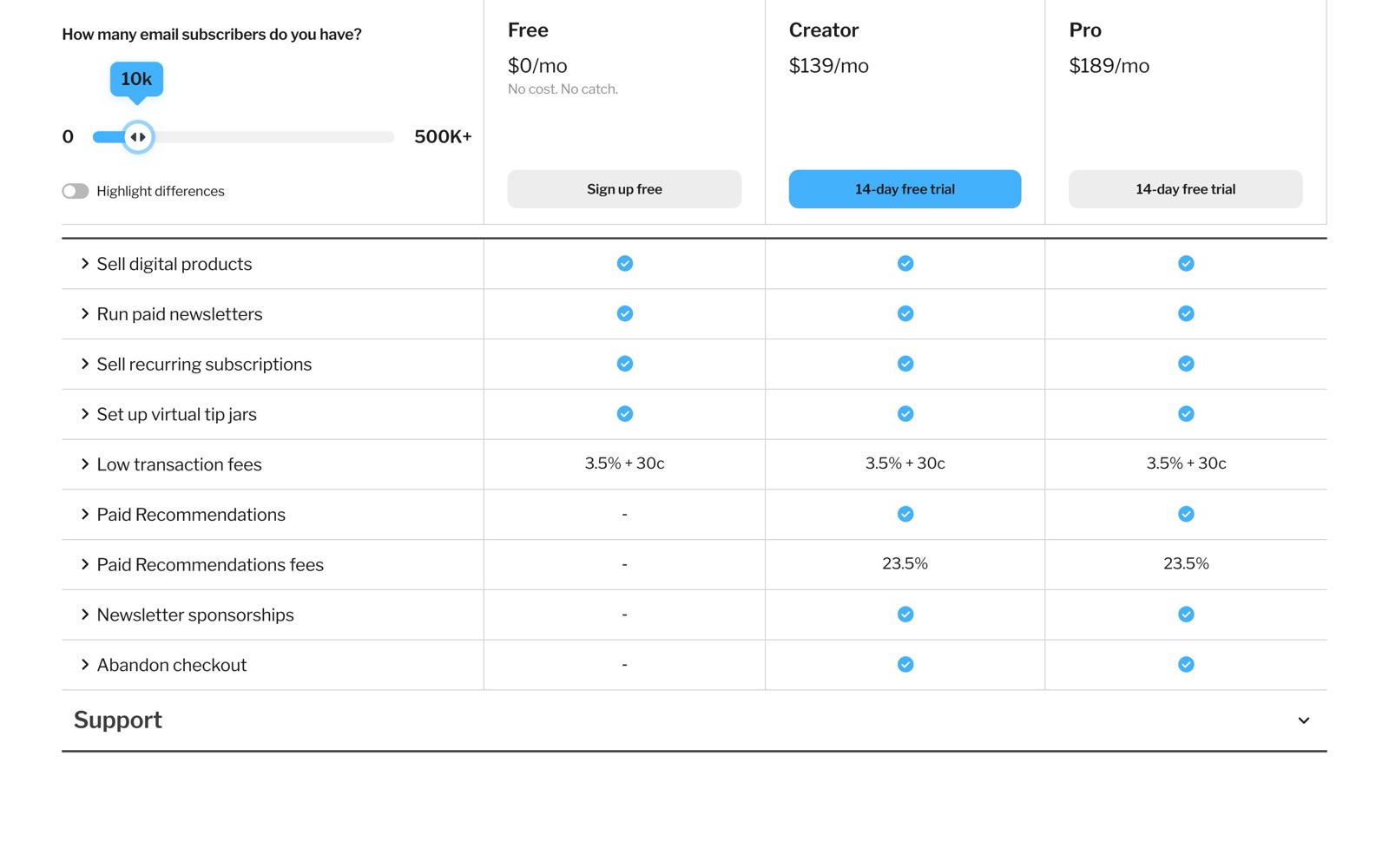
How that compares on one $10 subscription payment, using each company's own published fees:
| Platform | What it takes on a $10 payment | 100 paid readers, per month |
| --- | --- | --- |
| Kit | 3.5% + $0.30 = $0.65 (card processing included) | $65 |
| beehiiv | 0% platform fee; Stripe's 2.9% + $0.30 = $0.59 | $59 |
| Substack | 10% + Stripe 2.9% + $0.30 + 0.7% Billing = $1.66 | $166 |
Sources: [beehiiv's pricing FAQ](https://www.beehiiv.com/pricing) states the 0% take rate, and [Substack's help center](https://support.substack.com/hc/en-us/articles/360037607131) lists its 10% and Stripe's fees. At 100 paying readers, Kit's fee is close to beehiiv's and well under Substack's. The plan price is the difference: beehiiv's paid subscriptions start on Lite at $49 a month billed yearly, and Substack charges nothing to publish.
One limit sits outside the price. Kit Commerce pays out through Stripe connected accounts, and Kit's terms list the supported countries. India isn't on that list, so a creator based there can send newsletters on Kit but has to sell through another checkout.
## How not to overpay for Kit
- **Stay on Free until you need a sequence.** A list under 10,000 that gets a hand-written newsletter costs nothing. Upgrade the week you build your first automation, not before.
- **Clean the list before your tier rolls over.** Unsubscribing people who haven't opened in six months can keep you under 5,000 or 10,000. Then email help@kit.com, because Kit won't move you down by itself.
- **Use the trial for the work that needs paying for.** Build the welcome sequence and automations during the 14 days, so you know Creator is the plan you need before the first charge.
- **Don't buy Pro for one extra seat if a contractor can work from exports.** Pro costs $40 to $80 a month more than Creator between 1,000 and 25,000 subscribers. If a third person only reads reports, share the numbers instead.
- **Ask for the free migration.** It's included on paid plans: under 10,000 subscribers Kit moves subscribers, tags, lists and segments in 2 to 5 business days, and above that it also rebuilds forms and automations.
- **Watch for the Black Friday deal.** Kit's affiliate program hub says Kit discounts only once a year, for Black Friday. If you're deciding in November, wait for it.
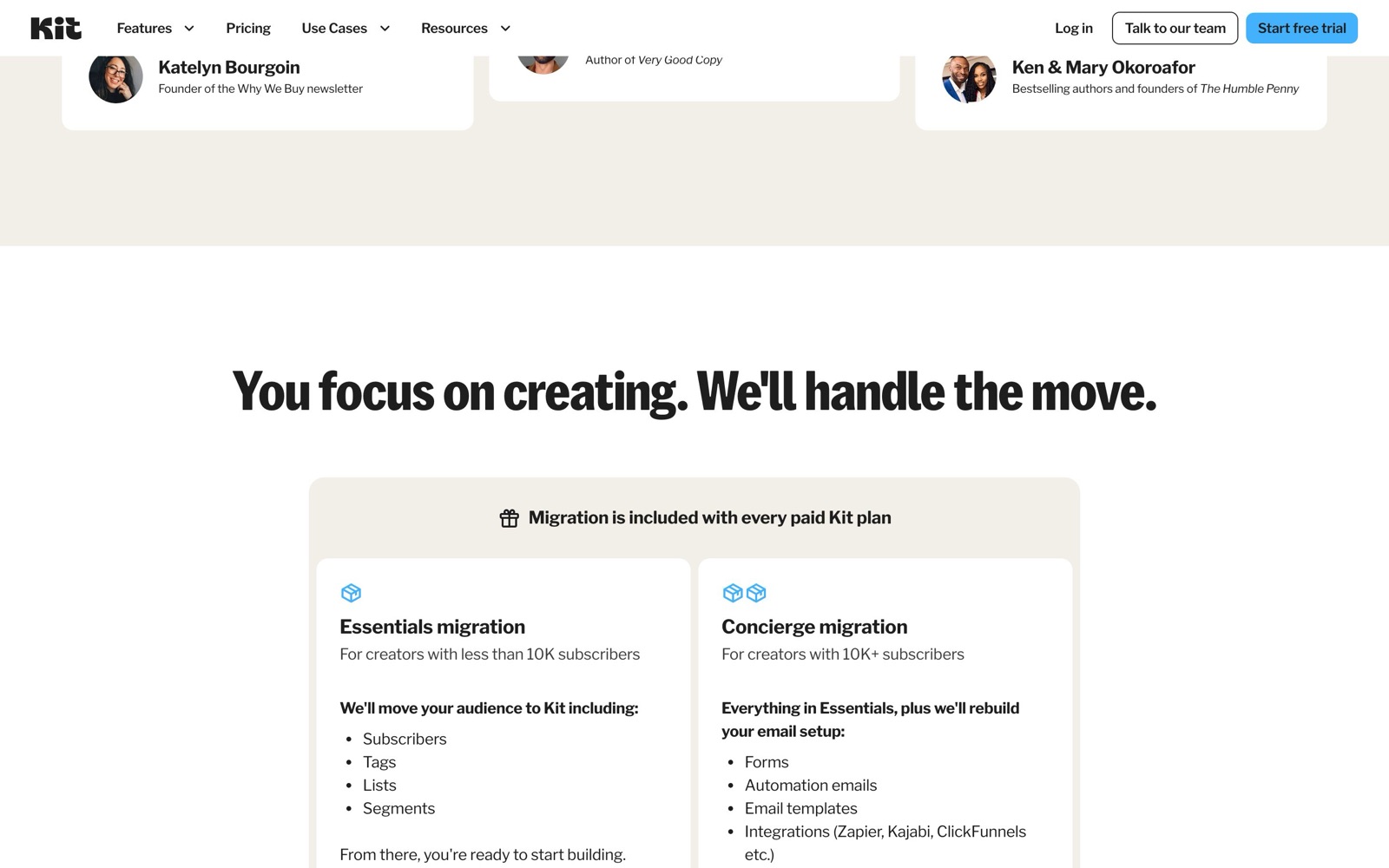
## Cheaper alternatives to Kit
Each price here comes from the vendor's own page on October 5, 2026.
- **MailerLite** is free up to 250 subscribers and 2,500 emails a month. Comfort is $12 a month (or $10.80 billed yearly) for 500 subscribers, 5,000 emails and 50 automations, per [MailerLite's pricing](https://www.mailerlite.com/pricing). It's cheaper than Kit for small lists that need automation, but it caps sends on its lower plans.
- **beehiiv** is free up to 2,500 subscribers. Lite, which adds automations and paid subscriptions, is $49 a month billed yearly at 1,000 subscribers, and it takes 0% of paid subscription revenue. It's the pick if your newsletter is a publication with a website and ads.
- **Mailchimp** is free up to 250 contacts and 500 sends a month. Its paid prices vary by region (its page showed us local prices from India), so check them yourself; its help center lists the send caps and seat limits. Our [Mailchimp alternatives page](/alternatives/mailchimp) lists its plans next to Kit's.
- **Substack** costs nothing to publish and keeps 10% of paid subscriptions. It has no automations or landing pages, but it has a reader app and network.
If you're comparing several of these, our [ranking of the best email marketing for creators](/blog/best-email-marketing-for-creators) puts them side by side by job.
## Which Kit plan should you pick?
- **Free**, if you send a newsletter by hand to fewer than 10,000 people and work alone. Most new creators should start here.
- **Creator**, the moment you want a welcome sequence, a funnel for a course or ebook, or Kit connected to WordPress, Shopify or an AI assistant. Yearly once your list growth slows.
- **Pro**, if three or more people need logins, or if your list is large enough that engagement scoring and deliverability reports change what you send. At 10,000 subscribers it's $50 a month more than Creator.
- **Something else**, if you sell from India or another country Stripe connected accounts don't support (Kit can't take your payments), or if all you want is a free publication with a reader network (Substack).
Our take: for most creators, Creator billed yearly is the right plan, bought the week the first automation goes live. The free plan is the best reason to start on Kit, and the tier ladder is the cost to watch as the list grows.
For the rest of a solo business's toolkit, see [the must-have tools for founders](/for/founders) and [the stack for freelancers](/for/freelancers), where Kit is the email pick.
## Kit review: is ConvertKit's free plan and creator toolkit worth building your list on?
URL: https://minylist.com/blog/kit-review
Updated: 2026-10-05
Our Kit review for 2026: what kit.com (formerly ConvertKit) does for creators, the free plan to 10,000 subscribers, real costs, the catch and alternatives.
Kit, formerly ConvertKit, is email marketing built for creators who sell something: authors, coaches, course creators, YouTubers. It runs your sign-up forms, newsletters, automated sequences and a checkout in one account. In this Kit review the short answer is yes for most creators: it's free up to 10,000 subscribers, and Creator adds the automations at $39 a month. The catch is the price ladder: automation isn't free, and the bill climbs with every tier.
We reviewed Kit from its public pages, pricing, help center and developer docs as of October 5, 2026, plus a read of what creators said about it on Reddit and X over the past year. We did not run a Kit account for this review, so nothing below is a claim about how it felt to use; where Kit makes a claim we couldn't check, such as its delivery rate, we say it's Kit's. Our score is 4.2 out of 5, with the scoring explained on the [Kit tool page](/tools/kit).
What this review gives you that kit.com doesn't: the cost at your list size, the limits the plan cards don't mention, what people who use it complain about, and who should pick something else.
## Kit at a glance
| | Kit |
| --- | --- |
| What it is | Email marketing for creators: forms, landing pages, newsletters, sequences, automations, digital product sales |
| Former name | ConvertKit |
| Who runs it | Nathan Barry, founder and CEO (per Kit's about page) |
| Free plan | Up to 10,000 subscribers, 1 user, no automations |
| Paid plans | Creator from $39/month, Pro from $79/month, at 1,000 subscribers, billed monthly |
| Yearly billing | About 17% off ($390/year Creator, $790/year Pro at 1,000) |
| Sending limits | None on any plan |
| Sales fee | 3.5% + 30¢ per payment, card processing included |
| Integrations | Kit App Store (WordPress, Zapier, Shopify, Canva, Calendly and more), API v4, Kit MCP for AI assistants |
| Trial and refund | 14-day trial on paid plans, no card; refunds within 30 days of signing up |
| Migration | Free on paid plans |
## How Kit works
Kit is organised around one list of subscribers and the tags on them, not around separate lists. Someone who joins through your podcast page and later downloads a checklist is one subscriber with two tags, and Kit only counts unique, active subscribers toward your bill. That model is the reason Kit suits creators with several offers: you can tell who came for what without paying for the same person twice.
People arrive through forms (inline, modal, slide-in or sticky bar) embedded on your site, through landing pages Kit hosts, through integrations such as WordPress or Shopify, or through Kit's Recommendations network. Each entry point can deliver a freebie by email and add a tag.
You then email them in two ways. Broadcasts are one-off sends, such as this week's newsletter, to everyone or to a segment. Sequences are timed series that each subscriber moves through at their own pace, such as a five-day welcome course. Visual Automations connect the two: a trigger (joined a form, bought a product, clicked a link, got a tag) starts a path that can wait, branch, add someone to a sequence or tag them for later.
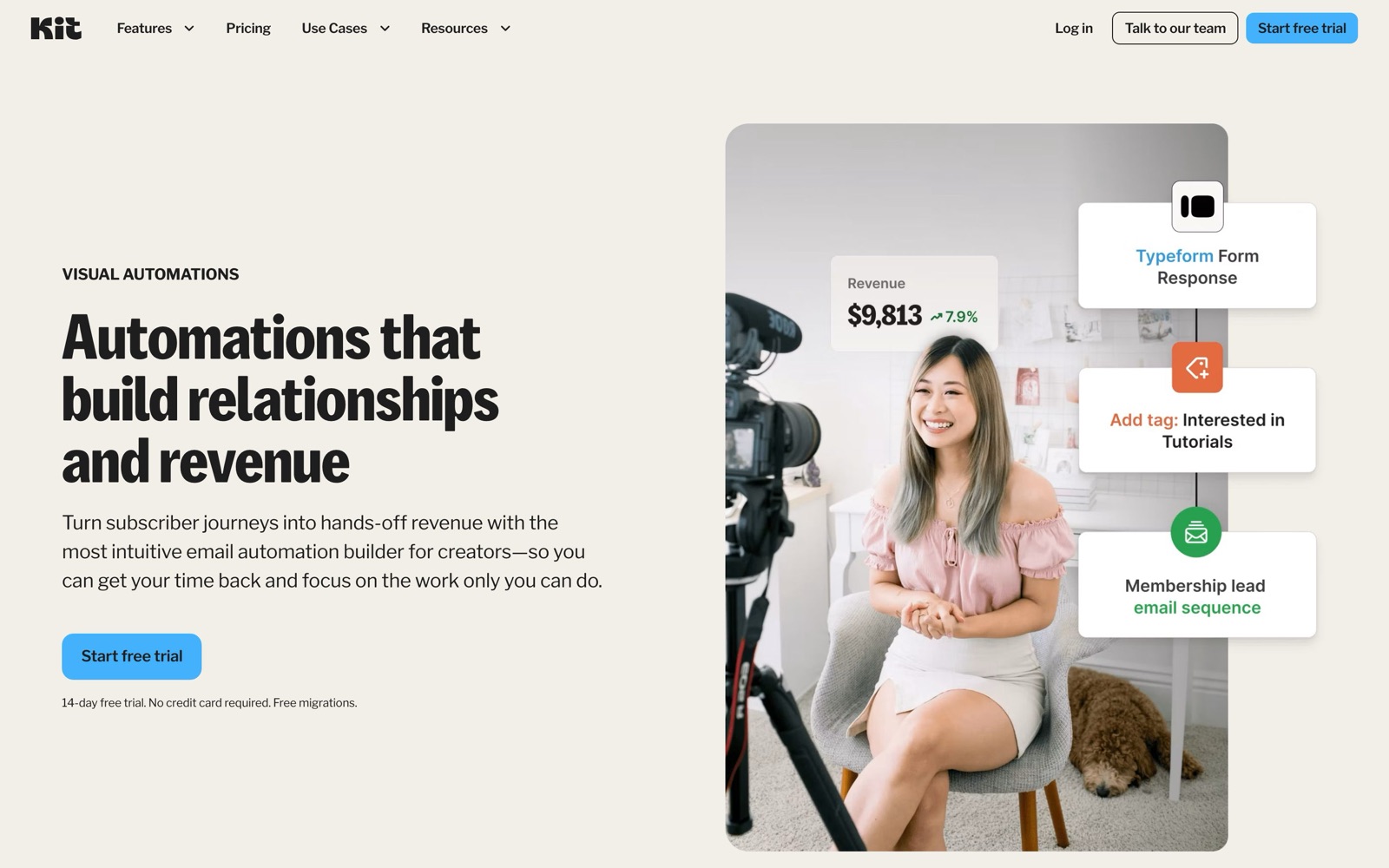
Commerce sits in the same account. You create a product page or a paid newsletter, connect Stripe, and Kit takes the payment, delivers the file or access, and tags the buyer so an automation can follow up. Every plan can sell, Free included, at 3.5% + 30¢ per payment.
The connective tissue is the [Kit App Store](https://kit.com/apps), the API and the Kit MCP. The App Store lists apps for WordPress, Zapier ("7,000+ apps"), Canva, Shopify, WooCommerce, Calendly, Typeform, Thinkific and others. The API is version 4, with OAuth and webhooks, and Kit lists API access on every plan. The MCP lets an AI assistant work on your account; we cover it in our [Kit MCP setup guide](/blog/kit-mcp).
## A real job: a welcome sequence that sells a course
The job Kit is built for is turning a new subscriber into a buyer without you doing anything by hand. Here's how that looks in Kit, step by step from its documented features. The creator is hypothetical: a designer with 1,500 subscribers launching a $149 course.
1. **The entry point.** A landing page offers a free one-page checklist. The form tags each person `checklist` and emails the PDF.
2. **The sequence.** A five-email welcome sequence goes out over ten days: the checklist explained, two short lessons, a student story, then the course offer with a deadline.
3. **The automation.** A Visual Automation starts the sequence when the `checklist` tag is added, and removes buyers from it the moment a purchase lands, so nobody who paid gets the "last chance" email.
4. **The checkout.** The course sells from a Kit product page through Stripe. Kit tags the buyer `customer-course` for later offers.
5. **The newsletter keeps going.** Everyone, buyers or not, still gets the weekly broadcast.
What it costs: Free can do steps 1, 4 and 5, but not 2 or 3, because sequences and automations start on Creator. At 1,500 subscribers you'd be on the 3,000 tier, $59 a month billed monthly or $590 a year. If 20 people buy the course over the year, Kit's fee is 20 × ($5.22 + $0.30) = about $110, by our arithmetic. That's the shape of most paid Kit accounts: a plan in the tens of dollars a month that pays for itself with a handful of sales.
Substack's pages don't offer the sequences or landing pages this setup runs on. On beehiiv it needs Lite, which is $49 a month billed yearly at 1,000 subscribers.
## Setting Kit up: what the first week looks like
None of this is hard, but the order matters, and getting it wrong is what usually costs creators deliverability or money. This is the sequence we'd follow, built from Kit's pricing, migration and help pages:
1. **Open a free account.** No card is needed. If you're moving from another platform and plan to pay, start the 14-day Creator trial instead, because the free migration is only for paid plans, and the 30-day refund clock starts when you sign up.
2. **Authenticate your sending domain** before anything else. Mail sent from your own domain, with the DNS records Kit gives you, builds a sender reputation that belongs to you, and Kit's help center has a whole "Technical Setup for Success" section on it.
3. **Bring the list over.** Under 10,000 subscribers, Kit's team moves subscribers, tags, lists and segments in 2 to 5 business days. Above that, its concierge migration also rebuilds forms, automation emails, templates and integrations such as Zapier or Kajabi. Doing it yourself with a CSV works too; import with a tag that says where each person came from.
4. **Replace your sign-up forms.** Build the form in Kit, embed it where the old one was, and point the freebie email at the file you already give away.
5. **Connect the rest of your tools** from the App Store: WordPress for site forms, Shopify or WooCommerce for buyers, Calendly for booked calls, Zapier for anything else.
6. **Build the first sequence last,** once real subscribers are arriving, so you can test it on yourself with a real form.
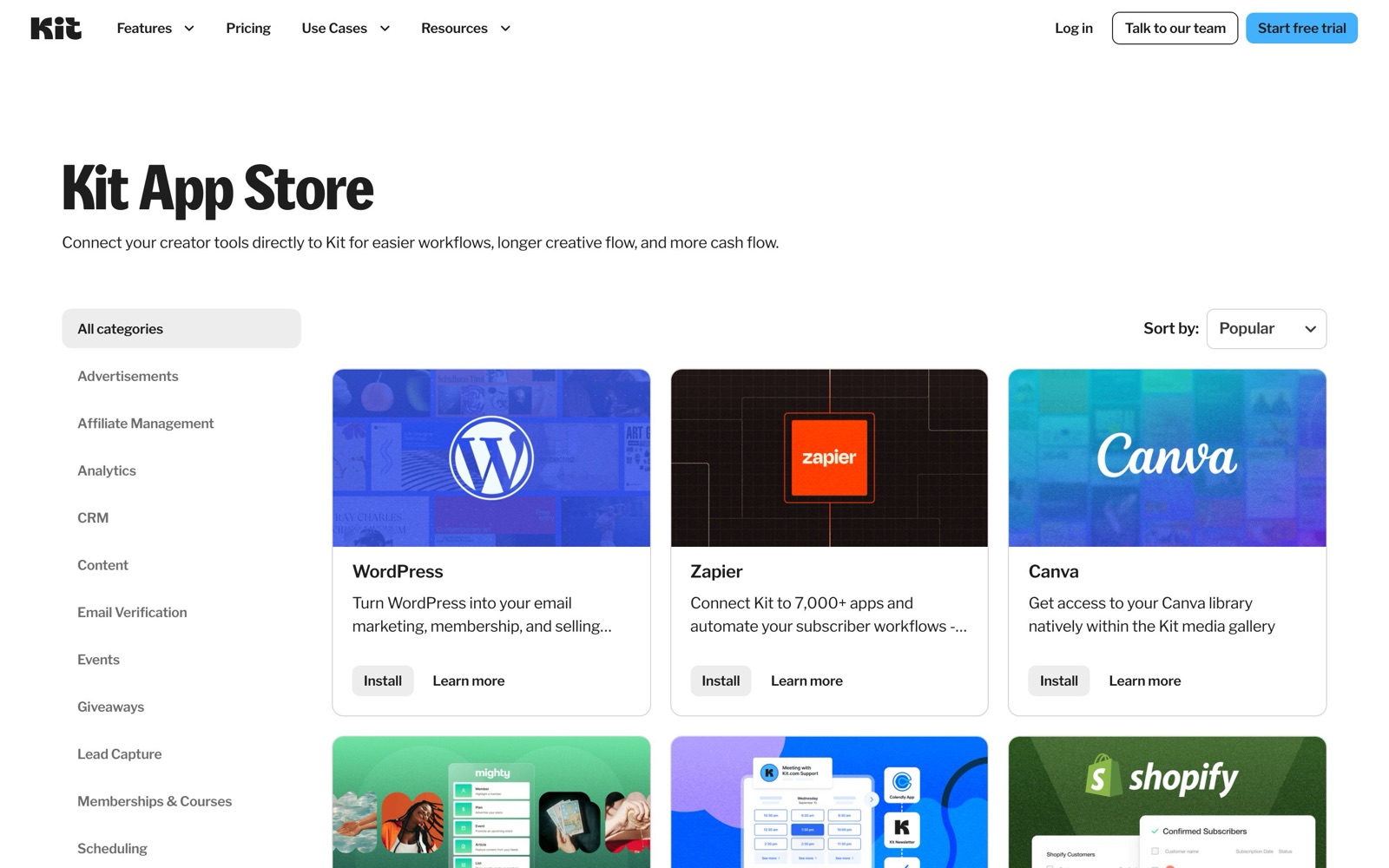
Kit's help center is large and well organised, with sections for automations, deliverability, the Creator Network and Pro features. For a creator who has never built an automation, Visual Automation templates are the shortest path: Kit includes a template library on both paid plans.
## What Kit costs as your list grows
Kit's prices step up with your subscriber count, and the step is the cost to plan for. From [Kit's pricing page](https://kit.com/pricing), billed monthly:
- 1,000 subscribers: Creator $39, Pro $79
- 5,000: Creator $89, Pro $139
- 10,000: Creator $139, Pro $189
- 25,000: Creator $199, Pro $279
Yearly billing takes about 17% off: Creator at 10,000 is $1,390 a year instead of $1,668. When your list passes a tier, Kit upgrades you automatically and keeps sending, which is good for deliverability and bad for surprises. Going back down after deleting cold subscribers is a manual request to Kit's support. Our [Kit pricing breakdown](/blog/kit-pricing) has every tier and three all-in budgets.
A quick budget for the three stages most creators pass through:
- **Starting out, newsletter only, under 10,000 subscribers:** $0.
- **Selling a product with a welcome sequence, 3,000 subscribers:** $590 a year on Creator billed yearly, plus 3.5% + 30¢ per sale.
- **A team of three with 10,000 subscribers:** $1,890 a year on Pro, because Creator's two seats don't stretch to three people.
There are no sending limits on any plan, so a daily newsletter costs the same as a monthly one. That's a real difference from Mailchimp, whose paid plans cap monthly sends at 10 to 15 times your contact count, and from MailerLite, whose Comfort plan caps them at 5,000 a month at 500 subscribers.
## Growth tools: Recommendations, sponsorships and the MCP
The part of Kit that's hardest to copy elsewhere is the network. Recommendations puts newsletters in front of each other's readers: Kit's pricing page describes it as growing your list "through the network of Kit creators", with your newsletter promoted on other creators' sign-up forms. You recommend others, others recommend you. Kit's page pitches it with "Double your email list"; that's Kit's claim, and results will depend on your niche and how many creators recommend you back.
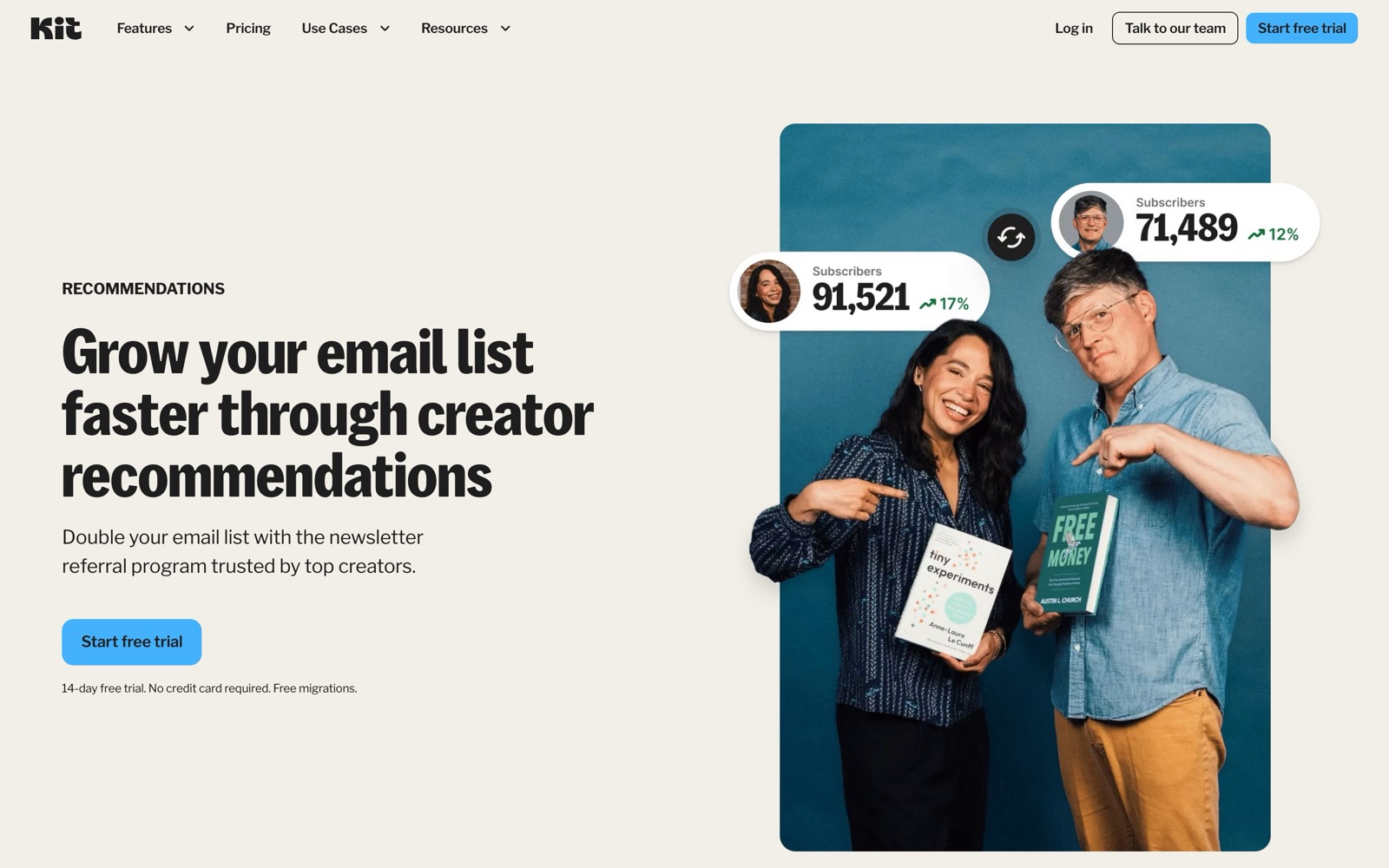
Two paid versions sit on top. Paid Recommendations pays you for subscribers you send to other newsletters, with a 23.5% Kit fee on what you earn. Newsletter sponsorships, marked new on Kit's site, matches newsletters with advertisers and lets you approve every ad. Both are on Creator and Pro, not Free.
Pro adds the analysis side: Subscriber Signals (demographics and social reach behind each email address), engagement scoring, an insights dashboard and deliverability reporting. It also includes a newsletter referral program through a free SparkLoop plan, which Kit values at $99 a month.
The newest piece is the Kit MCP, which Kit's help center now calls AI Connectors. It connects Claude, ChatGPT, Cursor and other assistants to your account, exposing more than 65 tools that map to Kit's API. Kit's safety design is careful: sending a broadcast, deleting a sequence or unsubscribing someone returns a confirm link inside Kit rather than happening in the chat. It's on Creator and Pro; Free accounts can connect but get an upgrade prompt when they try to run anything.
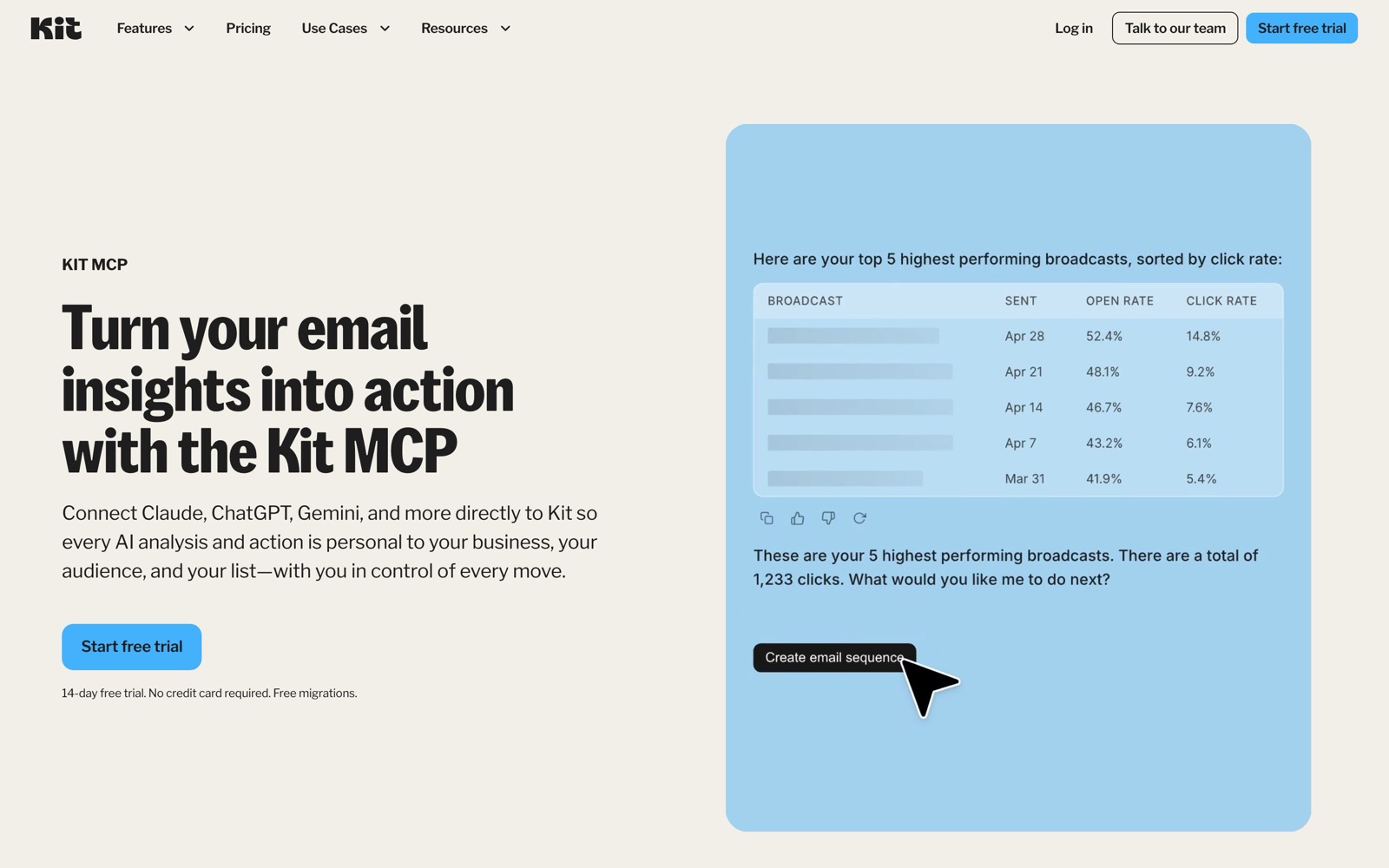
## Data, deliverability and guardrails
Your content is yours. Kit's [terms](https://kit.com/terms) say you retain all rights in the content you provide, and Kit's help center says it doesn't train any AI model on Kit data. Once you connect an outside assistant through the MCP, that provider's settings decide what happens to the data you send it.
On deliverability, Kit's own page claims a 99.8% delivery rate and "over a billion messages" sent last month, with a 40% average open rate. We couldn't verify any of those, and an average open rate across all of Kit's senders says little about yours. What you control is the setup: authenticate your own sending domain before you import a list, and let Kit's migration team ramp volume gradually if you're moving a large list, which its migration page says it does.
The guardrails worth knowing before you commit:
- **Refunds.** Kit refunds monthly and yearly plans within 30 days of the date you signed up for the account. After that, the terms say cancelling stops renewal but doesn't refund the current period.
- **Automatic upgrades.** Crossing a subscriber tier raises your plan without asking; budget for growth.
- **Payments.** Kit Commerce runs on Stripe connected accounts, and Kit's terms list the supported countries. India, among others, isn't on the list, so creators there can't sell through Kit's checkout.
- **Team access.** Every user on the account can connect their own AI assistant through the MCP with the access they already have. Check who has a login.
## Kit pricing
Three plans, all priced by active subscribers, with a 14-day trial on the paid two and no card needed.
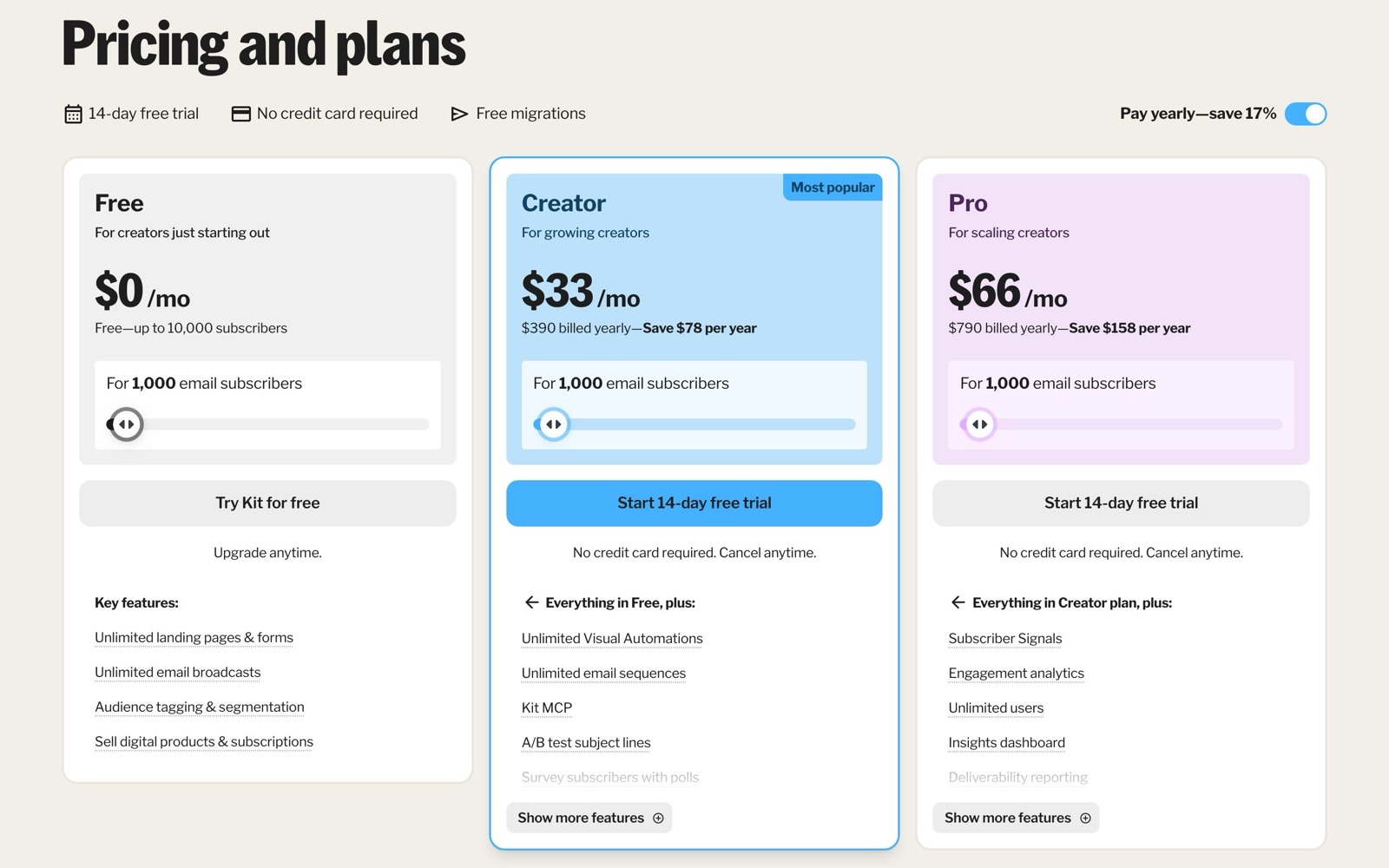
**Free, $0** up to 10,000 subscribers: unlimited landing pages, forms and broadcasts, tags and segments, selling digital products and subscriptions, one user. No automations, sequences, integrations or MCP, and Kit branding stays on.
**Creator, from $39 a month** ($390 a year): unlimited Visual Automations and sequences, Kit MCP, subject-line A/B tests, polls, SMS marketing, RSS campaigns, the App Store, branding removal, Paid Recommendations and sponsorships, 24/7 support, two users.
**Pro, from $79 a month** ($790 a year): unlimited users, Subscriber Signals, engagement scoring, deliverability reporting, insights dashboard, collaborative editing, content A/B tests with up to five subject lines, Facebook custom audiences, the SparkLoop referral program, editing links in sent emails, priority support.
Selling costs 3.5% + 30¢ per payment on every plan, card processing included.
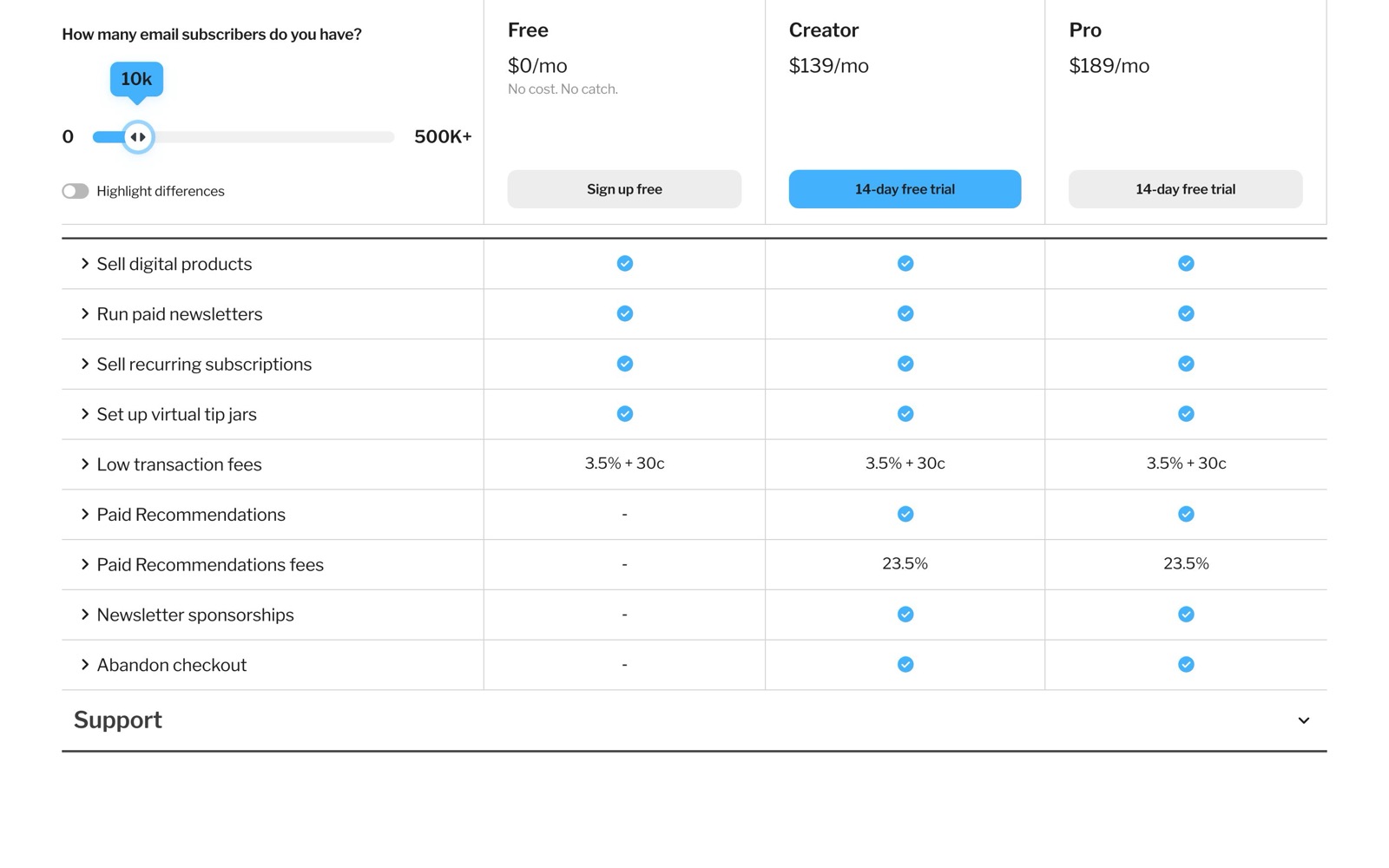
Migration is free on paid plans: under 10,000 subscribers Kit moves subscribers, tags, lists and segments in 2 to 5 business days; above that its concierge team also rebuilds forms, automation emails, templates and integrations, according to [Kit's migration page](https://kit.com/migrations). Kit's affiliate program hub says the company discounts only once a year, during Black Friday.
## The catch
- **Automation is the paywall.** The free plan's 10,000 subscribers are real, but the feature that sells, sequences, starts at $39 a month. One Reddit commenter put it plainly when comparing Kit and beehiiv for a lead magnet: their "free tiers usually restrict the automated email sequences you need" ([r/Newsletters](https://www.reddit.com/r/Newsletters/comments/1retg88/beehiiv_convertkit_or_kajabi_for_lead_magnet/o9atyb0/)).
- The bill climbs at every tier, and it only climbs on its own. Creator goes from $39 at 1,000 subscribers to $139 at 10,000 and $199 at 25,000, billed monthly, and going down after a clean-up needs a support request.
- **Two seats on Creator.** A team of three is a Pro account, $50 a month more than Creator at 10,000 subscribers.
- **Not everywhere can sell.** No Stripe connected account in your country means no Kit Commerce, India included.
- **Overkill for occasional senders.** A creator with a 5,000-person list sending every couple of months found newsletter-first tools "kinda overkill" and their pricing "annoying fast" ([r/Newsletters](https://www.reddit.com/r/Newsletters/comments/1s1iv56/newsletter_platform_rec/occvb1m/)). If that's you, Kit's free plan or Substack fits better than Creator.
## What creators say about Kit
We read a year of Reddit posts naming ConvertKit (24 posts, most in r/Newsletters, from October 2025 to September 2026) and 90 days of X posts. Some Reddit archive searches timed out, so the counts are partial.
The most common thread is a choice: beehiiv, Kit or Substack, sometimes Kajabi, for a lead magnet that feeds a newsletter. On X the same three names come up in polls, such as "If you had to pick one platform to run your newsletter, what would it be? -Beehiiv -Substack -ConvertKit" ([@stanlee0nX](https://x.com/stanlee0nX/status/2097702392691118441), September 2026).
The free plan gets noticed: "10k subs is a lot for free, so that's good," one commenter wrote. Another said they "switched from FloDesk to ConvertKit about a year ago and so far am very happy with it" ([thread](https://www.reddit.com/r/Newsletters/comments/1retg88/beehiiv_convertkit_or_kajabi_for_lead_magnet/o7qb1px/)). Switching away happens too: r/beehiiv has a thread asking who moved from Kit to beehiiv, and r/best_alternative one titled "Moving away from Kit (ConvertKit). Any good alternatives?" from September 2026. We saw those titles in search results but not the replies, so we don't quote their reasons.
One X post is a useful warning more than a review: someone described a mastermind member paying $39 a month for ConvertKit inside $192 a month of tools to sell a $29 ebook, with four sales the previous month ([@ecomchigga](https://x.com/ecomchigga/status/2083222718091043068), July 2026). It's a second-hand story, but the lesson stands: stay on Kit's free plan until a sequence earns its keep.
Kit's founder and CEO, Nathan Barry, is active on X. In July 2026 he wrote that buying kit.com "was one of the best business decisions I've ever made! The growth it directly drove paid off in under 2 years" ([@nathanbarry](https://x.com/nathanbarry/status/2074340636522922156)). That's his claim about Kit's growth, not a number we can check.
## Kit vs beehiiv for a newsletter that sells
beehiiv is the alternative creators weigh most often in the threads we read, so here is the comparison in one place, from both companies' pricing pages on October 5, 2026:
| | Kit | beehiiv |
| --- | --- | --- |
| Free plan | Up to 10,000 subscribers | Up to 2,500 subscribers |
| Cheapest plan with automations | Creator, $39/month monthly or $390/year (1,000 subscribers) | Lite, $49/month billed yearly (1,000 subscribers) |
| Fee on paid subscriptions | 3.5% + 30¢, card processing included | 0% platform fee, plus Stripe's 2.9% + $0.30 |
| Website | Landing pages and a newsletter feed site | Full publication website on every plan |
| Ads | Newsletter sponsorships marketplace (Creator and Pro) | Ad network (Lite and up) |
| AI access | Kit MCP on Creator and Pro | beehiiv MCP on Lite and up |
Read it this way. If most of your income comes from paid subscriptions, beehiiv's 0% platform fee saves about 6¢ on every $10 payment against Kit, by our arithmetic; on 500 paying readers that's around $30 a month. If your income is a course, a book or coaching sold through sequences, Kit's lower entry price and larger free plan matter more, and its tagging was built for that funnel. Either way, open both free plans and build the same form in each before you decide.
## Kit alternatives
Each price is from the vendor's own page on October 5, 2026. Our [ranking of the best email marketing for creators](/blog/best-email-marketing-for-creators) compares all of them in one table.
- **beehiiv** is free up to 2,500 subscribers; Lite is $49 a month billed yearly and adds automations and paid subscriptions with a 0% platform fee, per [beehiiv's pricing](https://www.beehiiv.com/pricing). Better than Kit when the newsletter is the product, with a website and ad network.
- **MailerLite** is free up to 250 subscribers; Comfort is $12 a month for 500 subscribers with 50 automations and 5,000 emails, per [MailerLite's pricing](https://www.mailerlite.com/pricing). Cheaper than Kit for a small list that needs automation now.
- **Substack** is free to publish and keeps 10% of paid subscriptions, plus Stripe's fees, per [Substack's help center](https://support.substack.com/hc/en-us/articles/360037607131). Simpler than Kit if you only want to write and grow inside a reader network.
- **Mailchimp** is free to 250 contacts and 500 sends a month and caps paid plans' sends; it suits creators who also run a store. Our [Mailchimp alternatives page](/alternatives/mailchimp) sets its plans beside Kit's.
## What we haven't tested yet
This review is built from Kit's public pages, so some questions only a working account can answer. When we run Kit hands-on on its free plan, these are the things we'll check and add here, with the date:
- How long it takes from sign-up to a live form on a real page, and how much of Kit's editor you need to learn for it.
- Whether the free plan's limits show up where Kit's pricing page says they do, and what the upgrade prompts look like when you reach for a sequence.
- How the email editor handles a plain, text-heavy newsletter against a designed one, since Kit keeps its designer deliberately simple.
- How exporting subscribers and tags works, and how many clicks it takes to cancel or delete an account.
- What the Kit MCP does with a real, small test list in Claude, using only dummy subscribers.
Until then, treat the "how it works" sections as Kit's documented behaviour, not our experience.
## Who should use Kit
**Use Kit if** you sell your own work (a course, a book, coaching, templates or a paid newsletter) and want sign-up forms, a welcome sequence and checkout in one place. Start on Free, build your forms and list, and move to Creator in the week your first sequence goes live. Use the 14-day trial to build that sequence before you pay, and switch to yearly billing once your list growth settles.
**Skip Kit if** you only send an occasional newsletter and never plan to automate it (Substack or Kit's free plan without upgrading), if your newsletter is a publication funded by ads (beehiiv), if you need automation on a list of a few hundred for the least money (MailerLite), or if you sell from a country Stripe connected accounts don't support.
**By kind of creator**, using what Kit's own pages put on each plan:
- **Authors** with a launch list: Free until the launch, Creator for the pre-order sequence, and the Recommendations network to swap readers with other authors.
- **YouTubers and podcasters:** Free covers a weekly episode email; RSS-to-email on Creator sends new episodes automatically if your show or blog has a feed.
- **Coaches:** Creator for the nurture sequence and the Calendly app, so booked calls tag the subscriber.
- **Course creators:** Creator for the funnel, and Kit's checkout if your country is supported; otherwise Kit for email and Thinkific or another course platform for payment, connected through the App Store.
- **Small teams publishing a newsletter together:** Pro, for the seats as much as the reports.
Our verdict: Kit is the email tool we'd start a creator business on today. The free plan is the most generous here, and the paid plans charge for the feature that makes money. Watch the tier you're on, and don't pay for Creator before a sequence needs it.
Kit is the email pick in [the must-have tools for founders](/for/founders) and [the freelancer stack](/for/freelancers); the [email marketing category](/categories/email-marketing) lists every email tool we cover.
## The best AI web scraping tools in 2026, ranked by the job you need done
URL: https://minylist.com/blog/best-ai-web-scraping-tools
Updated: 2026-10-03
The best AI web scraping tools for 2026: Firecrawl, Crawl4AI, Apify, ScrapingBee, Browse AI and Bright Data, ranked by job with real prices and the catch.
The best AI web scraping tools for most people building with LLMs in 2026 are Firecrawl if you want clean Markdown from any page with the least setup, and Crawl4AI if you want the same thing free and open source. If you need data from one popular site (Google Maps, Instagram, a marketplace), Apify's ready-made scrapers beat both. ScrapingBee, Browse AI and Bright Data cover the rest: getting past blocks, scraping without code, and enterprise volume.
We picked these six from the tools people name most in Reddit threads about scraping for AI agents, the vendors' own comparison pages, and our catalog. Prices come from each vendor's pricing page, checked on October 2 and 3, 2026. We haven't run paid tests on any of them, so speed and success-rate claims are attributed to the vendor or to the people who reported them.
## What makes a web scraper "AI" in 2026?
The label gets stuck on everything now, so it's worth being precise. In this list, an AI web scraping tool does at least one of two things.
First, it returns **LLM-ready output**. Instead of raw HTML full of navigation, cookie banners and scripts, you get clean Markdown or structured JSON that you can drop into a prompt, a vector database or a RAG pipeline. That saves tokens, and tokens are money.
Second, it uses a **model to do the extraction**. You describe what you want ("plan names, prices and limits") or give a JSON schema, and the tool finds the fields. No CSS selectors to write, and nothing to fix when the site moves a div.
The third thing that changed this year is **agent access**. Firecrawl, Crawl4AI and Apify all have MCP servers, so Claude Code, Cursor or Codex can call them as tools while they work. If you build with agents, that matters more than any feature table.
## How we chose and ranked them
We started from three sources: the tools named alongside "web scraping for AI" in about 160 Reddit threads over the past year, the competitors each vendor compares itself with, and the scraping tools already in our catalog. Then we ranked by one question: for the job this tool is best at, how easy is it to get correct data at a cost you can predict?
What we checked for each:
- **Output**: Markdown, JSON, raw HTML or rows in a spreadsheet.
- **Pricing model**: monthly credits, prepaid usage, pay as you go, and whether unused allowance expires.
- **Free tier**: how far it gets you without a card.
- **Agent and developer access**: API, SDKs, MCP, no-code.
- **The catch**: the thing that bites after you've committed.
The single most useful thing you can do before choosing is run your three hardest target sites through each free tier, because success rates vary more by site than by vendor.
## 1. Firecrawl: best for AI apps and agents
[Firecrawl](/tools/firecrawl) is an API that turns any URL into clean Markdown, HTML, JSON or a screenshot. It also searches the web and returns full page content, crawls whole sites, lists every URL on a domain, and can click through pages that need interaction.
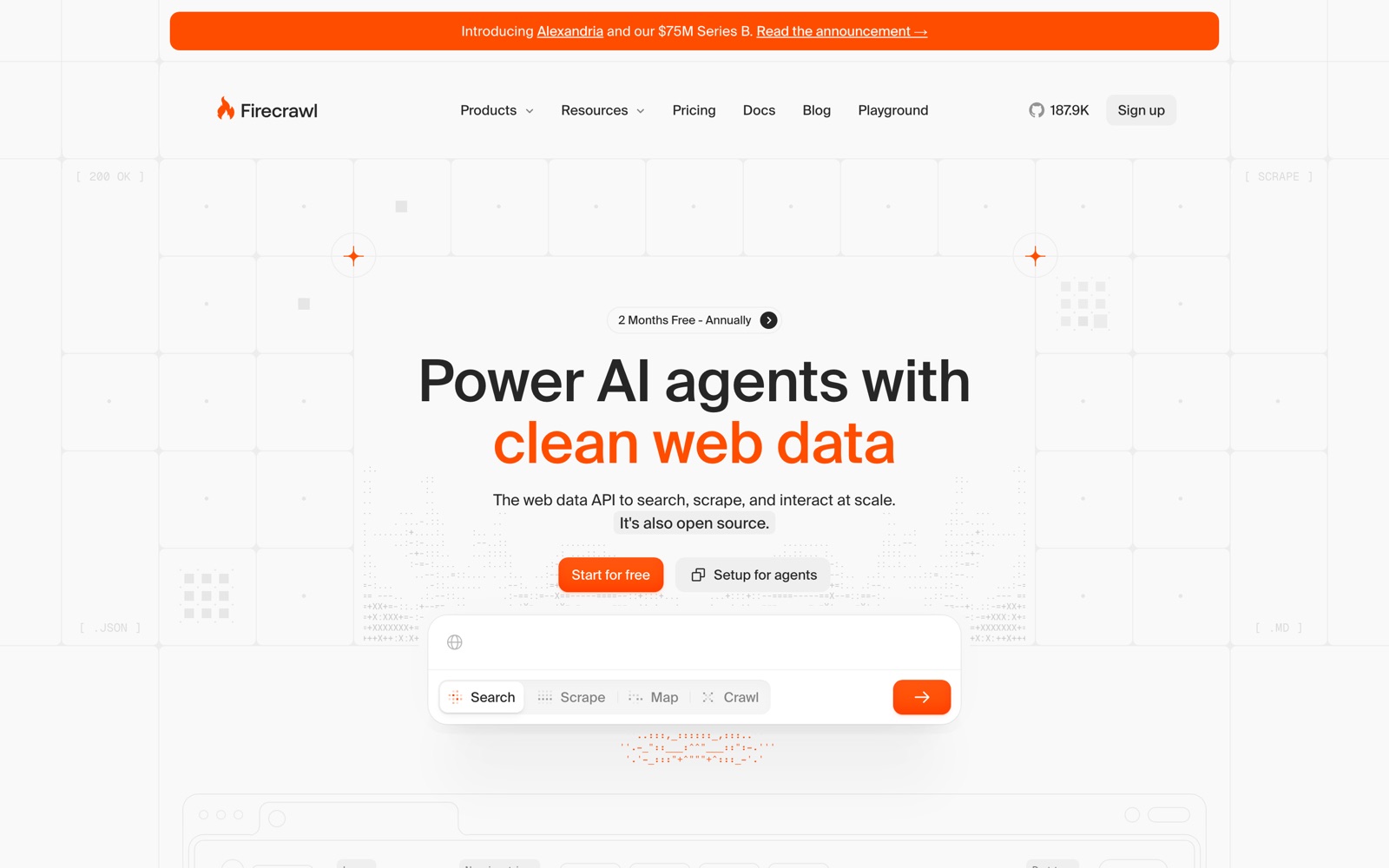
Why it's first: nothing else on this list gets you from "I need this page in my LLM" to working code as fast. There are SDKs in nine languages, an MCP server your coding agent can add with one command, and a keyless tier for testing. The core is open source under AGPL-3.0, and it raised a $75M Series B in September 2026, so it isn't going anywhere soon.
**Price:** [free for 1,000 credits a month](https://www.firecrawl.dev/pricing), then Hobby $19 (5,000 credits), Standard $99 (100,000), Growth $399 and Scale $749, with 16.7% to 20% off yearly. A basic page is 1 credit.
**The catch:** credits expire every month unless you're on Scale, and JSON extraction costs 5 credits a page instead of 1. Bursty workloads end up paying for idle months. We go through the full credit math in our [Firecrawl review](/blog/firecrawl-review).
**Pick something else if** your jobs come in spikes with quiet months between them (Crawl4AI's cloud credits never expire), or if one Apify Actor already covers the site you need.
## 2. Crawl4AI: best free and open-source option
[Crawl4AI](/tools/crawl4ai) is an open-source Python crawler built for LLMs. It produces clean Markdown with boilerplate filters and numbered citations, extracts structured data with CSS, XPath or any LLM, and gives you deep crawling, sessions, proxies and stealth mode. It's licensed Apache-2.0 and had about 85,000 GitHub stars when we checked.
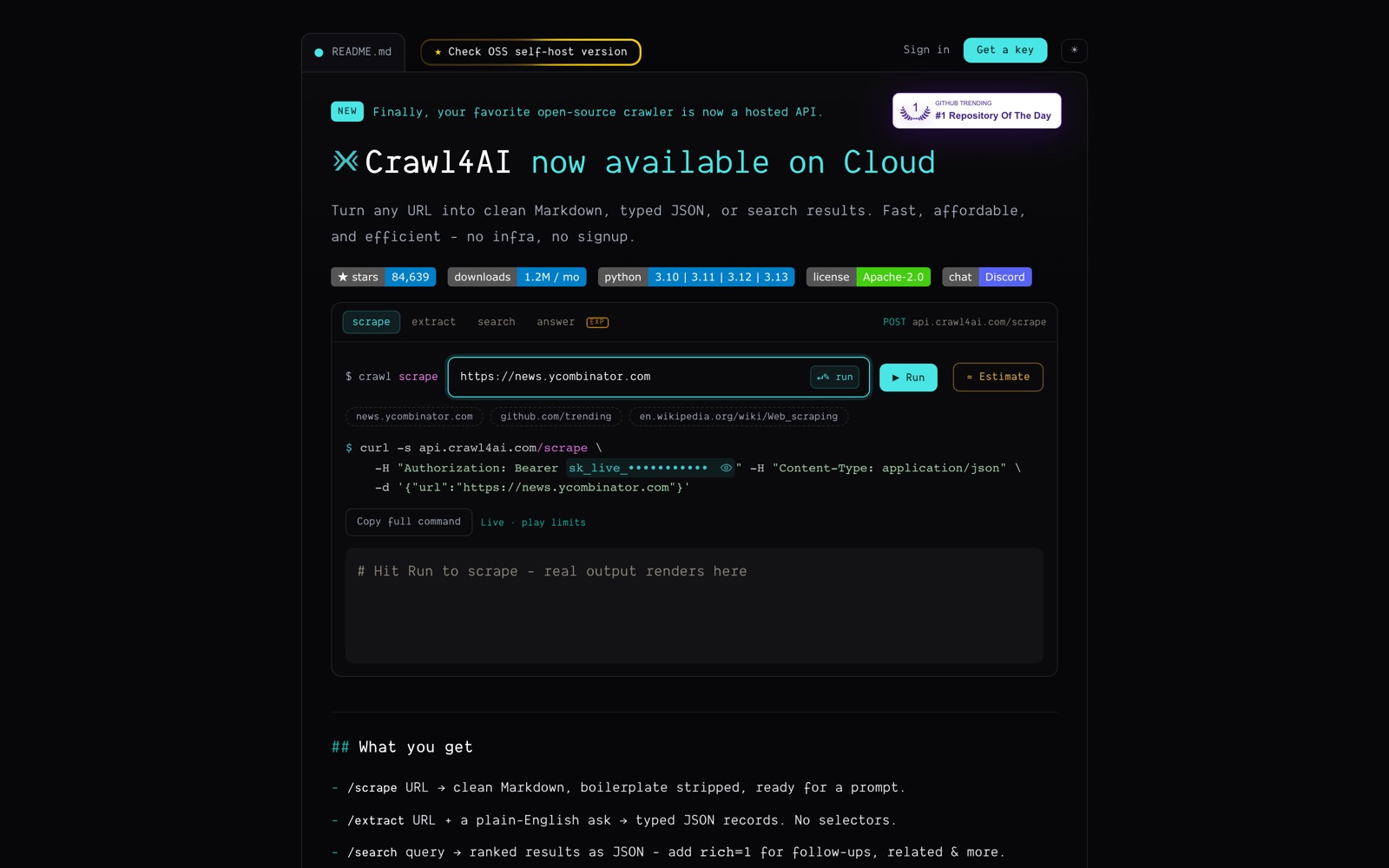
It's the tool Reddit recommends most when someone complains about paid scrapers' monthly credits. In one r/n8n thread about exactly that, the top reply was simply that they self-host Crawl4AI with Docker and call it from an HTTP node.
**Price:** the library and Docker server are free. [Crawl4AI Cloud](https://crawl4ai.com/docs), launched in 2026, charges $0.001 per credit: a light scrape is 0.2 credits, a page that needs a real browser is ten times that, and a search is 0.5 credits. Signup includes $10 of credit until December 31, 2026, and credits never expire.
**The catch:** self-hosted, you run the browsers, proxies and scaling, and you fight the blocks. The cloud fixes that, but it's new and its prices are labelled first-year launch pricing that may change.
**Pick something else if** you don't write Python or don't want to run anything; Firecrawl is the managed version of the same idea. We compare the two head to head in [Firecrawl vs Crawl4AI](/compare/firecrawl-vs-crawl4ai).
## 3. Apify: best for specific sites
[Apify](/tools/apify) is a cloud platform built around a store of almost 80,000 ready-made scrapers it calls Actors. Need Google Maps listings, TikTok videos, Instagram posts or a retailer's catalog? Someone has probably built and maintains an Actor for it, and you run it with a form or an API call.
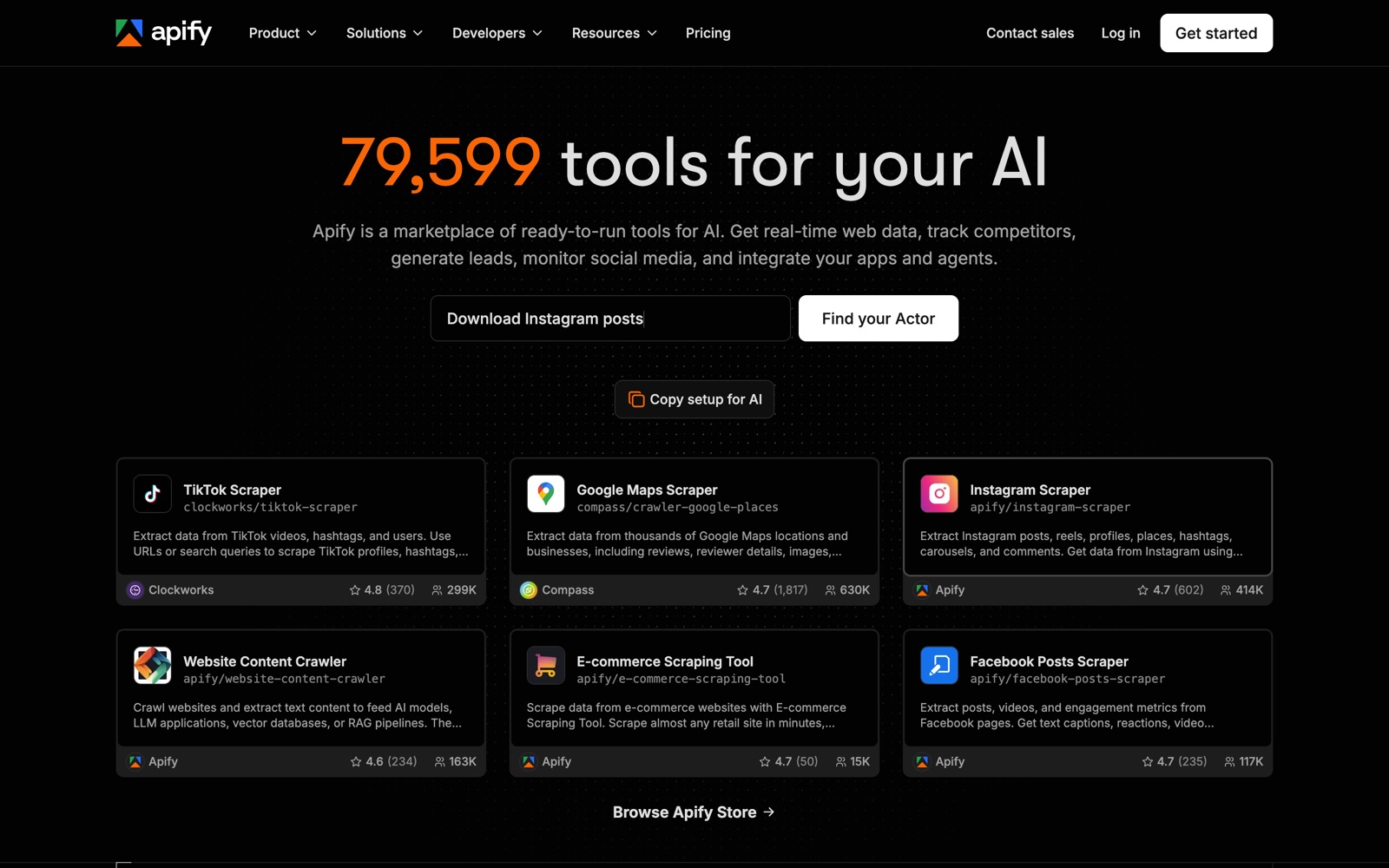
For AI work, the Actor to know is Website Content Crawler, which crawls a site and outputs Markdown for RAG, with integrations for LangChain, LlamaIndex, Pinecone and coding agents.
**Price:** [free with $5 of usage a month](https://apify.com/pricing), then Starter $19, Scale $199 or Business $999 a month of prepaid usage, plus overage. Usage covers compute units at $0.13 to $0.20 each, proxies, storage and any per-result fee the Actor's developer charges.
**The catch:** you can't know a job's cost until you run it once, and unused prepaid usage expires monthly. Actors are built by third parties, so quality and upkeep vary.
**Pick something else if** you just need arbitrary pages as Markdown; a per-page API is easier to budget. See [Firecrawl vs Apify](/compare/firecrawl-vs-apify).
## 4. ScrapingBee: best for getting past blocks
ScrapingBee is a web scraping API that handles headless browsers and rotating proxies for you, with an AI extraction option and dedicated endpoints for search results and some major sites. It's closer to "fetch me this page without getting blocked" than to an LLM toolkit, and it returns raw HTML by default.
Its most useful feature for hard sites is Auto-Mode: it tries configurations from cheapest to most expensive, stops at the first that works, and charges only for that one. You can cap the cost per request.
**Price:** 1,000 free API credits, no card. [Plans](https://www.scrapingbee.com/pricing/) are Hobby $19 a month (75,000 credits), Freelance $49 (250,000), Startup $99 (1,000,000), Business $249 (3,000,000) and Business+ $599 (8,000,000). The [credit cost per request](https://www.scrapingbee.com/documentation/) is what matters: 1 credit without JavaScript, 5 with JavaScript rendering (the default), 10 or 25 with premium proxies, and 75 with stealth proxies.
**The catch:** that multiplier. A plan's headline credit count can mean 75,000 plain requests or 1,000 stealth ones. Output is HTML unless you use extraction, so you'll still need a cleanup step for LLMs.
**Pick something else if** you want Markdown for an LLM out of the box; Firecrawl and Crawl4AI do that by default.
## 5. Browse AI: best no-code option
Browse AI lets non-developers scrape and monitor websites without code. You point it at a page, its AI proposes the columns to extract, you approve, and it becomes a "robot" that can run on a schedule and send rows to Google Sheets, Airtable, Zapier or Make.
It's built for monitoring as much as scraping: prices, listings, job posts, competitor pages. That's a different job from feeding an LLM, and for marketers and ops teams it's often the more useful one.
**Price:** [free for 50 credits a month](https://www.browse.ai/pricing) (2 domains, 3 users). Personal is $19 a month billed annually for 12,000 credits a year, and Professional $69 a month billed annually for 60,000 credits a year. Premium, a managed service, starts at $500 a month billed annually. One credit extracts 10 rows or one screenshot; sites marked Premium cost 2 to 10 credits per run.
**The catch:** credits reset at the end of the billing cycle, and the paid plans shown are annual. Monitoring many pages often adds up quickly: Browse AI's own example of 50 product pages checked every three days is about 500 credits a month.
**Pick something else if** you're a developer who wants an API; any of the first four will fit better.
## 6. Bright Data: best for enterprise scale
Bright Data is the big infrastructure company in this space: a proxy network it says has more than 400 million IPs, unlocker and browser APIs, prebuilt scraper APIs for major sites, ready-made datasets, and managed data collection. It sells to companies that scrape at serious volume.
**Price:** [every product has its own meter](https://brightdata.com/pricing). The Unlocker, Crawl and SERP APIs start at $1 per 1,000 requests, scraper APIs at $0.75 per 1,000 records (shown discounted from $1), the Browser API at $5 per GB, residential proxies at $2.50 per GB (shown at half off $5), datasets at $250 per 100,000 records, and managed data acquisition at $1,500 a month.
**The catch:** a full setup means several separate meters, and the more serious products are built for teams with a data engineer. For a small AI project it's more than you need.
**Pick something else if** you're under a few hundred thousand pages a month; Firecrawl or ScrapingBee will be simpler. Bright Data has its own [alternatives page](/alternatives/bright-data) here.
## Mistakes to avoid when scraping for AI
Most of the money people waste on these tools comes from the same handful of mistakes. We see them again and again in the threads we read for this list.
**Pricing pages instead of your pages.** A plan that says 100,000 credits doesn't say how many of your pages that is. JavaScript rendering, premium proxies, JSON extraction and browser minutes all multiply the cost per page, and each vendor multiplies differently. Run a sample of real targets on the free tier and read the usage counter before you choose a plan.
**Buying for your peak month.** Firecrawl, Apify, ScrapingBee and Browse AI all reset unused allowance at the end of the cycle (Firecrawl's Scale plan is the exception, and only for one month). If your work is bursty, pick a smaller plan and top up, or use something with non-expiring credits such as Crawl4AI's cloud.
**Extracting JSON from every page.** LLM extraction is convenient, and it's often the most expensive line on the bill: Firecrawl charges 5 credits for a JSON page against 1 for Markdown. Crawl first, filter the pages that matter, and extract only those. For pages with a stable layout, a CSS schema in Crawl4AI costs nothing per page.
**Letting an agent loose without a cap.** An agent with a scraping tool will happily crawl a whole site to answer one question. Set a spending limit or a usage cap (Firecrawl, Apify and ScrapingBee all support one), and give each project its own key so you can see who spent what.
**Ignoring the terms.** None of these tools decides whether you're allowed to scrape a site. Check the site's terms and robots rules, avoid collecting personal data you don't need, and be careful with anything behind a login.
## Comparison table
| Tool | Best for | Output | Free tier | Paid from | Unused allowance |
| --- | --- | --- | --- | --- | --- |
| Firecrawl | AI apps and agents | Markdown, JSON, HTML, screenshots | 1,000 credits/month | $19/month | Expires monthly (below Scale) |
| Crawl4AI | Free, open source | Markdown, JSON | Free self-hosted; $10 cloud credit | Pay as you go | Cloud credits never expire |
| Apify | Specific popular sites | JSON datasets; Markdown via an Actor | $5 usage/month | $19/month + usage | Expires monthly |
| ScrapingBee | Getting past blocks | HTML; AI extraction | 1,000 credits once | $19/month | Monthly plan credits |
| Browse AI | No-code monitoring | Rows to Sheets, Airtable | 50 credits/month | $19/month (annual) | Resets each cycle |
| Bright Data | Enterprise scale | HTML, JSON, datasets | Free tier on some APIs | $1 per 1,000 requests | Usage-based |
What 10,000 JavaScript-heavy pages a month costs at list prices, without premium proxies (our arithmetic from the pricing pages):
- **ScrapingBee:** 5 credits each is 50,000 credits, which fits Hobby at $19.
- **Crawl4AI Cloud:** 2 credits each if a browser renders them is 20,000 credits, or $20 of credit that never expires.
- **Firecrawl:** 10,000 credits is Hobby plus five $5 top-ups, $44, or Standard at $99 if you'll grow. Add 40,000 credits if every page needs JSON.
- **Apify:** depends on the Actor, memory and run time; run a test first.
## How to choose
Start from the job, not the feature list. If you're unsure whether you need a crawler or a scraper, read [web crawling vs web scraping](/blog/web-crawling-vs-web-scraping) first, and if the site might have an official API, [web scraping vs API](/blog/web-scraping-vs-api).
A quick way to narrow it down: write one sentence describing the data you need, the sites it lives on, and how often you need it refreshed. The answers to those three questions (any page or specific sites, easy or protected sites, steady or bursty volume) decide most of the choice before price even comes into it. Then use the free tiers to confirm, because every vendor on this list lets you test without a credit card or a sales call.
**You're building an AI app or agent** and need web pages in your prompts: start with Firecrawl's free tier, and compare it with Crawl4AI if you're comfortable in Python. These are the two built around LLM-ready Markdown.
**You need one specific site**, like Google Maps for lead lists or Instagram for monitoring: search Apify Store first. A maintained Actor saves you weeks.
**Your targets block scrapers**: try ScrapingBee's Auto-Mode with a cost cap, and watch the per-request credits.
**You don't write code**: Browse AI, and its free 50 credits are enough to see whether it can read your target pages.
**You mainly need search, not scraping**: look at search APIs too. [Tavily](https://www.tavily.com/pricing) gives 1,000 free API credits a month and then charges $0.008 per credit; [Exa](https://exa.ai/pricing) gives $10 of free credits a month, with search from $4 per 1,000 requests and page contents at $1 per 1,000 pages.
Whichever you pick, set a spending cap before you connect it to an agent. An agent that can call a scraper in a loop can spend a month's allowance in an afternoon. For the rest of the tools we'd put around a scraper in an AI stack, see [the AI builders stack](/for/ai-builders), and every scraper we've reviewed is in the [web scraping category](/categories/web-scraping).
## Web crawling vs web scraping: the difference, and which one your project needs
URL: https://minylist.com/blog/web-crawling-vs-web-scraping
Updated: 2026-10-03
Web crawling vs web scraping explained: crawlers find pages, scrapers pull data out of them. When you need each, what they cost, and the tools that do both.
Web crawling vs web scraping comes down to one distinction: a crawler finds pages, and a scraper takes data out of them. Crawling starts at a URL and follows links to discover what exists on a site. Scraping takes a page you already know about and extracts the text, prices or fields you need. Most real projects do both, in that order, and the tools that matter in 2026 bundle the two.
We wrote this because the terms get used interchangeably, and the mix-up costs money: people crawl a 50,000-page site when they needed 200 pages scraped, or scrape a list of URLs they found by hand when a crawl would have found the rest. Facts about specific tools come from their own documentation and pricing pages, checked on October 3, 2026.
## Web crawling vs web scraping in one table
| | Web crawling | Web scraping |
| --- | --- | --- |
| Goal | Discover pages | Extract data from pages |
| Input | A starting URL (or a sitemap) | One or more known URLs |
| Output | A list of URLs, often with page content | Text, Markdown, JSON fields, tables |
| Scope | Many pages, often a whole site | One page or a set you choose |
| Classic example | Googlebot indexing the web | Pulling prices from a product page |
| Main risk | Crawling far more than you need | Breaking when the page layout changes |
| Typical cost driver | Number of pages visited | Number of pages and extraction effort |
The short version: crawl when you don't know which pages you need; scrape when you do.
## What a web crawler does
A crawler, sometimes called a spider or bot, starts from one or more URLs, downloads each page, finds the links on it, and adds new links to a queue. It repeats until it runs out of links, hits a page limit, or reaches a depth you set. Search engines are the best-known crawlers. [Google's own definition](https://developers.google.com/search/docs/crawling-indexing/overview-google-crawlers) is a program used to automatically discover and scan websites by following links from one page to another.
Good crawlers make a few decisions on every page:
- **Which links to follow.** Same domain only, or subdomains and external sites too? Only `/blog/`? Most tools let you include or exclude paths.
- **How deep to go.** Depth 1 is the start page's links; depth 3 can be thousands of pages on a big site.
- **What the site allows.** Well-behaved crawlers read `robots.txt`, a file defined in the [Robots Exclusion Protocol (RFC 9309)](https://www.rfc-editor.org/rfc/rfc9309), which tells bots which paths they may visit.
- **How fast to go.** Too many requests a second gets you blocked and can hurt small sites.
- **When it has seen a page before.** Duplicate URLs with tracking parameters or different casing waste the crawl.
A crawler on its own gives you a map: which pages exist and how they link together. That's useful for SEO audits, finding broken links, or deciding what to scrape. On its own it doesn't give you the clean data you actually want.
## What a web scraper does
A scraper takes a page and turns it into data. Old-style scrapers download the HTML and pick out elements with CSS selectors or XPath ("the text inside `.price`"). They're fast and cheap, but they break whenever the site changes its markup.
Modern scrapers, especially the ones built for AI, add three things:
- **A real browser.** Many pages build their content with JavaScript, so a scraper has to render the page like Chrome does before there's anything to extract.
- **Clean output.** Instead of HTML, you get Markdown with the navigation, footers and ads removed, which is what you want to feed an LLM.
- **Model-based extraction.** You describe the fields you want, or pass a JSON schema, and a language model finds them. Nothing to fix when a class name changes.
A scraper without a crawler only knows the URLs you give it. That's fine for a list of 50 competitor pricing pages. It's not fine when the job is "everything in this documentation site".
## How crawling and scraping work together
In practice they're two steps of one pipeline. A typical AI project looks like this:
1. **Map the site.** List the URLs that exist, from the sitemap and links, without downloading every page in full.
2. **Filter.** Keep the pages you care about: `/docs/`, `/pricing`, product pages, posts from this year.
3. **Crawl or batch scrape the filtered set.** Fetch each page, render JavaScript, and turn it into Markdown.
4. **Extract structure where you need it.** Run JSON extraction only on pages where you need fields, not on all of them.
5. **Re-run on a schedule.** Recrawl, ideally only pages that changed.
Firecrawl's API is a clean example of this split, which is why we use it to illustrate the pipeline. It has three separate endpoints: [**map**](https://docs.firecrawl.dev/features/map) lists a site's URLs (Firecrawl says it uses the sitemap, search results and previously crawled pages), [**crawl**](https://docs.firecrawl.dev/features/crawl) recursively discovers and scrapes every reachable subpage, and [**scrape**](https://docs.firecrawl.dev/features/scrape) turns one URL into clean Markdown, HTML, JSON or a screenshot.
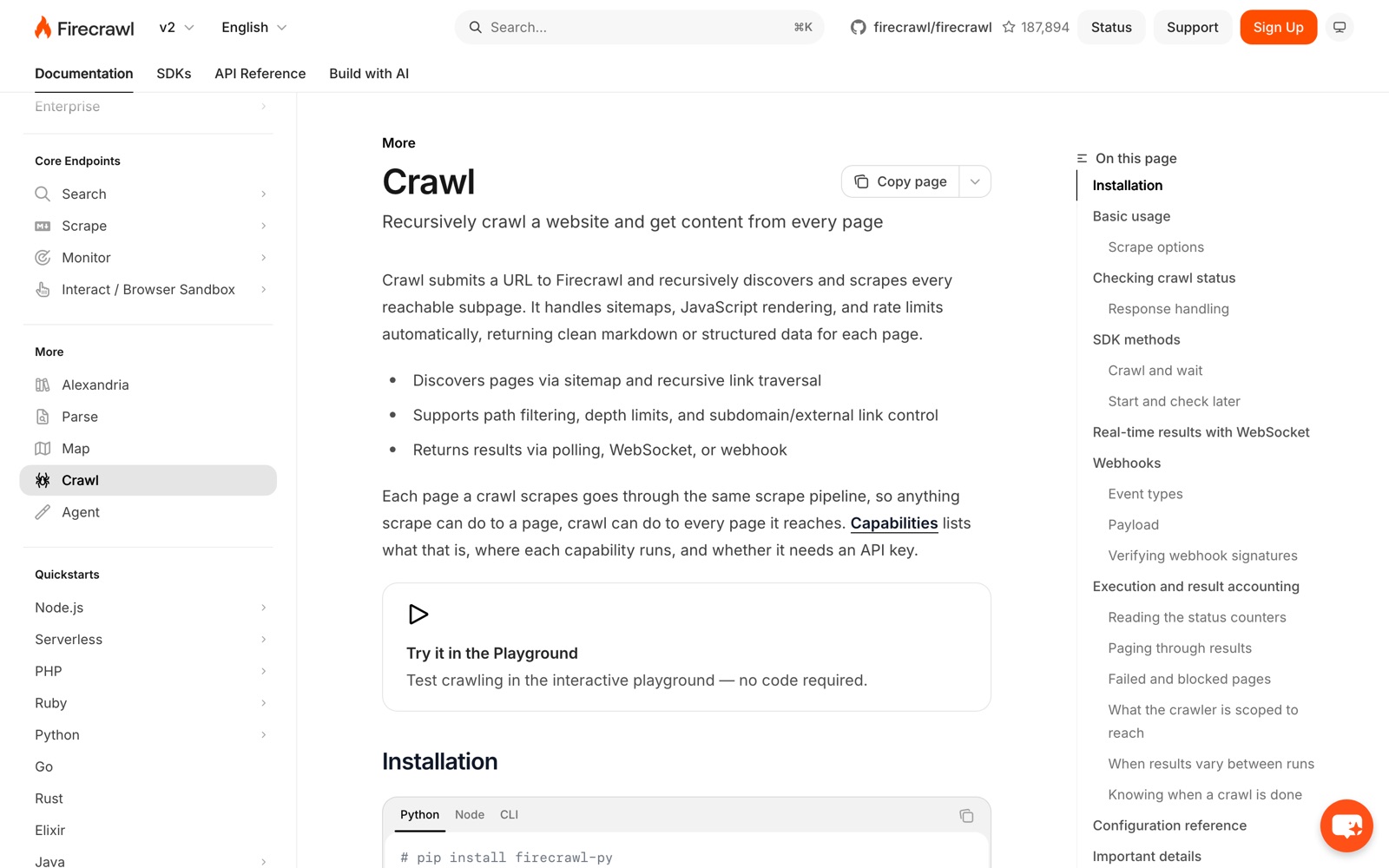
Its crawl documentation spells out what a crawler needs to handle: sitemap discovery, recursive link traversal, path filtering, depth limits, control over subdomains and external links, and results by polling, WebSocket or webhook. Each page a crawl reaches goes through the same pipeline as a single scrape, so anything you can do to one page you can do to every page in the crawl.
## Which do you need? Five common projects
**A chatbot that answers from your docs.** You need both. Crawl the docs site (or map it and filter to `/docs/`), scrape each page to Markdown, and load the result into a vector database. Recrawl weekly.
**Tracking 30 competitor pricing pages.** Scraping only. You know the URLs. Scrape them on a schedule and extract plan names and prices as JSON, or use a change-monitoring feature.
**An SEO audit of your own site.** Crawling first. You want every URL, status code, title and link. Scrape content only if you're auditing copy.
**A lead list from a directory site.** Crawl the directory's listing pages to collect profile URLs, then scrape each profile for the fields you need. Check the directory's terms first; many forbid this.
**An agent that answers questions from the live web.** Mostly scraping, plus search. The agent searches, picks a few result URLs and scrapes them. Crawling a whole site for one question wastes time and money.
## What crawling and scraping cost
On per-page APIs, crawling and scraping usually cost the same per page, because a crawl scrapes every page it visits. What changes the bill is how many pages you visit and how much work each one needs.
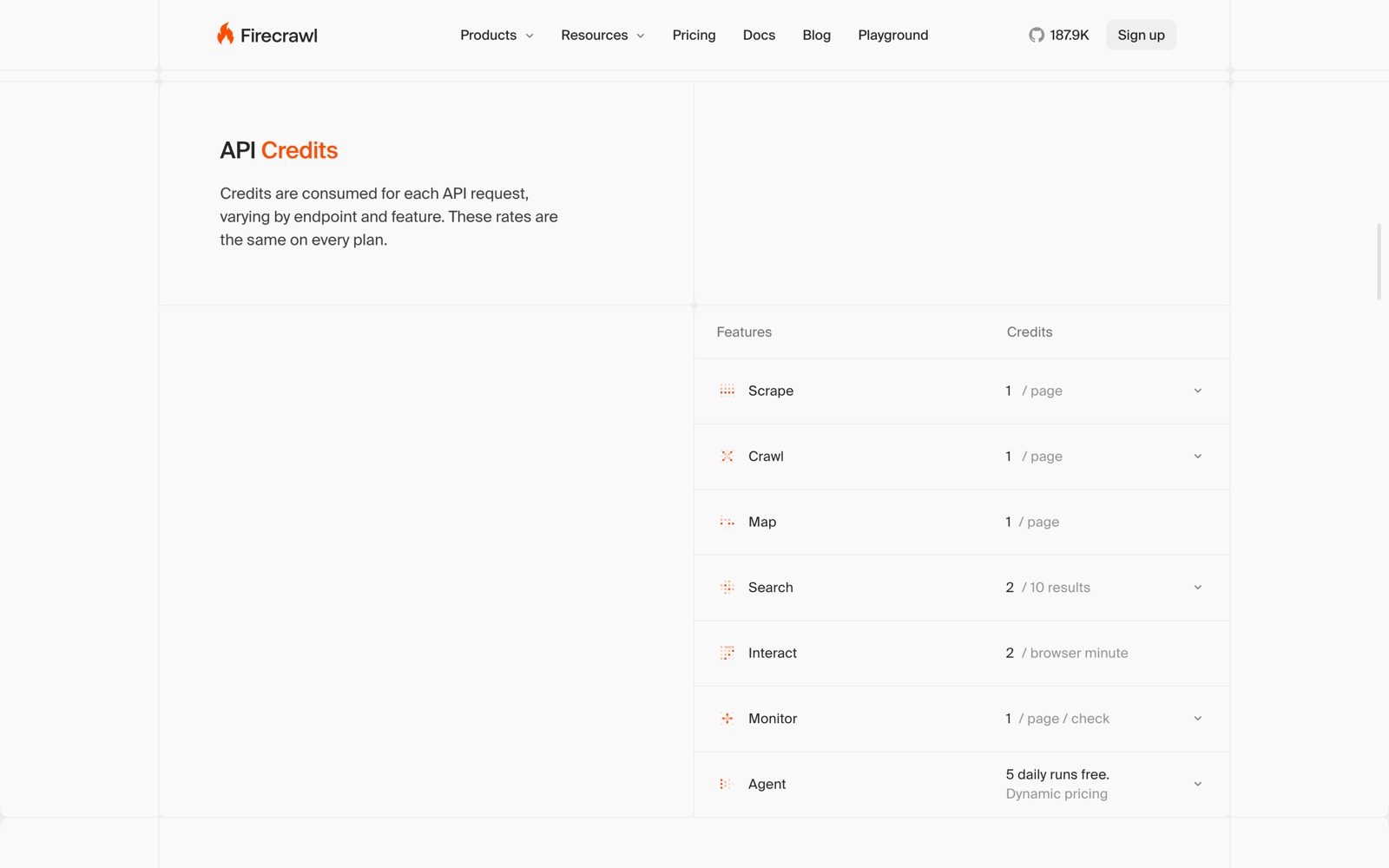
[Firecrawl's pricing](https://www.firecrawl.dev/pricing) is a useful reference. Scrape, crawl and map each cost 1 credit per page, JSON extraction adds 4 credits a page, and the plans run from 1,000 free credits a month to $19 for 5,000 credits and $99 for 100,000. So a careless crawl of a 20,000-page site is 20,000 credits, while mapping it first and scraping the 400 pages you need is a fraction of that.
The same logic holds for other tools. [Crawl4AI](/tools/crawl4ai) is free to self-host, so your cost is servers and proxies, and its cloud charges per page with browser-rendered pages costing ten times a plain fetch. [Apify](/tools/apify) bills compute time, so a long crawl costs more because it runs longer.
The cheapest crawl is the one you scope before you start: map, filter, then fetch.
## A worked example: a docs site for a support chatbot
Suppose you want a support chatbot to answer from a software company's documentation, and the docs site has about 3,000 URLs once you count versions, tag pages and translations. Here's how the two approaches compare, priced at Firecrawl's list rates.
**The careless way: crawl everything.** Start a crawl at the docs homepage with no limits. It follows every version selector, every language and every tag page, and visits all 3,000 URLs. That's 3,000 credits for content, most of it duplicated across versions. Add JSON extraction to every page "just in case" and it's 15,000 credits, three times what the $19 Hobby plan includes. Your vector database also ends up full of near-identical pages from old versions, which makes the chatbot's answers worse.
**The scoped way: map, filter, crawl.** First map the site to get the URL list, then keep only the current version in English, say `/docs/latest/` without `/tag/` pages. Suppose that leaves 400 pages. Crawl or batch scrape those 400 into Markdown: 400 credits. Skip JSON entirely, because a chatbot needs clean text, not fields. The whole job fits in the free plan's 1,000 monthly credits with room for a weekly refresh of the pages that changed.
The difference isn't the tool. It's deciding what to crawl before the crawler starts. The same pattern works in Crawl4AI (seed URLs from the sitemap, filter, then deep crawl with include patterns) and in Apify's Website Content Crawler (start URLs plus exclude globs and a max pages setting).
Two habits make this repeatable:
- **Write the scope down.** One line per rule: which paths to include, which to exclude, the page cap, the depth. When the crawl surprises you, the rules tell you why.
- **Look at ten pages before you load ten thousand.** Open a sample of the Markdown and check that the navigation is gone, tables survived, and code blocks are intact. Fix the settings, then run the full job.
## Tools that crawl, scrape, or both
| Tool | Crawls | Scrapes | Output for AI | Price to start |
| --- | --- | --- | --- | --- |
| [Firecrawl](/tools/firecrawl) | Yes (crawl, map) | Yes | Markdown, JSON | Free 1,000 credits; $19/month |
| [Crawl4AI](/tools/crawl4ai) | Yes (deep and adaptive crawl) | Yes | Markdown, JSON | Free self-hosted; cloud pay as you go |
| [Apify](/tools/apify) | Yes (Website Content Crawler, Crawlee) | Yes (Actors) | Markdown, JSON datasets | $5 free usage; $19/month + usage |
| Scrapy | Yes | Yes (static HTML) | HTML, your own pipeline | Free, open source |
| Playwright or Puppeteer | You write the crawl | You write the extraction | Whatever you build | Free, open source |
Crawl4AI has one feature worth calling out for crawling specifically: its adaptive crawler stops once it has gathered enough to answer a query, instead of visiting every page it can reach. Apify's Website Content Crawler can switch between a fast HTTP client for static pages and a Firefox browser for dynamic ones, which keeps big crawls cheaper.
We compare the two leading AI-focused options in [Firecrawl vs Crawl4AI](/compare/firecrawl-vs-crawl4ai) and [Firecrawl vs Apify](/compare/firecrawl-vs-apify), and our [Firecrawl review](/blog/firecrawl-review) covers its credit model in detail.
## Mistakes that make crawls slow and expensive
**No page limit.** Always set a maximum number of pages and a depth on the first run. Infinite calendars, faceted search and tag pages can generate endless URLs.
**Crawling when you could map.** If you only need to know which pages exist, list URLs instead of downloading everything.
**Ignoring robots.txt and rate limits.** Beyond the ethics, it gets your crawler blocked, and blocked pages often still cost you a request.
**Extracting JSON from every page.** Model extraction is the expensive step. Run it on the pages that need fields, not on the whole crawl.
**Recrawling everything.** On a schedule, re-fetch only pages that changed. Some tools cache recent results or offer change tracking.
## Is crawling or scraping legal?
Both are common and widely used, and neither is illegal in itself, but legality depends on what you collect, from where, and how. Things that raise the risk: ignoring a site's terms or robots.txt, collecting personal data, scraping behind a login, copying content you then republish, and hammering a site with requests. This isn't legal advice. If your project depends on one site's data, read its terms, and for anything commercial or personal-data heavy, ask a lawyer.
## Where to start
If you're building something with AI, start with a tool that does both steps through one interface. Map the site, filter to what you need, then crawl or scrape that set into Markdown. Firecrawl's free 1,000 credits are enough to try the whole pipeline on a small site, and Crawl4AI costs nothing if you're comfortable running it yourself. For a ranked list, see [the best AI web scraping tools](/blog/best-ai-web-scraping-tools); for the rest of the tools around a scraper in an AI stack, [the AI builders stack](/for/ai-builders).
## Web scraping vs API: which to use for getting data, and the middle option most people miss
URL: https://minylist.com/blog/web-scraping-vs-api
Updated: 2026-10-03
Web scraping vs API: when an official API is the right call, when you have to scrape, and how scraping APIs like Firecrawl sit in between, with real costs.
Web scraping vs API is really a question about who controls the data. An API is a door the site built for you: documented, stable and allowed, but limited to what the owner chooses to expose, at their price and rate. Scraping reads the same pages a person sees and pulls out what you need, with no permission, no stability guarantee and more maintenance. Between the two sits a third option that most comparisons skip: a scraping API, a service you call like an API that does the scraping for you.
We wrote this for people building a product, a data pipeline or an AI agent who need to decide which route to take for each data source. Specific numbers come from vendors' own docs and pricing pages, checked on October 3, 2026.
## Web scraping vs API at a glance
| | Official API | Web scraping (DIY) | Scraping API |
| --- | --- | --- | --- |
| Who controls it | The site owner | You | A vendor, for you |
| Data available | What the owner exposes | Anything visible on the page | Anything visible on the page |
| Format | Structured JSON | Raw HTML you parse | HTML, Markdown or JSON |
| Stability | High, versioned | Breaks when the page changes | Better; vendor handles rendering and blocks |
| Permission | Explicit, under API terms | Often unclear; check site terms | Same as DIY: the vendor doesn't grant permission |
| Limits | Rate limits, quotas, paid tiers | Blocks, CAPTCHAs, IP bans | Credits per page, concurrency |
| Upfront work | Read docs, get a key | Build and maintain a scraper | One API call |
Use the official API when it gives you what you need; scrape only what the API doesn't cover; and use a scraping API instead of building a scraper unless volume makes running your own cheaper.
## When an official API is the right choice
An API is the better choice in most cases where one exists and fits. The reasons are practical.
**It's stable.** APIs are versioned. When a site redesigns its pages, your scraper breaks; the API keeps answering the same way.
**It's structured.** You get fields with names and types, not HTML you have to parse and clean.
**It's allowed.** Using a public API under its terms is the sanctioned way to get the data, which matters for any commercial product.
**It's often richer than the page.** APIs frequently expose IDs, timestamps and relationships that never appear on screen.
The costs are the limits the owner sets. GitHub's REST API is a typical example: its documentation gives unauthenticated requests 60 per hour and an authenticated user 5,000 per hour. That's plenty for an internal tool and tight for a product that serves thousands of users. Many APIs also gate the useful endpoints behind paid tiers, change their pricing, or shut down access with little notice, which is a business risk you take on either way.
## When you have to scrape
Scraping is the answer when the API route fails for one of four reasons.
1. **There's no API.** Most of the web has none: company websites, blogs, documentation, small e-commerce stores, government pages.
2. **The API leaves out what you need.** Prices, reviews, page text or fields the owner chooses not to expose.
3. **The API costs more than the data is worth to you.** Per-call pricing designed for enterprise customers can make a small project unviable.
4. **You need what a person sees.** For AI work especially, you often want the page as rendered text, which is exactly what an API doesn't give you.
The costs of DIY scraping are engineering time and fragility. Modern sites build content with JavaScript, so you need a headless browser. Busy sites block repeated requests, so you need proxies. Layouts change, so selectors break. And it's on you to read the site's terms and respect robots.txt.
## The middle option: scraping APIs
A scraping API is a service that scrapes for you and hands back the result through an API. You send a URL; it runs the browser, rotates proxies, retries blocked requests and returns the page as HTML, Markdown or JSON. You get API-style ergonomics for sites that never built an API.
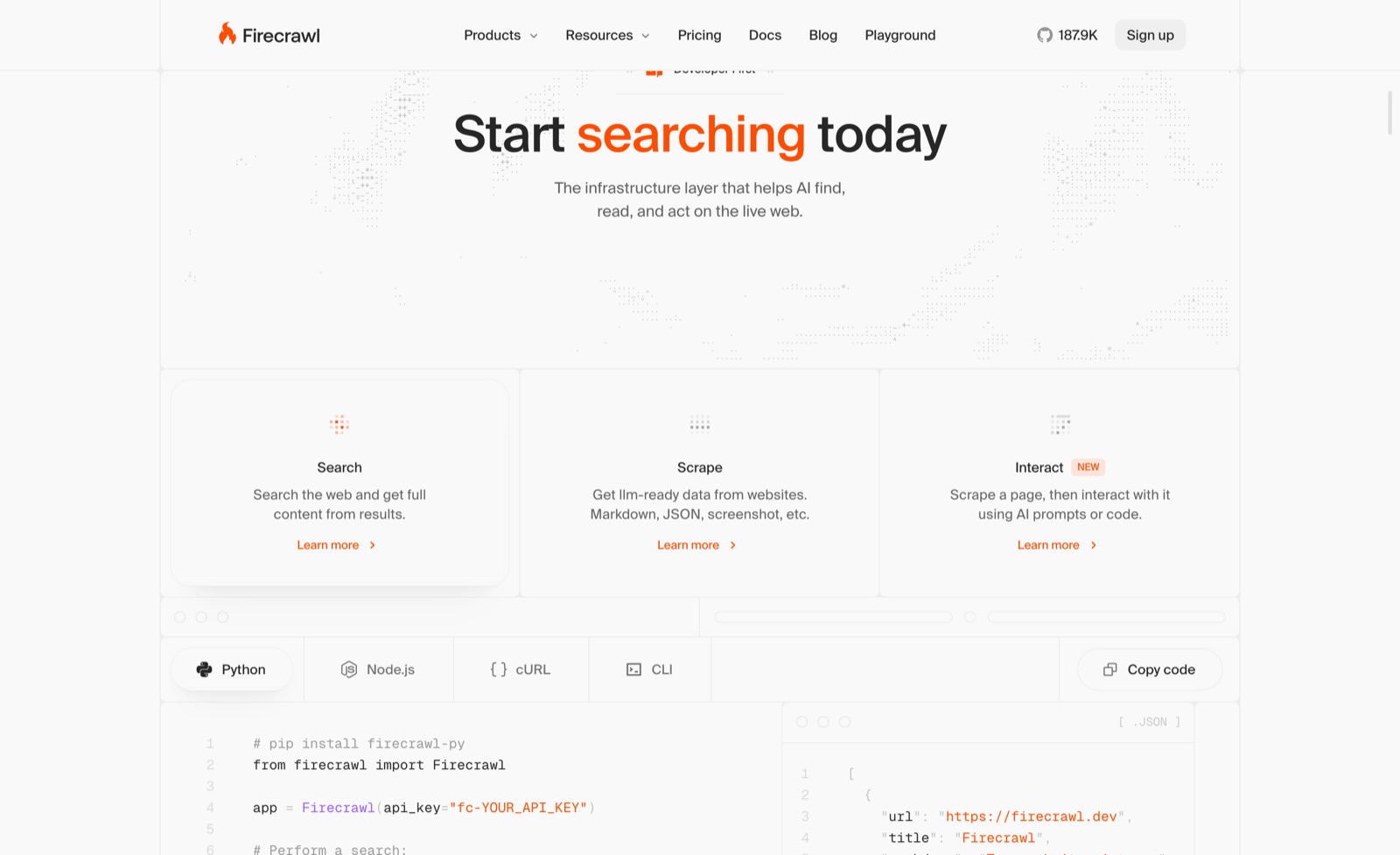
[Firecrawl](/tools/firecrawl) is the clearest example for AI work: one call turns any URL into clean Markdown or JSON, with separate endpoints to crawl a site, list its URLs and search the web. [Its pricing](https://www.firecrawl.dev/pricing) starts with 1,000 free credits a month, then $19 for 5,000 credits and $99 for 100,000, at 1 credit per basic page and 5 for JSON extraction.
ScrapingBee is the other common pattern: a general scraping API focused on not getting blocked, which returns HTML by default.
Its [credit cost per request](https://www.scrapingbee.com/documentation/) shows how scraping APIs price difficulty: 1 credit without JavaScript, 5 with JavaScript rendering (the default), 10 or 25 with premium proxies, and 75 with stealth proxies. Its plans start at $19 a month for 75,000 credits, so the same plan can mean 75,000 easy pages or 1,000 very hard ones.
[Apify](/tools/apify) adds a third model: a store of ready-made scrapers for specific sites, billed by compute time on top of [prepaid usage](https://apify.com/pricing). For a popular site, someone else maintains the scraper, which is the closest thing to an API that doesn't exist.
The three differ in how they bill, and that difference should drive your choice more than any feature list: Firecrawl bills per page with fixed multipliers, ScrapingBee bills per request by difficulty, and Apify bills compute time plus whatever an Actor's developer charges. Run the same ten pages through each free tier and compare the usage counters.
What a scraping API doesn't do is give you permission. It handles the technical side; whether you may collect the data is still governed by the site's terms and the law.
## A decision checklist for each data source
Run every data source through these questions, in order:
1. **Is there an official API that returns the fields you need?** If yes, price it at your expected volume and check its rate limits. If both work, use it.
2. **Is the data licensed somewhere?** Some data is sold or shared by its owners through official programs. Wikipedia's content, for example, is available through [Wikimedia Enterprise](https://enterprise.wikimedia.com/), and Firecrawl says it pays Wikimedia Enterprise for direct access through its Alexandria product. Licensed access beats both scraping and grey-area APIs for commercial products.
3. **Do the site's terms allow automated access?** If they explicitly forbid it, think hard before scraping, and get advice for anything commercial.
4. **How many pages, how often?** Under a few hundred thousand pages a month, a scraping API is almost always cheaper than your engineering time. Above that, compare against self-hosting an open-source crawler like [Crawl4AI](/tools/crawl4ai).
5. **Does the page need a real browser?** If the content loads with JavaScript, budget for rendering, which costs more on every scraping API.
6. **What happens when it breaks?** For a critical pipeline, prefer the API or a maintained scraper and add monitoring either way.
## Cost: a worked comparison
Suppose you need the text of 20,000 product pages a month from 15 small online stores, none of which has an API. Here's what each route looks like at list prices.
**DIY scraping.** Free software, but you'll need a headless browser setup, proxies for the stores that block you, and someone to fix selectors when layouts change. The cash cost can be low; the time cost is the real one, and it doesn't stop.
**Firecrawl.** 20,000 basic pages is 20,000 credits, so Standard at $99 a month (100,000 credits) covers it with room for growth. If you need structured fields from every page, JSON extraction makes it 100,000 credits, still within Standard.
**ScrapingBee.** If the stores need JavaScript, 20,000 pages at 5 credits is 100,000 credits, which fits the $49 Freelance plan's 250,000. Stores that need premium proxies would cost 25 credits a page.
**Self-hosted Crawl4AI.** No per-page fee. You pay for a server and proxies, and you own the maintenance, as with DIY, but with crawling and clean Markdown already built.
The pattern holds generally: scraping APIs win on time, self-hosting wins on per-page cost at high, steady volume, and official APIs win whenever they exist and fit.
## How we'd handle three common sources
To make the checklist concrete, here's how we'd approach three sources that come up often for small teams. These are our recommendations from the rules above, not tests we ran.
**Your own tools (CRM, help desk, billing).** Always the API. You own the data, the API is documented, and scraping your own dashboard is fragile for no reason. Most of these tools also offer webhooks, so you get changes pushed instead of polling.
**A competitor's pricing and changelog pages.** Scraping, through a scraping API. There's no API, the pages are public, and you need maybe 20 URLs checked weekly. We'd use a change-monitoring feature or a scheduled scrape that extracts plan names and prices as JSON, which is a few hundred credits a month.
**A large directory or marketplace.** Check for an official API or data program first, then for a maintained scraper on Apify. Only build your own if neither exists, and read the terms carefully, because directories are the sites most likely to forbid scraping and enforce it.
The common thread: we pick the most stable source that covers the need, and only reach for scraping where nothing better exists.
## Signs it's time to switch routes
The right answer changes as a project grows, so it's worth revisiting the choice every few months.
**Move from scraping to the API when** the site launches an API that covers your fields, your scraper breaks more than once a month, or the site starts blocking you consistently. Each fix costs more than the API would.
**Move from DIY scraping to a scraping API when** you spend more time on proxies, browsers and blocks than on the data itself. That's usually the point where a $19 to $99 plan pays for itself in hours saved.
**Move from a scraping API to self-hosting when** your volume is high and steady, your monthly bill is well into the hundreds, and you have someone who's happy to run infrastructure. Open-source crawlers remove the per-page fee but not the work.
**Move from an API to licensed data when** your product depends commercially on one source. A formal agreement protects you from sudden pricing or access changes better than any API terms do.
## Mistakes people make choosing between them
**Scraping a site that has a good API.** It's more work, more fragile, and often against the terms. Check for an API first, including undocumented-but-public JSON endpoints the site itself uses, and read the terms on those too.
**Assuming the API is free forever.** APIs change pricing and access rules. Keep your data layer modular so you can switch sources.
**Building a scraper for one-off jobs.** For a few thousand pages, a scraping API's free tier or a cheap plan is faster than writing code.
**Ignoring the cost multipliers.** JavaScript rendering, premium proxies and LLM extraction can multiply a scraping API's per-page cost by 5 to 75 times. Test real pages before you budget.
**Treating a scraping API as permission.** It isn't. The vendor handles the technology; the legal question is still yours.
## For AI agents, the answer is usually both
AI agents are where this question comes up most in 2026. An agent that answers questions about the world needs search, page content and sometimes structured data, from sources that mostly don't have APIs. The practical setup is a scraping API connected as a tool, plus official APIs for the few sources that have good ones (your CRM, your database, GitHub).
Firecrawl, Crawl4AI and Apify all offer MCP servers, so agents in Claude Code, Cursor or Codex can call them directly. Set a spending cap before you do, because an agent can call a scraper in a loop. For a ranked comparison of the scraping tools, see [the best AI web scraping tools](/blog/best-ai-web-scraping-tools) and our [Firecrawl review](/blog/firecrawl-review) and [Firecrawl vs Apify](/compare/firecrawl-vs-apify). For the rest of the AI stack around them, see [the AI builders stack](/for/ai-builders).
## Claude web scraping: four ways to get live web data into Claude, and which to use
URL: https://minylist.com/blog/web-scraping-with-claude
Updated: 2026-10-03
Claude web scraping, four ways: built-in web fetch and search, an MCP server like Firecrawl, Claude-written scrapers, and agents. Costs, limits and setup.
Claude web scraping works four ways, and the right one depends on where you use Claude and what the pages look like. On the Claude API, the built-in web fetch and web search tools cover simple pages and research. In Claude Code or Claude.ai, connecting a scraping service such as Firecrawl through MCP handles JavaScript-heavy sites and whole-site crawls. Claude can also write a scraper for you to run, or run inside an agent that scrapes on a schedule.
We put this together from Anthropic's and the vendors' documentation and pricing pages, checked on October 3, 2026. We describe what each route does and costs according to those sources; we haven't benchmarked them against each other.
## Claude web scraping options at a glance
| Route | Where it works | Handles JavaScript pages | Cost | Best for |
| --- | --- | --- | --- | --- |
| Built-in web fetch | Claude API | No (per Anthropic's docs) | Tokens only | Reading known static pages and PDFs |
| Built-in web search | Claude API | Returns search results | $10 per 1,000 searches + tokens | Research questions |
| Scraping service via MCP | Claude Code, Claude.ai, any MCP client | Yes | The service's pricing (Firecrawl: free 1,000 credits, then from $19/month) | Real scraping, crawling, structured data |
| Claude writes a scraper | Anywhere Claude writes code | If the code uses a browser | Your servers and time | Repeatable jobs you want to own |
If you only need Claude to read a few normal web pages, the built-in tools are enough; the moment you hit JavaScript-rendered sites or need a whole site, connect a scraping service.
## 1. Claude's built-in web fetch and web search
On the Claude API, Anthropic offers two server-side tools you can switch on in a request.
**Web fetch** retrieves the full content of a web page or PDF so Claude can read it. Newer versions add dynamic filtering: Claude writes and runs code to filter the fetched content before it reaches the context window, which keeps token use down on long pages. Anthropic's docs say web fetch has no additional charge beyond standard token costs, and you can cap how many fetches a request may make with `max_uses`.
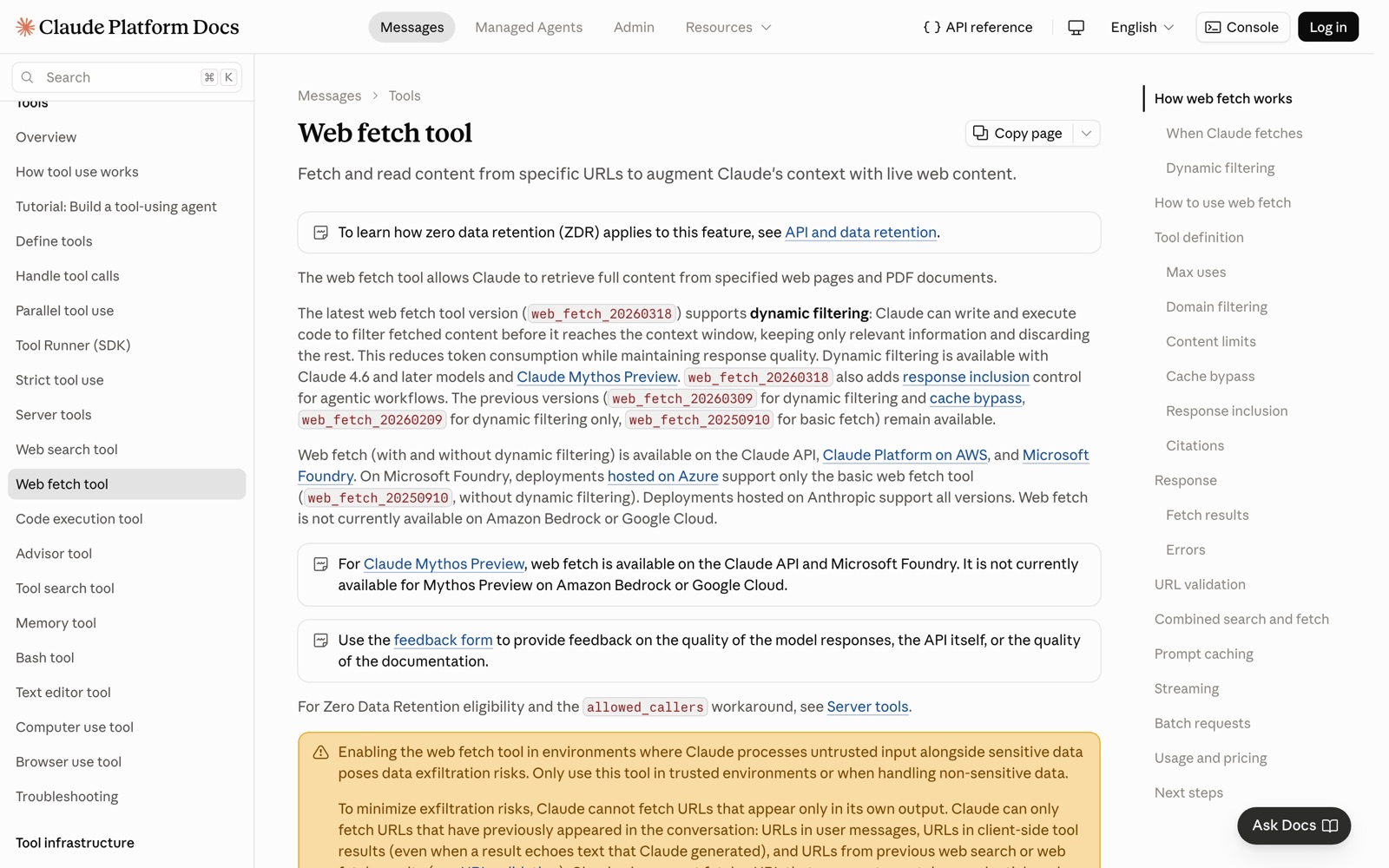
Two limits matter for scraping. First, the [web fetch documentation](https://platform.claude.com/docs/en/agents-and-tools/tool-use/web-fetch-tool) says it doesn't currently support websites dynamically rendered with JavaScript, and points to Anthropic's browser use tool for those. Second, as a safety measure, Claude can only fetch URLs that already appeared in the conversation (from you, a tool result or a search), not URLs it invents.
**Web search** lets Claude search the web and read the results. The [web search documentation](https://platform.claude.com/docs/en/agents-and-tools/tool-use/web-search-tool) lists it at $10 per 1,000 searches plus standard token costs, and search results count as input tokens for the rest of the conversation.
Together they're a solid research setup: search to find sources, fetch to read them. Because both run on Anthropic's side, there's no extra account, key or vendor to manage, and the results arrive with citations Claude can point back to. For a support bot that reads your own help pages, or an assistant that checks a few news articles, that's often all you need. They aren't a scraper for a 5,000-page site or for single-page apps.
## 2. Connect a scraping service through MCP
MCP (Model Context Protocol) lets Claude call outside tools. Several scraping services run MCP servers, which gives Claude a real scraper: one that renders JavaScript, rotates proxies, crawls whole sites and returns clean Markdown or JSON.
[Firecrawl](/tools/firecrawl) is the quickest to try. Its [keyless MCP server](https://docs.firecrawl.dev/mcp-server/keyless) works without an account at lower rate limits, exposing search, scrape and parse:
```bash
claude mcp add --transport http firecrawl https://mcp.firecrawl.dev/v2/mcp
```
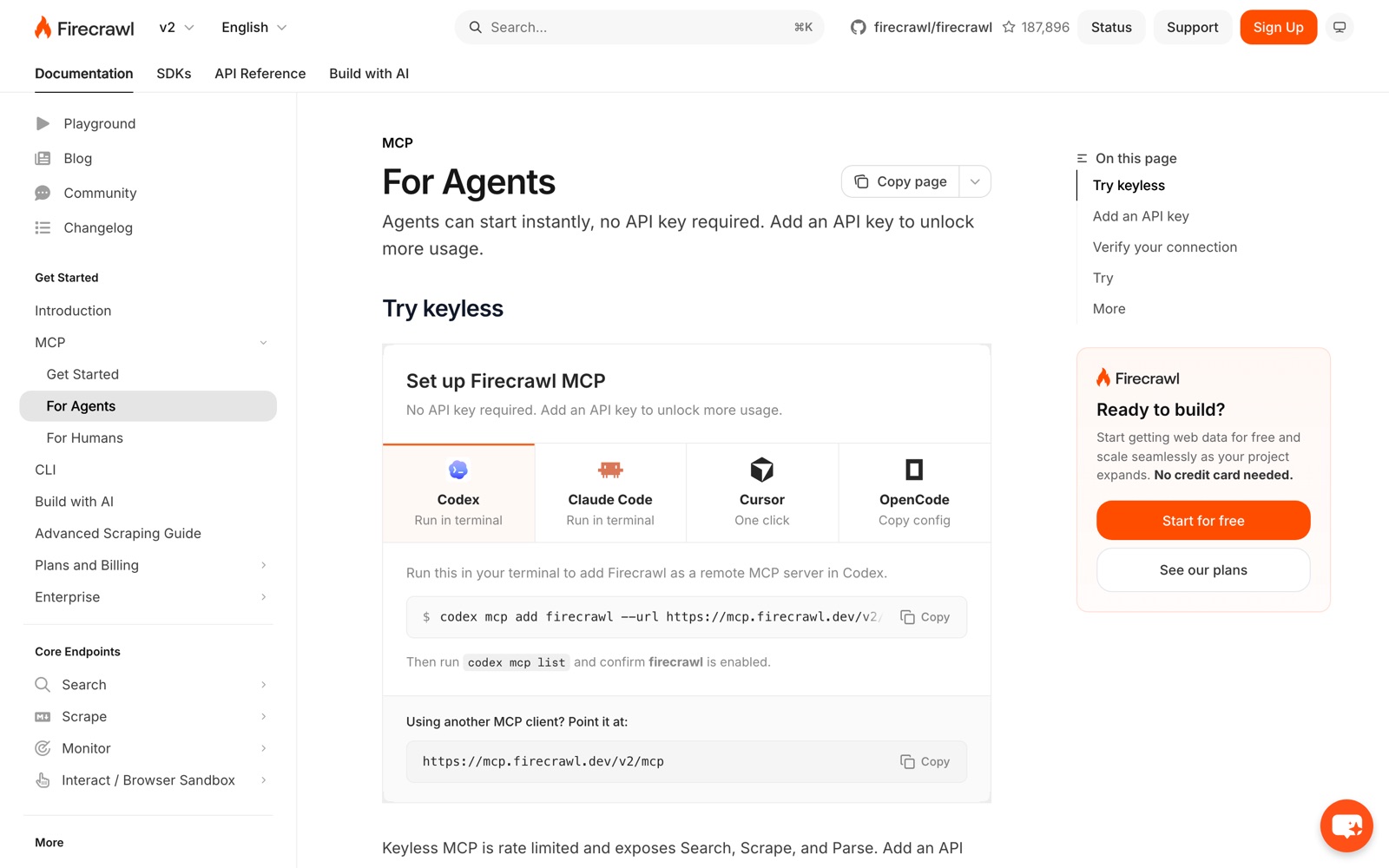
With an API key added as a bearer header, the full tool set opens up: crawl, map, interact with pages, structured extraction and more. In Claude.ai, Firecrawl's docs point to a native Firecrawl connector in Claude's connector directory instead of a command. [Firecrawl's pricing](https://www.firecrawl.dev/pricing) starts at 1,000 free credits a month, then $19 for 5,000 and $99 for 100,000, at 1 credit per basic page and 5 for JSON extraction.
Other options with MCP servers:
- **[Crawl4AI](/tools/crawl4ai)**: free and open source. Its self-hosted Docker server includes an MCP endpoint, and its hosted cloud has one too, added with a similar `claude mcp add` command and your key.
- **[Apify](/tools/apify)**: its MCP server lets Claude run any of Apify's ready-made scrapers (Actors), useful for specific sites like Google Maps or Instagram. Usage is billed against your Apify plan.
The trade-off against the built-in tools is cost and setup: you pay the service's credits on top of Claude's tokens. In return, pages that the built-in web fetch can't read come back as clean text.
## 3. Ask Claude to write a scraper
Sometimes you don't want Claude to scrape at all; you want a scraper you own. Claude is good at writing them. Describe the site, the fields and the output format, and ask for a script using a library suited to the page:
- **Static HTML**: requests plus Beautiful Soup, or Scrapy for larger crawls.
- **JavaScript-rendered pages**: Playwright, which drives a real browser.
- **LLM-ready output**: Crawl4AI, which returns Markdown and can extract JSON with a schema.
This route makes sense for jobs you'll run repeatedly at volume, where a per-page fee would add up. The costs move elsewhere: you run the code, handle proxies and blocks, and fix the scraper when the site changes. Claude Code can help with that maintenance too, by reading the error and the page and updating selectors.
A practical tip: give Claude a saved copy of the page's HTML, or have it fetch one example page first, before it writes selectors. Scrapers written from a description alone tend to guess at class names.
## 4. Claude inside an agent that scrapes on a schedule
The fourth route is Claude running as an agent: a loop where it decides what to search, which pages to scrape and what to extract, often on a schedule. Typical jobs are competitor monitoring, research briefs, lead enrichment and keeping a knowledge base current.
You can build this yourself with the Claude API plus a scraping service, or use a platform that hosts agents and connects tools for you. Either way, the scraping layer is usually one of the services above, called through MCP or an API.
Two rules make agents safe to run:
- **Cap the spend.** Set limits on the scraping service (Firecrawl, Apify and others support monthly caps) and use `max_uses` on Claude's own tools. An agent in a loop can burn through a month's credits in an afternoon.
- **Keep untrusted content away from sensitive tools.** Anthropic's web fetch docs warn about data exfiltration risks when Claude processes untrusted web content alongside sensitive data. Don't give a web-reading agent access to private data and outbound actions in the same session without review.
## Step by step: Claude Code plus Firecrawl
Here's the shortest path from nothing to Claude scraping a JavaScript-heavy site, using the commands from Firecrawl's documentation.
1. **Add the server.** In your terminal, run the `claude mcp add` command shown above. No account is needed for the keyless tier.
2. **Restart Claude Code and check the tools.** Open the MCP list in Claude Code and confirm that firecrawl is connected. On the keyless tier you should see search, scrape and parse tools.
3. **Ask for one page first.** Something like "Scrape the pricing page at this URL and list each plan with its monthly price." Check that the Markdown came back complete, especially tables.
4. **Add your API key when you need more.** Create a free key on Firecrawl's site, which gives 1,000 credits a month, and add it to the MCP configuration as a bearer header. That unlocks crawl, map and structured extraction, and higher rate limits.
5. **Set a cap before you scale.** On a paid plan, set a monthly pay-as-you-go limit in Firecrawl's billing settings, or 0 to turn top-ups off, so an agent can't keep buying credits.
6. **Save the prompt as a skill or command.** If you'll repeat the job, store the instructions so Claude runs it the same way every time.
The same pattern works with Crawl4AI's or Apify's MCP servers; only the command and the billing change.
## Prompts that get better scraping results
Claude does better scraping work when the request is specific about scope and output. A few patterns that help:
**Name the pages and the stopping rule.** "Find the pricing and changelog pages on this site, scrape only those two, and stop" beats "find out about this company". Without a stopping rule, an agent with a crawl tool will keep going.
**Ask for a schema, not a summary, when you need data.** "Return a JSON list with plan, monthly_price_usd, annual_price_usd and limits; use null when a value isn't on the page" gives you something you can load into a spreadsheet. The "use null" line matters: without it, models tend to fill gaps with guesses.
**Ask for the source URL with every fact.** It makes the output checkable, and it shows you when Claude read the wrong page.
**Tell it what to ignore.** "Ignore blog posts, careers and legal pages" saves credits and tokens on big sites.
**Check a sample before trusting the batch.** Ask Claude to show you the raw Markdown for one page before it extracts from fifty. If tables or prices came back broken, fix the tool settings first.
We use the same habits for the research behind our own reviews: scope first, sources with every number, and a look at the raw page before anything gets summarised.
## What each route costs: a worked example
Suppose you want Claude to produce a weekly brief on 20 competitors: search for news about each, read their pricing pages, and summarise changes. Roughly, at list prices:
- **Built-in tools on the API:** 20 searches a week is about 80 a month, or $0.80 at $10 per 1,000, plus tokens for the results and fetched pages. Cheapest, as long as the pricing pages render without JavaScript.
- **Firecrawl through MCP:** 20 searches of 10 results is 40 credits, plus 20 pricing pages at 1 credit each, about 60 credits a week or 240 a month. That fits in the free 1,000 credits, and JavaScript pages work. Claude's tokens are extra either way.
- **A Claude-written script:** free per run, but you host it, schedule it and maintain it.
The real cost difference shows up at scale and on hard sites, not in a 20-page brief.
## Mistakes to avoid
**Expecting web fetch to read single-page apps.** If a page builds its content with JavaScript, the built-in fetch will come back thin. Switch to a rendering scraper rather than prompting harder.
**Loading whole pages into context.** Full pages are expensive tokens. Use dynamic filtering on the API, or ask the scraping service for Markdown with boilerplate removed, or JSON with just the fields you need.
**Crawling when you need five pages.** Have Claude map or search first, then scrape only what's relevant. Listing a site's URLs costs far less than fetching every page, and most questions need a handful of pages, not the whole site. Our guide to [web crawling vs web scraping](/blog/web-crawling-vs-web-scraping) covers why the two steps differ.
**Forgetting the terms.** Claude doesn't make scraping more or less allowed. Check the site's terms and robots.txt, and leave personal data alone unless you have a reason and a right to collect it.
## Which route should you use?
If you're on the Claude API and the pages are ordinary, start with web search and web fetch: no extra service, and fetch costs only tokens. If you work in Claude Code or Claude.ai, or the sites are JavaScript-heavy, add Firecrawl's MCP server; the keyless version takes one command to try. If you'll run the same job thousands of times, have Claude write you a Crawl4AI or Playwright scraper and own it.
For the full picture on Firecrawl's credits and catches, read our [Firecrawl review](/blog/firecrawl-review), and for how it compares with the alternatives, see [Firecrawl vs Crawl4AI](/compare/firecrawl-vs-crawl4ai) and [Firecrawl vs Apify](/compare/firecrawl-vs-apify). The rest of the tools we'd pair with Claude are in [the AI builders stack](/for/ai-builders).
## Firecrawl review: the web data API for AI agents, and what its credits really cost
URL: https://minylist.com/blog/firecrawl-review
Updated: 2026-10-03
Our Firecrawl review: what firecrawl.dev does for AI agents, what 1,000 to 1M credits really buy, where it breaks, and when Crawl4AI, Apify or Exa fit better.
The short version of this Firecrawl review: if you're building an AI app or agent that needs to read live web pages, Firecrawl is the quickest way we know to get clean Markdown or JSON out of a URL, with a free tier of 1,000 credits a month and an MCP server your coding agent can use in one command. The catch is the credit model. Credits expire every month unless you pay $749 for Scale, structured JSON costs five credits a page instead of one, and bursty workloads end up paying for capacity they never use. Plans run from free to $19, $99, $399 and $749 a month.
We reviewed Firecrawl from its [public site](https://www.firecrawl.dev/), [pricing page](https://www.firecrawl.dev/pricing), documentation and GitHub repository as they stood on October 2, 2026, plus a year of Reddit threads and three months of posts on X. We did not sign up or run a paid test. One keyless request we sent from our own machine that day was refused with a message that our IP "looks suspicious", which we mention below because it matters if you plan to rely on the no-key route. Everything else Firecrawl claims about speed and accuracy is attributed to Firecrawl.
## Firecrawl at a glance
| | Firecrawl |
| --- | --- |
| What it is | An API that searches, scrapes, crawls and maps websites and returns clean Markdown, HTML, JSON or screenshots for LLMs |
| Who makes it | Caleb Peffer, Eric Ciarla and Nicolas Silberstein Camara; Y Combinator S22, San Francisco |
| Price | Free (1,000 credits), Hobby $19, Standard $99, Growth $399, Scale $749 a month; 16.7% to 20% off yearly |
| Free plan | 1,000 credits a month, no card, 2 concurrent requests |
| Billing unit | Credits: 1 per basic page, 2 per 10 search results, +4 per page for JSON |
| Ways in | REST API, SDKs in 9 languages, CLI, MCP server, ChatGPT and Claude connectors |
| Open source | Yes, AGPL-3.0, self-hosted with Docker Compose (fewer features) |
| Security | SOC 2 Type II on every plan; DPA from Standard; SSO and zero data retention on Enterprise |
| Funding | $75M Series B led by Smash Capital, announced September 22, 2026 |
Firecrawl's own numbers are big: its about page lists more than 150,000 companies and over a million developers, and the GitHub repository had about 188,000 stars when we checked. Those are the vendor's figures, but the star count is public and it puts Firecrawl among the most-watched developer projects on GitHub.
## What does Firecrawl do?
Firecrawl turns web pages into text a language model can use. You send a URL and get back the page as Markdown with navigation, footers and ads stripped out. You can also ask for HTML, a screenshot, or JSON shaped by a schema or a prompt. That's the scrape endpoint, and it's the one most people start with.
Around it sit four more. Crawl follows a site's links and returns every page. Map lists every URL it can find on a site, which is cheap and useful for deciding what to crawl. Search runs a web query and scrapes the results, so your agent gets full page content instead of ten blue links and snippets. Interact, the newest, keeps a browser open so an AI prompt or your code can click, type and scroll before the scrape.
The point of all this is that you don't run browsers. Before tools like this, getting a JavaScript-heavy page into an LLM meant Playwright or Puppeteer, a proxy pool, retry logic, and an HTML-to-Markdown step that never quite worked. Firecrawl does that work on its servers and bills you per page.
It sits in an odd spot on the map. Compared with Apify it's one general API rather than a store of site-specific scrapers. Compared with Tavily or Exa it's more of a scraper with search attached than a search engine with page contents attached. And compared with Crawl4AI it's the hosted version of something you could run yourself.
## How Firecrawl works
A request goes in with your API key, or without one at lower limits on the keyless tier. Firecrawl loads the page in a real browser, renders JavaScript, waits for content to settle, and parses PDFs and Word files the same way. Then it cleans the output. Firecrawl claims its Markdown uses 93% fewer input tokens than raw HTML, which is the vendor's figure, but the direction is obviously right: navigation and cookie banners are tokens you pay your LLM for.
For structured data you pass a JSON schema or a plain-English prompt and get fields back. That step runs an LLM on Firecrawl's side, which is why it costs 4 extra credits per page. Long crawls report back through signed webhooks; short requests return in the response.
The part that has changed fastest is the agent tooling. There's an MCP server at `mcp.firecrawl.dev` that Claude Code, Codex, Cursor and OpenCode can add with one line, a CLI that installs Firecrawl "skills" into every coding agent it finds, and native connectors for ChatGPT and Claude.ai. The homepage even carries an onboarding file written for AI agents to read.
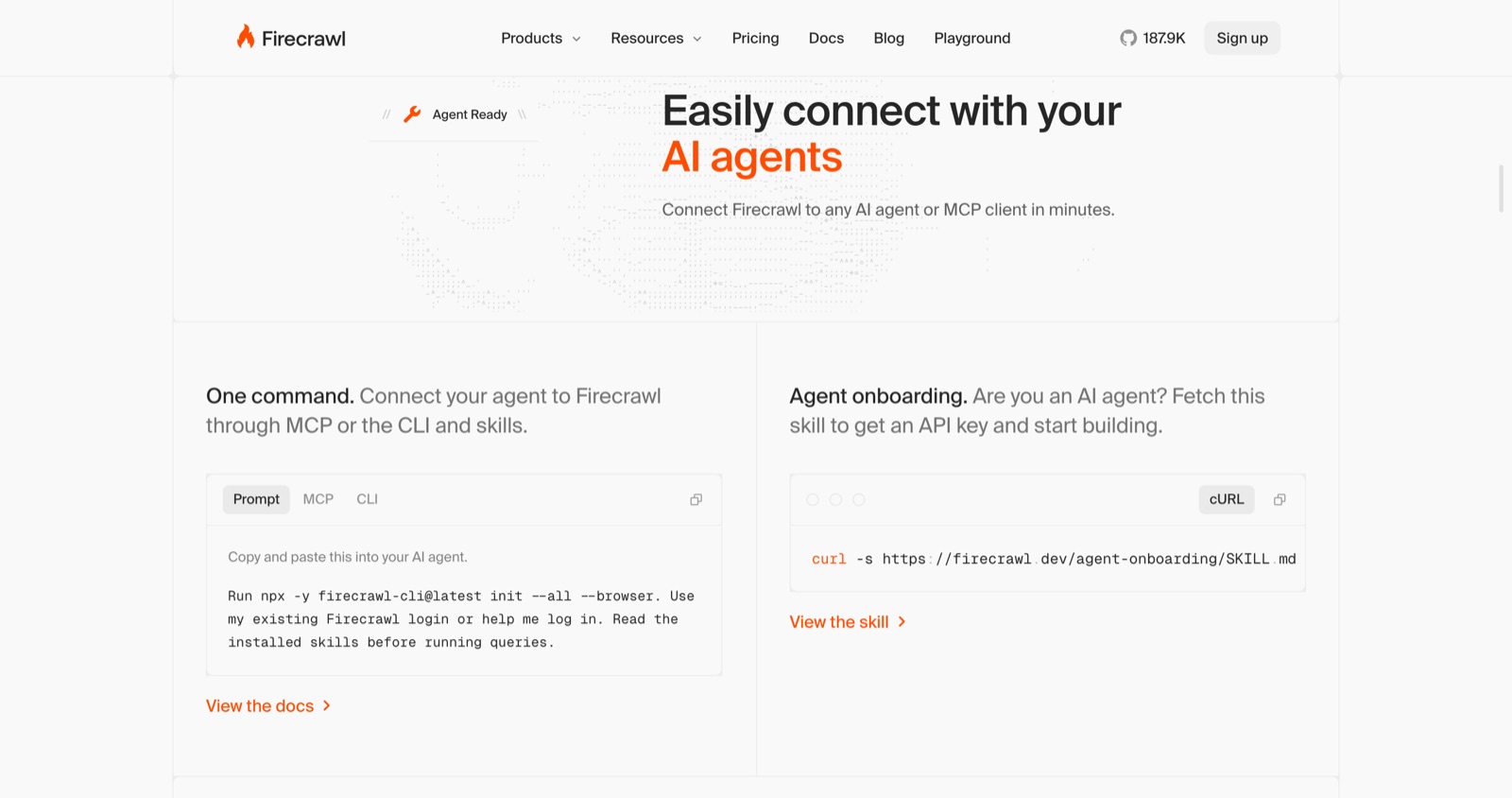
We think this is the strongest argument for Firecrawl in 2026. If you live in Claude Code or Cursor (we walk through the setup in [Claude web scraping](/blog/web-scraping-with-claude)), giving your agent the ability to read current docs or a competitor's pricing page takes a minute, and the keyless MCP server exposes search, scrape and parse without an account. Firecrawl's June 2026 launch post says every developer gets 1,000 free credits a month that way, no signup needed.
A caveat from our side: when we tried a keyless scrape on October 2, Firecrawl answered with a 403 saying our IP address "looks suspicious" and asked us to sign up for a free key. That's one request from one network, so don't read too much into it. But if you're planning a demo or workshop around the no-key route, get a free key first.
## Is Firecrawl reliable and fast?
Firecrawl publishes its own benchmark: 96% coverage on a 1,000-URL dataset run on January 13, 2026, against 79% for Puppeteer and 75% for plain cURL, with a P95 latency of 3,387 milliseconds. It's a vendor test on a vendor dataset, so treat it as a claim.
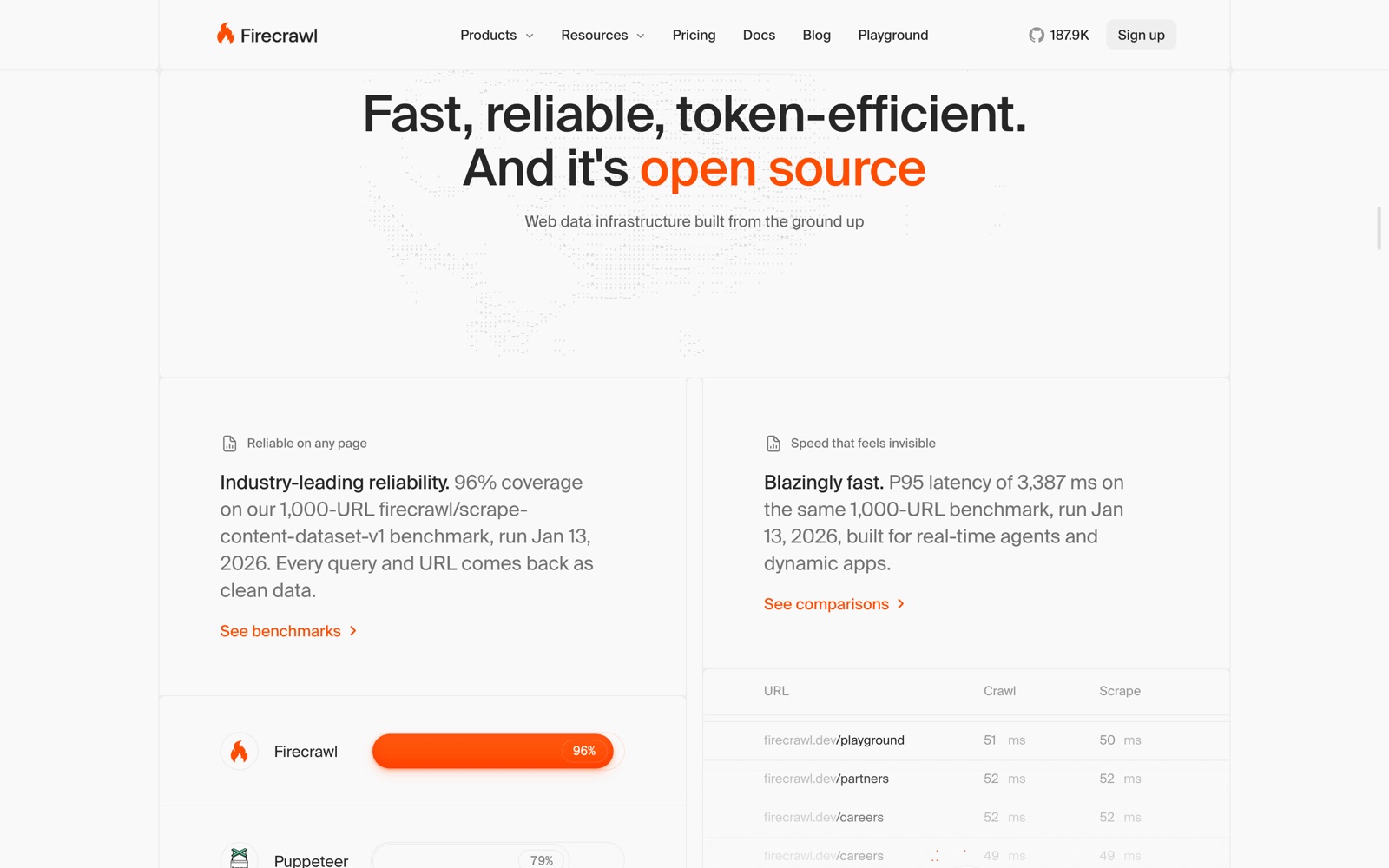
The independent evidence we found points the same way on reliability and the other way on freshness. One developer ran a controlled comparison of AI search tools in August 2026 and reported Firecrawl had zero failed calls out of 240, the best reliability in the set, while Exa returned fresher sources.
[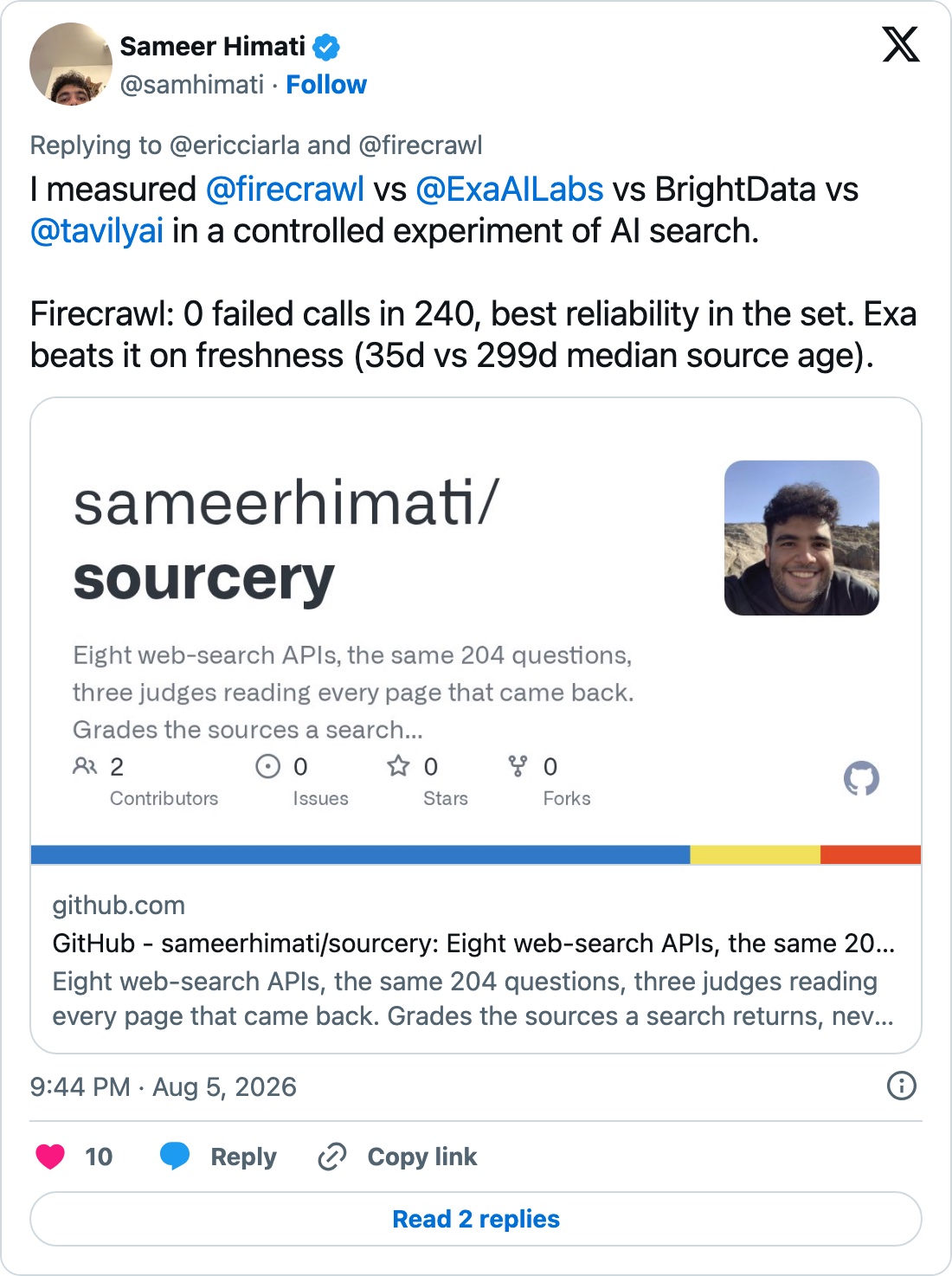](https://x.com/samhimati/status/2085036803053306337)
On Reddit the recurring caveats are speed and the hardest bot protection. A commenter in r/LocalLLaMA called it "the best for agents" but added that "it can be very slow though", and another said Cloudflare Turnstile is where it "still struggles". A Hacker News thread from December 2025 was titled "Firecrawl getting blocked due to headlesness". None of that is surprising for any scraper, but it means you should test your hardest target sites on the free plan before you commit.
We also saw promotion dressed up as evidence, in both directions. A glowing r/LocalLLaMA thread about Firecrawl had its own commenters calling it a "bot swarm", and two "benchmarks" on X that rank Firecrawl badly came from accounts promoting rival tools. We didn't use any of them.
## A real job: giving a research agent live web access
Here's the workflow Firecrawl is built for, using its own documented pieces. Suppose you have an agent that answers questions about competitors: what they charge, what they shipped this month, how they position themselves.
1. **Connect the agent.** In Claude Code, `claude mcp add --transport http firecrawl https://mcp.firecrawl.dev/v2/mcp`, then add your API key as a bearer header once you outgrow keyless.
2. **Search, don't guess URLs.** The agent calls search for " pricing", which returns full page content for each result at 2 credits per 10 results.
3. **Map before you crawl.** For a competitor's docs or changelog, map lists the URLs for 1 credit per page found, so the agent crawls only the pages that changed.
4. **Extract the fields you care about.** Ask for JSON with plan names, prices and limits. This is the 5-credit step, so keep it to pages that matter.
5. **Watch for changes.** Monitor re-checks pages on a schedule and flags meaningful changes; its deterministic extraction bills a flat 7 credits per page per check.
In credits, a weekly sweep of 10 competitors (one search, a 20-page crawl and 5 JSON extractions each) is about 2 + 20 + 25 = 47 credits per competitor, or roughly 470 a week. That fits in the free tier for a month or two of testing and comfortably inside Hobby after that. A Reddit user in r/AI_Agents described a similar build that "tracks about 290 companies in the news for a VC", which is the scale where Standard starts to make sense.
If you want an agent that acts on this research for you instead of just reading it, our [Squad review](/blog/squad-review) covers AI teammates that run recurring jobs like this on a schedule, and the [AI builders stack](/for/ai-builders) puts Firecrawl next to the other tools in that kind of setup.
## Firecrawl with n8n, ChatGPT and other tools
You don't have to write code to use Firecrawl. It's a native integration in n8n: on n8n Cloud you install the Firecrawl node and click Connect, and Firecrawl's own blog lists three official starter templates (RAG ingestion into Pinecone, Supabase vector storage, and company lead enrichment). r/n8n is the third busiest subreddit in our Reddit sample, with 13 threads naming Firecrawl in the past year, and the questions there are practical: which node to use, how to handle long crawls, and what to do about credits.
If you self-host n8n, you can call the REST API from an HTTP Request node instead, which is what the r/n8n user who complained about expiring credits was doing. The same pattern works in any automation tool that can send a POST request.
On the chat side, Firecrawl became an official ChatGPT plugin in August 2026 and an official Replit connector in July, and it has plugins for Codex and a keyless search option in OpenCode. Firecrawl posted on September 30 that it was the sixth most popular plugin in ChatGPT, which is its own claim. For you, the practical upshot is that the same account and credits work across your coding agent, your chat assistant and your automations.
The thing to watch is that each surface spends from the same pool. An n8n workflow that runs every hour, a coding agent reading docs all day and a teammate using the ChatGPT plugin can drain a Hobby plan in a week without anyone noticing. Set a pay-as-you-go cap, or give each project its own key and team, before you connect everything.
## What Firecrawl really costs
The pricing table is simple. What you'll pay isn't, because everything runs on one pool of credits and different jobs drain it at different rates.
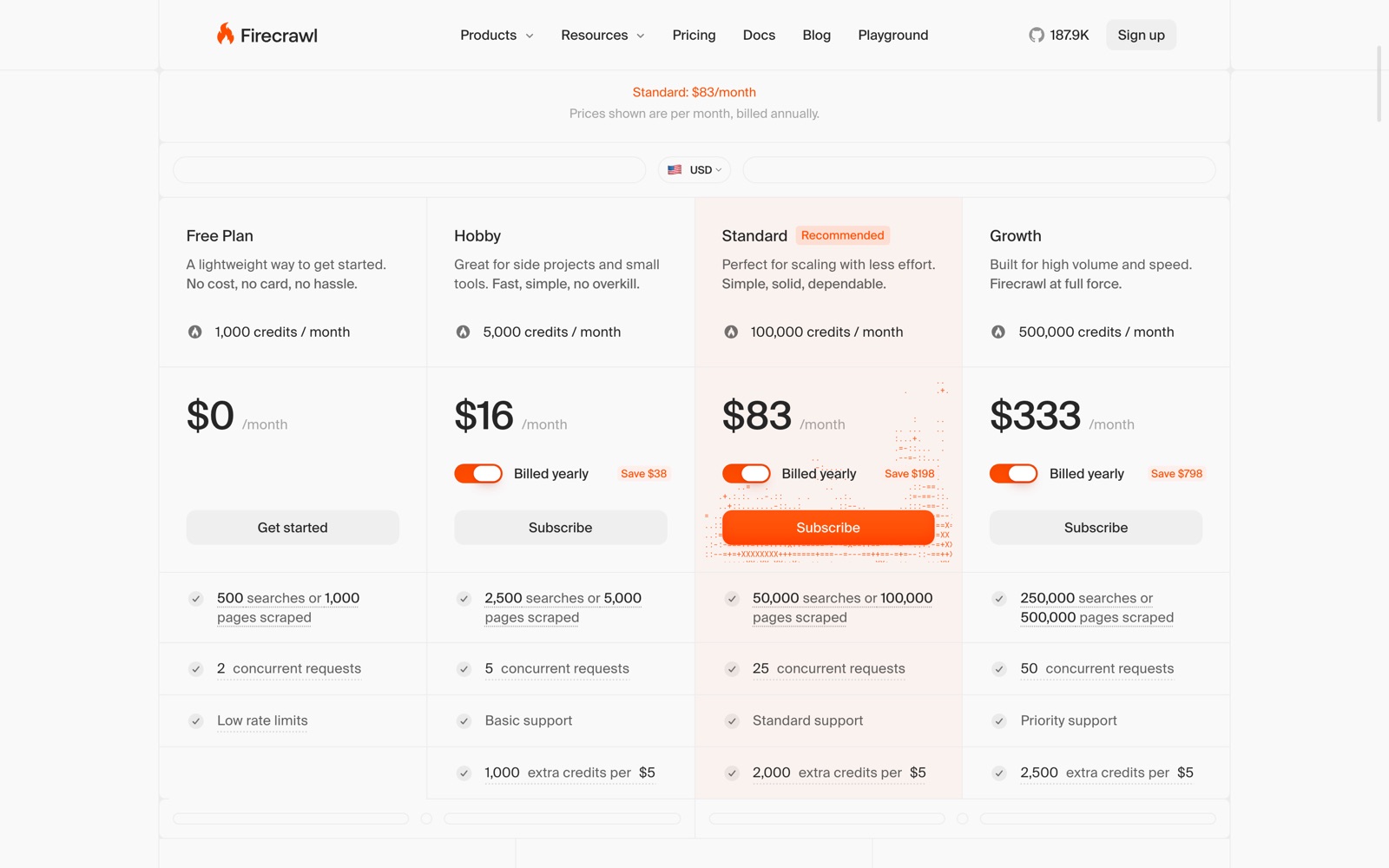
| Plan | Monthly | Yearly (per month) | Credits | Per basic page | Concurrent |
| --- | --- | --- | --- | --- | --- |
| Free | $0 | $0 | 1,000 | – | 2 |
| Hobby | $19 | $16 | 5,000 | $0.0038 | 5 |
| Standard | $99 | $83 | 100,000 | $0.00099 | 25 |
| Growth | $399 | $333 | 500,000 | $0.0008 | 50 |
| Scale | $749 | $599 | 1,000,000 | $0.00075 | 100 |
Then the multipliers. A basic scrape, crawl or map page is 1 credit. Search is 2 credits per 10 results. Interact is 2 credits per browser minute. And the JSON, Question and Highlight formats add 4 credits per page.
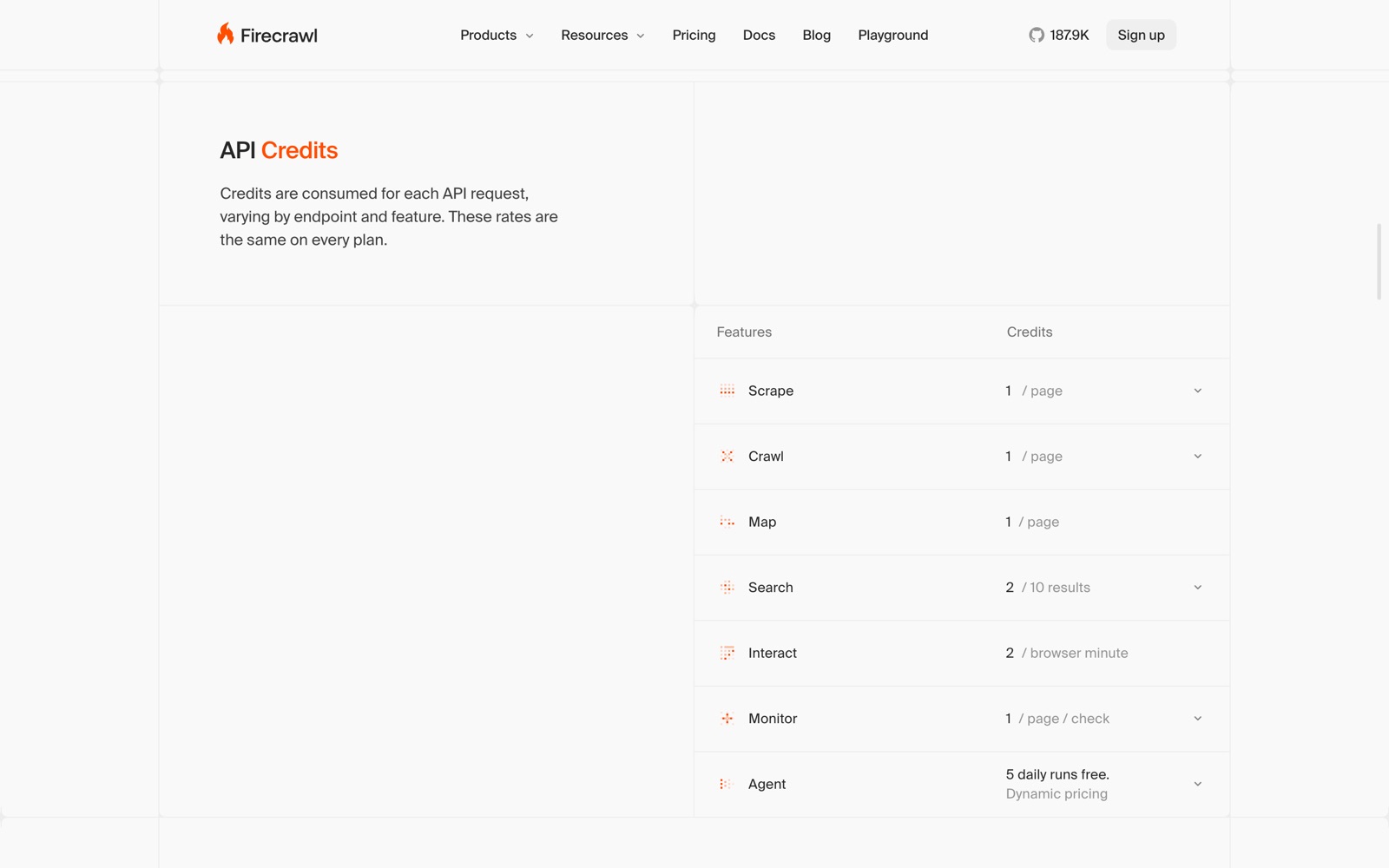
The two numbers that decide your bill are the 4-credit JSON surcharge and the fact that unused credits disappear at the end of the month on every plan below Scale. A few budgets, worked out from the pricing page:
- **Side project, 3,000 pages a month, Markdown only:** Hobby at $19 covers it with room to spare. The free plan's 1,000 credits won't.
- **20,000 pages a month with JSON on every page:** that's 100,000 credits, so Standard at $99. Without JSON it would fit in Hobby plus a few top-ups.
- **Hobby plus top-ups vs Standard:** pay-as-you-go on Hobby buys 1,000 credits per $5, or $0.005 a page. At about 21,000 pages a month, Hobby plus top-ups costs more than Standard's flat $99.
- **Bursty agent, 50,000 pages one month and almost nothing the next two:** you either pay Standard for three months ($297) or keep switching plans. This is the case people complain about.
That last case is the most common gripe we found. A user in r/n8n put it bluntly: "my unused credits just vanish at the end of the month", and the thread filled with suggestions for prepaid-credit services and self-hosted Crawl4AI. On X, a paying customer complained on October 1 that support refused a one-off rollover after they'd picked a plan bigger than they needed.
[](https://x.com/mukeshag2010/status/2105596568363823420)
Firecrawl has softened this a little. Since September 9, 2026, paid plans can top up automatically in $5 blocks up to a monthly cap you set, and credits you buy that way stay until used (unless you cancel). It doesn't fix expiry of the plan's own credits, but it means you can pick a smaller plan and top up in heavy months instead of overbuying.
Two smaller billing details are worth knowing before you budget. A scrape that returns nothing isn't charged, but a page that answers 403 or 404 still costs a credit, so crawling a site full of dead links costs money. And there's no refund policy on the pricing page; read the terms before you pay for a year.
## Which Firecrawl plan should you pick?
Pick by measured credits, not by pages. Run a week of your real workload on the free plan, read the credits used in the dashboard, multiply by four, and add a margin for JSON pages and searches. Then:
| Your monthly credit use | Plan we'd pick | Why |
| --- | --- | --- |
| Under 1,000 | Free | Enough for testing, a personal agent or a weekly report |
| 1,000 to 5,000 | Hobby, $19 (or $16 yearly) | Cheapest paid plan; adds pay-as-you-go for heavy weeks |
| 5,000 to about 20,000 | Hobby plus top-ups, with a cap | Top-ups cost $5 per 1,000 credits; still under Standard's $99 |
| 20,000 to 100,000 | Standard, $99 (or $83 yearly) | Per-page cost drops to about $0.001, and 25 concurrent browsers |
| 100,000 to 500,000 | Growth, $399 | Shared Slack channel and higher rate limits |
| Bursty, over 500,000 some months | Scale, $749, or self-host | The only self-serve plan where unused credits carry over |
Yearly billing saves 16.7% on Hobby to Growth and 20% on Scale. We'd only take it after two or three months of steady use, because you're committing to a credit allowance that still expires monthly. And if your workload is mostly search for an agent rather than scraping, price Tavily and Exa before you choose; we cover both below.
## Can you self-host Firecrawl?
Yes, and it's one of the reasons Firecrawl got popular. The repository is AGPL-3.0, and the docs walk through a Docker Compose setup pinned to a specific release that starts the API on port 3002. You pay for servers and, if you want JSON extraction, for an LLM provider of your own (any OpenAI-compatible API or a local model through Ollama).
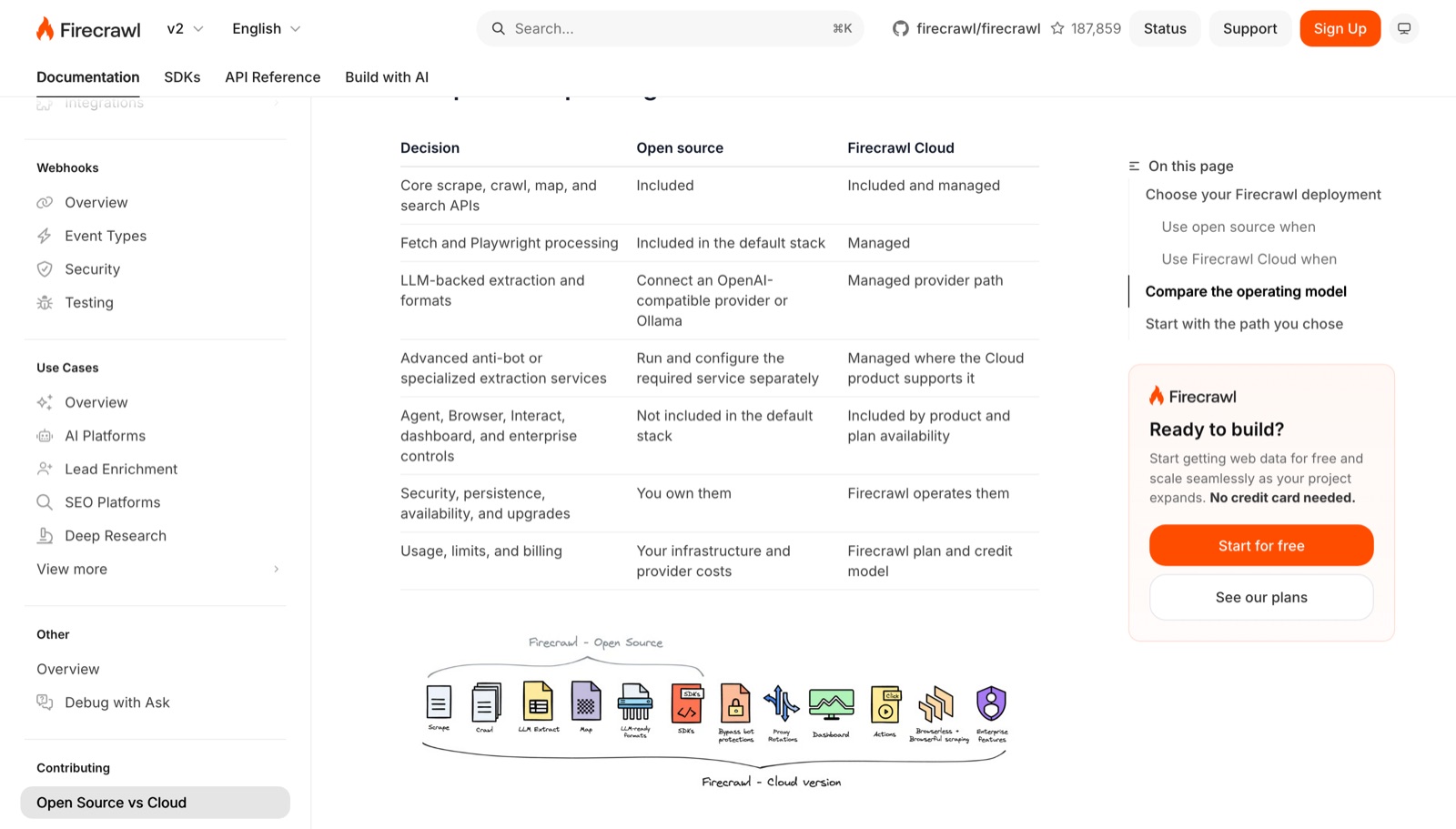
The self-hosted version is not the same product, and Firecrawl says so plainly. The quickstart turns authentication off and has no TLS or durable storage, so you'll need to add those before exposing it. Agent, Browser, Interact, the dashboard and the managed anti-bot paths aren't included. Hacker News is full of people who decided that trade wasn't worth it and built lighter forks and rewrites, from "Firecrawl-Simple" in 2024 to single-binary Rust alternatives in 2026.
Self-host if you have steady volume and someone who enjoys running infrastructure; otherwise the Cloud plans are cheaper than your time. The AGPL license also matters if you modify the code and offer it as a service to others, so check it with whoever handles licensing at your company.
## What Firecrawl shipped in 2026
Firecrawl changes quickly, which is good for features and a reason to re-check prices before you buy. In the last few months alone it launched the keyless tier (June 16), a web-scale version of Monitor (July 1), the Replit connector (July 23), the ChatGPT plugin (August 5), pay-as-you-go top-ups (September 9) and Alexandria with the $75M Series B (September 22). The current pricing table says it took effect on September 4, 2026, and older blog posts about Firecrawl quote plans and credit costs that no longer exist.
Two practical consequences. First, any review older than a few months, including third-party "Firecrawl pricing" pages, may be wrong about what you'll pay; trust the vendor's pricing page and the date on it. Second, the newest endpoints (Interact, Monitor, Agent) have their own credit rates, and Agent is still in preview with "dynamic pricing" and five free runs a day. Build your core workflow on scrape, crawl, map and search, and treat the rest as experiments until their pricing settles.
## Security, data and legality
For a tool that fetches pages on your behalf, Firecrawl's paperwork is solid. Every plan, including Free, lists SOC 2 Type II, regular penetration testing, MFA, signed webhooks and PII redaction. Standard and up get a data processing agreement. Zero data retention, SSO, SCIM, IP-restricted API keys and static egress IPs are Enterprise-only, which matters if you scrape anything sensitive or need a fixed IP for a partner's allowlist.
Legality is the question people search most after price ("is firecrawl legal"). Firecrawl is a tool, and using it is legal; scraping a particular site may not be, depending on that site's terms, robots rules, whether the data is personal, and where you are. Firecrawl doesn't make that decision for you. What's changed is that it now sells a licensed route as well: with its September 2026 Series B it launched Alexandria, which pulls from official data providers and pays some of them, Wikimedia Enterprise included. If you're building something commercial on top of other people's content, that route is worth a look.
## The catch
- **Credits expire.** Free, Hobby, Standard and Growth reset every month. Only Scale ($749) rolls over, for one month.
- **Structure costs five times as much.** JSON, Question and Highlight output add 4 credits to every page, so "extract these fields from 10,000 pages" is a 50,000-credit job.
- **Hard sites are still hard.** Users report slowness and blocks on the toughest bot protection, like Cloudflare Turnstile. Test your real targets first.
- **The free key route isn't guaranteed.** Our keyless request was refused as a suspicious IP. Plan on a free account.
- **Self-hosting is a different product.** No Agent, Browser, Interact or managed anti-bot, and production setup is on you.
## Firecrawl alternatives
The tools people name next to Firecrawl, priced from their own pages on October 2, 2026:
| Tool | Free tier | Paid entry | Better than Firecrawl when |
| --- | --- | --- | --- |
| Crawl4AI | Free, open source (Apache-2.0) | Your servers | You can run browsers yourself and hate monthly credits |
| Apify | $5 of usage a month | $19/month plus $0.13–$0.20 per compute unit | A maintained scraper already exists for your exact site |
| Tavily | 1,000 API credits a month | $0.008 per credit pay as you go | You mainly need search results for an agent, not full crawls |
| Exa | $10 of credits a month | Search from $4 per 1,000 requests; contents $1 per 1,000 pages | You need fresh, semantic search with page contents |
**[Crawl4AI](/tools/crawl4ai)** is the one Reddit recommends most when people complain about Firecrawl's pricing. It's a Python library, also aimed at LLM-ready Markdown, with about 85,000 GitHub stars. You get no credits and no bill, and you also get every browser, proxy and scaling problem yourself. It now has a hosted cloud too, with credits that never expire; we set the two side by side in [Firecrawl vs Crawl4AI](/compare/firecrawl-vs-crawl4ai).
**[Apify](/tools/apify)** is the incumbent for scraping as a business. Its store has ready-made scrapers for specific sites, and its pricing is prepaid usage plus compute units, which one Reddit user said "crept up fast once i started scraping at any real volume". The head-to-head is on [Firecrawl vs Apify](/compare/firecrawl-vs-apify).
**Tavily** and **Exa** are search APIs first. In an r/AI_Agents thread about the "gold standard" for agentic scraping, one builder said Tavily was working best for them, with Firecrawl as a backup. If your agent mostly searches and reads, price those two against Firecrawl's search at 2 credits per 10 results.
For a ranked shortlist across all of them, see [the best AI web scraping tools](/blog/best-ai-web-scraping-tools). You'll find every option we've reviewed on [Firecrawl alternatives](/alternatives/firecrawl) and in our [web scraping category](/categories/web-scraping), and the full reference page with setup steps, use cases and an FAQ is at [Firecrawl on minylist](/tools/firecrawl).
## Who should use Firecrawl?
**Try it if** you're a developer or AI builder putting live web pages into an LLM app, RAG pipeline or agent, and your volume is steady enough to use most of a plan each month. It's also an easy pick if you work in Claude Code, Cursor or Codex and want your agent reading the web in a minute. Start on the free 1,000 credits, run your hardest target sites through it, and count how many credits your real workload uses before choosing a plan.
**Skip it if** your jobs come in bursts with idle months in between, if you need JSON from huge numbers of pages (the 5x multiplier adds up), or if you'd rather run Crawl4AI on a server you already pay for. And if one ready-made Apify scraper already covers the single site you care about, use that.
Our verdict: Firecrawl is the easiest way to give an AI agent clean web data, and the free tier is enough to prove it; just size your plan from measured credit use, not page counts. We rate it 3.9 out of 5 from public pages, held back mainly by the credit model.
For the rest of the tools we'd pair it with, see [the AI builders stack](/for/ai-builders).
## The best AI agents for creative agencies, one per job
URL: https://minylist.com/blog/best-ai-agents-for-creative-agencies
Updated: 2026-10-01
The best AI agents for creative agencies, ranked by job: client video, ad creative, reporting and Slack ops, with real prices, the catch and what to skip.
The best AI agents for creative agencies are the ones that take one job off a busy team, so the short answer to "what is the best AI agent for creative agencies?" is a pair, not a single tool. For client video, start with [HeyGen](/tools/heygen) and its Video Agent: a free plan to test, $29 a month for Creator. For paid-social ad variants, [Arcads](/tools/arcads). For the back office (weekly reports, billing chasers, approvals your clients can see), [Squad](/tools/squad) at $99 a month plus the AI plan you already pay for. The catch with all of them is the meter: credits or seats decide the bill, not the sticker price.
We built this list from the vendors' own pricing pages, docs and use-case pages, checked on October 1, 2026. We haven't run client work through any of these tools, so capability claims are the vendors' unless we say otherwise.
## Why most "best AI agent" lists don't fit an agency
Search this question today and nearly every result is written by a company that sells an agent and ranks itself first. The top result, a March 2026 roundup from Superside, puts Superside's own Brand Brain at number one, then Jasper, Adobe Firefly, Runway, Canva and Notion AI. It's a fair list of creative tools. It says nothing about the half of agency work that isn't making things: the Monday report, the invoice that's 20 days late, the client who wants to see progress without a login.
An agency's week splits roughly in two. One half is production: videos, ads, social posts, decks. The other half is operations: reporting on spend, chasing payments, writing up calls, answering "where are we on this?" in Slack. An AI agent earns its seat when it owns a repeatable job in either half, runs it on its own, and stops to ask before anything reaches a client.
So we ranked agents by agency job. Production comes first, because creative work is what an agency sells. Operations come next, because that's where the hours leak.
## How we chose
Every pick had to clear four bars:
1. **It's an agent, not a feature.** It takes a goal ("a 60-second explainer for this product", "Monday's spend report") and decides the steps, rather than waiting for you to click through an editor.
2. **The price is public, or the vendor says plainly that it isn't.** Arcads made the list without public prices, and we say so in its section.
3. **There's a human checkpoint.** Before anything reaches a client or an ad account, you can review it.
4. **It's in our catalog with a full tool page**, so you can check every fact we quote against the vendor's pages, the limits and the alternatives.
What we left out on purpose: design generators such as Canva and Adobe Firefly. They're good tools and they appear in the other lists, but they're image and layout tools first. We haven't verified their current pricing for this post, and we'd rather add them later with checked numbers than quote someone else's.
## 1. HeyGen: best for client video
[HeyGen](/tools/heygen) turns a script into a presenter video with an AI avatar, and translates finished videos with lip-sync. Its Video Agent is the agent part: you type a prompt such as "Explainer video for our new project management software", pick a length and orientation, and it builds the video, with motion graphics, A-roll and B-roll, in 1080p or 4K. [HeyGen calls it](https://www.heygen.com/video-agent) "a creative agent that does the work for you".
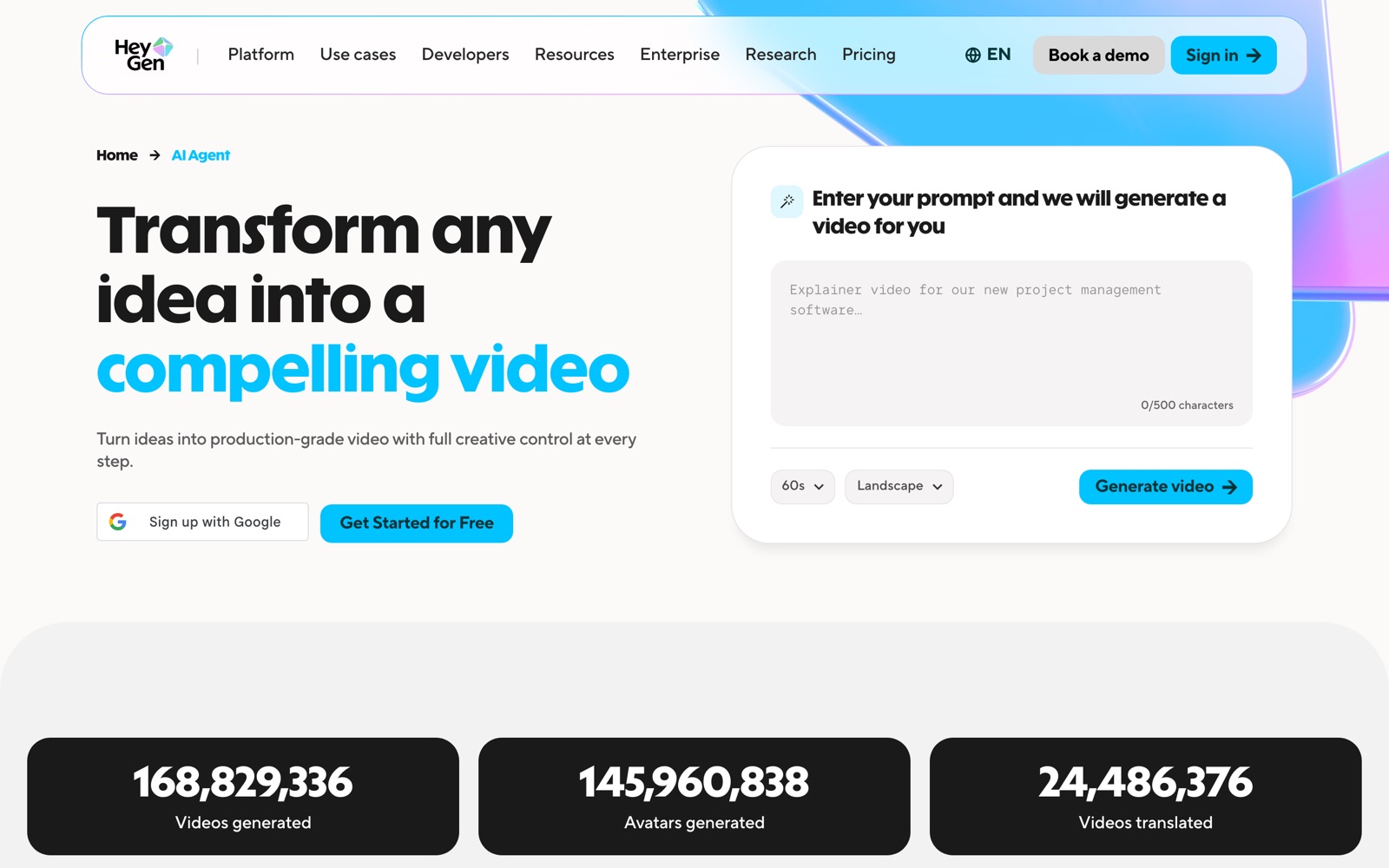
For an agency, the useful parts are the brand kit and translation. You define a client's visual identity once, and HeyGen applies it to motion graphics, text overlays and colour. A finished video can then be dubbed and lip-synced into 175+ languages on paid plans, which turns one English explainer into a set for a client's regional teams.
**Price.** From [HeyGen's pricing page](https://www.heygen.com/pricing), checked September 30, 2026:
- **Free:** $0, no card, up to 3 videos a month, each up to a minute, 1080p. Video Agent, Avatar IV and lip-sync translation are trial access only.
- **Creator:** $29 a month, or $24 billed annually, with 600 credits, videos up to 30 minutes and no watermark.
- **Pro:** from $49 a month with 1,000 credits and 4K export.
- **Business:** $149 a month plus $20 for each extra seat, with SSO and video comments, which is the plan that makes sense once clients review cuts inside HeyGen.
**The catch.** Credits, not minutes, set the bill, and HeyGen doesn't publish what a Video Agent video costs in credits. Monthly plans roll unused credits over for one month; annual plans keep them until renewal; cancelling wipes them. Render one real client script on Creator and read the credit count before you quote a retainer around it.
**Pick something else if** your clients want UGC-style ads for TikTok and Meta rather than presenter videos. That's what Arcads is for, and we compare the two directly in [Arcads vs HeyGen](/compare/arcads-vs-heygen).
## 2. Arcads: best for ad creative at volume
[Arcads](/tools/arcads) makes short video ads spoken by AI actors, built for paid social. Its agent is called Mark: you paste a product link, Mark reads the page, drafts hooks and scripts, and generates a first set of ads. From there you edit in Studio, with captions, B-roll, music and actor swaps, and dub into 30+ languages.
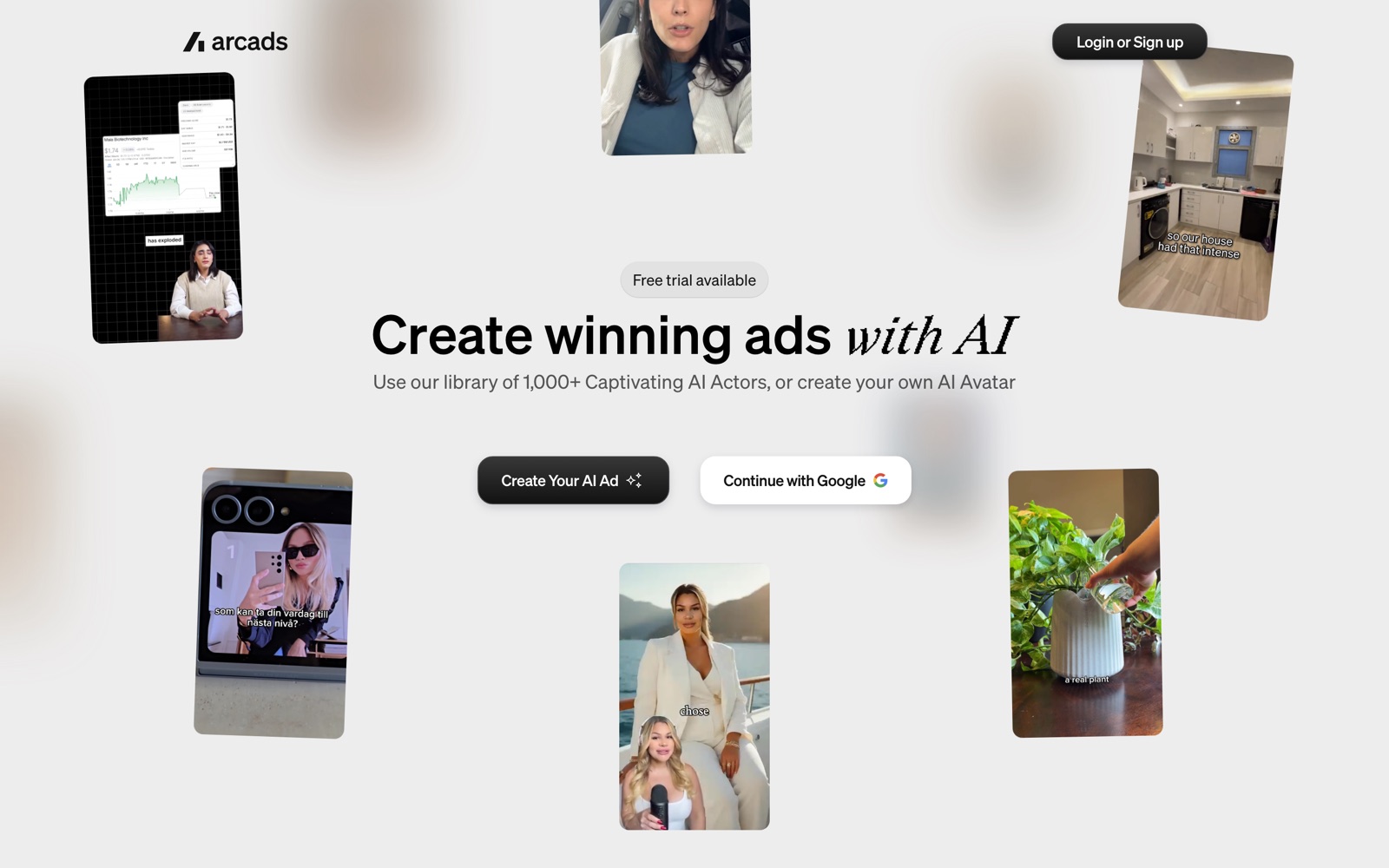
This is the agent for a performance agency. Ad testing is a volume game, and the bottleneck is usually getting twenty hook variants in front of an audience by Thursday. Arcads has a library of 1,000+ actors, plus custom avatars that can hold a client's product, so you can test angles without booking creators for every round.
**Price.** Arcads doesn't publish plan prices. You create an account, start the free trial, and see the plans inside the app. Third-party blogs quote figures, but they disagree with each other, so we won't repeat them. What [Arcads' own pages](https://www.arcads.ai) make clear is that each finished video costs credits, and there's no volume discount until you negotiate a custom plan.
**The catch.** You can't budget a client retainer around Arcads until you've seen your own price. Budget by finished ads a month, then add room for retakes and hook variants, which is where most credits go.
**Pick something else if** the client needs a polished brand video, a training clip or a translated presenter piece. HeyGen covers more of that work, publishes its prices and has a free plan.
## 3. Squad: best for the agency back office
[Squad](/tools/squad) gives you AI teammates, each with one job, one schedule and its own access to your tools, and runs them on the ChatGPT, Claude or Gemini plan you already pay for. It's the only pick here built for operations rather than production, and it has a feature built for client work: a read-only share link, so a client can see the runs and documents without a login to your tools.
The clearest agency job on Squad's site is the [weekly ad spend report](https://squad.so/use-cases/ad-spend-report). Every Monday at 7:30 AM, a teammate pulls spend and conversions per channel from Google Ads, joins them to revenue in Stripe, compares the week with the last one and with your targets, and ends with a named call: scale this, watch that, cut the third. You answer with a choice card, and the next Monday's report opens with what your decision did.
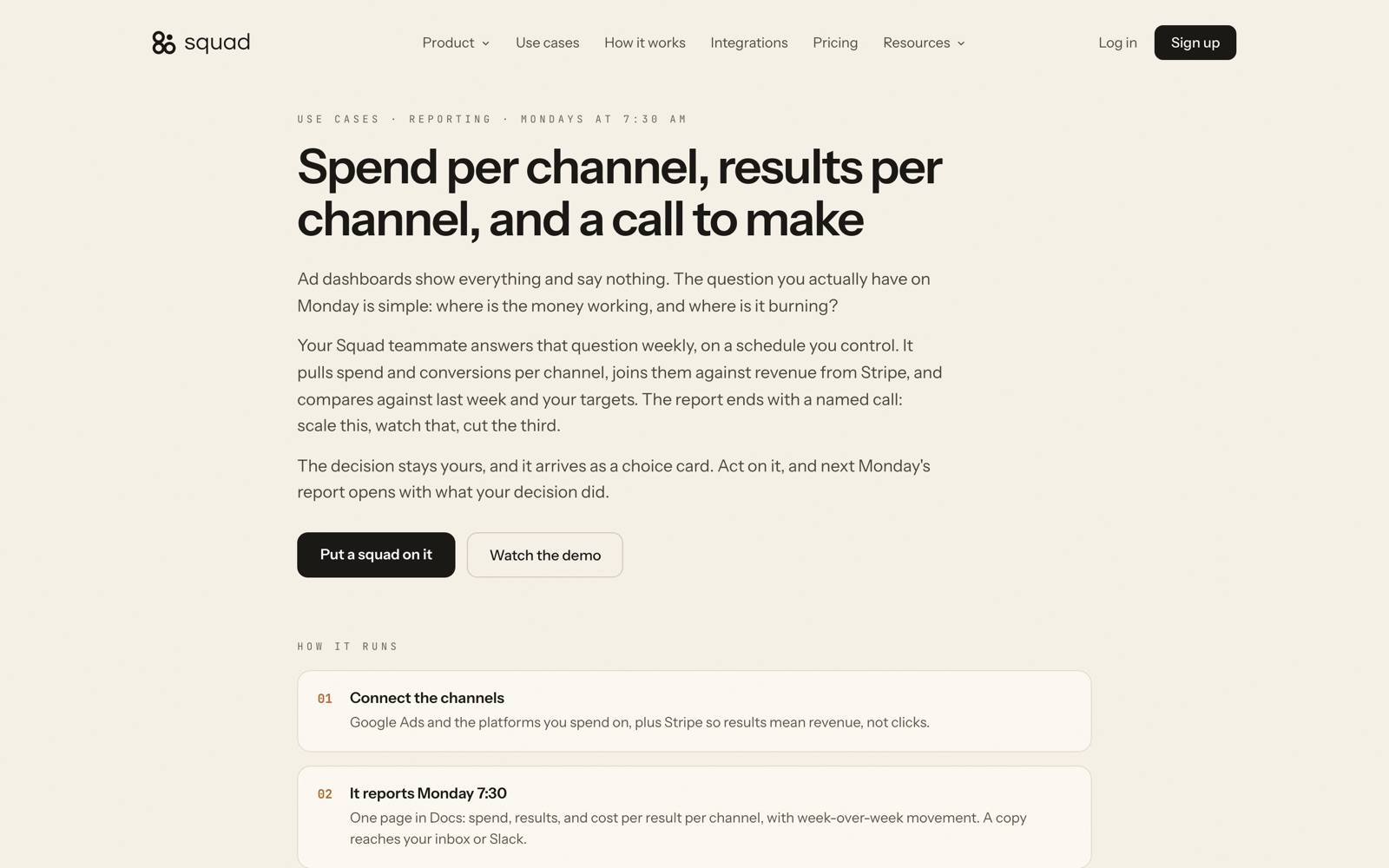
Billing is the other fit. Squad's own [guide to client billing reminders](https://squad.so/resources/automate-client-billing-reminders) is unusually candid: it suggests built-in accounting reminders for a freelancer with three identical invoices, dedicated accounts-receivable software for an agency sending 40+ clients the same reminders, and Squad only when each client has its own billing day and the invoices need preparing. Squad's recommended pattern is draft-first: the teammate prepares the reminder, and a person approves it.
**Price.** One plan, $99 a month, billed monthly, unlimited teammates, with a 7-day money-back guarantee instead of a free trial. The AI isn't included. Squad suggests a ChatGPT plan at $100 to $200 a month, which puts most setups at $199 to $299 all-in.
**The catch.** That second bill, and how young the product is. Squad was called MissionControlHQ until August 2026, and we found no independent reviews of it yet. Our [Squad review](/blog/squad-review) covers the cost math and what to test in the money-back week.
**Pick something else if** your team already works in Slack all day and wants one assistant everyone can ask. That's Lindy, and we put the two side by side in [Squad vs Lindy](/compare/squad-vs-lindy).
## 4. Lindy: best for agencies that live in Slack
[Lindy](/tools/lindy) is one shared AI assistant that lives in your Slack. Anyone on the team @mentions it in a channel, and it answers in the thread or goes and does the work across 1,000+ connected tools. Each person also gets a private Lindy in their DMs for their own inbox, calendar and daily brief.
For an agency, Lindy's strongest feature is the meeting library. It records Google Meet, Zoom and Teams calls into a shared, searchable library, so "what did the client say about the logo?" gets answered from the transcript instead of someone's memory. It can then update the CRM or draft the follow-up.
**Price.** From [Lindy's pricing page](https://www.lindy.ai/pricing), October 1, 2026, all per user per month with the AI included as credits:
- **Plus:** $29.99 with 3,000 credits.
- **Pro:** $99.99 with 15,000 credits.
- **Max:** $199.99 with 35,000 credits.
Credits are about a cent each and are shared across the workspace.
**The catch.** Seats are counted by use: [anyone new who @mentions Lindy](https://docs.lindy.ai/teammate/lindy-teammate-billing) in your Slack becomes a billed seat after a free first week. Plan credits don't roll over, and the work pauses when the shared pool runs out. Its approval guardrails, set per integration, [only apply in shared Slack threads](https://docs.lindy.ai/integrations/overview), not in DMs or the web app. Set them before anyone touches a client's inbox.
**Pick something else if** most of your staff would only use it now and then, or if you already pay for a strong AI plan. Squad's flat price doesn't grow with headcount.
## Where social posts fit: Typefully, the tool your agents hand off to
Agencies also run client social accounts, and here we'd use a plain tool rather than an agent. [Typefully](/tools/typefully) is a writing and scheduling tool for X, LinkedIn, Threads, Bluesky, Mastodon and Substack. It isn't an agent, but its free plan includes API, MCP and agent access, so an agent can draft posts into a client's queue and a person approves them there.
The pricing suits agencies because it's per account set, not per person. Business is $18 a month for each social set, billed yearly, with up to 50 sets and unlimited users. Ten client accounts cost $180 a month. A solo freelancer can stay on Creator at $99 a year.
## The four AI agents side by side
| | HeyGen | Arcads | Squad | Lindy |
| --- | --- | --- | --- | --- |
| Agency job | Client video and translation | Paid-social ad variants | Reports, billing, approvals | Team assistant in Slack |
| The agent | Video Agent: prompt to finished video | Mark: product link to first ads | Teammates, one job each, on a schedule | One shared assistant, @mentioned in Slack |
| Free way in | Free plan, 3 videos a month | Free trial | 7-day money-back guarantee | $50 free credits (homepage) |
| Paid from | $29/month | Not published | $99/month + your AI plan | $29.99 per user a month |
| AI cost | In credits | In credits | Your own ChatGPT, Claude or Gemini plan | In shared credits |
| Client-facing extra | Video comments (Business) | Dubbing into 30+ languages | Read-only client share links | Shared meeting library |
## Client data and approvals: what to check first
Agency work runs on other people's accounts: a client's ad spend, a client's inbox, a client's brand. Before any agent touches them, you need to know where the data goes and what the agent can do without asking. Here's what each vendor says, with the gaps.
**Squad** says each customer gets an isolated workspace on its own computer, that your data goes only to the AI provider you picked, and that it doesn't train on your data. Anything that leaves the building waits for approval, and you can cap how many messages go out a day. Logins sit in a vault on that computer and never appear in chat. One question to ask before you connect a client: which AI account will their data pass through, since it's your subscription doing the thinking.
**Lindy** says your data is never sold or used to train models, is encrypted in transit and at rest, and lists SOC 2 Type II and GDPR compliance. Writes are governed per integration (always allow, require approval, or never write), but reads are never guarded, and the guardrails only cover shared Slack threads. A HIPAA agreement and SSO are Enterprise only, which matters if you have healthcare clients.
**HeyGen** puts SSO on Business and MFA on Enterprise. If a client's brand assets and likenesses go into custom avatars, read HeyGen's terms on avatar consent before you upload anyone's face or voice.
**Arcads** doesn't publish its plans, so ask during the trial which plan includes custom avatars and who owns the finished ads.
The pattern we'd follow for any of them: connect one client, start with read-only access where the tool allows it, keep approvals on for anything outbound, and widen access only after a few weeks of runs you've checked.
## What these AI agents cost an agency each month
Here's a hypothetical five-person agency, using one agent per job at list prices. Your numbers will differ with seats, credits and how much video you render.
| Job | Agent | Monthly cost | What sets the bill |
| --- | --- | --- | --- |
| Client video | HeyGen Creator (one producer) | $29 ($24 billed annually) | Credits per video |
| Ad variants | Arcads | Unknown until sign-up | Credits per finished ad |
| Reports, billing, approvals | Squad + an AI plan | $199 to $299 | Your AI plan's usage limits |
| Team assistant in Slack | Lindy Plus × 5 people | $149.95 | Seats and shared credits |
| Client social (10 accounts) | Typefully Business | $180 (billed yearly) | Social sets |
Two things stand out. First, you won't need all of these: an agency that doesn't do paid social can skip Arcads, and you'd pick Squad or Lindy for operations, rarely both. Second, the cheapest line on the sheet isn't the one to watch. Credits and seats are what grow, so the numbers that matter are HeyGen's credits per finished video, Squad's AI-plan usage, and Lindy's headcount.
## How to choose an AI agent for your agency
Start from the job that costs you the most hours this month, not from the tool.
- **You sell video.** Start with HeyGen's free plan on one real client script. If the output passes your creative director, move a producer to Creator.
- **You run paid social.** Start an Arcads trial with one client's product link and see what a finished, approved ad costs you in credits before you quote anyone.
- **Monday reporting eats a morning.** Put Squad's ad spend report on one client for the money-back week, and judge it on the hours you got back against $199 to $299 a month.
- **Your team lives in Slack and loses decisions in calls.** Put one person on Lindy Plus, turn on approvals for email and the CRM, and watch the credit pool for a week before inviting everyone.
Whatever you pick, keep approvals on for anything a client sees. Every agent here can draft faster than a person, and none of them knows your client.
For the rest of an agency toolkit, see the [must-have tools for marketers](/for/marketers) and, if you work alone, the [must-have tools for freelancers](/for/freelancers). Every AI agent we've reviewed sits in the [AI agents category](/categories/ai-agents).
## HIPAA compliant AI agent platforms: who signs a BAA, and on which plan
URL: https://minylist.com/blog/hipaa-compliant-ai-agent-platforms
Updated: 2026-10-01
HIPAA compliant AI agent platforms, checked on vendor pages: who signs a BAA (OpenAI, Claude, Copilot Studio, Gemini, Lindy), on which plan, and who won't.
HIPAA compliant AI agent platforms are the ones whose vendor will sign a Business Associate Agreement (BAA) for the exact product you use. As of October 1, 2026, that means OpenAI (ChatGPT Enterprise with Regulated Workspace, and the API with modified retention), Anthropic (Claude Enterprise and the API), Microsoft Copilot Studio, Google's Gemini app inside Workspace, and Lindy on its Enterprise plan. Zapier and n8n Cloud say they won't sign one. The catch everywhere: a BAA covers named features, and connectors, beta tools and browser automation are often left out.
We checked every claim below on the vendor's own trust, help or legal page on October 1, 2026. This is a buyer's map, not legal advice: your compliance officer or counsel decides whether a setup is acceptable for your practice.
## What "HIPAA compliant" means for an AI agent
There's no HIPAA certificate a software product can earn. HIPAA applies to covered entities (clinics, health plans, providers) and to the business associates that handle protected health information (PHI) for them. When an AI vendor processes PHI for you, it becomes your business associate, and the law requires a signed BAA between you before any PHI goes in.
So the useful question isn't "is this platform HIPAA compliant?" It's three narrower ones:
1. **Will the vendor sign a BAA with you?** Some say no outright.
2. **Which products and plans does the BAA cover?** Usually an enterprise tier, rarely the self-serve plan you can buy with a card.
3. **Which features does it exclude?** This is where AI agents get tricky, because an agent's value is reaching into other tools, and those connections are often outside the agreement.
An agent adds a fourth question that a chatbot doesn't: where does the data go next? An agent that reads a patient email and then posts a summary to Slack, a CRM or a spreadsheet has just sent PHI to three more vendors. Each of them needs its own BAA too.
## HIPAA compliant AI agent platforms at a glance
| Platform | Signs a BAA? | Covered | Not covered (examples) |
| --- | --- | --- | --- |
| OpenAI | Yes | ChatGPT for Healthcare, ChatGPT for Enterprise with Regulated Workspace, ChatGPT for Clinicians, ChatGPT FedRAMP, API with modified retention | Free, Plus, Pro and self-serve ChatGPT plans |
| Anthropic | Yes | Claude Enterprise core features; Claude API (Messages API and listed features); Claude Code with Zero Data Retention | Console, Cowork, beta features, MCP connectors, Batch, Files, Code Execution, Computer Use, Web Fetch; Free, Pro, Max |
| Microsoft | Yes | Copilot Studio, under Microsoft's BAA | Not intended as a medical device |
| Google | Yes | Gemini app and Gemini in Workspace (Workspace BAA, effective Aug 31, 2026); Agent Search on Gemini Enterprise Agent Platform (Cloud BAA) | Gemini in Chrome |
| Lindy | Yes, Enterprise only | Lindy Enterprise | Plus, Pro and Max plans |
| Zapier | No | — | Everything involving PHI |
| n8n Cloud | No | — | Everything involving PHI |
| Squad | No public HIPAA claim | — | Runs on your own ChatGPT, Claude or Gemini plan |
The pattern is the same across all five that say yes: the BAA lives on a sales-managed or enterprise plan, not on the plan you'd buy on a Tuesday afternoon.
## OpenAI: ChatGPT and the API
OpenAI's [help center lists](https://help.openai.com/en/articles/20001069-hipaa-eligible-products-and-functionality) its HIPAA-eligible products by name: ChatGPT for Healthcare, ChatGPT for Enterprise with Regulated Workspace, ChatGPT FedRAMP, ChatGPT for Clinicians, the API with modified retention, and API FedRAMP with modified retention.
The two routes work differently. For the API, [OpenAI says](https://help.openai.com/en/articles/8660679-how-can-i-get-a-business-associate-agreement-baa-with-openai) you don't need an enterprise agreement: you email its BAA team with your company and use case, and it usually replies within one to two business days. It approves most requests, but some use cases don't pass its review. For ChatGPT, only Enterprise or Edu customers with a sales-managed account are eligible, which rules out every self-serve plan.
What this means for agents: if you're building your own agent on the API, the BAA route is open to a small team. If you want staff to use ChatGPT itself with patient data, you're in an enterprise sales conversation.
## Anthropic: Claude Enterprise and the API
[Anthropic's BAA page](https://privacy.claude.com/en/articles/8114513-business-associate-agreements-baa-for-commercial-customers) is the most specific of any vendor here, and it's worth reading in full before you sign.
On Claude Enterprise, the BAA covers the core features: chat, Projects, Artifacts, file creation, voice, web search, research and skills. It excludes Claude Console, Claude Cowork and features in beta. Third-party integrations (MCP connectors, Enterprise Search and the Chrome extension) stay available but aren't protected by the BAA. An organisation's Primary Owner switches on HIPAA compliance in settings.
On the API, the Messages API and a list of named features are covered, while the Batch API, Files API, Skills API, Code Execution, Computer Use and Web Fetch are excluded. Claude Code is covered only with Zero Data Retention turned on. Consumer plans (Free, Pro and Max) aren't covered at all.
For agents, those exclusions matter. Computer use and web fetch are exactly what you'd reach for to let an agent work in a portal with no API, and they're the parts the agreement leaves out.
## Microsoft Copilot Studio
Microsoft's documentation is direct: "Microsoft Copilot Studio is covered under the Health Insurance Portability and Accountability Act (HIPAA) Business Associate Agreement (BAA)." [The same page](https://learn.microsoft.com/en-us/microsoft-copilot-studio/admin-certification) gives examples of agents that can collect health information from people, such as blood pressure or weight, and adds a caveat: Copilot Studio isn't intended for use as a medical device.
If your organisation already runs on Microsoft 365 with a BAA in place, Copilot Studio is the shortest path to a covered agent. You still need to check every connector an agent calls, since a flow that writes to a non-Microsoft service sends data outside Microsoft's agreement.
## Google: Gemini in Workspace and Gemini Enterprise
Google has two agreements. Under the Google Workspace BAA, the [list of HIPAA Included Functionality](https://workspace.google.com/terms/2015/1/hipaa_functionality/), effective August 31, 2026, includes the Gemini app (excluding Gemini in Chrome) alongside Gmail, Drive, Calendar, Meet and the rest of Workspace. So a clinic on Workspace with a signed BAA can use Gemini on the same terms as its email.
Under the Google Cloud BAA, the [covered-products list](https://cloud.google.com/security/compliance/hipaa) names "Agent Search on Gemini Enterprise Agent Platform" and "Antigravity in Gemini Enterprise", among many infrastructure services. Google's Gemini Enterprise compliance page points back to that list rather than naming editions, so check the exact product you plan to use against it before you buy.
## Lindy: only on the Enterprise plan
[Lindy](/tools/lindy) is the only one of the dedicated agent products in our catalog that offers a BAA, and only on Enterprise. Its [pricing page](https://www.lindy.ai/pricing) lists "HIPAA compliance & signed BAA" under Enterprise, which is priced by its sales team. The self-serve plans (Plus at $29.99, Pro at $99.99 and Max at $199.99 per user a month) don't include it.
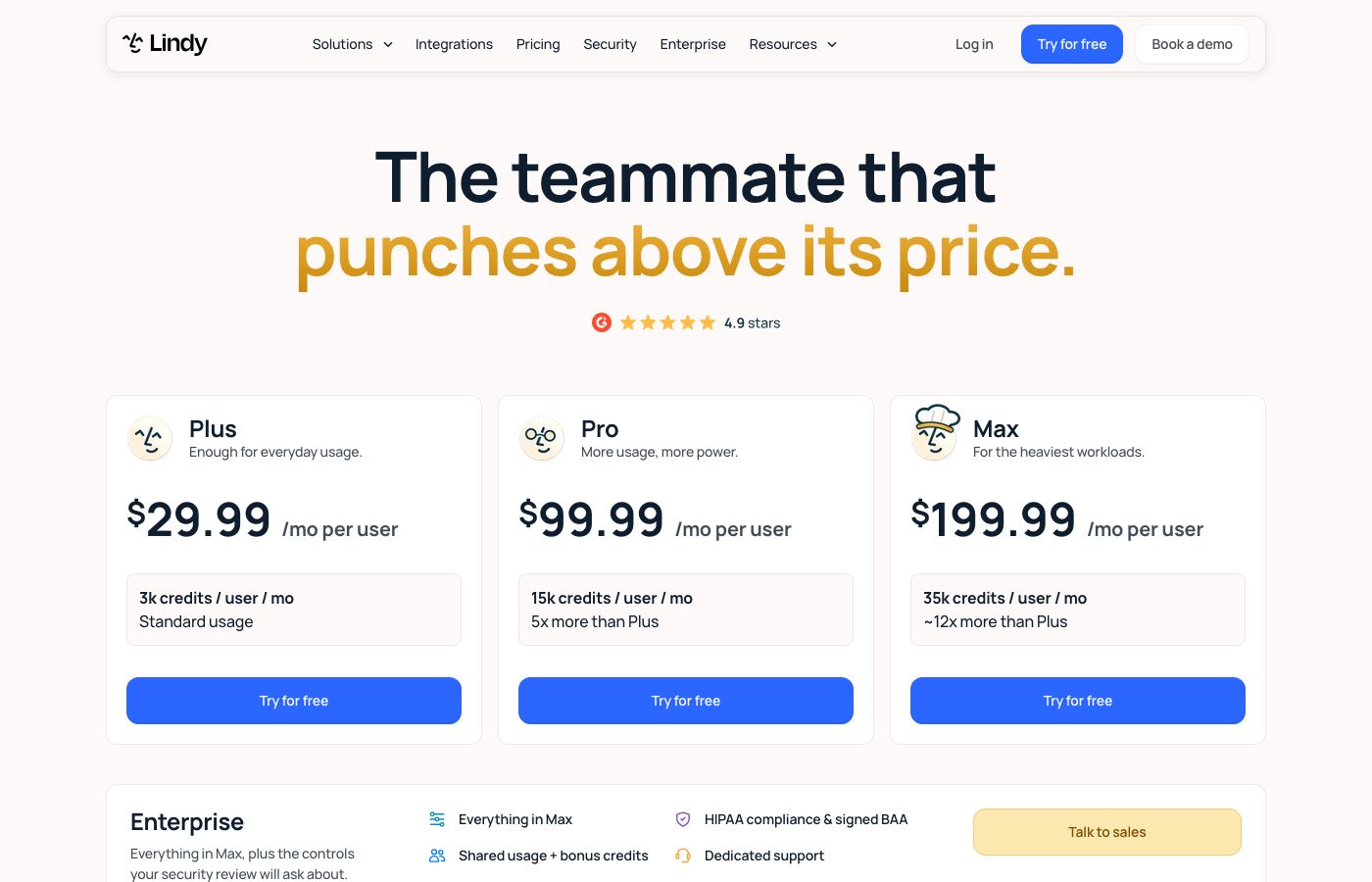
Lindy's homepage also lists HIPAA among its compliance badges, which is easy to misread as covering every plan. It doesn't: the BAA is the Enterprise line. Lindy also notes that its approval guardrails only apply in shared Slack threads, which matters if staff would message it with patient details in a DM. We cover the rest of Lindy's limits on its [tool page](/tools/lindy).
## Platforms that won't sign a BAA
Some popular automation and agent tools are clear that PHI isn't allowed.
**Zapier.** Zapier's own answer is "No, Zapier isn't HIPAA compliant." [It says](https://zapier.com/blog/is-zapier-hipaa-compliant/) it doesn't sign BAAs and that you shouldn't store, send or automate anything involving PHI. You can still use it in a healthcare business for work that never touches patient data, such as marketing or scheduling non-clinical tasks. Our [Zapier alternatives](/alternatives/zapier) page lists the other workflow tools, none of which we've confirmed as BAA-ready.
**n8n Cloud.** An n8n team member wrote in [January 2026](https://community.n8n.io/t/baa-agreement-for-n8n-cloud/219805) that "n8n does not offer a Business Associate Agreement (BAA) for HIPAA compliance." Self-hosting n8n is the route people discuss for health data, and it can work, but in our reading it moves the whole burden to you: the server, logs, backups, access control and every service a workflow sends data to.
**Squad.** [Squad](/tools/squad) makes no HIPAA claim on its site, and its pricing model rules it out for PHI as built: the work runs on your own ChatGPT, Claude or Gemini subscription, and consumer plans of those aren't covered by any BAA. It's a good fit for a practice's non-clinical back office, such as supplier invoices or a weekly revenue report, and we'd keep patient data out of it. Our [Squad review](/blog/squad-review) covers what it's built for.
## The gaps inside a BAA
A signed BAA doesn't make every feature safe for PHI. Across the vendors above, the same kinds of features fall outside the agreement:
- **Connectors and MCP servers.** Anthropic says outright that MCP connectors aren't protected. When an agent pulls from or writes to another app, that app's vendor needs its own BAA.
- **Beta features.** Anthropic excludes them by name. New agent features tend to launch in beta, so the newest capability is often the uncovered one.
- **Browser and computer use.** Anthropic excludes Computer Use and Web Fetch on the API. An agent that logs into a payer portal on your behalf may be using exactly the excluded parts.
- **Data retention settings.** OpenAI's API is covered with modified retention, and Claude Code only with Zero Data Retention. A BAA plus the wrong retention setting isn't the covered configuration.
- **The plan your staff actually use.** A clinic with ChatGPT Enterprise can still have staff pasting notes into a personal ChatGPT account. The BAA doesn't follow them there.
## A worked example: one agent, four agreements
Suppose a small physiotherapy clinic wants an agent that reads new-patient emails, drafts a reply, books the first appointment and posts a summary for the front desk. This is a hypothetical, but the shape is common.
- **The model.** If the agent runs on Claude Enterprise or the OpenAI API with modified retention, the vendor signs a BAA for that part. If someone builds it on a personal ChatGPT Plus account, nothing is covered.
- **The inbox.** The emails live in Gmail or Outlook. The clinic needs Google's Workspace BAA or Microsoft's BAA in place for that account.
- **The calendar or booking tool.** If appointments go into a separate scheduling app, that vendor needs a BAA too, or the agent can't send it patient names.
- **The summary.** If the front-desk summary lands in Slack or a shared spreadsheet, that's a fourth vendor holding PHI.
One agent, four agreements. If any link in that chain won't sign, the fix is usually to cut the link: post the summary inside the covered email system instead of Slack, or keep names out of the message and link to the record instead.
## How to check a platform yourself
You'll meet vendors that aren't on this list, especially voice agents for front desks and support agents for patient messaging. The same five steps work for any of them:
1. **Find the vendor's own BAA page.** A trust center, help article or legal page. A "HIPAA" badge on the homepage isn't enough, as Lindy's pricing shows.
2. **Write down the plan.** Most BAAs sit on Enterprise or a sales-managed account. If you can buy it with a card, assume it isn't covered until the vendor says so.
3. **List the excluded features**, then compare them with what your agent needs to do. If the job needs an excluded feature, the agent can't do it with PHI.
4. **Map every downstream tool.** Each app the agent reads from or writes to needs a BAA too: email, CRM, storage, messaging.
5. **Get it signed before any PHI goes in**, and set the retention options the BAA requires.
## Which one fits your practice
- **You already run Microsoft 365 under a BAA:** start with Copilot Studio, and audit every connector.
- **You run Google Workspace under a BAA:** the Gemini app is covered on the same terms, excluding Gemini in Chrome.
- **You're building your own agent:** the OpenAI API (with modified retention) or the Claude API both offer a BAA without an enterprise seat contract, with Anthropic's feature exclusions to read first.
- **You want a ready-made assistant in Slack:** Lindy Enterprise, with guardrails set before anyone uses it, and remember that DMs aren't guarded.
- **Your agent only touches non-clinical work:** tools without a BAA, such as Zapier or Squad, are fine as long as patient data never enters them. Our list of the [best AI agents for creative agencies](/blog/best-ai-agents-for-creative-agencies) shows what that kind of back-office agent looks like.
For the rest of a small team's toolkit, see the [must-have tools for founders](/for/founders), and every agent we've reviewed is in the [AI agents category](/categories/ai-agents).
## Squad review: AI teammates for $99 a month, plus the AI plan you bring
URL: https://minylist.com/blog/squad-review
Updated: 2026-10-01
Squad costs $99/mo plus your own AI plan ($199-$299 all-in). Our squad.so review: what the AI teammates do, where they break, and who should skip it.
The short version of this Squad review: it's worth trying if you run a small business and keep losing hours to the same recurring chores: chasing invoices, triaging an inbox, sending a Monday report, answering the same twenty support questions. You describe the job in plain English, an AI teammate does it on a schedule inside your own tools, and anything that would reach a customer waits for your approval. The catch is the price. The $99 a month doesn't include the AI itself, so with the ChatGPT plan Squad recommends you're looking at roughly $199 to $299 a month, and the whole thing depends on AI subscriptions whose rules you don't control.
We reviewed Squad from its [public site](https://squad.so/), [pricing page](https://squad.so/pricing), use-case pages and comparison articles as they stood on September 29, 2026. We haven't run it on a paid account yet, so treat the capability claims below as Squad's own, which we'll confirm or correct once we have. Where Squad makes a claim we can't check, we say so; where its own pages reveal a weakness, we say that too.
## Squad at a glance
| | Squad |
| --- | --- |
| What it is | Hosted AI teammates that run recurring jobs across your tools |
| Price | $99/month, plus your own AI subscription |
| Free plan | None; 7-day money-back guarantee instead |
| AI models | Bring your own: ChatGPT, Claude, Gemini, SuperGrok, Llama, Copilot, OpenRouter and others |
| Integrations | 70+, including Gmail, Slack, HubSpot, Stripe, Notion, Google Sheets, GitHub and Shopify |
| Teammates | Unlimited on the one plan |
| Coding needed | None; you describe jobs in plain English |
| Data | Isolated workspace on its own computer; not used for training, per Squad |
| Apps | Web app; a Mac app is in development (founder preview, September 30, 2026) |
| Formerly | MissionControlHQ (renamed August 2026) |
| Built by | Bhanu Teja Pachipulusu, Sai Dheeraj Pachipulusu and Thibault Louis-Lucas |
For the quick reference (features, setup steps, FAQ), see the [Squad tool page](/tools/squad). It sits in the same corner of the market as the [AI tools we review](/categories/ai), and it overlaps with automation tools like n8n and the other [Zapier alternatives](/alternatives/zapier). One naming warning before going further. Search for "Squad AI" and you'll mostly find meetsquad.ai, an unrelated product-strategy tool for product managers. This review covers squad.so.
## How Squad works
You start by talking to what Squad calls your AI Chief of Staff. It asks about your business, and from that conversation it proposes a squad: a handful of named AI teammates, each with a role, the tools it may touch and a schedule. The demo workspace on Squad's homepage has Tessa on billing, June on the inbox, Milo on meetings and content, and Atlas on hiring, which gives a fair sense of the granularity. You're meant to hire a teammate per job rather than one assistant for everything.
Squad's FAQ explains why, and it's the most useful idea in the product: "One agent with every tool and no owner gets vague fast." Each teammate holds one job, one schedule and one set of access, so when something goes wrong you know which teammate did it and which instructions to fix. It's the same logic we apply to software stacks in [one tool per job](/blog/one-tool-per-job), applied to AI workers.
You don't write code. According to Squad, you describe the job the way you would to a new hire, and the Chief of Staff writes the process down as a document you can edit. That's a meaningful difference from building a flow in a visual automation tool: you're editing instructions in English rather than wiring boxes together, which is easier to start and harder to debug when a teammate misreads you.
Each teammate gets its own browser profile on a dedicated cloud computer, and optionally its own email address. That's the part that separates Squad from a chatbot with plugins: a teammate can sign in to a website that has no integration, fill in a form, download a file and carry on. Squad also says a teammate can learn a job "by watching you once", which is the claim we most want to test.
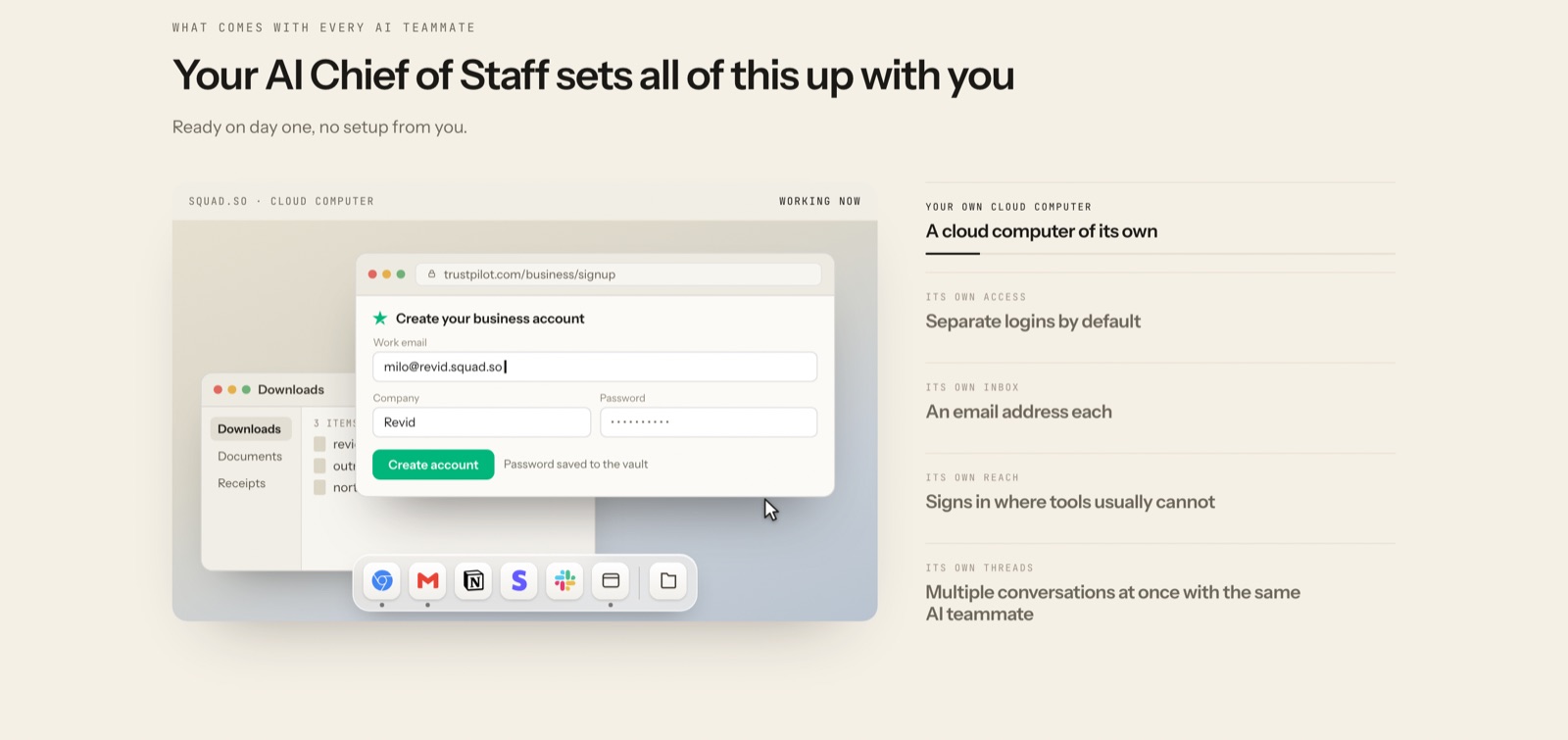
Work shows up as tickets. When a teammate needs a decision or an approval, it opens one in your queue, and you answer with a tap: approve, request changes, or pick between options it lays out. Your team and even a client can see the mission board, threads and run log in the shared workspace, and Squad lets you hand a client a read-only share link, which matters if you run an agency and want to show the work.
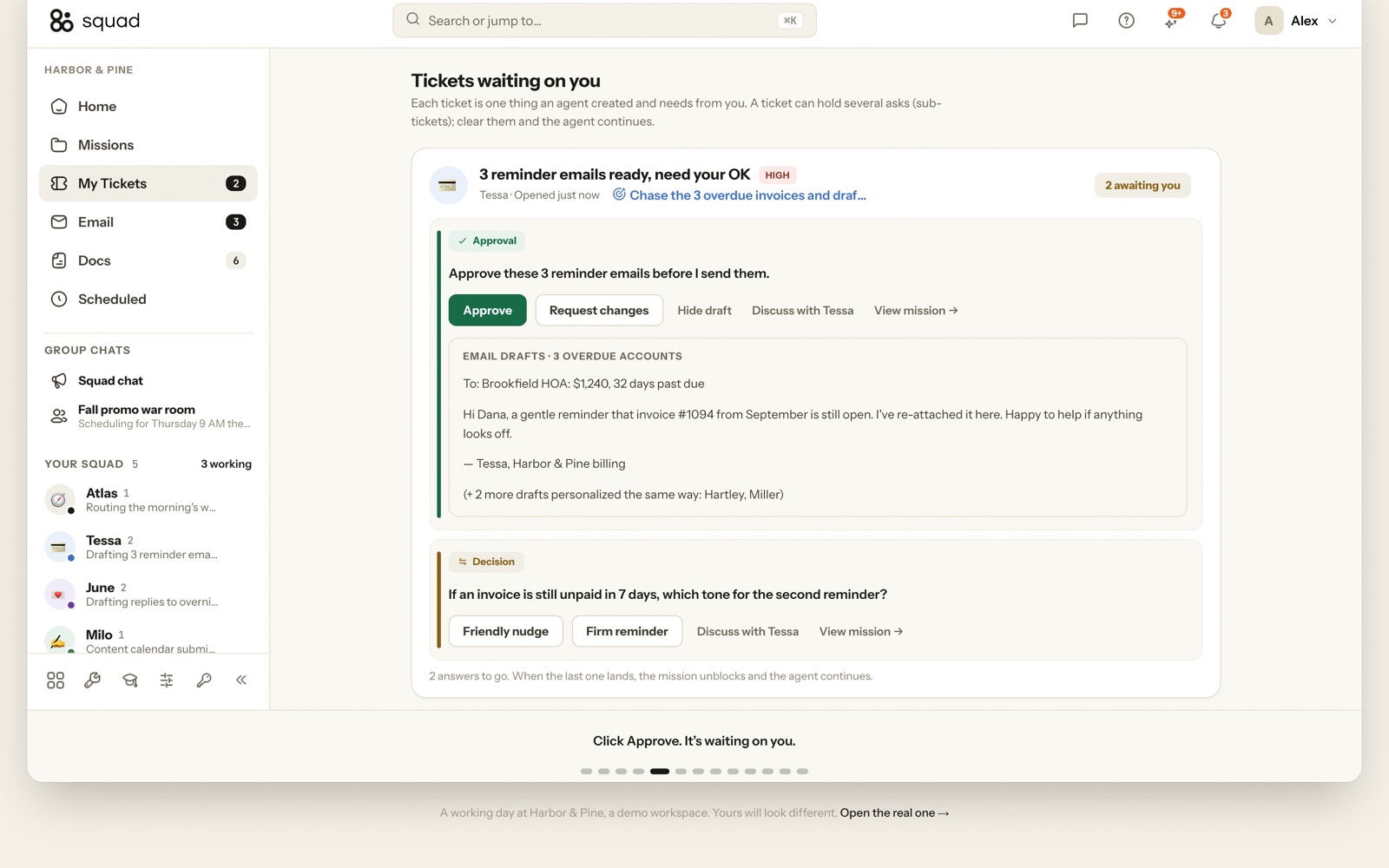
Squad also says it builds "a shared context graph and memory from every conversation and every app you use", so a one-line request is enough because the squad already knows who you mean and what you decided last time. It's a strong claim and a hard one to verify from the outside; memory is exactly the part of AI agents that tends to be patchy, so it's the second thing we'd test after "watching you once".
All of this runs in a web app today. A Mac app is coming: on September 30, 2026, co-founder Bhanu Teja P posted a 20-second clip of it, with the same sidebar of missions, docs, runs and scheduled jobs, and said he'd "completely stopped using my web app" since building it. There's no release date or public download yet, so we've seen nothing beyond that clip, and it doesn't change the price or our verdict. If you'd rather keep your squad in a dock icon than a browser tab, ask Squad when it ships.
[](https://x.com/pbteja1998/status/2105279876463030736)
## What a day with Squad looks like
Squad's homepage walks through a demo day for a small business with Stripe, Gmail, Shopify and a calendar connected. It's a demo, not a customer's log, but it shows how the pieces are meant to fit together:
- **8:40 AM.** You ask the squad to chase unpaid invoices, clear your inbox and get Monday's numbers ready.
- **9:00 AM.** Tessa pulls seven overdue invoices from Stripe and writes a reminder for each.
- **10:20 AM.** The drafts arrive for approval; you approve them or soften the two you want gentler.
- **11:15 AM.** June sorts 31 emails, answers the four routine ones and flags a supplier.
- **1:30 PM.** Milo joins your client call, writes it up and files three actions with owners.
- **4:05 PM.** Atlas screens 34 job applications and shortlists four.
- **6:50 PM.** June builds Monday's report: revenue, refunds and ad spend.
Squad's tally for the day is 12 jobs finished by four teammates, with two taps of approval from you. Your real day won't be that tidy, but the shape is honest about one thing: the human's job becomes asking and approving, and the approvals are the part you can't skip.
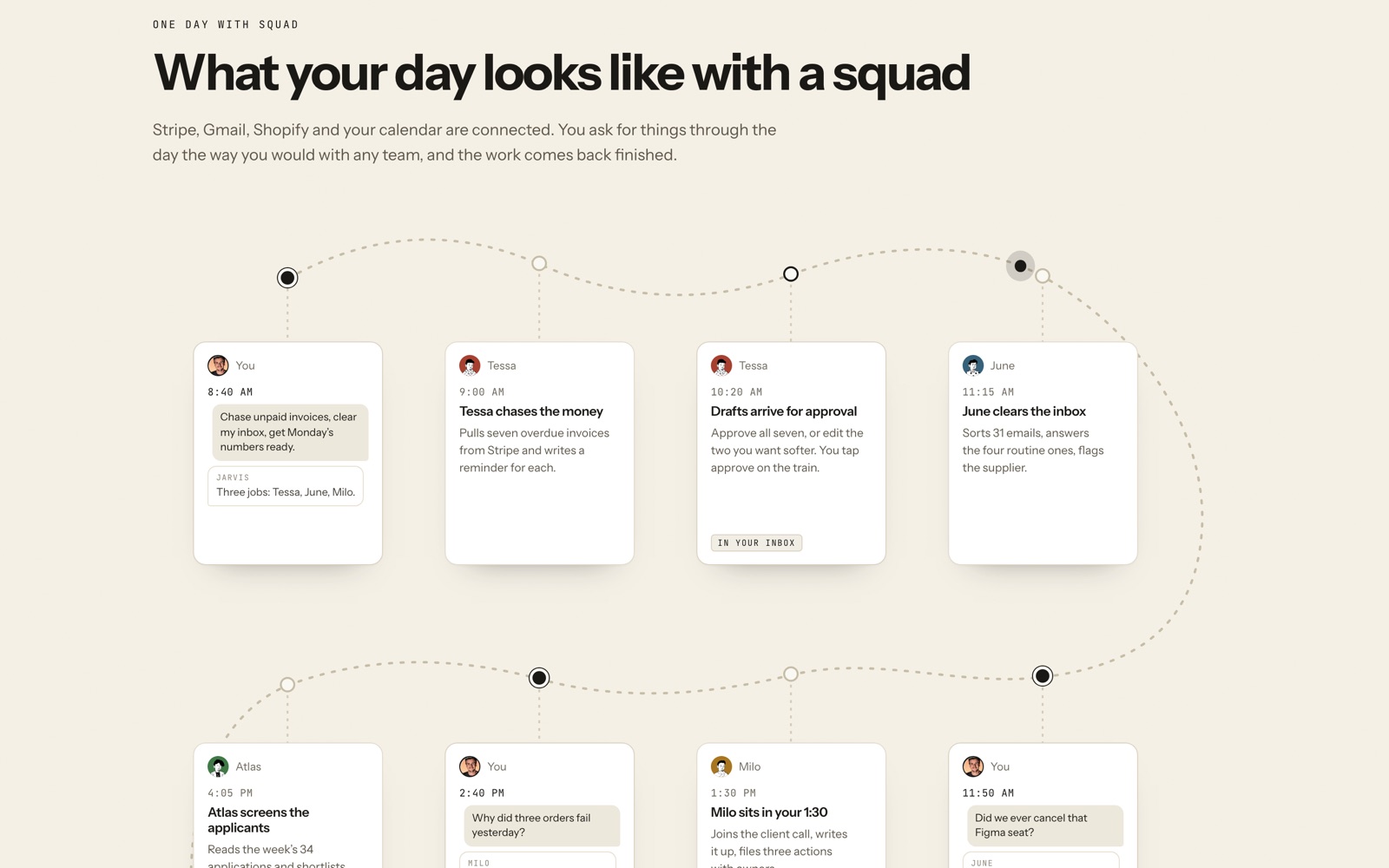
## The jobs Squad is built for
Squad publishes ten example jobs, from cold outreach and Shopify order issues to release QA and competitor watch. Four of them show the model best, and they're the ones we'd expect most small teams to start with.
### Chasing overdue invoices
Squad's [invoice-chaser example](https://squad.so/use-cases/invoice-chaser) runs every weekday at 9:00 AM. The teammate reads Stripe for overdue invoices and drafts one reminder per customer in the voice you've set. The drafts land in your queue as approval tickets, and once you approve, it sends them from its own inbox. It follows up on day 3 with a friendly nudge and on day 10 with a firmer note; at day 20 it hands you a choice card on how to escalate.
You set the rules in chat ("Be warm. Wait 5 days. Flag anything over $2,000 for me."), and you can let reminders under a threshold, say $500, go out without asking. That threshold is the whole game with tools like this. Start with everything held for approval, then loosen it one job at a time as you trust the drafts.
### Inbox triage
The [inbox-triage teammate](https://squad.so/use-cases/inbox-triage) runs at 7:00 AM on weekdays. It answers routine mail, archives noise and flags anything sensitive, and Squad says it only answers "from sources it can cite": your docs, your past replies and the squad's company and contacts files. You set allow lists, block lists and a daily send cap, and anything irreversible still waits for you. The morning brief lands in the dashboard or on Telegram, with suggested replies for the flagged threads.
This is the job where the approval settings matter most. An inbox teammate that answers from your past replies will repeat your past mistakes too, so read its first week of sent mail before you raise the send cap.
### The Monday report
The [weekly-report teammate](https://squad.so/use-cases/weekly-report) builds the same one-page report every Monday at 7:00 AM: revenue, refunds and ad spend, pulled from Stripe, Google Ads and your store. Its connections are read-only; Squad says it "never writes to your money tools". The first report arrives as a draft you edit, and the teammate keeps the approved layout for every week after. It's the lowest-risk job on the list, which makes it the best first job if you're nervous about letting an AI act on your accounts.
### Customer support
The [support teammate](https://squad.so/use-cases/customer-support) works all day, answering routine questions from your help docs and past tickets and escalating the rest with the thread, the customer's history and a drafted reply. You draw the escalation line once: refunds, bugs and angry customers go to a human. Squad's own pitch is that "most support volume is the same twenty questions", which matches what most support teams already know. If that's you, compare it with a dedicated help desk before you decide; our [must-have tools for support teams](/for/support-teams) covers the usual stack.
## Bring your own AI, and what that really costs
Squad doesn't resell model access. You connect subscriptions you already pay for, and the work runs on them. There are no per-task charges from Squad, and you can give each teammate a different model: Squad's FAQ suggests cheap open models like GLM, Kimi or Qwen for routine work and the expensive ones for judgment.
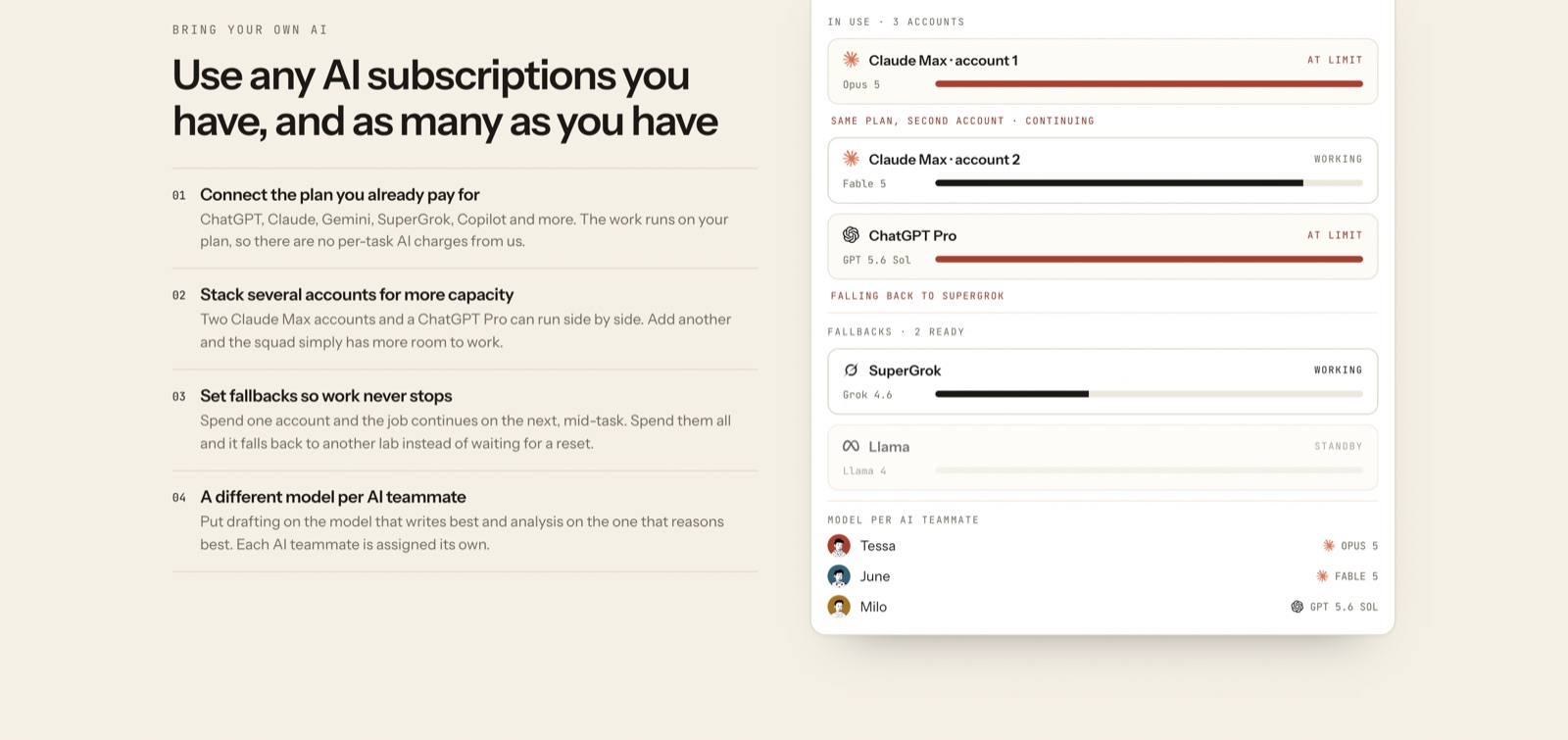
The flip side is that consumer AI plans have usage limits, and a squad running all day will hit them. Squad's answer is stacking: connect several accounts and set fallbacks, so when one plan runs out mid-task the job moves to the next. It works, but it also tells you something about real usage. If you need two premium AI subscriptions to keep your squad busy, your all-in bill is closer to $300 or $400 a month than to $99.
Budget like this:
- **Squad plan:** $99/month
- **Your AI plan:** $100 to $200/month for the ChatGPT tier Squad recommends
- **Extra inboxes:** $10/month per teammate that needs its own address
- **Research tools:** 1,000 credits a month free, then $5 per 5,000, which Squad says it resells at what the data providers charge it
Here's how that adds up for three setups we think are typical, using only Squad's published prices:
| Setup | Squad | AI plan | Inboxes | Monthly total |
| --- | --- | --- | --- | --- |
| Solo founder, 2 teammates, one ChatGPT plan, no inboxes | $99 | $100–200 | $0 | $199–299 |
| Small business, 4 teammates, one AI plan, 2 inboxes | $99 | $100–200 | $20 | $219–319 |
| Busy squad, 6 teammates, two AI plans stacked, 4 inboxes | $99 | $200–400 | $40 | $339–539 |
Squad's own [comparison with OpenClaw](https://squad.so/resources/mission-control-for-openclaw) puts the total at "$199-299/mo all-in" with one ChatGPT plan, which matches the first row. The same thing happens with most SaaS: the sticker price is one line of the bill, as we cover in [where SaaS free plans run out](/blog/free-plan-limits).
Squad also frames the price against hiring: its [Hermes comparison](https://squad.so/resources/mission-control-for-hermes) says a hosted squad costs "roughly 93-95% less" than a junior operator at about $4,000 a month. That's Squad's framing, not ours. A person and a squad aren't interchangeable; the fair question is how many hours of your own week the squad hands back, and you'll only know that after the money-back week.
## Guardrails: approvals, scopes and the vault
Letting software act on your accounts is the real risk here, and Squad gives you more controls than most tools in this category:
- Anything that leaves the building (an email to a customer, a message to a vendor) waits for your yes, and you can cap how many go out per day.
- Each teammate gets its own access to each connection, read-only or read and write. Logins are separate by default, so the teammate handling marketing can't reach your books.
- Passwords and API keys live in a vault on your squad's own computer that teammates read at run time, so they never appear in a chat thread.
- Every run is logged end to end.
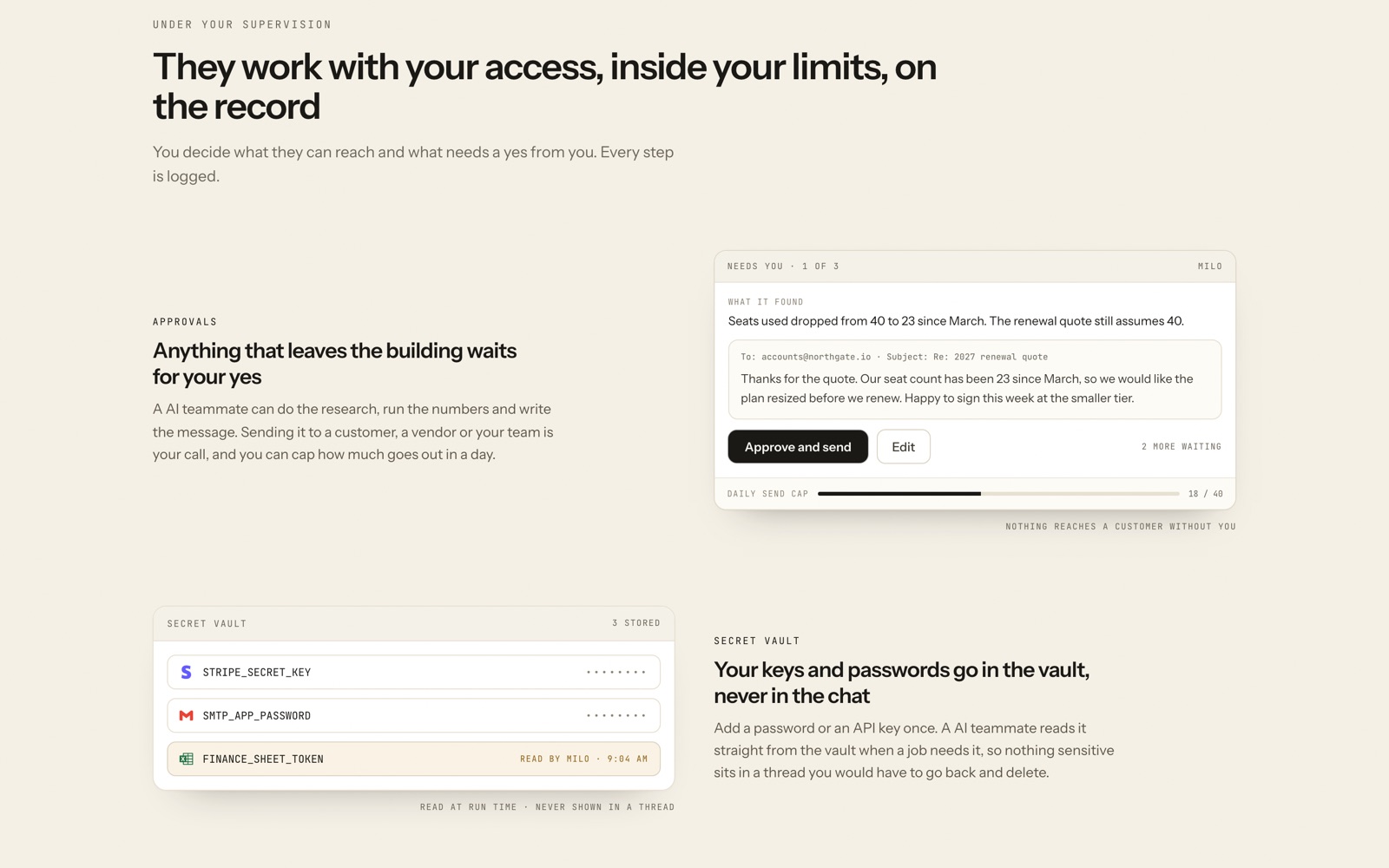
On data, Squad says each customer gets a dedicated, isolated workspace on its own computer, that your data goes only to the AI provider you picked, and that it never trains anything on your data. If your data can't leave your own servers at all, Squad's FAQ says self-hosted and isolated deployments are "handled case by case", so it's a conversation rather than a checkbox.
None of that removes the need to think about what you connect. A teammate with read-and-write access to Stripe and your inbox can do real damage with a bad instruction, approvals or not, so give each one the narrowest scope that gets its job done.
## What Squad's customers say, and what they don't
Squad publishes 28 customer quotes on its homepage, and they're worth reading closely rather than skimming, because a few of them say more than the marketing does. They're curated by Squad, so they lean positive; the useful part is in the details.
The praise clusters around two things. First, setup speed: Ankush Gupta, CEO of TBP Media, says his AI Chief of Staff built a task-tracking and nudge system for his 17-person team, with Google Sheets and a Google Chat bot, in one session. Second, the bring-your-own-AI model: one customer, Jay Johnson, says a huge reason he signed up was to use his $200-a-month Claude Max plan instead of paying for Anthropic's API.
The details that matter for a buyer are less loud. Karl Hackel, who runs a SaaS, likes the product but says he needs "better resilience" before running his whole business on it. Another customer's quote opens with "It's working again!" And one published quote is an exit email from Dan Thompson, CEO of Sterling Gap, who called it "phenomenal" but left, citing "them blocking Claude Max" and a new system that made more financial sense.
We read that last one as the most important line on the page. Squad's economics rest on running your work through consumer AI subscriptions, and those subscriptions belong to other companies with their own rules. If a provider restricts how its plan can be used by third-party tools, your squad's capacity, or its cost, can change overnight. Squad's multi-provider fallbacks are the right answer to that risk; just make sure you actually set them up.
## Pricing
There's one plan. $99 a month, billed monthly, cancel from the dashboard, with a 7-day money-back guarantee: put the squad on real tasks, and if it doesn't fit, email Squad within 7 days for a full refund. It includes unlimited teammates, all 70+ integrations, the cloud computer, the ticket queue and approvals, the vault, the shared document library and the full run log. If you cancel, you can export your missions, docs and run history.
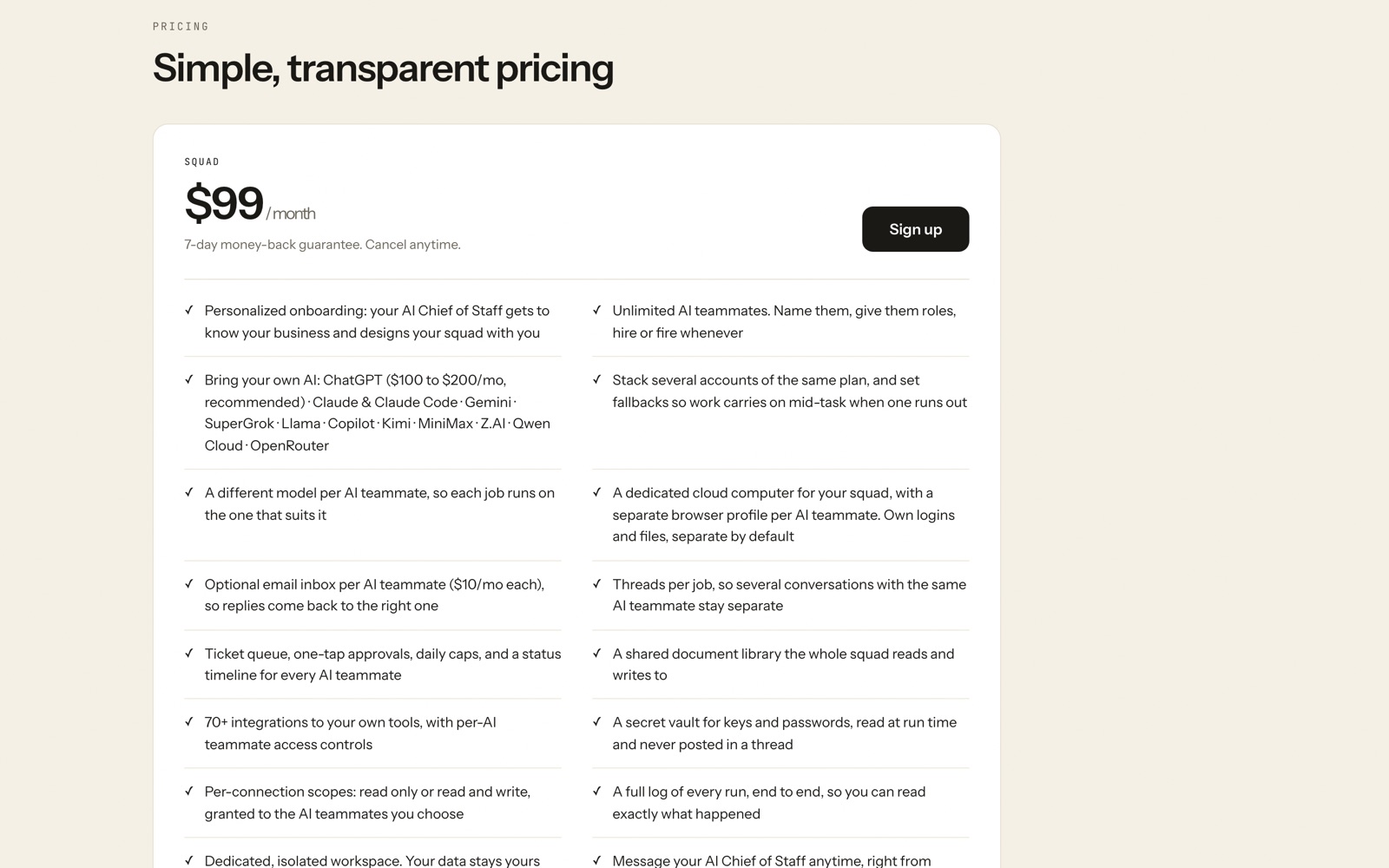
For a solo founder the flat price is simple. For a team it's better than per-seat pricing, since you pay the same $99 whether one person approves tickets or five do; the AI subscriptions are what grow.
## How to use the money-back week
Seven days is short, so plan it before you pay. Here's the order we'd follow, based on how Squad describes its setup:
1. **Day 1: pick one job, not five.** The Monday report or invoice chasing are the safest starts, because they read from your tools more than they write to them.
2. **Day 1: set fallbacks straight away.** Connect your AI plan and a second provider, so a usage limit on day three doesn't look like the product failing.
3. **Days 2–4: approve everything.** Keep every outbound action behind approval, read the drafts, and correct the teammate in chat when it's off.
4. **Days 5–6: add a second job** only if the first one's drafts need little editing.
5. **Day 7: decide on numbers.** Count the hours you didn't spend on those jobs, compare them with the all-in monthly cost from the table above, and ask for the refund if the maths doesn't work.
## Questions to ask Squad before you pay
Squad's plan includes messaging with the founders from the dashboard, and its testimonials suggest people use it. That's an advantage of a young company, so use it before the money-back clock starts. These are the questions we'd send, and why each one matters:
- **What happens to a running job if my AI provider changes its terms?** The fallback feature answers part of it; you want to know what the squad does mid-task and whether you're told.
- **Which of my jobs will need a second AI account?** Describe your three biggest jobs and ask for an honest estimate. It's the difference between the first and last rows of the cost table above.
- **Can a teammate use a site with no integration, behind my login?** That's the cloud-computer promise. Ask about sites with two-factor sign-in, which are the usual sticking point for browser automation.
- **What exactly does a client see on a share link?** If you run an agency, check that runs, threads and documents can be scoped per client before you send one.
- **What does an export contain?** Squad says missions, docs and run history are yours to export. Ask for the format, so you know the process documents your Chief of Staff wrote can move with you.
If the answers are vague, that's an answer too. A team that's this close to its customers should be able to reply to all five in a day.
## The catch
- **The real price is two bills.** Squad is $99; the AI it runs on is separate and usually costs as much again or more.
- **It rests on other companies' AI plans.** One of Squad's own published customer notes is an exit over a provider "blocking Claude Max". Set fallbacks.
- **It's young.** Squad was MissionControlHQ until August 2026, and we found very few independent reviews. Its testimonials are real names but hand-picked, and two of them mention reliability.
- **You don't own the infrastructure.** Squad says so itself: compared with running an open-source agent on your own server, the infrastructure is "managed rather than owned". That's the right trade for most small businesses and the wrong one if your data can't leave your servers, unless Squad agrees a self-hosted setup with you.
- **Plain-English jobs cut both ways.** Easy to set up, harder to debug than a visual workflow when a teammate misreads an instruction.
## Squad alternatives
**Lindy** is the closest mainstream alternative and bundles the AI into the price ([Lindy pricing](https://www.lindy.ai/pricing)): Plus is $29.99 per user a month with 3,000 credits, Pro $99.99 with 15,000, Max $199.99 with 35,000. It's cheaper to start and easier to predict, though you pay per user and by credit rather than a flat fee.
**n8n** suits you if you'd rather build the workflow yourself. It's a visual automation tool you can self-host, with AI steps inside the flow, and more work to set up than telling a Chief of Staff what you need. The upside is that every step is visible, so a broken flow is easy to find.
**OpenClaw**, the open-source agent runtime, is the do-it-yourself route: Squad's own figures put a self-hosted setup at $5 to $25 a month in server costs, with no shared task board, approvals queue or cost tracking unless you build them.
**Hermes Agent**, from Nous Research, is the other open-source option. Squad's [Hermes comparison](https://squad.so/resources/mission-control-for-hermes) describes it as the closest thing to a squad in open source, with a real multi-agent task queue, but single-host by design and with cost tracking out of scope; self-hosting runs $5 to $80 a month. Squad's summary of the difference is fair: "Same idea, opposite deployment philosophy." It's also worth knowing that Squad publishes that comparison and says so on the page.
| Option | Starts at | AI included? | Best for |
| --- | --- | --- | --- |
| Squad | $99/month + your AI plan | No, bring your own | Small teams that want named teammates with approvals |
| Lindy | $29.99/user/month | Yes, credit-metered | Predictable per-user pricing |
| n8n | Free to self-host | No | Teams that want to build and see every step |
| OpenClaw | $5–25/month (server) | No | One personal agent you run yourself |
| Hermes Agent | $5–80/month (server) | No | Technical teams that want a self-hosted multi-agent queue |
## Who should use Squad
Try it if you're a founder or a small team with recurring back-office work spread across Gmail, Stripe, a CRM and a spreadsheet, you already pay for a strong AI plan, and you'd rather approve drafts than write them. Agencies get extra value from the read-only client share links, and support teams answering the same questions all day are exactly the case Squad's support teammate is built for.
Skip it if you'd be buying an AI plan just to use Squad and your budget is tight (Lindy's bundled pricing will cost less), if your data has to stay on your own servers and you don't want to negotiate a custom setup, or if your repetitive work is a simple trigger-and-action flow that a tool like n8n handles for free.
If you're weighing Squad against the rest of your stack, give it one job and one job only, the way we describe in [one tool per job](/blog/one-tool-per-job). For everything else a small team needs, see the [must-have tools for founders](/for/founders) or, if you work alone, the [must-have tools for freelancers](/for/freelancers).